Slide 3 of 4 from Weighted Graph Template for PowerPoint
6176-01-weighted-graph-3
Weighted Graph Diagram for Presentations
- Diagram
- Other
- Concept Explanation Slide
- 16:9
- 100% Editable
The Weighted Graph with Node Labels slide from the Weighted Graph Template for PowerPoint provides a clear visual of network structures using editable shapes and vector icons. This slide layout is suited for business presentations or academic discussions involving graph theory, probability models, and decision paths. Its design supports effective explanation of complex relationships in a corporate presentation or pitch deck template.
What’s on This Slide
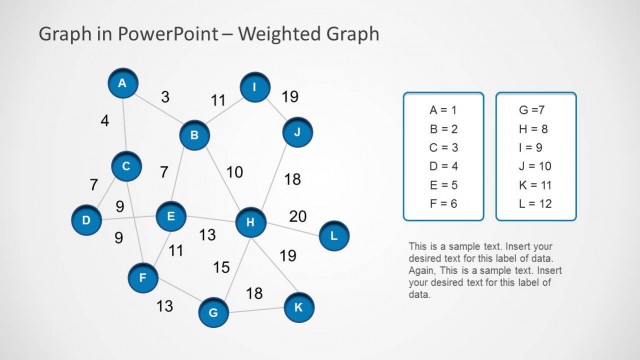
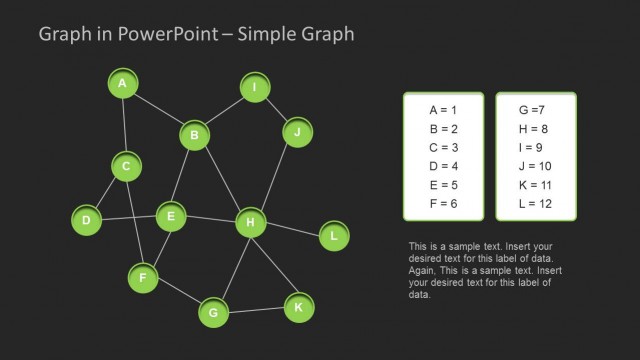
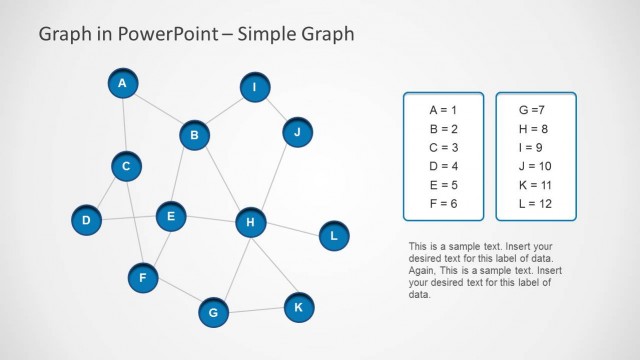
The slide features a weighted graph with nodes labeled A through L, positioned in a network layout. Nodes are circular and connected by lines representing weighted edges, with weights displayed near the connections. The graph is centered, occupying most of the slide, while a legend on the right lists node values and their corresponding labels. Text placeholders are present at the bottom for additional data, aligned centrally. The background is dark, enhancing the visibility of the green nodes and white text, creating a clear visual hierarchy.
How to Use It
This layout serves as a visual representation of a weighted graph, ideal for illustrating relationships in data or network structures. It fits well in presentations discussing graph theory, probability models, or decision-making processes. This slide is particularly useful in educational or analytical contexts where complex relationships need to be conveyed clearly. It can be used to explain critical paths or decision trees, making it valuable for educators and analysts alike.
Text Placeholders & Capacity
Keep your copy within these limits so it fits without resizing. Body slots can hold up to 150 characters each, allowing for detailed explanations.
| Placeholder | Count | Max characters (approx.) |
|---|---|---|
| Item heading | 12 | 1 |
| Item body | 12 | 2 |
| Body paragraph | 2 | 150 |
Slide Keywords
Download unlimited PowerPoint templates, charts and graphics for your presentations with our annual plan.
DOWNLOADReturn to Weighted Graph Template for PowerPoint.