Slide 10 of 12 from Website Performance PowerPoint Template
Business Impact Slide with Data Chart
Business Impact Slide for Website Performance
- Chart
- Line Chart
- Evaluation Slide
- 16:9
- 100% Editable
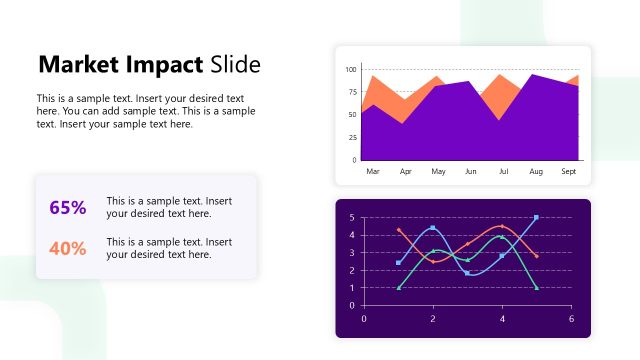
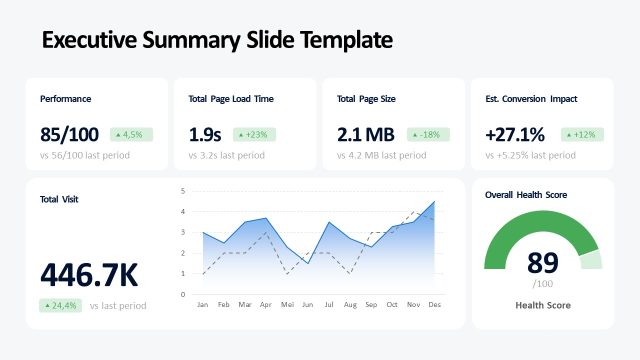
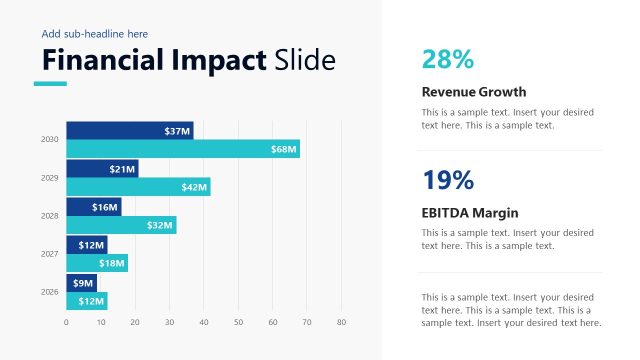
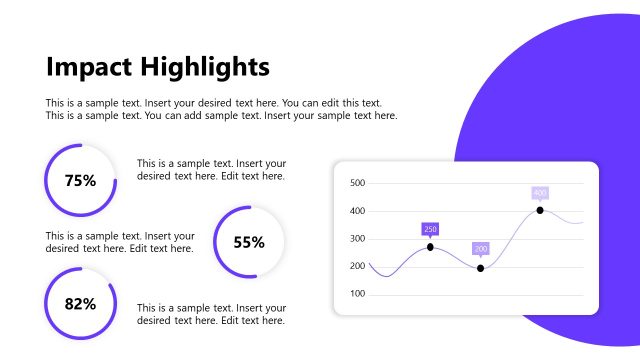
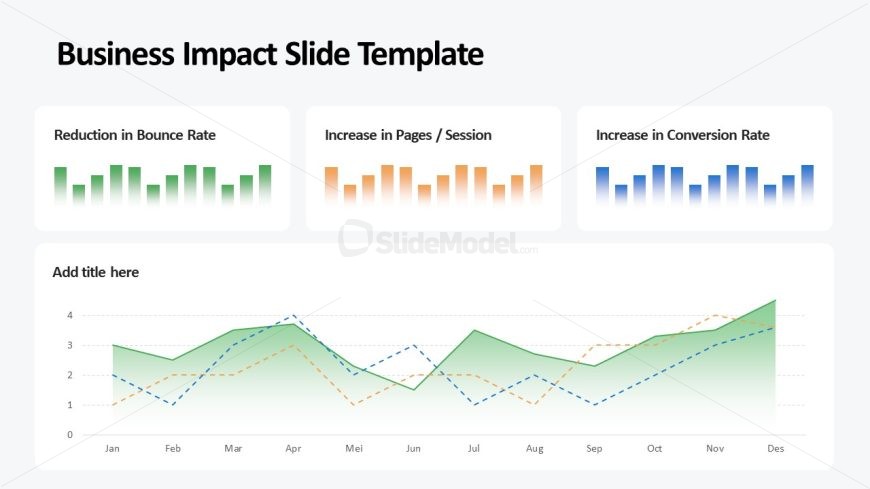
The Business Impact Slide Template from the Website Performance PowerPoint Template offers a clear visual layout for presenting key web analytics metrics. This slide layout integrates editable shapes and vector icons to display bar and line charts that track KPIs such as bounce rate reduction, session increases, and conversion rate improvements. Ideal for business presentations and stakeholder updates, it supports effective communication of website performance trends within a corporate presentation or pitch deck template.
What’s on This Slide
The slide features a large title at the top, labeled 'Business Impact Slide Template.' Below, there are three rectangular sections aligned horizontally, each containing a bar chart with varying colors. The left section shows a green bar chart for 'Reduction in Bounce Rate,' the middle section displays an orange bar chart for 'Increase in Pages / Session,' and the right section presents a blue bar chart for 'Increase in Conversion Rate.' At the bottom, a line chart spans the width of the slide, illustrating three data trends over months, with a gradient background transitioning from green to white. Text placeholders are present for a title and data labels.
How to Use It
This layout serves to visually represent key performance indicators related to website impact, making it suitable for business presentations focused on web analytics. It fits well after problem-framing slides and before strategic recommendations, providing a clear overview of performance metrics. This slide is useful for reporting website performance results, discussing trends in user engagement, and demonstrating the impact of optimization efforts on business outcomes. It can be applied in meetings with stakeholders, marketing teams, or web development discussions.
Text Placeholders & Capacity
Keep your copy within these limits so it fits without resizing. Node labels can hold about 5 words each, while the title can accommodate around 6 words.
| Placeholder | Count | Max characters (approx.) |
|---|---|---|
| Slide title | 1 | 30 |
| Item heading | 3 | 25 |
| Item body | 3 | 50 |
| Chart title | 1 | 30 |
| Axis label | 2 | 20 |
Slide Keywords
Download unlimited PowerPoint templates, charts and graphics for your presentations with our annual plan.
DOWNLOADReturn to Website Performance PowerPoint Template.