Ultimate Professional PowerPoint Template is a presentation design that you can download to enhance your PowerPoint slides with creative graphics. You can use the Ultimate Professional template for PowerPoint to make business presentations or prepare an annual report PowerPoint presentation with creative slide layouts.
Alternatively you can download other creative business PowerPoint templates like the company PowerPoint presentation template or try our free templates for PowerPoint.
What’s inside this template
Example presentation scenarios
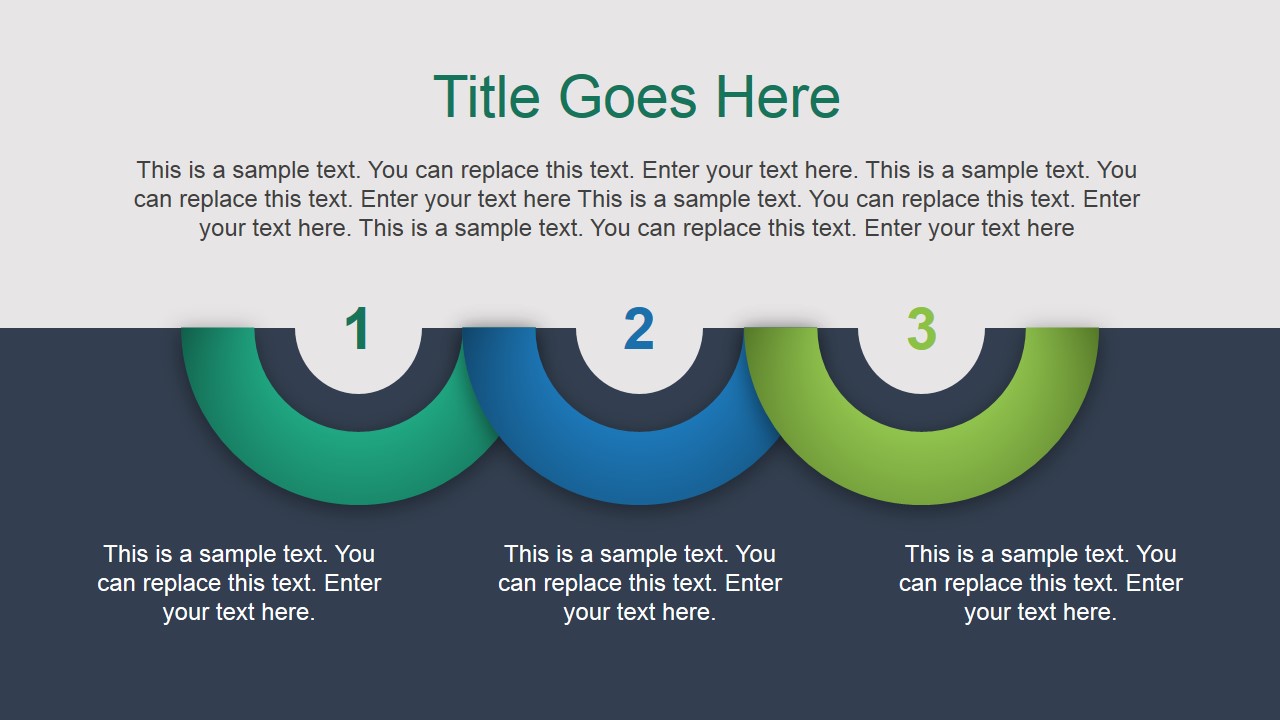
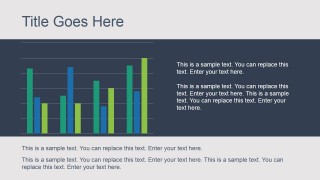
- A business analyst can present a monthly performance recap by using the bar chart slide for metric comparison and the numbered circle slide to group three key findings.
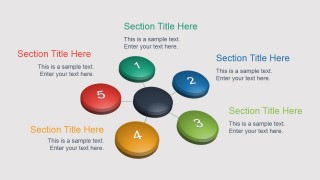
- A consultant can explain a client recommendation by using the radial hub diagram to organize five workstreams and the vertical process slide to show the proposed sequence of actions.
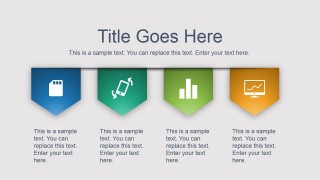
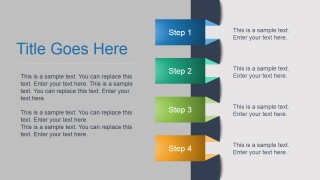
- A project manager can brief executives on implementation status by using the icon milestone path for phases and the ribbon card layout for four priority areas.
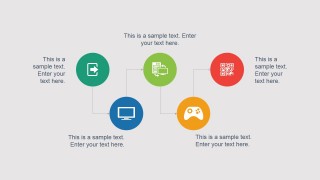
- A marketing or sales lead can introduce a service offering by using the 3D building column layout for capability areas and the connected icon network for related features or channels.
Features
- 100% editable presentation template
- Compatible with Microsoft PowerPoint and Google Slides
- 16:9 aspect ratio slides
- Scalable vector shapes, icons and illustrations
- AI-Ready for Microsoft Copilot and Claude
- Instant access and download
Frequently asked questions
Q: How should a presenter organize the message with these layouts?
A: Start with the simplest grouping slide, such as the three numbered circles, to frame the main themes before moving into details. Use the bar chart only when a comparison must be proven with data. Reserve the radial hub or vertical process slide for explaining relationships or sequence, so the audience can separate structure from evidence.
Q: Who is this template best suited for in a business setting?
A: This template is best for managers, analysts, consultants, and project leads who need a concise professional overview rather than a long narrative deck. The chart slide supports reporting, the icon network supports capability mapping, and the four-step process slide supports action planning, making it useful for internal updates and client-facing summaries.
Q: Why do the circles, ribbons, and curved paths improve communication?
A: The design uses visual metaphors that make abstract business topics easier to scan. Numbered circles imply priority or grouping, the curved icon path suggests progression, and stacked ribbons imply ordered steps. These cues help audiences understand whether the presenter is comparing items, mapping relationships, or explaining a process.


Ultimate Professional PowerPoint Template
8-slide presentation template with process steps, icon networks, and business chart layouts
Ultimate Professional PowerPoint Template is an 8-slide business presentation template with numbered circles, 3D building columns, icon milestones, a bar chart, radial hub diagram, ribbon cards, and vertical process steps. It is designed for corporate reports, business intelligence summaries, and general professional presentations in Microsoft PowerPoint and Google Slides.
- Category
- Template Backgrounds
- Rating


 Loading...
- Aspect ratio
- 16:9
- Item ID
- 4068-01
- Colors
 Microsoft PowerPoint
  Microsoft Copilot
  Claude for PowerPoint
 Other formats supported
Subscribe today and get immediate
access to download our PowerPoint templates.