Slide 1 of 5 from Traffic Lights Shape for PowerPoint
Traffic Lights Clipart for PowerPoint Presentations
Traffic Lights Shape for PowerPoint
- Shape Object
- Other
- Context Slide
- 16:9
- 100% Editable
The Traffic Lights Shape slide from the Traffic Lights Shape for PowerPoint template offers a clear visual metaphor for decision-making and safety training. This slide layout, featuring editable shapes and vector icons, is ideal for business presentations or corporate slide decks that require an engaging introduction to traffic concepts or stop/go signals. Its design supports effective communication in both PowerPoint templates and Google Slides templates.
About This Slide
Creative Traffic Lights Shape for PowerPoint that you can easily copy and paste into any presentation.
What’s on This Slide
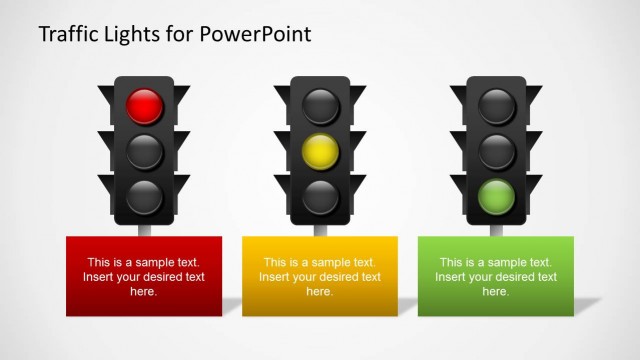
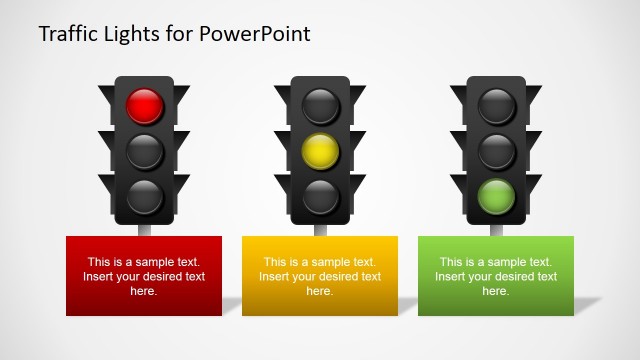
The slide features a central traffic light shape with three circular lights arranged vertically. The top light is red, the middle light is yellow, and the bottom light is green, all enclosed within a black frame. Below the traffic light, there is a text placeholder aligned centrally, labeled 'Traffic Lights Shape for PowerPoint.' The background is a gradient transitioning from light gray at the top to a darker gray at the bottom, enhancing the visual focus on the traffic light. The overall composition is balanced, with the traffic light being the focal point.
How to Use It
This layout serves as an introductory visual for presentations discussing traffic signals or decision-making processes. It can be effectively used in contexts such as traffic management, safety training, or metaphorical discussions about stop/go decisions in business. Positioned as the first slide, it sets the stage for subsequent content that elaborates on the implications of each light's meaning. The design is straightforward, making it suitable for various audiences.
Text Placeholders & Capacity
Keep your copy within these limits so it fits without resizing. The title slot can accommodate about 8-10 words comfortably.
| Placeholder | Count | Max characters (approx.) |
|---|---|---|
| Slide title | 1 | 40 |
Slide Keywords
Download unlimited PowerPoint templates, charts and graphics for your presentations with our annual plan.
DOWNLOADReturn to Traffic Lights Shape for PowerPoint.