Slide 1 of 2 from Free Traffic Lights for PowerPoint
FF0007-01-traffic-lights-1
Traffic Light Indicators for Presentations
- Diagram
- Other
- Evaluation Slide
- 16:9
- 100% Editable
What’s on This Slide
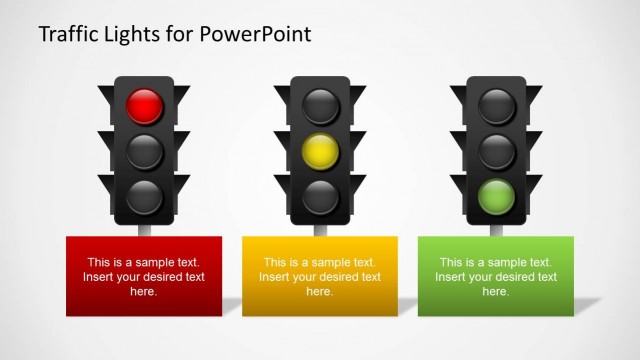
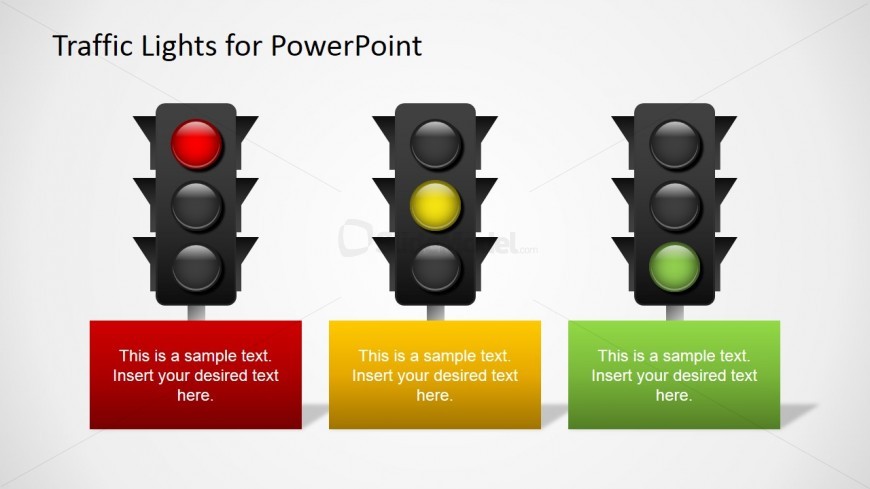
The layout features three vertical traffic light icons arranged horizontally. Each light is encased in a black housing, with the red, yellow, and green lights positioned from left to right. Below each light, there are rectangular text placeholders in red, yellow, and green, respectively, aligned centrally beneath each light. The text placeholders contain sample text indicating where to insert desired text. The background is a light gradient, enhancing the visibility of the traffic lights and text areas. The overall composition is balanced, with clear visual hierarchy.
How to Use It
This layout serves as a status reporting tool, ideal for conveying project progress or decision-making cues. It fits well in presentations that require visual indicators of performance or status, such as project updates or team meetings. The three-color scheme allows for quick visual assessments, making it suitable for business contexts where clarity and speed are essential. It can be used individually or as part of a larger presentation to highlight specific areas needing attention.
Text Placeholders & Capacity
Keep your copy within these limits so it fits without resizing. Text slots can hold about 8-10 words each.
| Placeholder | Count | Max characters (approx.) |
|---|---|---|
| Item body | 3 | 50 |
Slide Keywords
Download unlimited PowerPoint templates, charts and graphics for your presentations with our annual plan.
DOWNLOADReturn to Free Traffic Lights for PowerPoint.