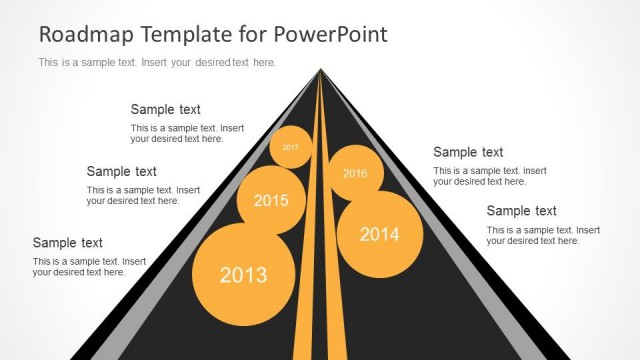
Slide 1 of 1 from Dark Mode Roadmap Concept PowerPoint Template
Roadmap Concept Timeline Template
Roadmap Concept PowerPoint Slide
- Diagram
- Timeline Horizontal
- Timeline Slide
- 16:9
- 100% Editable
What’s on This Slide
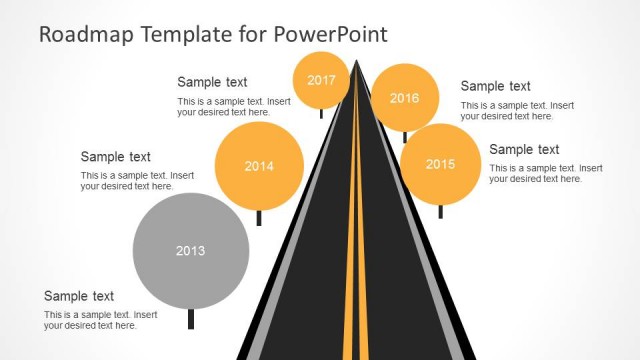
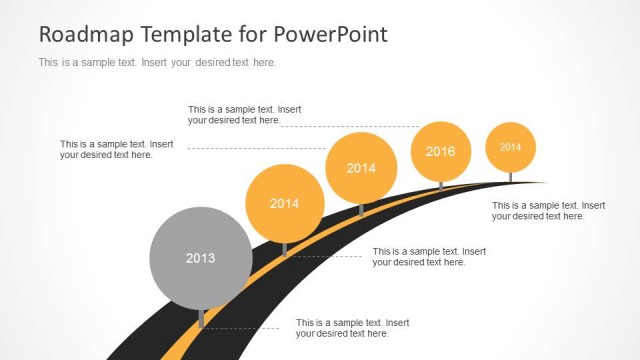
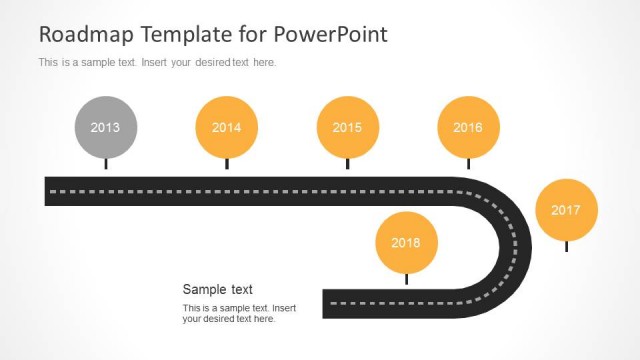
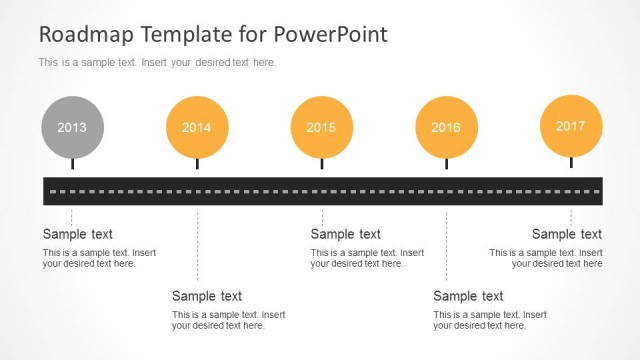
The layout features a winding road graphic extending from the left to the right. Four circular nodes are positioned along the road, each representing a year from 2020 to 2023. The nodes are evenly spaced, with the first node at the bottom left and the last node at the top right. Each node contains a number indicating the year and is accompanied by a text placeholder below for additional details. The background is dark, enhancing the visibility of the yellow road and white nodes, creating a clear visual hierarchy.
How to Use It
This layout serves as a timeline to illustrate milestones or key events over a series of years. It is suitable for presentations that aim to show progress or future plans in a chronological order. The design can be effectively used in business contexts such as project planning, product development timelines, or strategic roadmaps, fitting well at the beginning of a presentation to set the stage for detailed discussions.
Text Placeholders & Capacity
Keep your copy within these limits so it fits without resizing. Node body slots can hold roughly 7-10 words each.
| Placeholder | Count | Max characters (approx.) |
|---|---|---|
| Item heading | 4 | 4 |
| Item body | 4 | 40 |
| Slide title | 1 | 30 |
Slide Keywords
Download unlimited PowerPoint templates, charts and graphics for your presentations with our annual plan.
DOWNLOAD