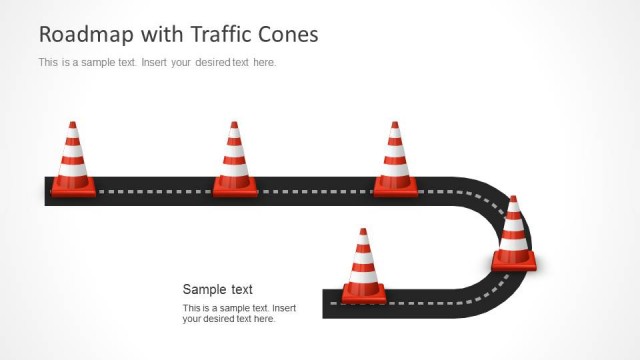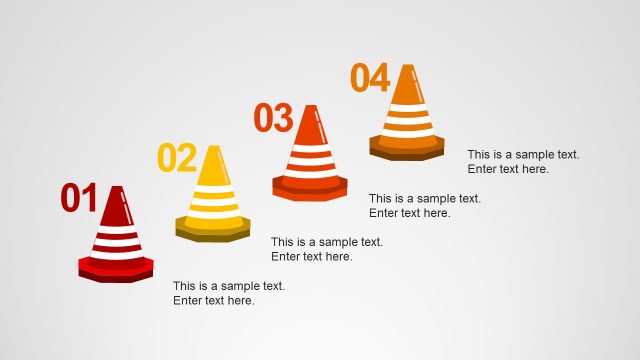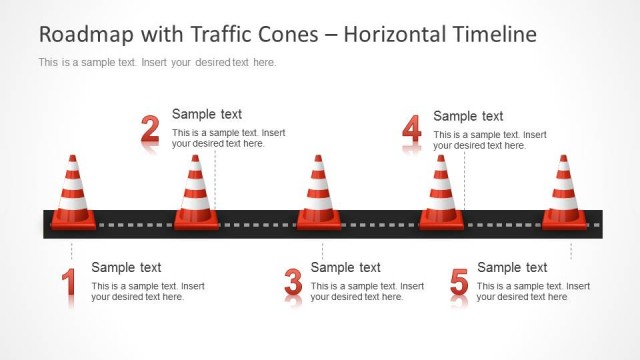
Slide 3 of 5 from Traffic Cone Shapes for PowerPoint
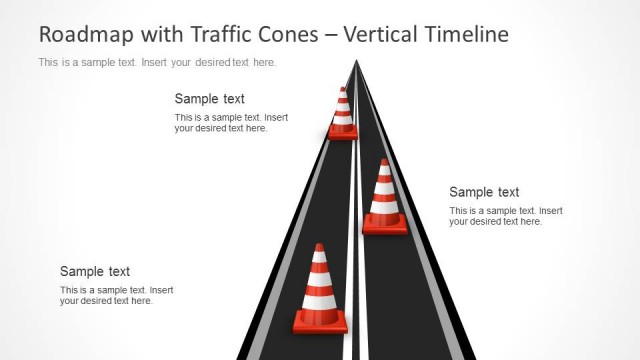
4 Vertical Text Boxes for Milestones in PowerPoint
Traffic Cone Text Columns for Presentations
- Text Layout
- Two Column Text
- Comparison Slide
- 16:9
- 100% Editable
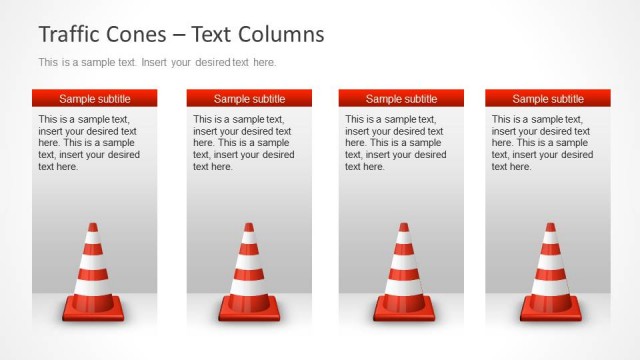
The Traffic Cone Text Columns slide from the Traffic Cone Shapes for PowerPoint template offers a clear four-column layout ideal for business presentations requiring feature comparisons or risk assessments. This slide design uses editable shapes and vector icons to visually differentiate categories, enhancing clarity in corporate presentations and pitch deck templates. Its clean structure supports effective communication of project updates within slide decks.
What’s on This Slide
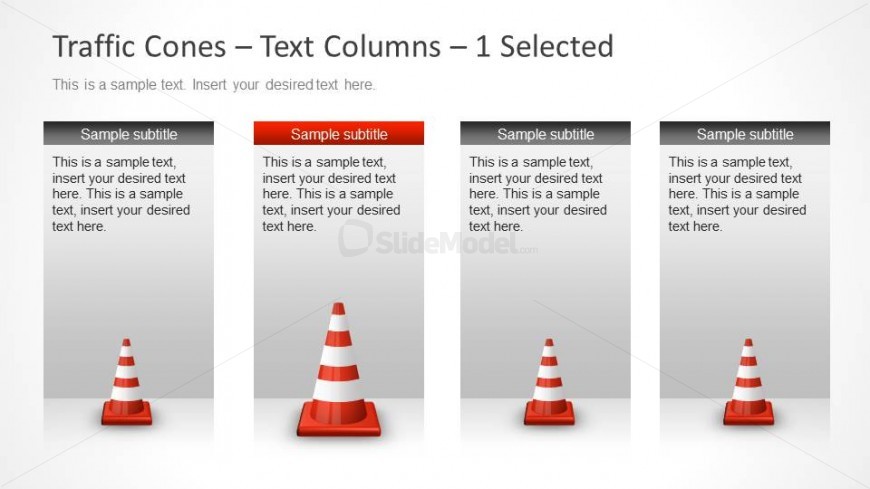
The layout features four vertical columns, each containing a traffic cone icon positioned at the bottom. The columns are evenly spaced across the slide, with the first, third, and fourth columns featuring a gray background, while the second column has a red background. Each column includes a subtitle placeholder at the top, followed by a body text placeholder for additional content. The visual hierarchy emphasizes the selected column through color contrast. The overall composition is clean, with ample white space surrounding the elements, enhancing readability.
How to Use It
This layout serves as a four-column comparison structure, ideal for presenting distinct categories or options. It fits well in a presentation sequence after an introductory slide and before detailed analysis or conclusions. Use this layout in business scenarios such as project updates, risk assessments, or feature comparisons, where clear distinctions between multiple items are necessary. Each column can represent different aspects of a topic, allowing for straightforward visual comparisons.
Text Placeholders & Capacity
Keep your copy within these limits so it fits without resizing. Body slots can accommodate roughly 25-30 words each.
| Placeholder | Count | Max characters (approx.) |
|---|---|---|
| Subtitle | 4 | 30 |
| Body paragraph | 4 | 150 |
Slide Keywords
Download unlimited PowerPoint templates, charts and graphics for your presentations with our annual plan.
DOWNLOADReturn to Traffic Cone Shapes for PowerPoint.