Slide 2 of 5 from Traffic Cone Shapes for PowerPoint
6112-05-traffic-cones-powerpoint-2
Traffic Cones - Text Columns for Presentations
- Text Layout
- List Blocks
- Context Slide
- 16:9
- 100% Editable
What’s on This Slide
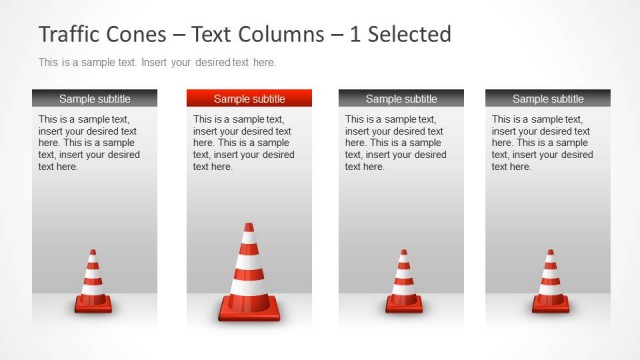
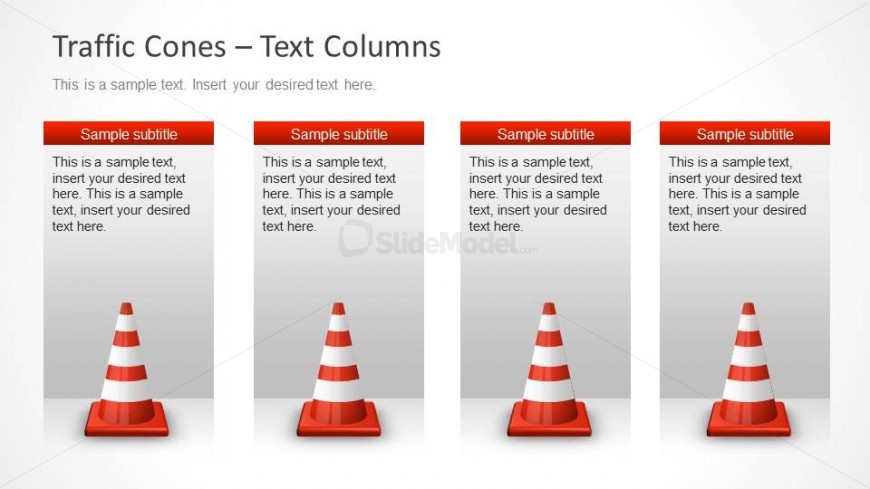
The layout features four vertical columns, each containing a traffic cone icon positioned at the bottom. Each column has a header area at the top with a subtitle placeholder, followed by a body text placeholder. The columns are evenly spaced across the slide, with a light gradient background that transitions from white to light gray. The traffic cones are 3D and colored in orange and white stripes, providing a clear visual focus. The overall composition is structured to facilitate easy reading and comparison of text across the columns.
How to Use It
This layout serves as a four-column text arrangement ideal for presenting multiple points or comparisons. It fits well in a presentation sequence after an introductory slide, allowing for detailed discussion of topics like project milestones or safety measures. This structure is useful in business contexts such as project updates, risk assessments, or safety training sessions, where clear differentiation of information is needed.
Text Placeholders & Capacity
Keep your copy within these limits so it fits without resizing. Body slots can accommodate roughly 25-30 words each.
| Placeholder | Count | Max characters (approx.) |
|---|---|---|
| Slide title | 1 | 40 |
| Subtitle | 4 | 30 |
| Body paragraph | 4 | 150 |
Slide Keywords
Download unlimited PowerPoint templates, charts and graphics for your presentations with our annual plan.
DOWNLOADReturn to Traffic Cone Shapes for PowerPoint.