Slide 4 of 4 from Time Management PowerPoint Template
Time Management Template Infographics Slide
Time Management Clock Diagram Slide
- Diagram
- Circular Cycle
- Concept Explanation Slide
- 16:9
- 100% Editable
The Clock Diagram with Icons slide from the Time Management PowerPoint Template offers a clear visual tool for illustrating time management strategies. This slide layout uses editable shapes and vector icons arranged in a circular cycle to highlight key concepts effectively. It is well-suited for business presentations, workshops, or training sessions that require concise summaries of time-related topics within a professional slide deck.
What’s on This Slide
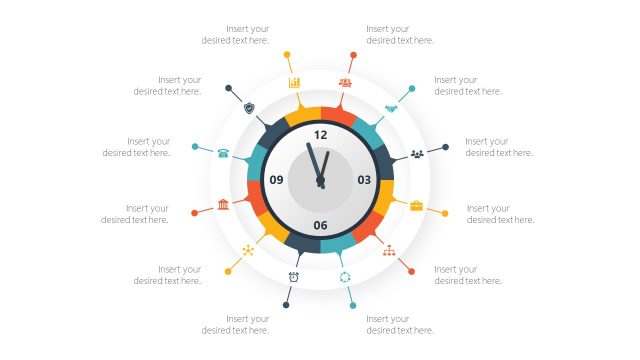
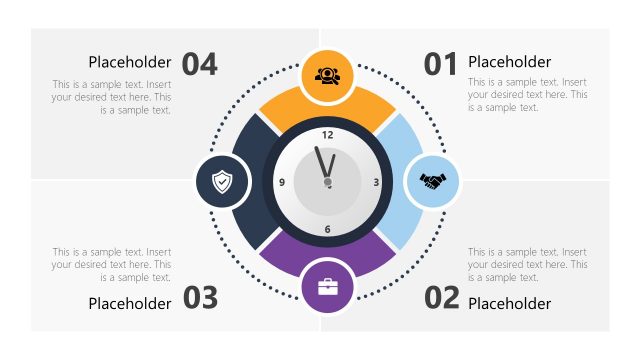
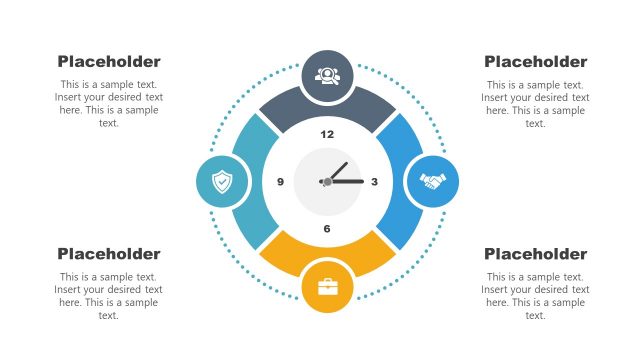
The layout features a central clock with hour and minute hands positioned at 12 and 6, respectively. Surrounding the clock are twelve circular icons representing various time management concepts, evenly distributed around the clock face. Each icon is accompanied by a text placeholder for descriptions. The icons vary in color, with a vibrant palette enhancing visual interest. Text placeholders are located at the bottom and around the clock, aligned for clarity. The overall composition is circular, emphasizing the theme of time management.
How to Use It
This layout serves as a visual representation of time management concepts, ideal for summarizing key points in a presentation. It fits well after a problem-framing slide, providing solutions or strategies. This structure is suitable for business meetings, workshops, or training sessions focused on time management techniques. It allows for easy identification of various aspects of time management, making it effective for discussions or educational purposes.
Text Placeholders & Capacity
Keep your copy within these limits so it fits without resizing. Node labels can hold up to 30 characters each, while body text slots can accommodate around 100 characters.
| Placeholder | Count | Max characters (approx.) |
|---|---|---|
| Item heading | 12 | 30 |
| Body paragraph | 3 | 100 |
Slide Keywords
Download unlimited PowerPoint templates, charts and graphics for your presentations with our annual plan.
DOWNLOADReturn to Time Management PowerPoint Template.