Slide 4 of 5 from 4 Step Time Management Diagram for PowerPoint
Third Step Time Management Clock Template
4 Step Time Management Diagram for Presentations
- Diagram
- Circular Cycle
- Process Slide
- 16:9
- 100% Editable
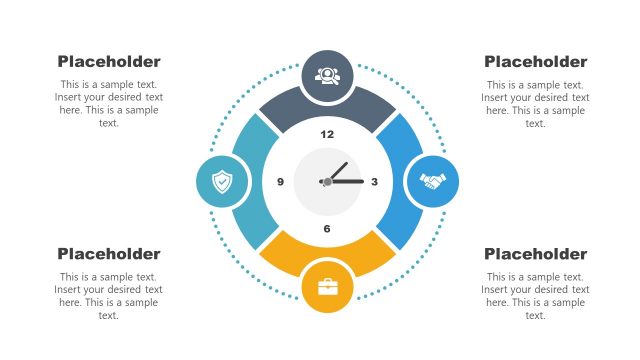
The 4 Step Time Management Diagram slide from the 4 Step Time Management Diagram for PowerPoint template offers a circular cycle layout ideal for illustrating process workflows in business presentations. This slide template includes editable shapes and vector icons arranged clockwise to highlight continuous time management strategies, making it suitable for productivity improvement discussions and project management workshops using PowerPoint templates or Google Slides templates.
What’s on This Slide
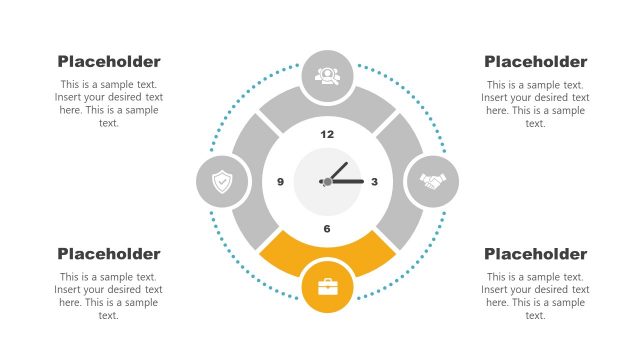
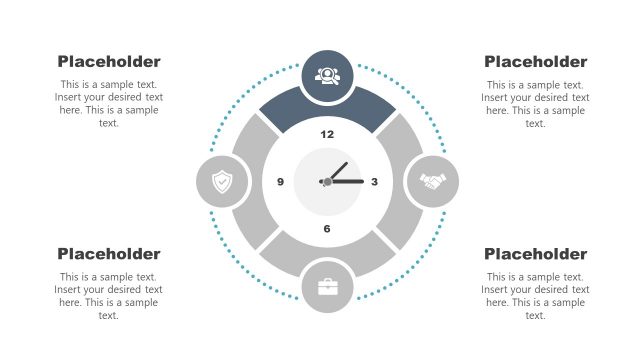
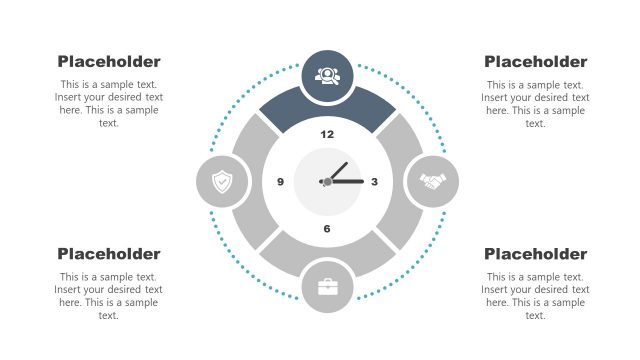
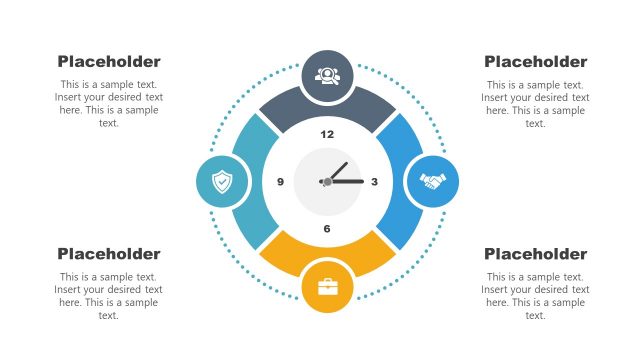
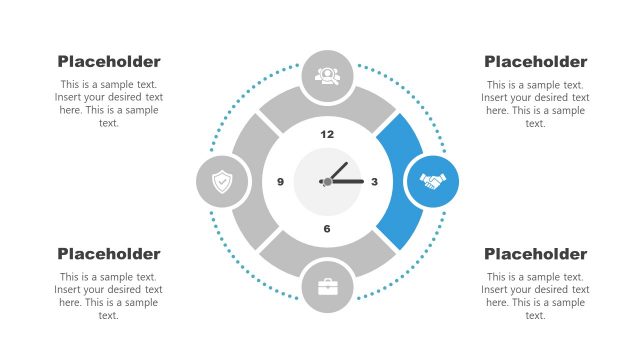
The layout features a circular diagram divided into four segments, each containing an icon and a text placeholder. The segments are arranged in a clockwise manner, with a central clock icon indicating time management. The top segment is positioned at 12 o'clock, followed by segments at 3, 6, and 9 o'clock. Each segment has a light gray background, except for the bottom segment, which is highlighted in orange. Text placeholders are aligned to the left and right of the segments, providing space for additional information. The overall composition is circular with a dotted border.
How to Use It
This layout serves as a visual representation of a four-step process related to time management. It fits well in a presentation sequence following a problem statement or introduction to time management concepts. Scenarios for use include workshops on productivity, project management training, or time management strategies. The circular design emphasizes the cyclical nature of time management, making it suitable for discussions on continuous improvement or iterative processes.
Text Placeholders & Capacity
Keep your copy within these limits so it fits without resizing. Node body slots can hold around 20 words each, while labels are tighter.
| Placeholder | Count | Max characters (approx.) |
|---|---|---|
| Item body | 4 | 100 |
| Item heading | 4 | 50 |
| Footer | 1 | 150 |
Slide Keywords
Download unlimited PowerPoint templates, charts and graphics for your presentations with our annual plan.
DOWNLOAD