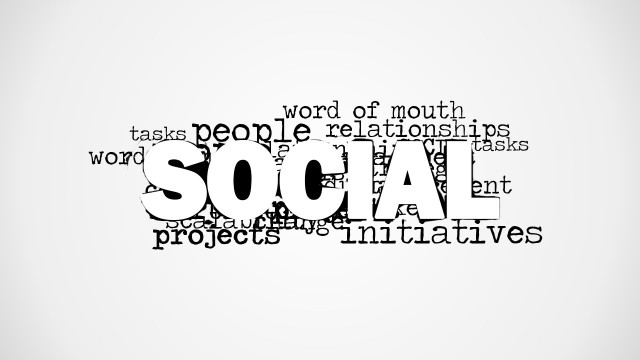
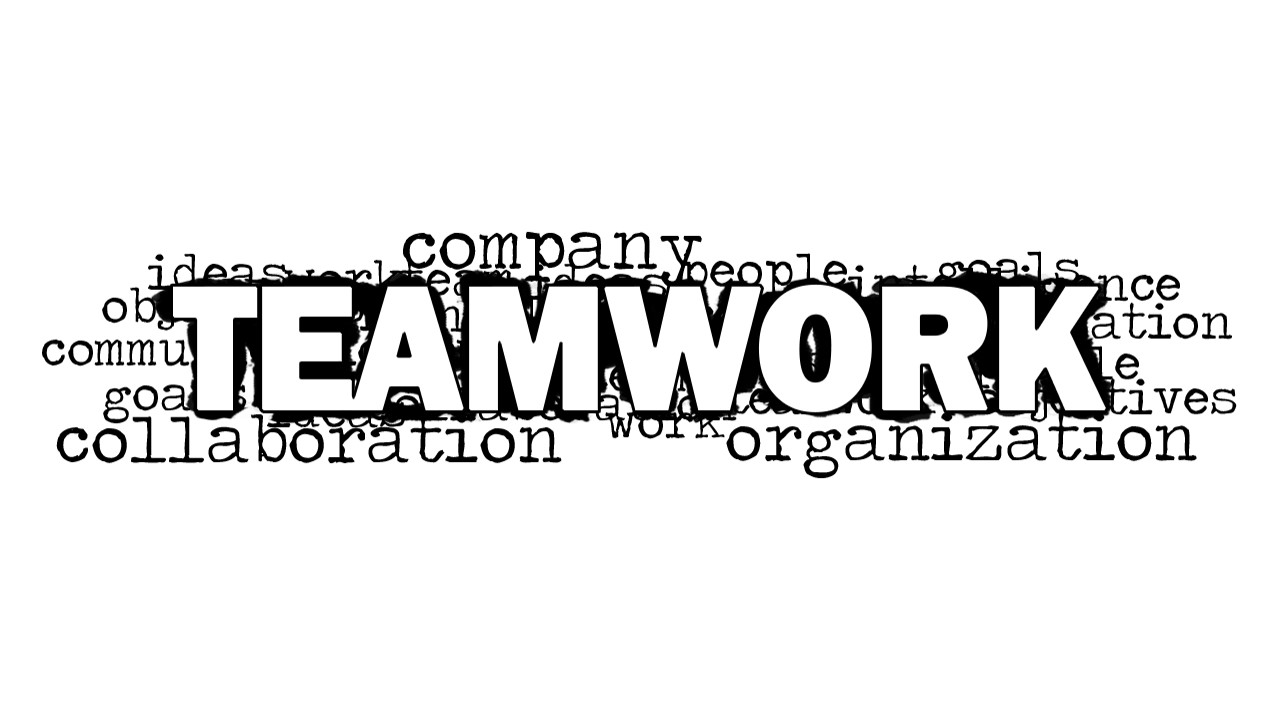
Teamwork Word Cloud Picture for PowerPoint is a creative tag cloud picture that you can use to decorate your business presentations with the teamwork word prominent in the slide design. This picture can help you to introduce your teamwork PowerPoint presentation to an audience. It contains related keywords for teamwork including collaboration, company, communication, ideas, sharing, assessment, goals, etc. If you are looking for teamwork images then you can consider to use this picture in your slides.
What’s inside this template
Example presentation scenarios
- A team leader can open a department meeting by showing the teamwork word cloud picture, then connect its keywords to the meeting agenda and expected group behavior.
- An HR trainer can introduce a team development workshop with the central TEAMWORK visual and use the blank slide for instructions, ground rules, or discussion questions.
- A project manager can frame a cross-functional kickoff by using the word cloud terms such as collaboration, goals, communication, and organization as talking points.
- An internal communications presenter can place the plain-white word cloud option as a section divider before updates about collaboration practices or shared objectives.
Features
- 100% editable presentation template
- Compatible with Microsoft PowerPoint and Google Slides
- 16:9 aspect ratio slides
- Scalable vector shapes, icons and illustrations
- AI-Ready for Microsoft Copilot and Claude
- Instant access and download
Frequently asked questions
Q: How should a presenter use the word cloud without making it feel like decoration only?
A: Start with the large TEAMWORK word as the main idea, then select three or four surrounding words, such as collaboration, communication, goals, or organization, as verbal anchors. This turns the image into a simple agenda frame. Avoid reading every word; use the cloud to create a shared vocabulary for the discussion.
Q: Who is this template best suited for in a business presentation?
A: This template fits presenters who need a quick visual opener for people-centered topics: HR facilitators, team leads, project managers, and internal communications teams. It works best when the goal is to set tone, introduce a collaboration theme, or transition into group activities rather than present detailed analysis.
Q: Why does the black-and-white word cloud design help communicate teamwork?
A: The design uses a strong typographic hierarchy: TEAMWORK dominates the center while supporting terms cluster around it. That visual metaphor shows teamwork as the core concept surrounded by behaviors and conditions that make it possible. The monochrome style also keeps attention on meaning instead of decorative color.



Teamwork Word Cloud Picture for PowerPoint
2-slide presentation template with a teamwork word cloud picture for collaboration and team development topics
Teamwork Word Cloud Picture for PowerPoint is a 2-slide presentation template for introducing collaboration topics with a black-and-white teamwork word cloud picture, a blank content slide, and a clean word cloud variant on white. It is intended for managers, trainers, and team leads using Microsoft PowerPoint or Google Slides.
- Category
- Pictures
- Rating

 Loading...
- Aspect ratio
- 16:9
- Item ID
- 8145-01
- Colors
 Microsoft PowerPoint
  Microsoft Copilot
  Claude for PowerPoint
 Other formats supported
Subscribe today and get immediate
access to download our PowerPoint templates.