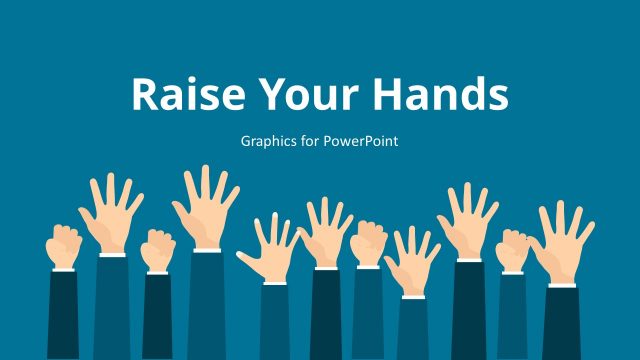
Creative and instilling, Teamwork PowerPoint Template motivates the audience to develop the art of teamwork. Colorful flat hands gesture for unity and oneness. The illustrations can draw professional audiences to work hand in hand for greater results.
Teamwork is a coordinated action between members of a group. It is depicted by unity in achieving a common goal. With teamwork, the process becomes efficient and effective. It is an essential for a business and organization to successfully move forward. The term is generally used to stimulate cooperation. Each person in the group is a vital aspect.
The PowerPoint template is ideal for human resource presentations. The department can perfectly capture the image of “teamwork” using the slide designs. These reports can be shown to leaders, organizers, trainers and subjects. This way, they can have an easy understanding of the entire concept. The Office template can be used in business negotiations where the staff supports each other. It is perfect for team sports, project management, and marketing, among others.
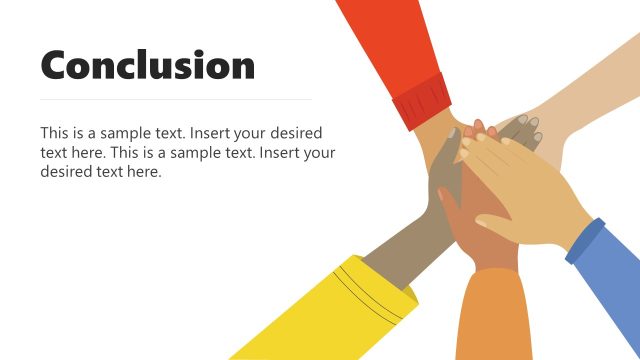
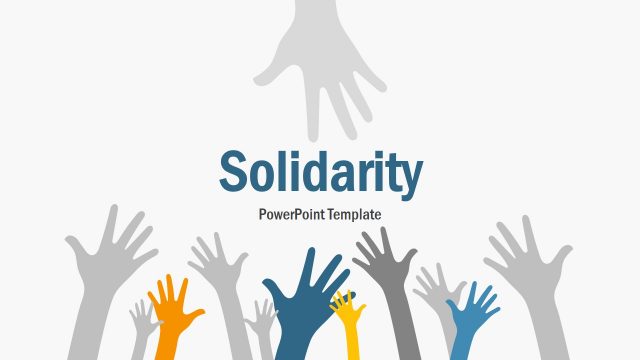
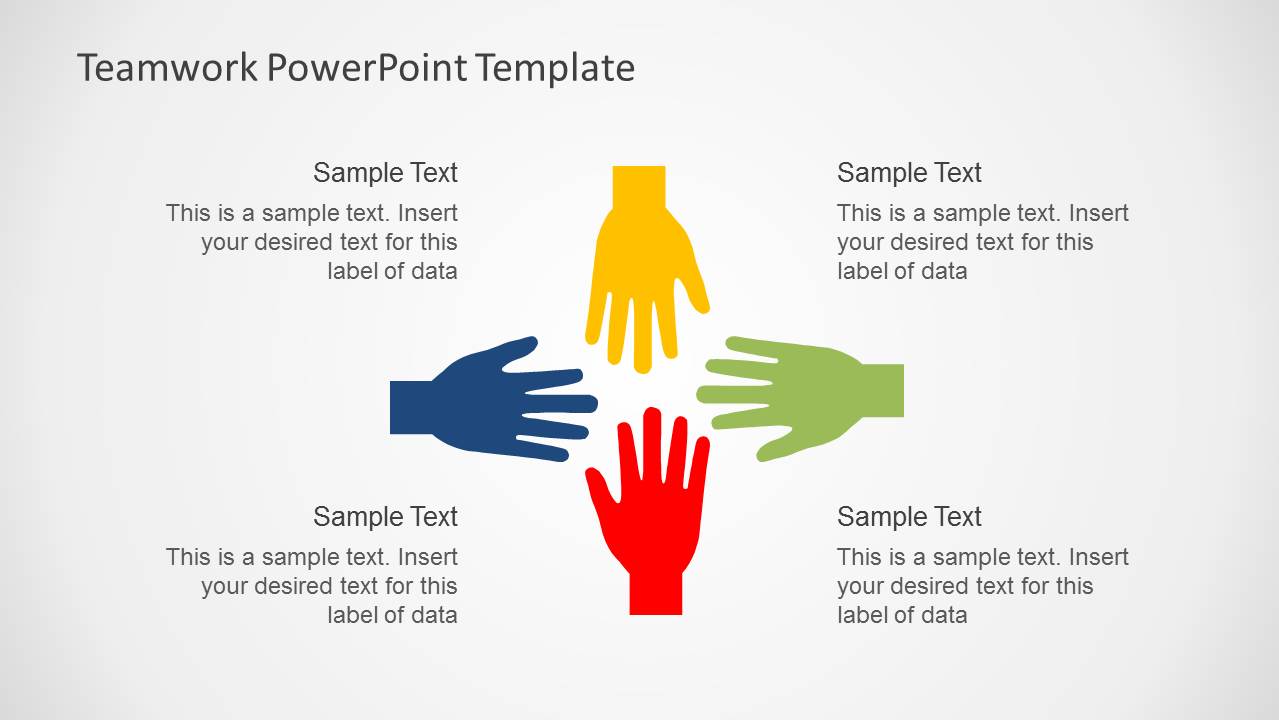
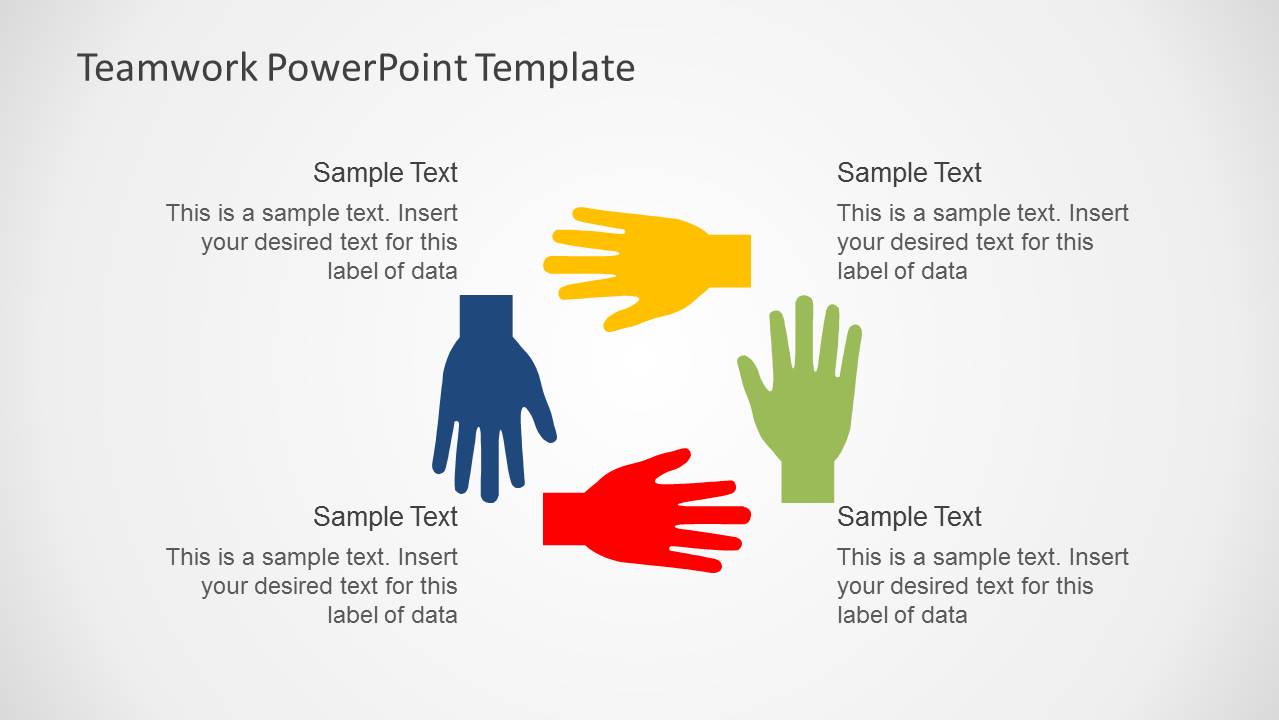
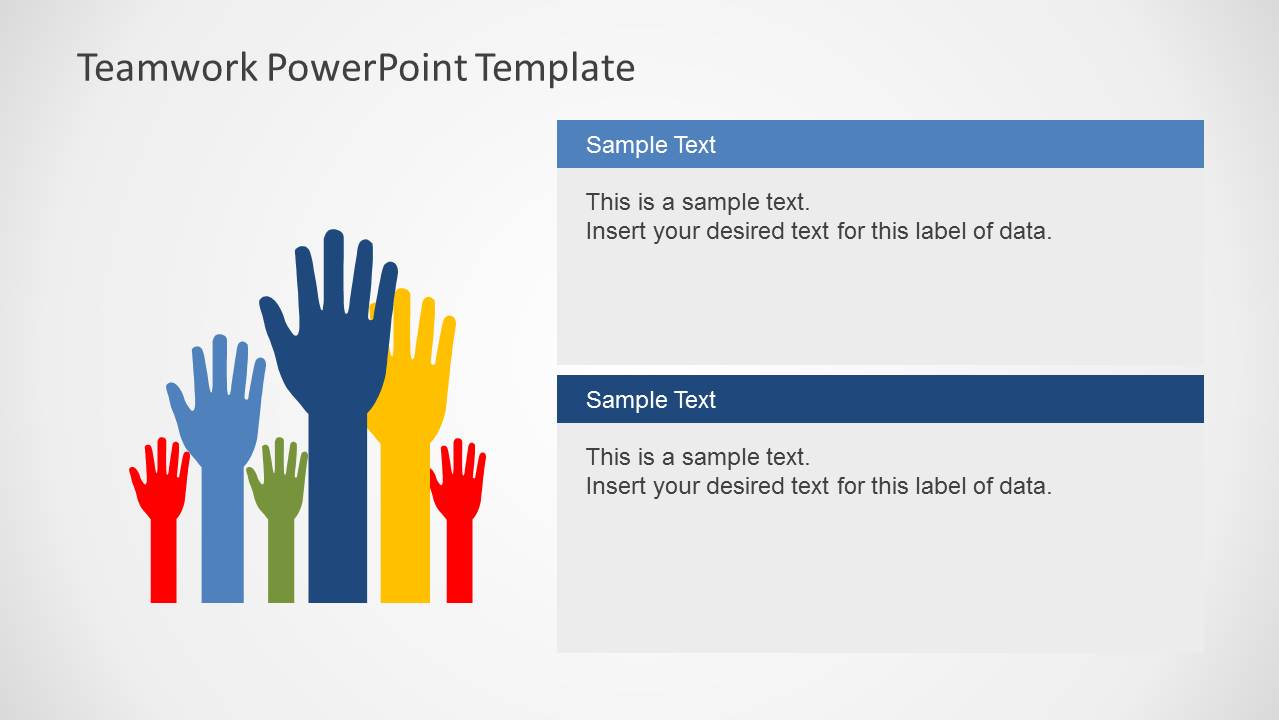
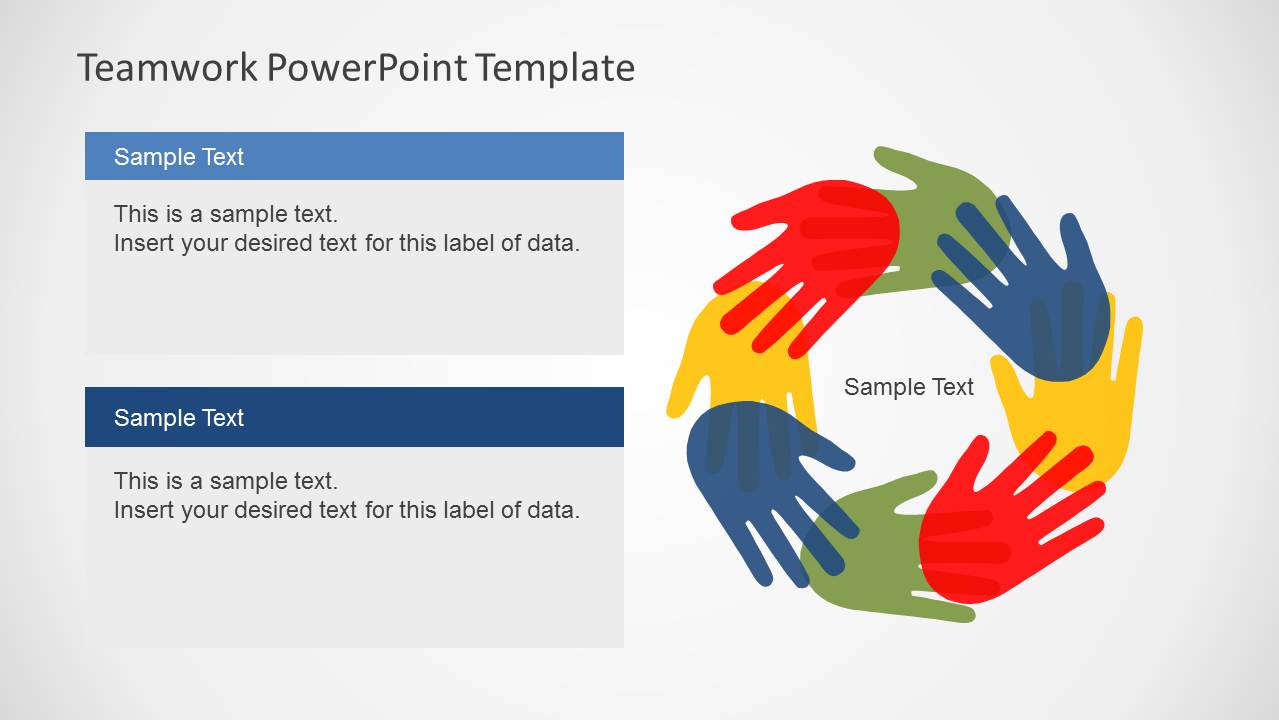
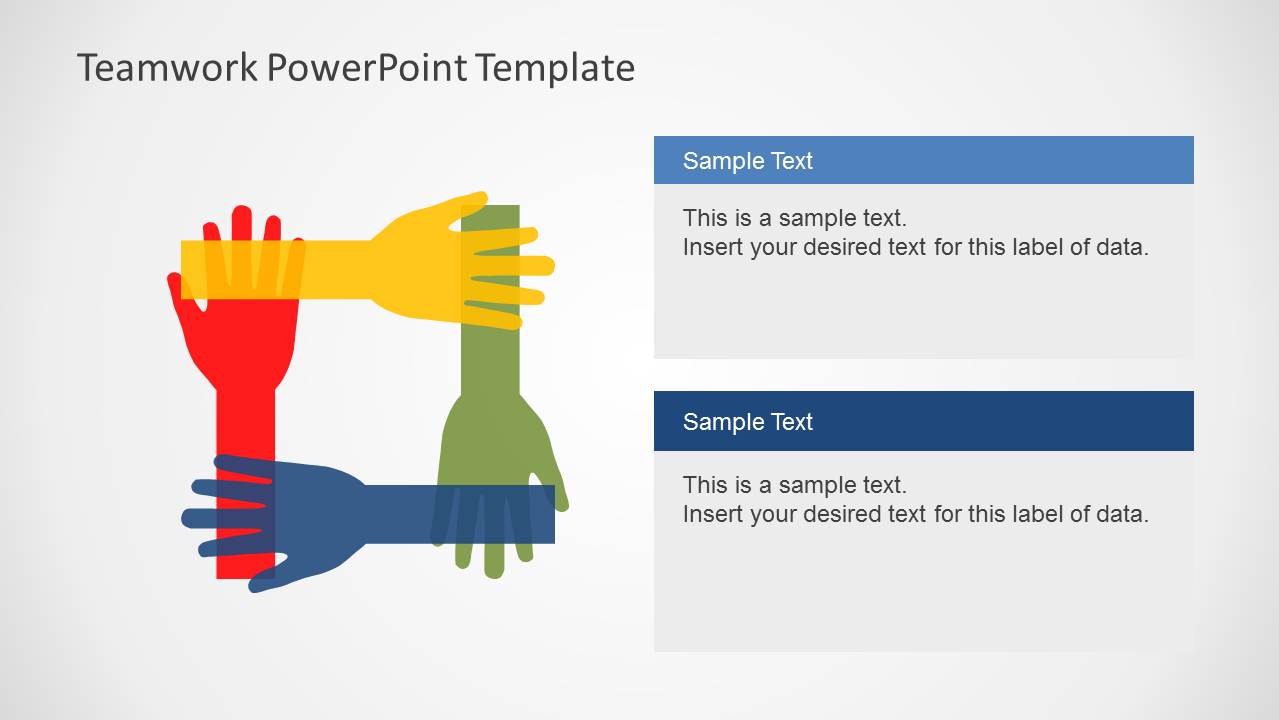
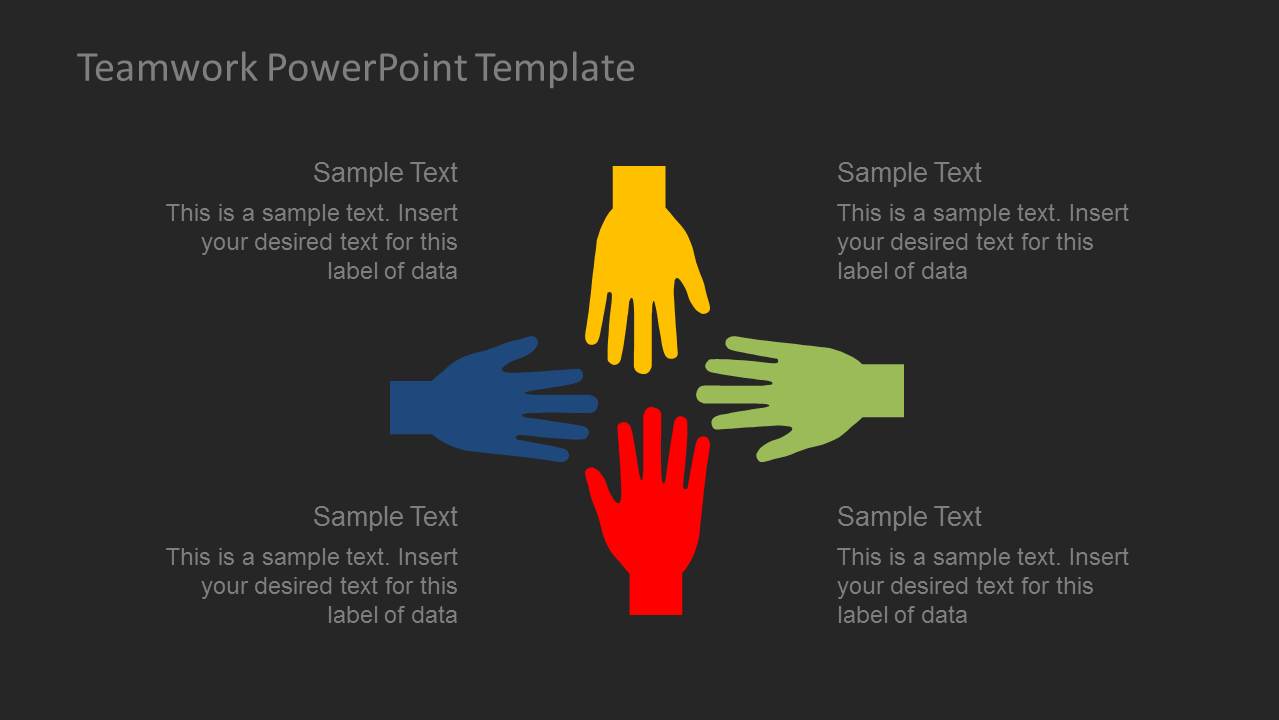
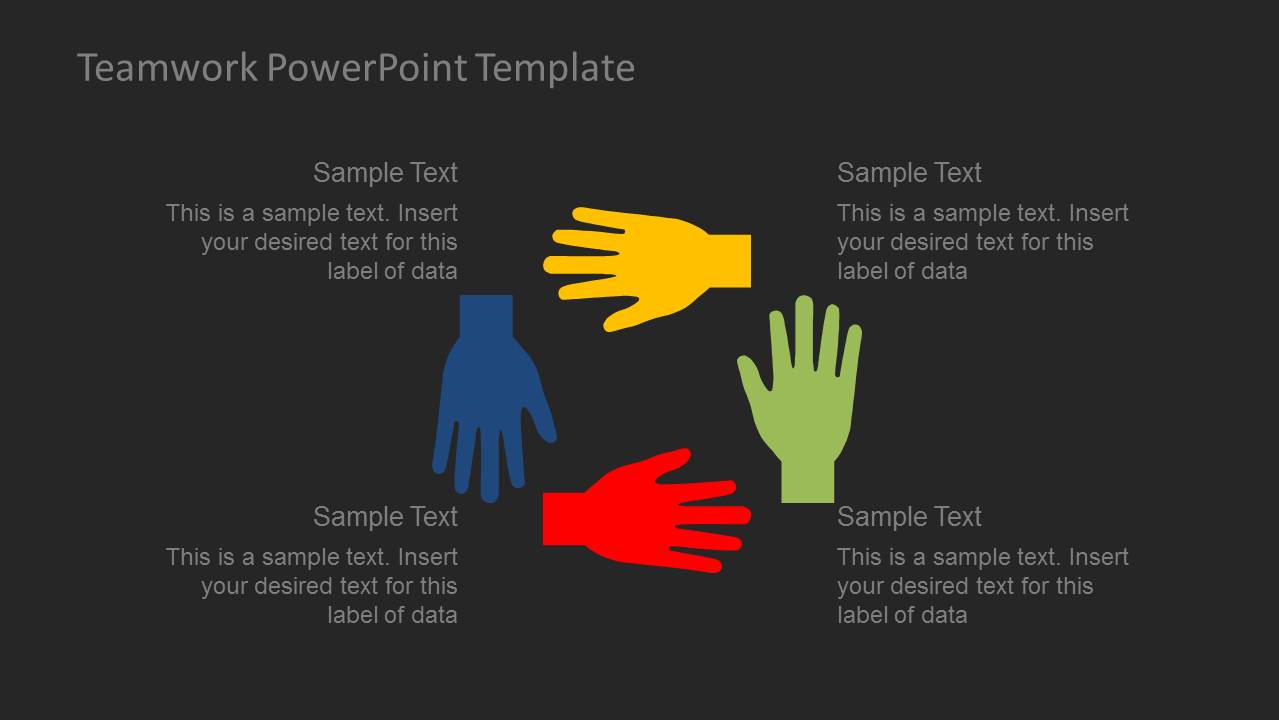
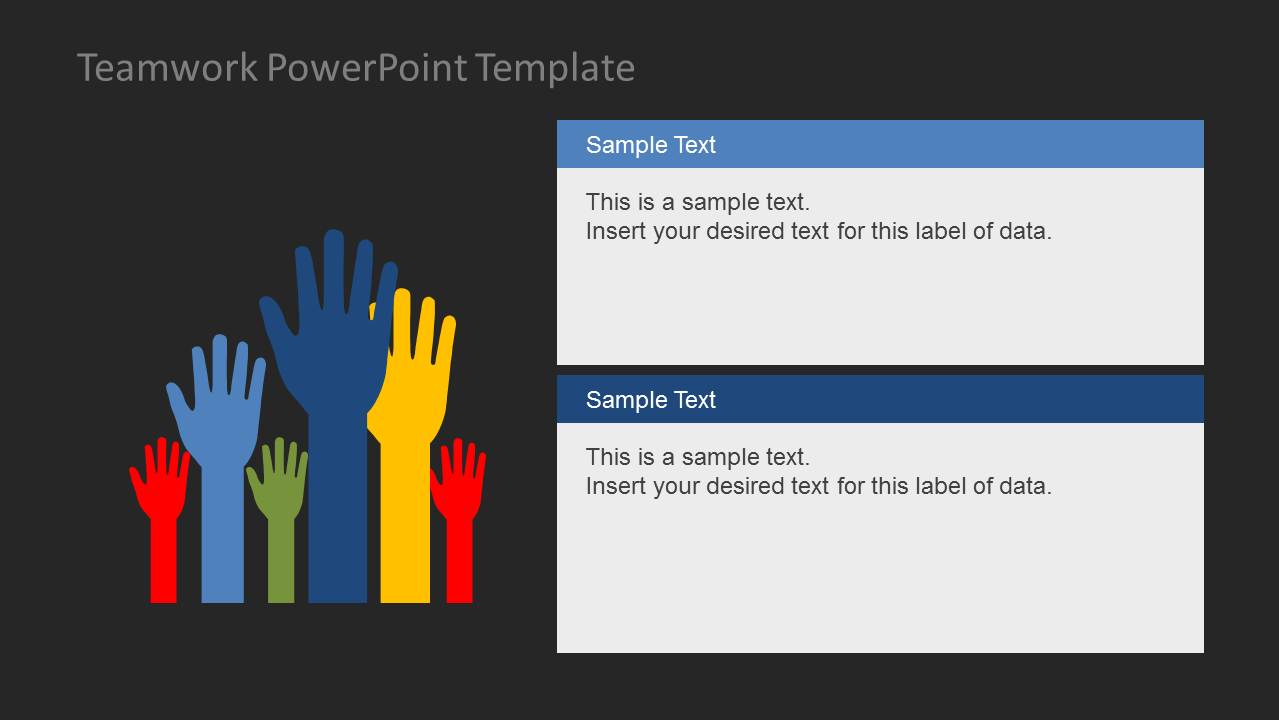
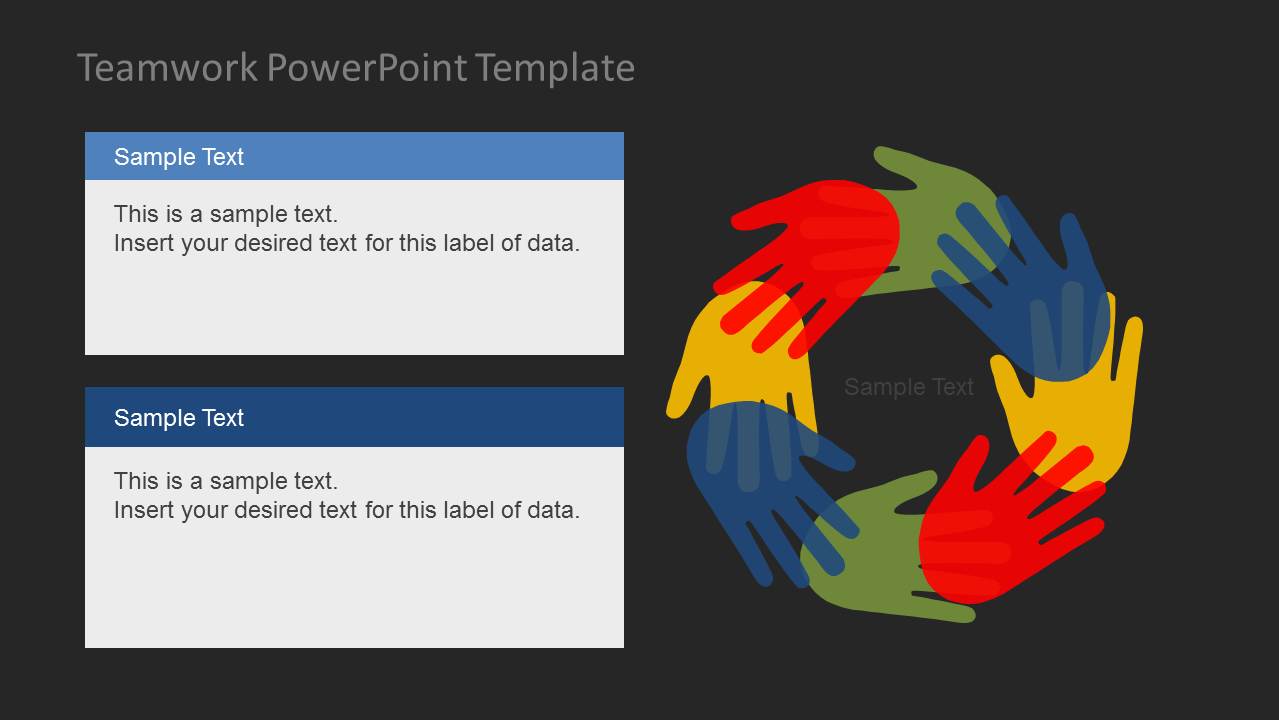
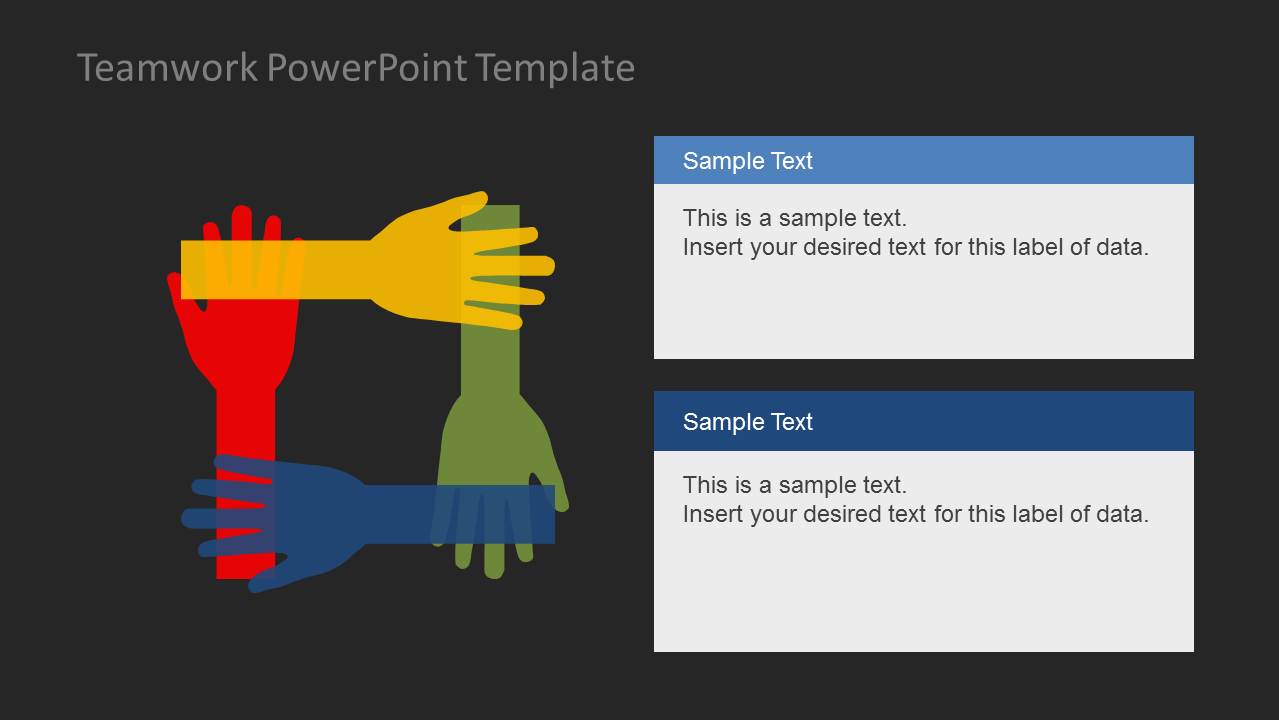
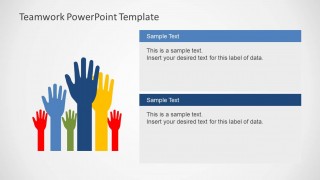
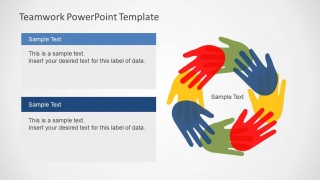
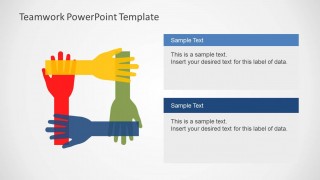
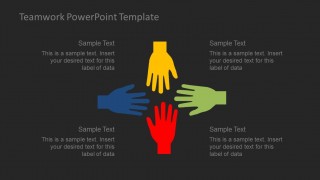
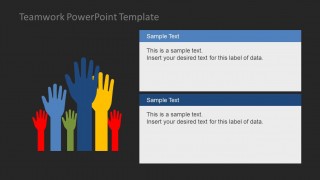
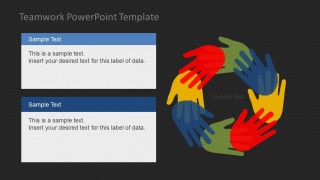
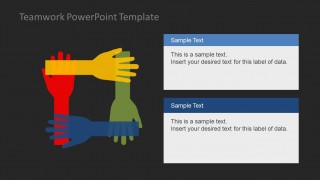
In the selection, there are 10 novel slides. The last 5 slides feature similar layouts to the first five slides. The only difference is the background color. The first slide display 4 colored (yellow, green, red, blue) flat hand shapes. Each PowerPoint shape has a corresponding text box. Here, the user can provide a concise character description for every member. A clockwise direction of the hands is illustrated in the 2nd slide. The 3rd slide depict a cooperative gesture that can symbolize members are all trying to come up with a suggestion. Raising hands shape is placed on the left, text placeholders are on the right. The 4th slide highlights on harmony and dynamics. Finally, the fifth slide has overlapping hands that represent support for every team member.
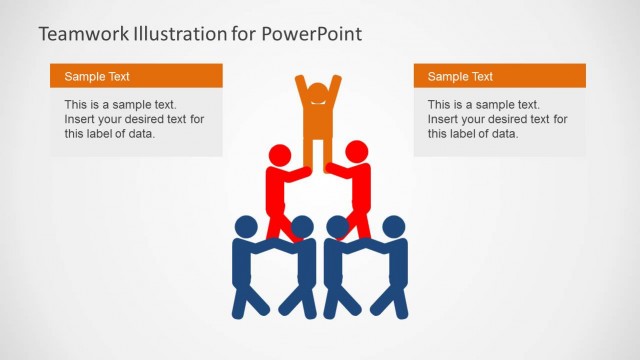
Impress global audiences through the Teamwork PowerPoint Template. Teamwork Illustration for PowerPoint is another high standard design downloadable at SlideModel gallery.
What’s inside this template
Example presentation scenarios
- An HR presenter can use the raised-hands layout to introduce employee participation themes during onboarding and explain how each person contributes to team culture.
- A project manager can use the circular hand cycle diagram to frame a kickoff meeting around shared ownership, role clarity, and repeated collaboration behaviors.
- A corporate trainer can use the radial hand layouts to teach the principles of trust, communication, accountability, and mutual support in a teamwork workshop.
- A team lead can use the interlocked hands square to present a support model where departments or team members depend on each other to reach a common goal.
Features
- 100% editable presentation template
- Compatible with Microsoft PowerPoint and Google Slides
- 16:9 aspect ratio slides
- Scalable vector shapes, icons and illustrations
- AI-Ready for Microsoft Copilot and Claude
- Instant access and download
Frequently asked questions
Q: How should a presenter explain teamwork without making the hand illustrations feel generic?
A: Anchor each hand diagram to a concrete behavior. For example, use the circular hand cycle to explain repeated collaboration routines, the raised-hands slide to show participation, and the interlocked hands square to discuss mutual support. Replace broad labels with action phrases such as share context, ask early, decide together, and close the loop.
Q: Who is this template best suited for in a business presentation?
A: This template fits HR managers, trainers, project leads, and department heads who need to teach or reinforce teamwork principles. It is strongest when the topic is behavior, culture, or cooperation rather than numerical performance. The simple hand metaphors make it useful for workshops, team meetings, onboarding, and internal communication sessions.
Q: Why do the hand metaphors work for communicating collaboration?
A: Hands are easy to read as action, help, participation, and support. The template repeats that visual metaphor in different structures: a cycle for ongoing teamwork, raised hands for involvement, and interlocked hands for coordination. This helps the audience connect abstract values to visible group behaviors without needing a complex diagram.


Teamwork PowerPoint Template
10-slide teamwork presentation template with hand-gesture diagrams for team goals and collaboration topics.
Teamwork PowerPoint Template is a 10-slide presentation template for explaining collaboration, unity, and shared goals. It includes circular hand cycle diagrams, radial hand layouts, raised-hands comparison slides, and interlocked hand square illustrations. Designed for HR, trainers, project leaders, and managers, it works in Microsoft PowerPoint and Google Slides.
- Category
- Shapes
- Rating


 Loading...
- Aspect ratio
- 16:9
- Item ID
- 6200-02
- Colors
 Microsoft PowerPoint
  Microsoft Copilot
  Claude for PowerPoint
 Other formats supported
Subscribe today and get immediate
access to download our PowerPoint templates.