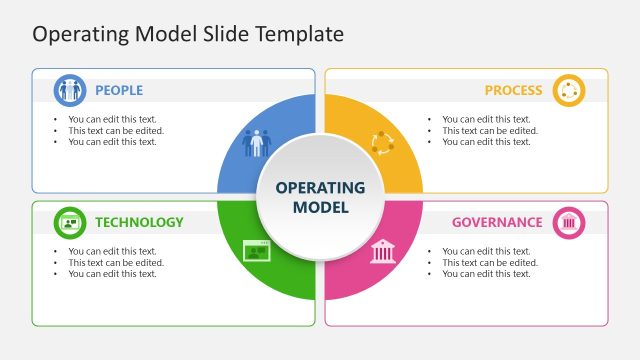
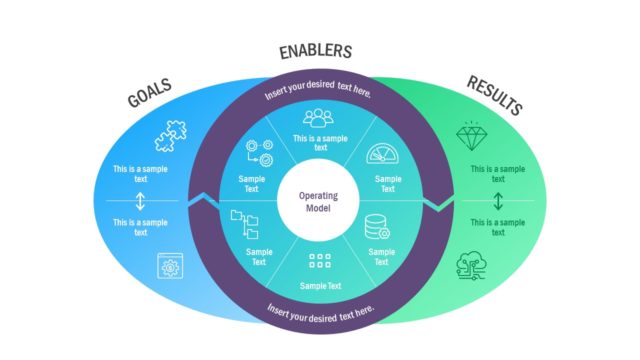
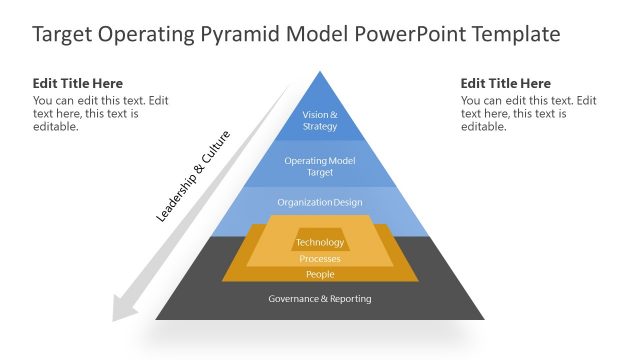
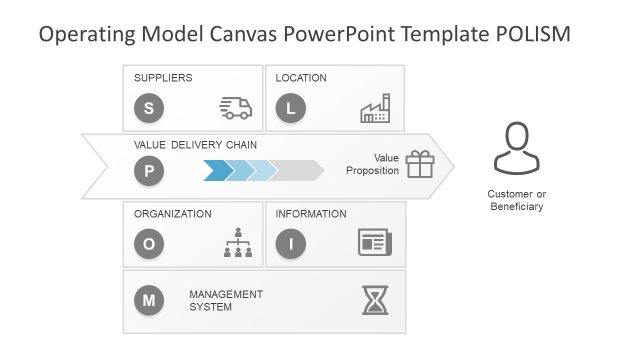
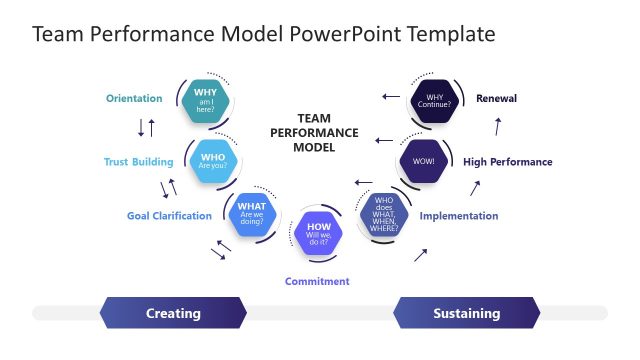
The Team Operating Model PowerPoint Template is a graphic representation of how a team works. It shows a comprehensive diagram for businesses to align people process into business strategy that delivers. This PPT diagram is a combination of three core components of people functions in an easy-to-follow model template.
The team operating model is a people chain value framework to deliver better employee services. It is designed for businesses to adapt and transform by enabling human resources to operate horizontally across the enterprise. Team Operating Model is built on three core components: digital people team, virtual global business service, and agile people consultants.
Business leaders and management professionals use Team Operation Model PowerPoint Template to strategize digital transformation. The visual representation of critical elements helps companies to identify where they are in the transformation journey. Users can download PowerPoint templates that clearly define the strategic vision for transformation and how to get there. The circular PowerPoint diagram has Value Global Business Services at its center. The services such as automation layer, cloud layer, service layer, etc., enable business towards digitalization.
HR professionals can take advantage of Team Operating Model PowerPoint Template to define or remind how a particular team works. It can also be used to educate stakeholders about the automation of people strategy in business vision.
What’s inside this template
Example presentation scenarios
- An HR executive can use the circular operating model to brief senior leaders on how people services, digital team capabilities, and business strategy connect.
- A management consultant can use the strategy connectors and four-item callout list to explain a proposed team operating model during a transformation workshop.
- A people operations manager can use the icon ring to map service areas and discuss which parts of the operating model need clearer ownership.
- A business transformation lead can use the dark version for an executive meeting where the operating model must be shown as a concise one-slide framework.
Features
- 100% editable presentation template
- Compatible with Microsoft PowerPoint and Google Slides
- 16:9 aspect ratio slides
- Scalable vector shapes, icons and illustrations
- AI-Ready for Microsoft Copilot and Claude
- Instant access and download
Frequently asked questions
Q: How should a presenter explain the operating model without overcrowding the slide?
A: Start with the center circle as the main idea, then move outward to the icon ring as service areas or capability groups. Use the side connectors to show the bridge between people strategy and business strategy. Close with the four right-side callouts as decisions, priorities, or next actions, rather than reading every label.
Q: Who is this template best suited for in a business presentation?
A: This template works best for HR leaders, people operations teams, consultants, and transformation managers who need a concise visual model rather than a detailed process map. It is useful when the audience needs to understand how a team works, how services fit together, and how those services support business outcomes.
Q: Why does the circular diagram improve communication for a team operating model?
A: The circular structure presents the model as an interconnected system instead of a linear checklist. The icon ring makes the service areas feel related, while the left and right connectors place the system between people strategy and business strategy. The four callout bars then translate the model into practical messages the audience can act on.


Team Operating Model PowerPoint Template
2-slide presentation template for team operating model diagrams and people strategy alignment
Team Operating Model PowerPoint Template is a 2-slide diagram deck for explaining how people strategy connects with business strategy. It includes a circular operating model, left and right strategy connectors, icon-based service areas, and a four-item action list in light and dark versions for PowerPoint and Google Slides.
- Category
- Models
- Rating


 Loading...
- Aspect ratio
- 16:9
- Item ID
- 20850-01
- Colors
 Microsoft PowerPoint
 Microsoft Copilot
 Claude for PowerPoint
Other formats supported
Subscribe today and get immediate
access to download our PowerPoint templates.