Personalize our Target Audience Analysis PowerPoint Template to showcase the key characteristics of your target audience profile engagingly. Companies gather and evaluate data using various metrics to identify their customer persona. They discuss their target market profile in the business presentations so that marketers can make appropriate strategies for advertisement. We have created this template to interactively demonstrate various aspects of the target audience analysis. Our template is 100% editable and customizable with PowerPoint.
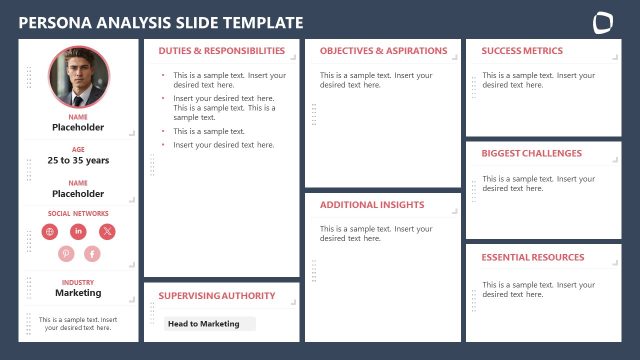
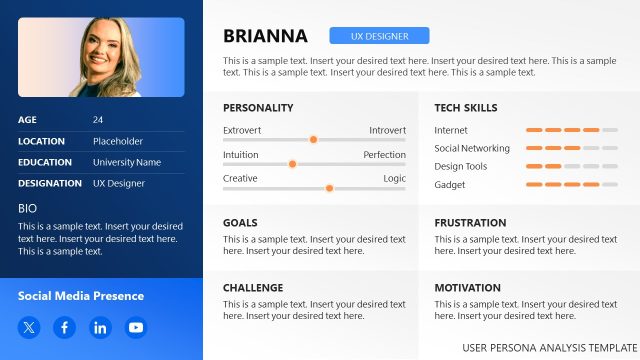
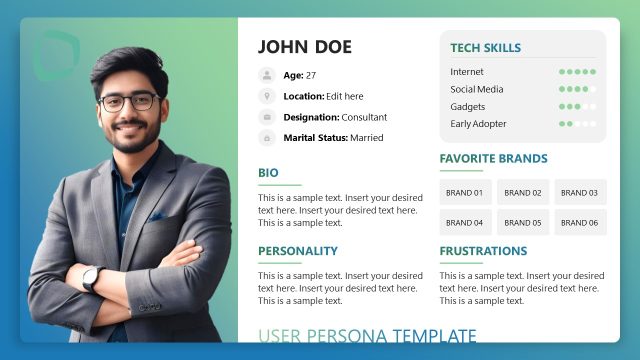
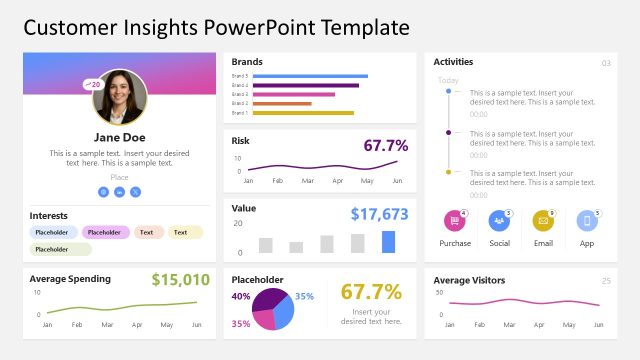
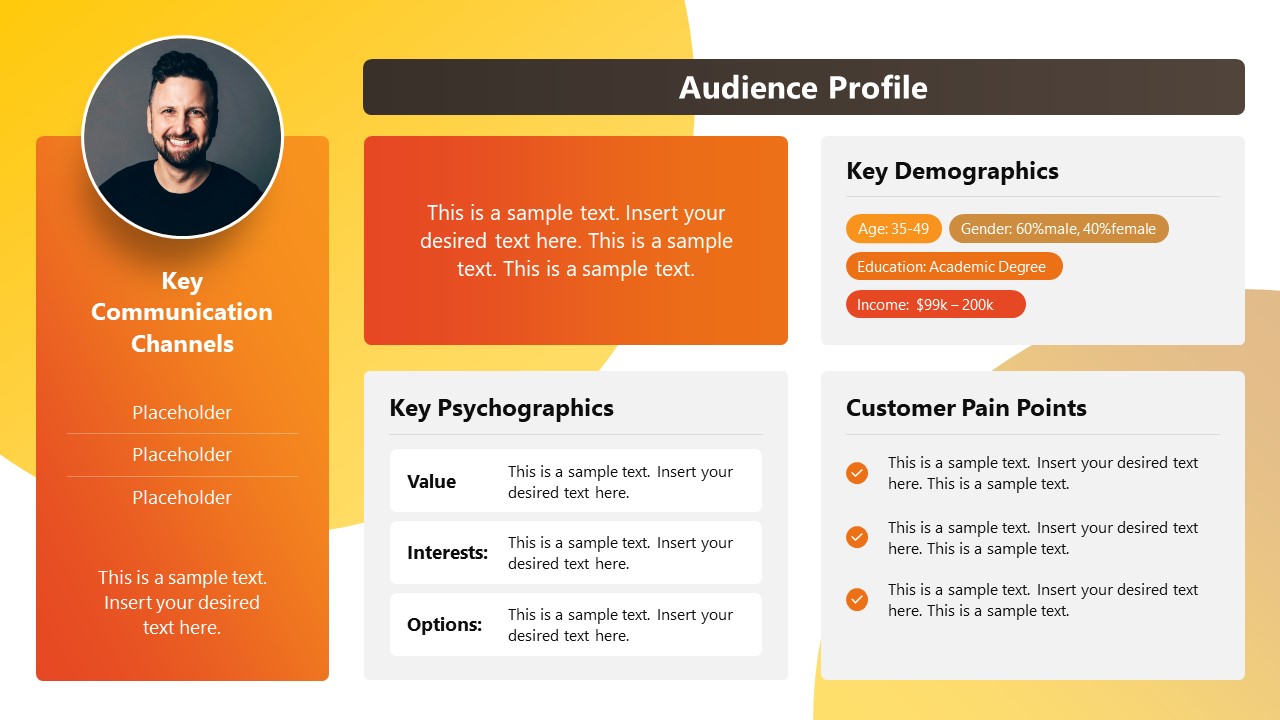
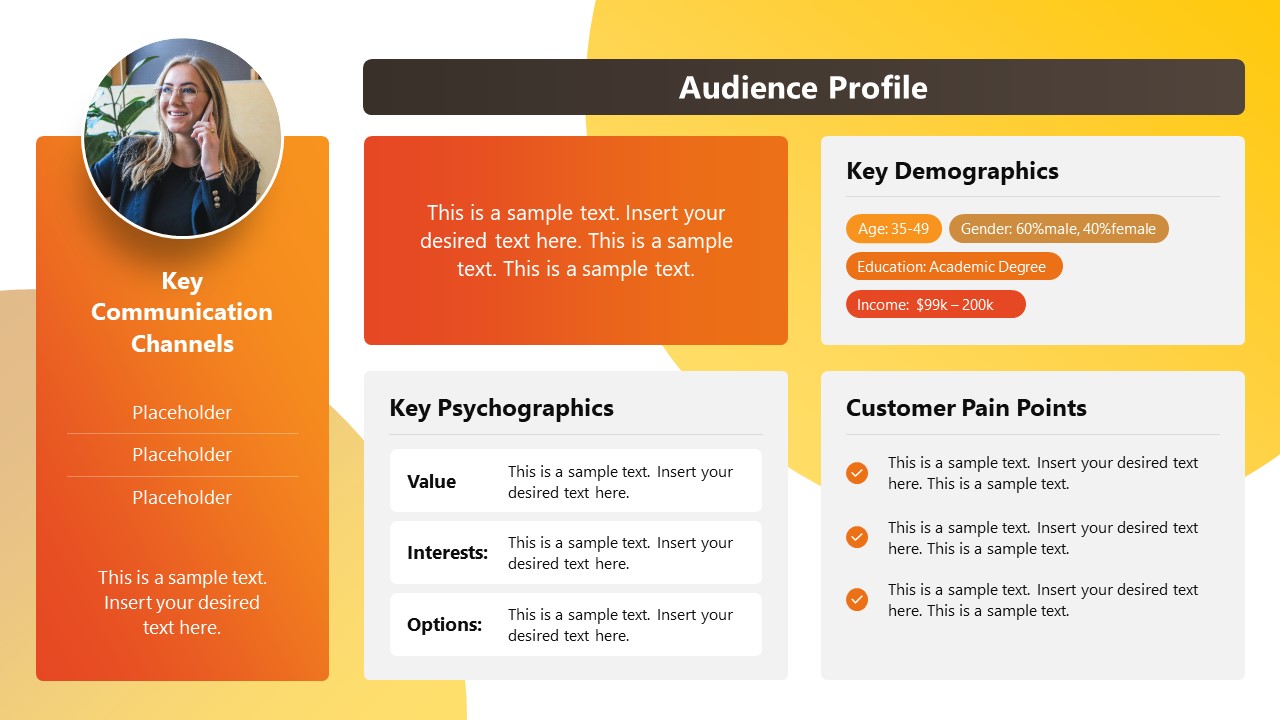
The Target Audience Analysis PowerPoint Template has two slides with the same layout but varies in background colors and design. The slide shows a comprehensive design. The left column is narrow, and users can showcase their profile, key communication channels, and other data about their target audience. Moreover, they can showcase these data points in the remaining sections on the slide right:
- Key Communication Channels: The platforms at which the target audience of the specific business is located. It may include online websites and social media platforms like X, Facebook, Instagram, and Pinterest.
- Key Psychographics: Psychographics refers to the data related to the personality, lifestyle, age, interests, opinions, viewpoints, habits, and social class of the audience.
- Key Demographics: In this section, users can display the age, gender, income, and education of the target audience so that the company can work on best-fit products.
- Customer Pain Points: The pain points are the issues or problems the consumer faces. It can also link with the unique features that the customer desperately wants.
Users can modify the PPT components of the template based on their needs. They can also repurpose the template to fit their requirements. Download this engaging target audience analysis template for your presentations. Alternatively, check our collection of target audience PowerPoint templates and buyer persona presentation templates, ready for Microsoft PowerPoint, Google Slides and Canva.
What’s inside this template
Example presentation scenarios
- A marketing manager can present a campaign target by filling the communication channels sidebar and demographics labels before discussing media selection.
- A product manager can brief leadership on a buyer persona by using the psychographics table and pain points checklist to connect needs with product decisions.
- An agency strategist can align a client team around a target market by showing the audience profile summary beside channels, demographics, and customer problems.
- A sales enablement lead can prepare account teams by translating customer research into the visible profile photo, channel list, and concise pain point bullets.
Features
- 100% editable presentation template
- Compatible with Microsoft PowerPoint
- 16:9 aspect ratio slides
- Scalable vector shapes, icons and illustrations
- AI-Ready for Microsoft Copilot and Claude
- Instant access and download
Frequently asked questions
Q: How should a presenter structure the message on this audience profile slide?
A: Start with the audience photo and profile summary to make the segment recognizable, then move left to the communication channels and right to the evidence sections. Use the demographics labels for quick facts, the psychographics table for motivations, and the pain points checklist to explain what the audience needs from the offer.
Q: Who benefits most from using this template in a business presentation?
A: This template fits marketers, product managers, sales teams, and agency strategists who need to turn customer research into a concise persona view. It is strongest when the audience profile will guide campaign planning, positioning, messaging, or sales conversations rather than serve as a full research appendix.
Q: Why does the dashboard layout work for target audience analysis?
A: The layout places the profile identity, channel context, demographic facts, attitudes, and pain points in one visual field. That structure reduces switching between slides and helps viewers see the customer as both a person and a market segment. The warm orange and yellow blocks draw attention to the highest-priority profile notes.
Target Audience Analysis PowerPoint Template
2-slide PowerPoint presentation template for audience profiles, demographics, psychographics, and customer pain points
Target Audience Analysis PowerPoint Template is a 2-slide Microsoft PowerPoint template for presenting a customer persona or target market snapshot. Each 16:9 slide uses an audience profile dashboard with a communication channel sidebar, demographics labels, psychographics table, and customer pain points checklist for marketing, sales, and customer research teams.
- Category
- Template Backgrounds
- Rating

 Loading...
- Aspect ratio
- 16:9
- Item ID
- 22534-01
- Colors
 Microsoft PowerPoint
 Microsoft Copilot
 Claude for PowerPoint
Other formats supported
Subscribe today and get immediate
access to download our PowerPoint templates.