This Taiwan Editable PowerPoint Map is suited for professional audiences to discuss the economic growth of Taiwan, its geography, tourism or just about any presentation regarding this beautiful country. The political outline shapes of the PowerPoint slides are created in high definition vectors and are 100% customizable. The presenter can also modify the PowerPoint objects to fit his preference without affecting the visual quality of the slides.
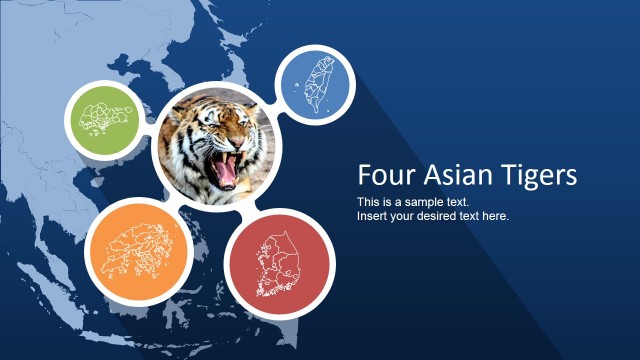
What once has suffered hyperinflation and economic depression is now one of the Four Tigers of Asia. Taiwan is an epitome of what an organization should aim for. By learning from the history of Taiwan, it will make a hard task appear more manageable and achievable. Comparing the company to the world famous Taiwan Miracle may motivate the team to make the impossible, possible.
In this PowerPoint Map, the presenter can give emphasis on the importance of allocation of assets and resources. The size of a particular organization does not entirely dictate the output of their performance. Just like Taiwan, a business entity may ascend to the upper echelons of the economy if they have proper allotment of their financial resources.
Also, the PowerPoint slides make it easier to have a detailed observation of Taiwan’s history, geography, and culture. Inform, and at the same time entertain, the professional audience with how Taiwan reached its position today. It may also be discussed how logistics and ports became vital factors to build communications in the business world.
Another use for this PowerPoint template is to help the organization identify internal conflicts in the different departments. Just as a country is comprised of cities, a company is made of units and/or divisions. It is important to maintain a harmonious environment for the employees in all divisions of the company.
Each PowerPoint map is created as a composite of individual regions and states, that can be used in existing presentations. The PowerPoint objects are designed to attract the audience’s attention in formal settings and presentations. Achieve a creative yet professional presentation by using the Taiwan Editable PowerPoint Map.
What’s inside this template
Example presentation scenarios
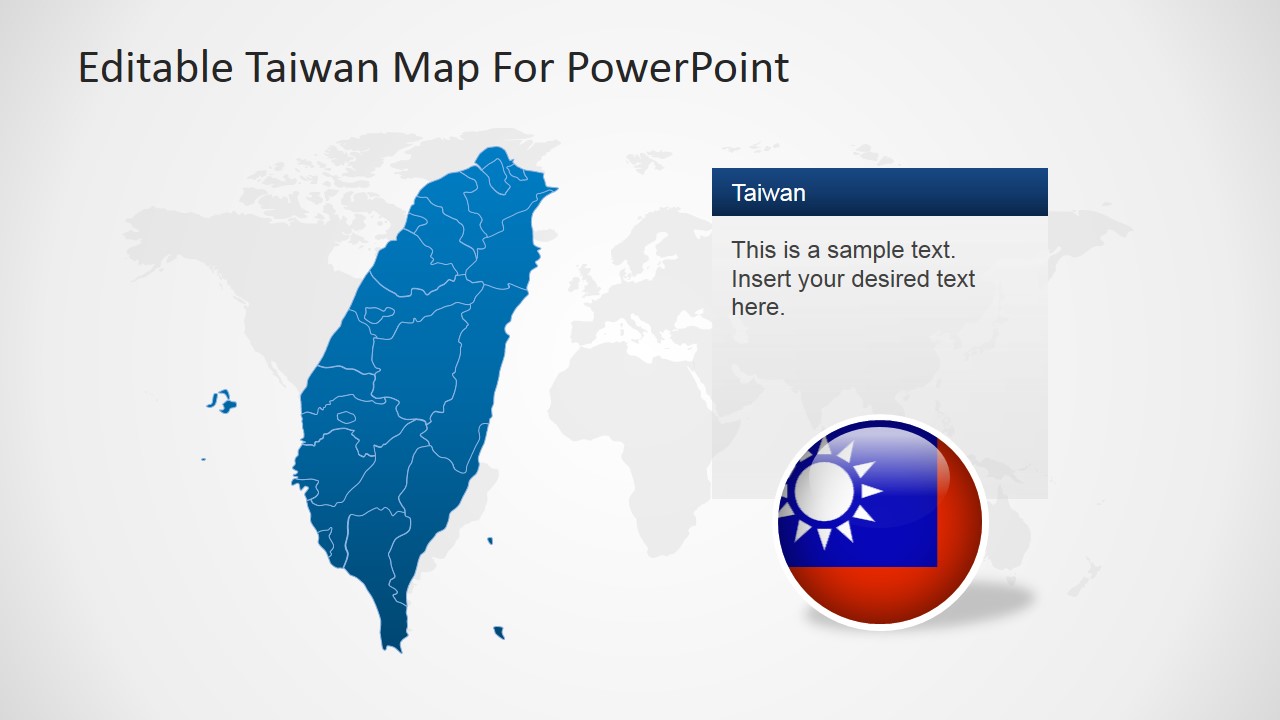
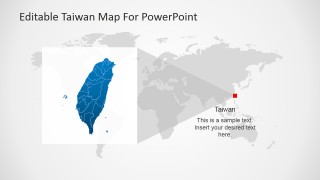
- A market analyst can use the world locator map and Taiwan regional map to introduce Taiwan before discussing market size, office coverage, or customer concentration.
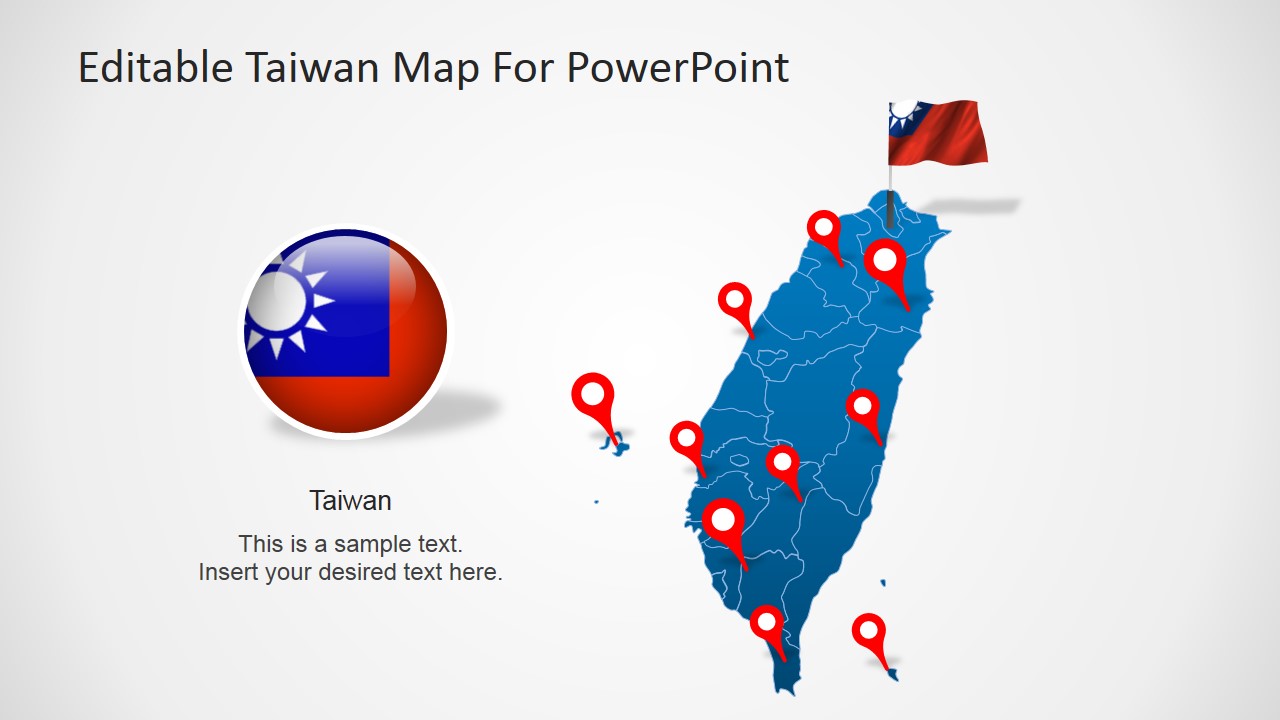
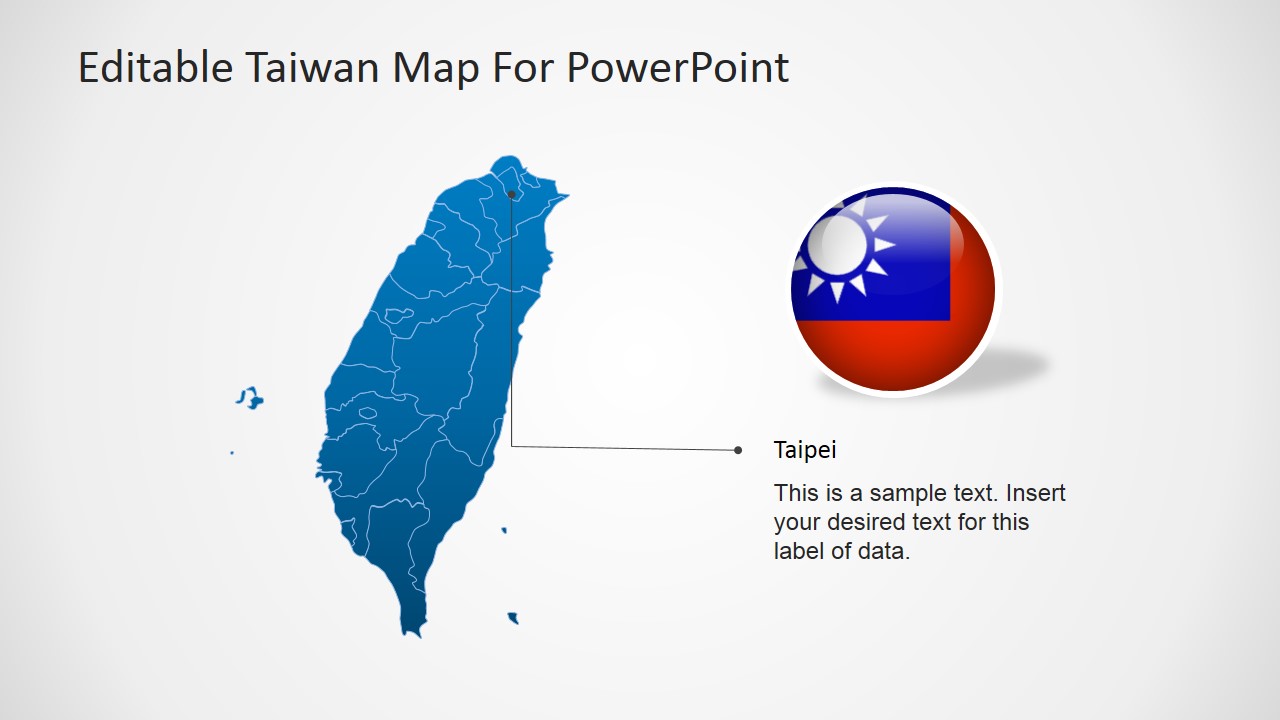
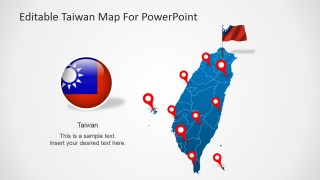
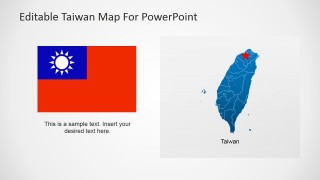
- A tourism presenter can use the flag slide, map pins, and editable captions to explain destinations, routes, or cultural points of interest across Taiwan.
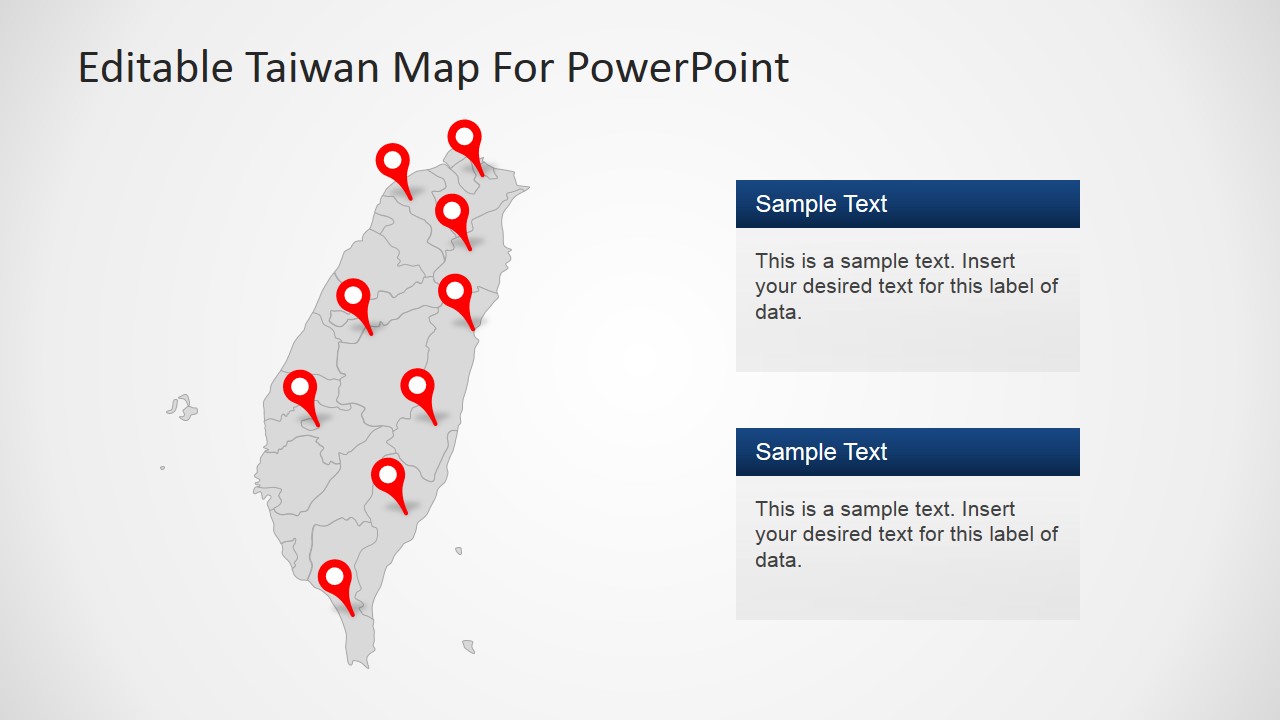
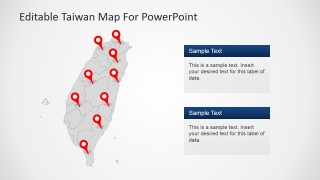
- An operations manager can use the pinned map and two callout panels to present facility locations, distribution points, or service regions to leadership.
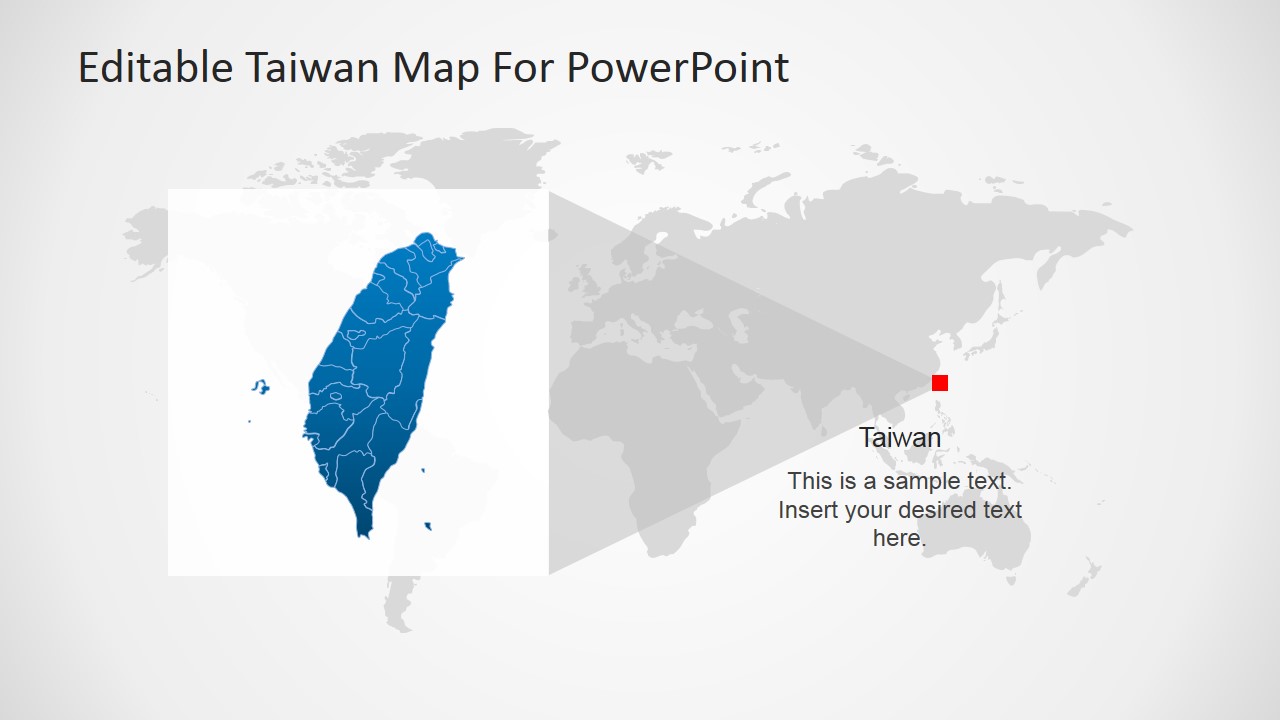
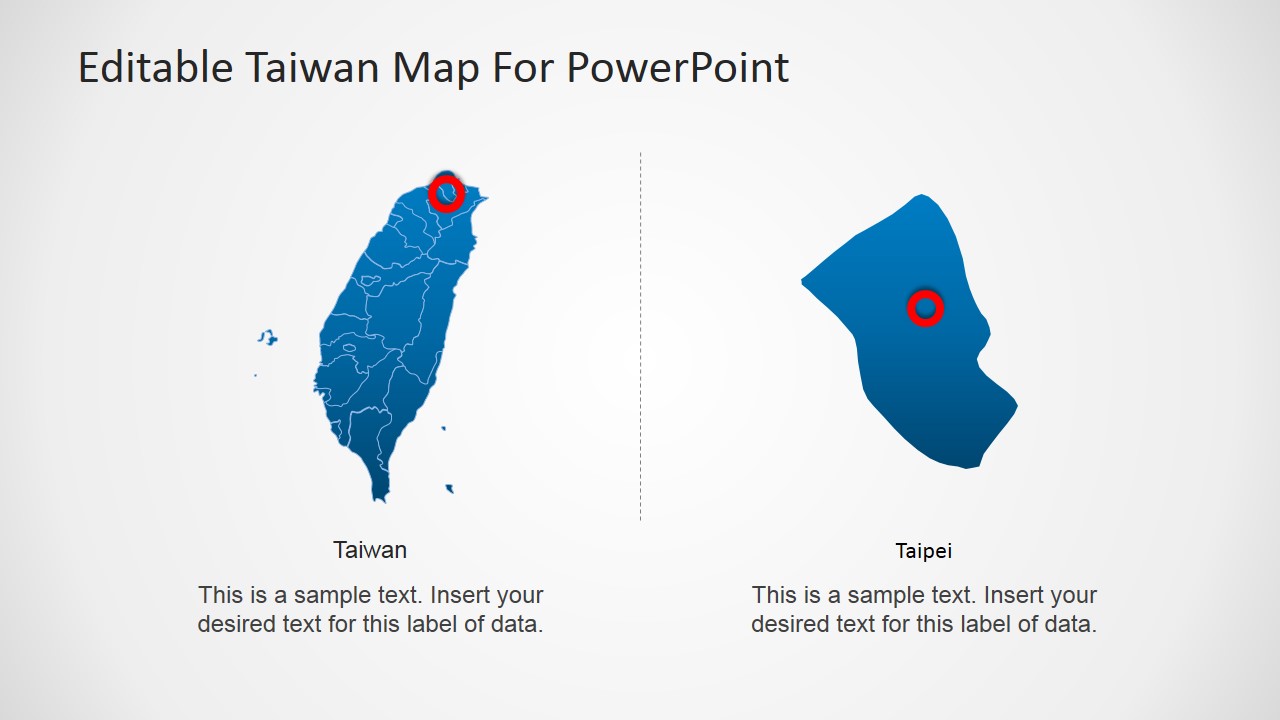
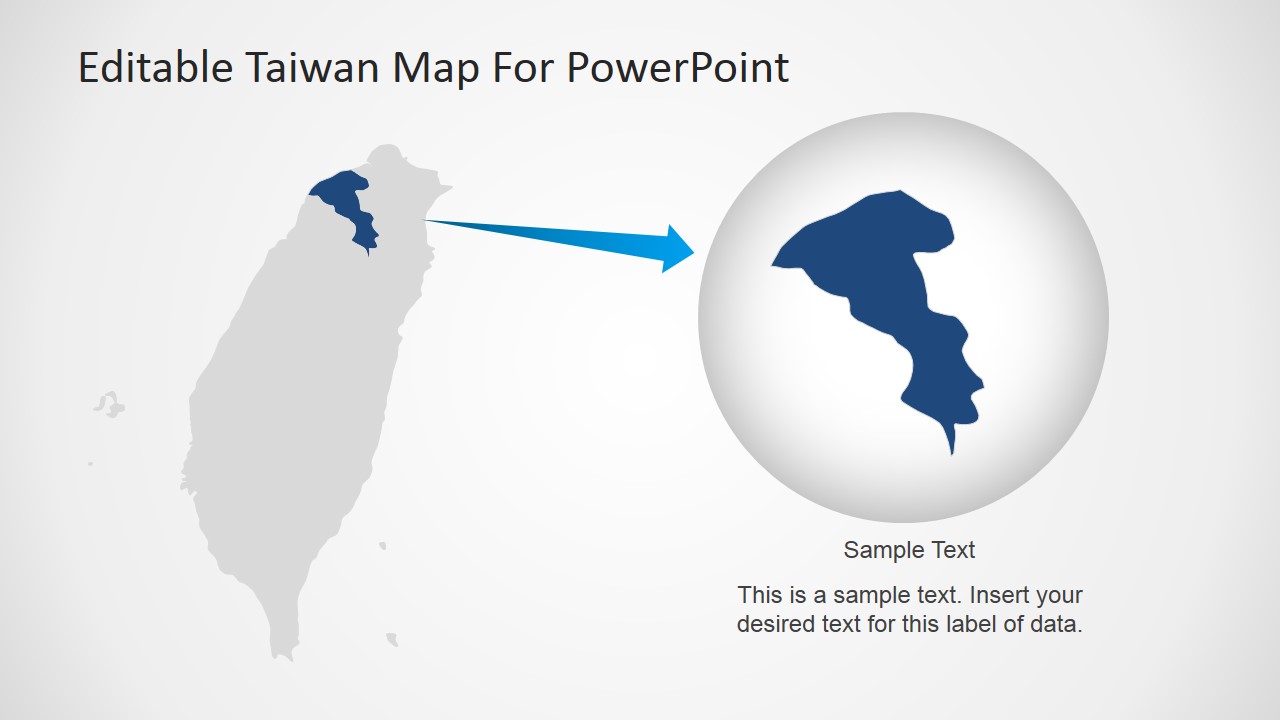
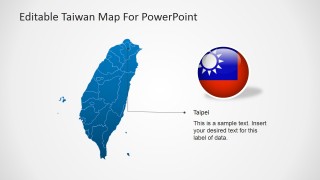
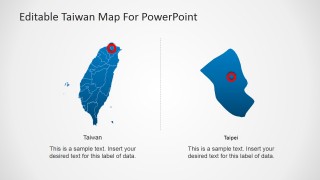
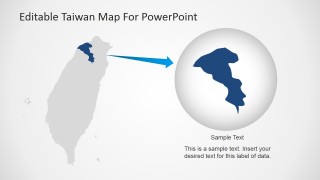
- An educator can use the Taipei detail slide and regional zoom diagram to teach Taiwan geography while keeping labels and descriptions visually connected to the map.
Features
- 100% editable presentation template
- Compatible with Microsoft PowerPoint and Google Slides
- 16:9 aspect ratio slides
- Scalable vector shapes, icons and illustrations
- AI-Ready for Microsoft Copilot and Claude
- Instant access and download
Frequently asked questions
Q: How should a presenter structure a clear Taiwan briefing with these map slides?
A: Start with the country overview or world locator map to orient the audience, then move to the pinned Taiwan map to identify the relevant places. Use the Taipei callout or regional zoom only after the audience understands the national context. Keep each caption tied to one decision, insight, or location so the map does not become a label list.
Q: Who is this template best suited for?
A: This template fits presenters who need to explain where something happens in Taiwan rather than prove a financial trend. Consultants, tourism teams, educators, logistics managers, and market entry teams can use the pins, Taiwan outline, flag graphics, and Taipei detail to make location-based information easier to follow.
Q: Why does the design use pins, locator maps, and zoomed regional shapes?
A: The layouts move from recognition to precision. The flag and full map help the audience identify Taiwan quickly, the world locator slide gives geographic context, and the Taipei and regional zoom slides narrow attention to a specific place. This visual metaphor of zooming in supports briefings where the presenter must connect national context to local action.


Taiwan Editable PowerPoint Map
8-slide presentation template with editable Taiwan maps, location pins, regional highlights, and flag graphics
Taiwan Editable PowerPoint Map is an 8-slide 16:9 map presentation template for geographic briefings, market plans, tourism overviews, and regional analysis. Visible layouts include a Taiwan map with location pins, a world map locator, a Taiwan flag and map slide, Taipei callouts, and regional zoom diagrams for Microsoft PowerPoint and Google Slides.
- Category
- Maps
- Rating


 Loading...
- Aspect ratio
- 16:9
- Item ID
- 6803-01
- Colors
 Microsoft PowerPoint
  Microsoft Copilot
  Claude for PowerPoint
 Other formats supported
Subscribe today and get immediate
access to download our PowerPoint templates.