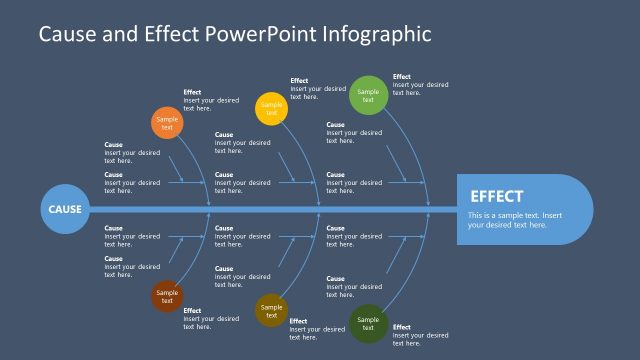
Use a simple metaphor to discuss the possible causes of a problem through the Symptoms and Causes of a Problem PowerPoint Template. Apply the roots and leaves system to connect a cause and effect relationship. The creative drawing on the slides helps creating a comfortable atmosphere for the audience, while maintaining the professional tone of the presentation.
Analyzing the symptoms and causes of a problem is incredibly significant in the business world. In the fast-paced society, it is important that problems are dealt with quickly and with minimal damage as a single mistake can cost a company millions of dollars in damages. Keeping watch of the symptoms allows management to effectively track down the roots of the problem, to deal with it before it escalates into uncontrollable proportions
The symptoms and causes can be presented to a management team through the PowerPoint slides. They are useful in quarterly meetings of the Board of Directors as a progress report on the different threats and problems which normally arise during the business period. The slides can also be used to make presentations on Root Cause Analysis or a detailed report of detected symptoms for a given problem and its causes.
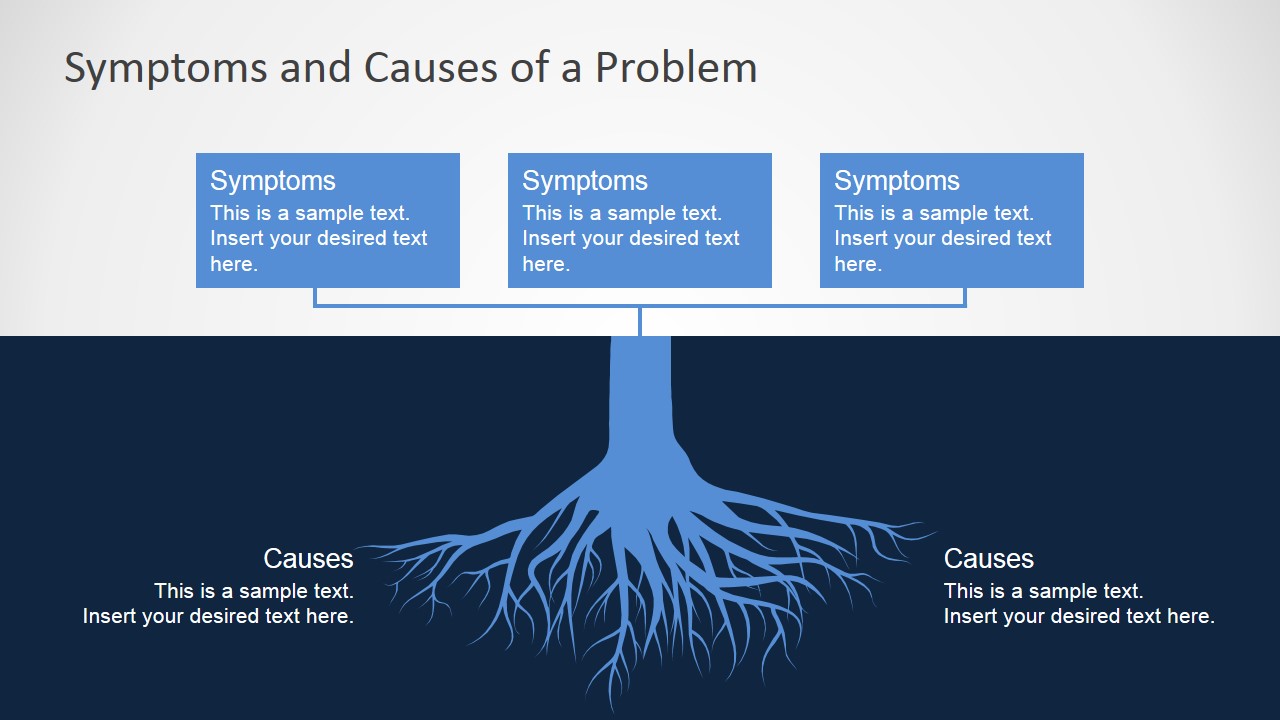
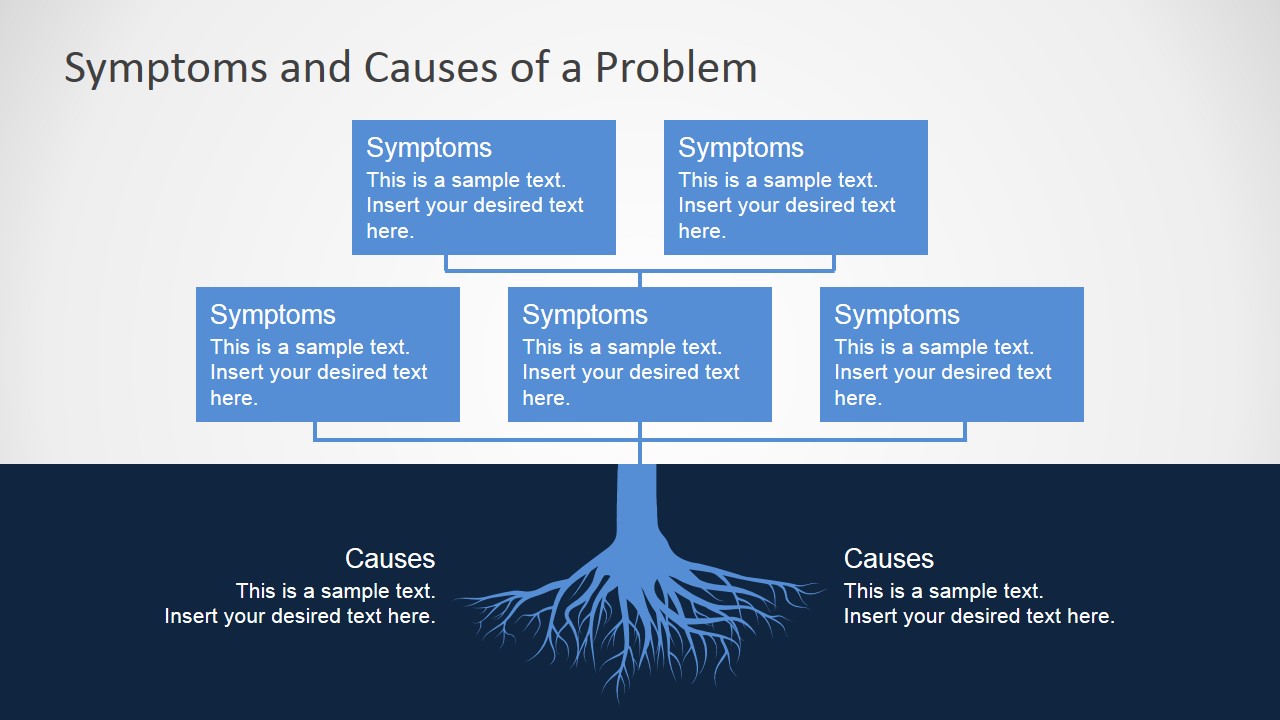
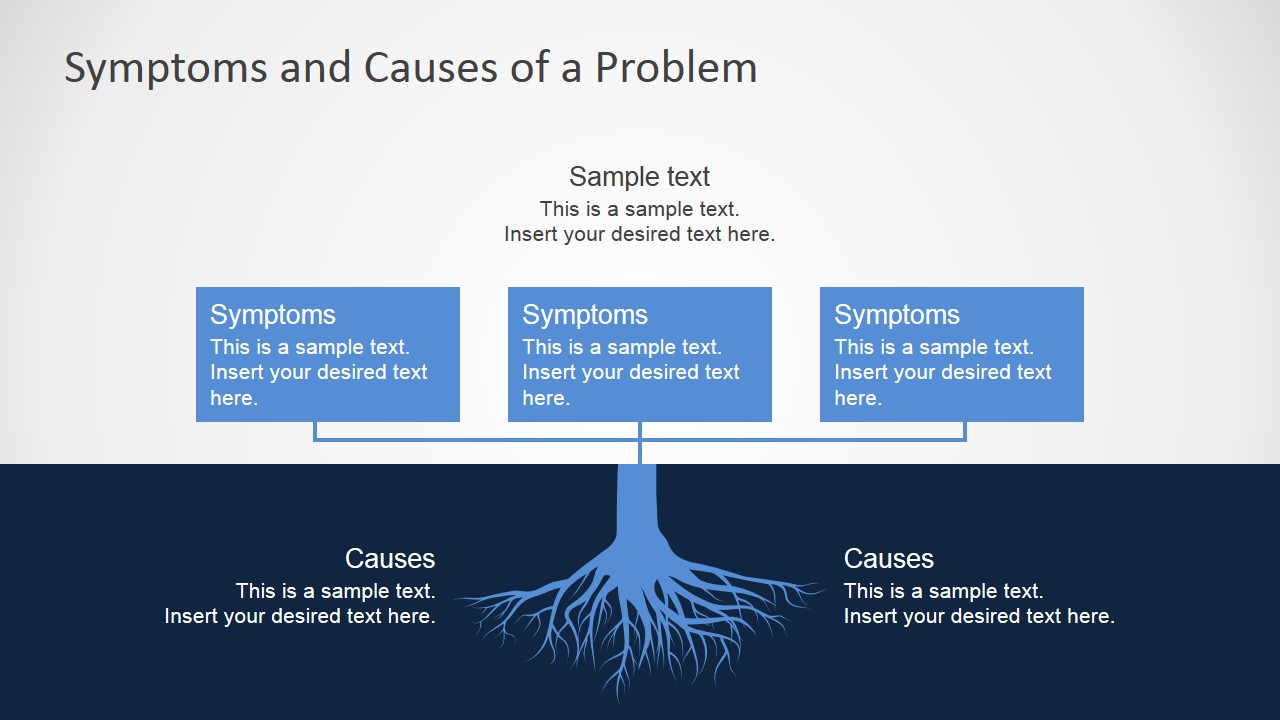
The individual slides are divided into two segments, with the upper segment colored in gray and the lower segment in dark blue. The lower segment contains a detailed root drawing that extends downwards. It is distinguished from the background by a light blue fill. The causes can be placed around this diagram. The top half of the slides contains a set of text placeholders in boxes that match the fill of the roots. The text boxes are reserved for presenting the symptoms of the problem.
Suitable for root cause analysis and preventive maintenance procedures, the Symptoms and Causes of a Problem PowerPoint Template can be be applied as a working canvas to analyze problems in an organization. The presenter can customize the presentation to fit the specific audience using the fully editable PowerPoint objects. Other PowerPoint templates detailing Cause and Effect relationship can be downloaded from our Gallery.
What’s inside this template
Example presentation scenarios
- A quality manager can use the root diagram to brief leadership on recurring defects, placing observed symptoms in the top boxes and suspected process causes around the roots.
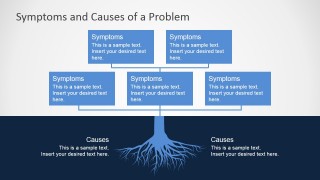
- A consultant can use the five-symptom layout to organize interview findings, then connect them to operational causes during a client diagnostic workshop.
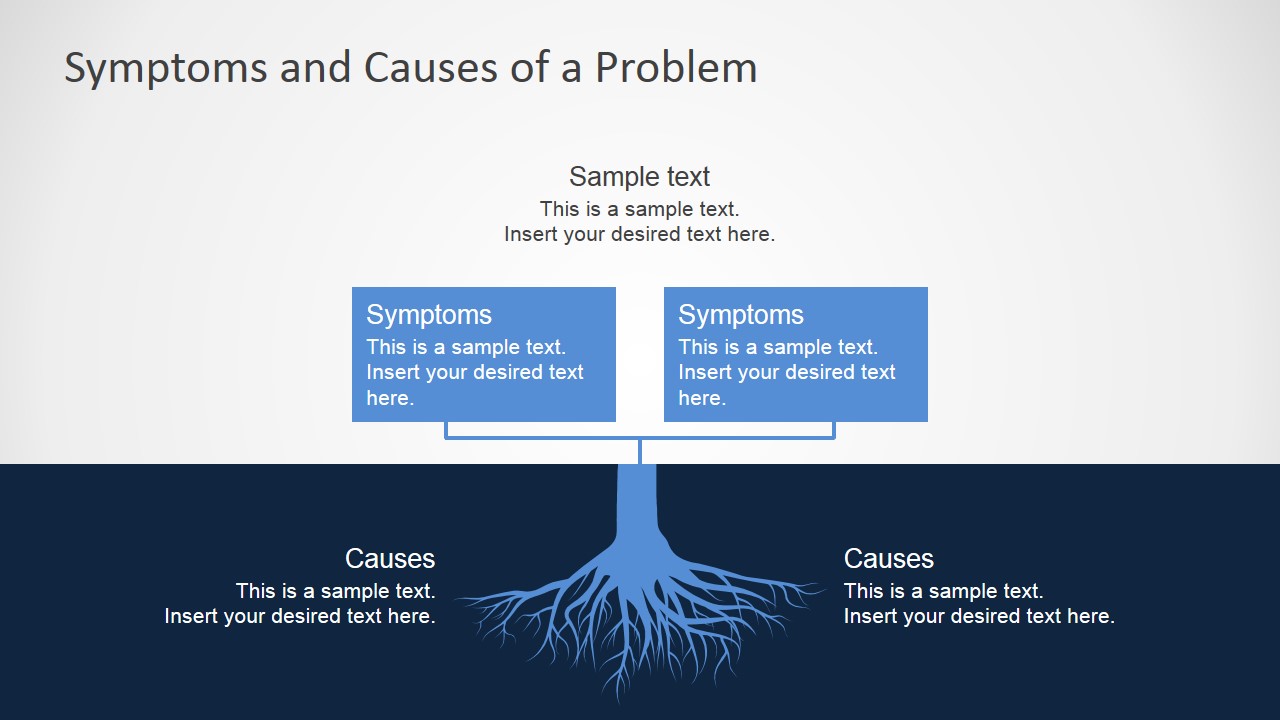
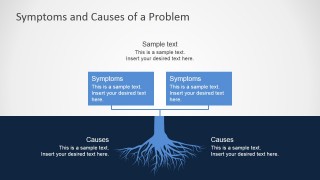
- An operations leader can use the two-cause layout to compare likely drivers of a service issue before assigning follow-up analysis to functional teams.
- A project manager can use the top sample text area and symptom boxes to summarize an issue statement before discussing cause categories with stakeholders.
Features
- 100% editable presentation template
- Compatible with Microsoft PowerPoint and Google Slides
- 16:9 aspect ratio slides
- Scalable vector shapes, icons and illustrations
- AI-Ready for Microsoft Copilot and Claude
- Instant access and download
Frequently asked questions
Q: How should a presenter structure the discussion with this root cause diagram?
A: Start with the symptom boxes, because they represent what the audience already sees or feels. Then move downward through the connector into the roots and name the suspected causes. This order keeps the discussion evidence-based: first define the visible issue, then explain the deeper drivers that need action.
Q: Who is this template best suited for in a business setting?
A: This template is best for managers, analysts, consultants, and quality teams who need a short explanation of a problem without building a long diagnostic report. It fits status meetings, risk reviews, and corrective action discussions where the presenter must separate symptoms from causes in a clear visual frame.
Q: Why does the tree root metaphor work for root cause analysis?
A: The layout makes an abstract idea concrete: symptoms appear above the surface, while causes sit below it in the root area. That metaphor helps audiences understand that visible problems may come from hidden conditions. The horizontal split also keeps the two levels from being confused during discussion.
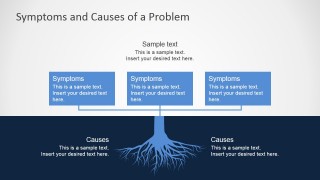
Symptoms and Causes of a Problem PowerPoint Template
4-slide presentation template for root cause analysis with symptoms boxes and causes root diagram
Symptoms and Causes of a Problem PowerPoint Template is a 4-slide diagram deck for root cause analysis. It uses a tree root metaphor, symptoms callout boxes, causes labels, and two-section layouts to connect visible effects with underlying drivers. It is built for Microsoft PowerPoint and Google Slides.
- Category
- Diagrams
- Rating


 Loading...
- Aspect ratio
- 16:9, 4:3
- Item ID
- 7078-01
- Colors
 Microsoft PowerPoint
  Microsoft Copilot
  Claude for PowerPoint
 Other formats supported
Subscribe today and get immediate
access to download our PowerPoint templates.