Slide 4 of 4 from Swimlane Flowchart PowerPoint Template
Swimlane Flowchart Template PPT Layout
Swimlane Flowchart with Decision Points
- Diagram
- Swimlane
- Process Slide
- 16:9
- 100% Editable
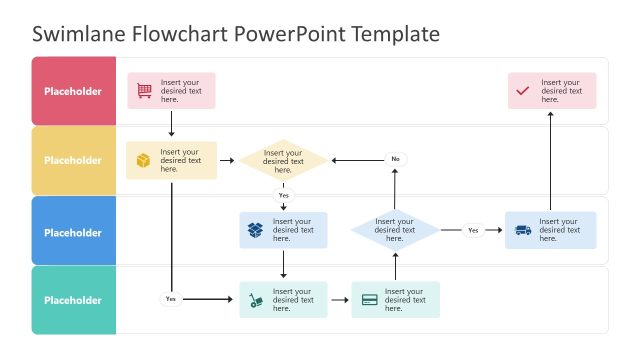
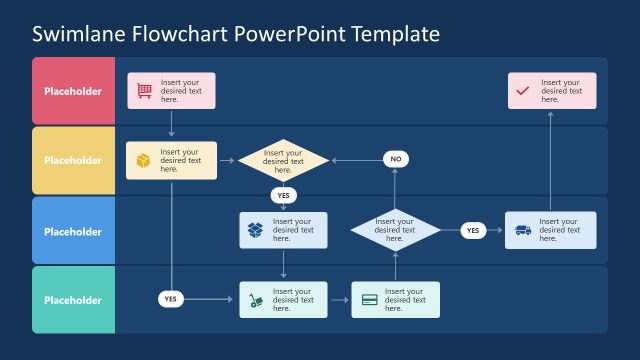
The Swimlane Flowchart with Decision Points slide from the Swimlane Flowchart PowerPoint Template offers a clear, structured layout ideal for process mapping and workflow analysis. This slide template features editable shapes and vector icons arranged in horizontal lanes with decision points, facilitating effective visualization of decision-making frameworks in business presentations or corporate slide decks.
What’s on This Slide
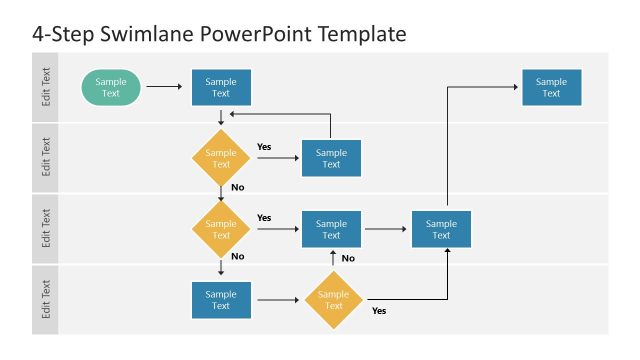
The layout features a swimlane flowchart with multiple horizontal lanes, each containing colored rectangular placeholders for text. There are decision points represented by diamond shapes connected by arrows, indicating flow direction. The flowchart includes a total of six nodes, with three decision points and three process steps. Text placeholders are aligned centrally within their respective shapes. The overall composition is structured to guide the viewer through a process, with a clear visual hierarchy established by the color coding of lanes and shapes.
How to Use It
This layout serves as a structured flowchart to illustrate processes with decision points. It fits well in presentations that require process mapping or workflow analysis. Ideal scenarios include project management discussions, operational workflows, or decision-making frameworks. It can be used to clarify steps in a process, making it easier for audiences to follow complex information in a visual format.
Text Placeholders & Capacity
Keep your copy within these limits so it fits without resizing. Each node can hold roughly 30 characters of text.
| Placeholder | Count | Max characters (approx.) |
|---|---|---|
| Item body | 6 | 30 |
Slide Keywords
Download unlimited PowerPoint templates, charts and graphics for your presentations with our annual plan.
DOWNLOADReturn to Swimlane Flowchart PowerPoint Template.