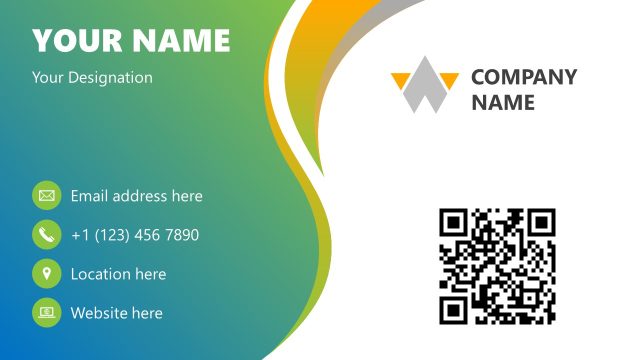
Create a professional-looking business card with our 100% editable Executive Business Card PowerPoint Template. A business card is the first tangible impression of your company or brand on any person you meet. Business cards are mostly used for networking and to make others remember you when they need your services or products. When designing a business card, the most important factor is its design. The design should be impactful and create a lasting impression on the receiver’s mind. To make it simpler for our users, we have prepared this executive business card template after thorough research. This detailed yet concise professional business card carries enough space to mention all the relevant details about the professional for whom it is made. In addition to personal use, designers and brand developers can use this business card template to design customized visiting cards.
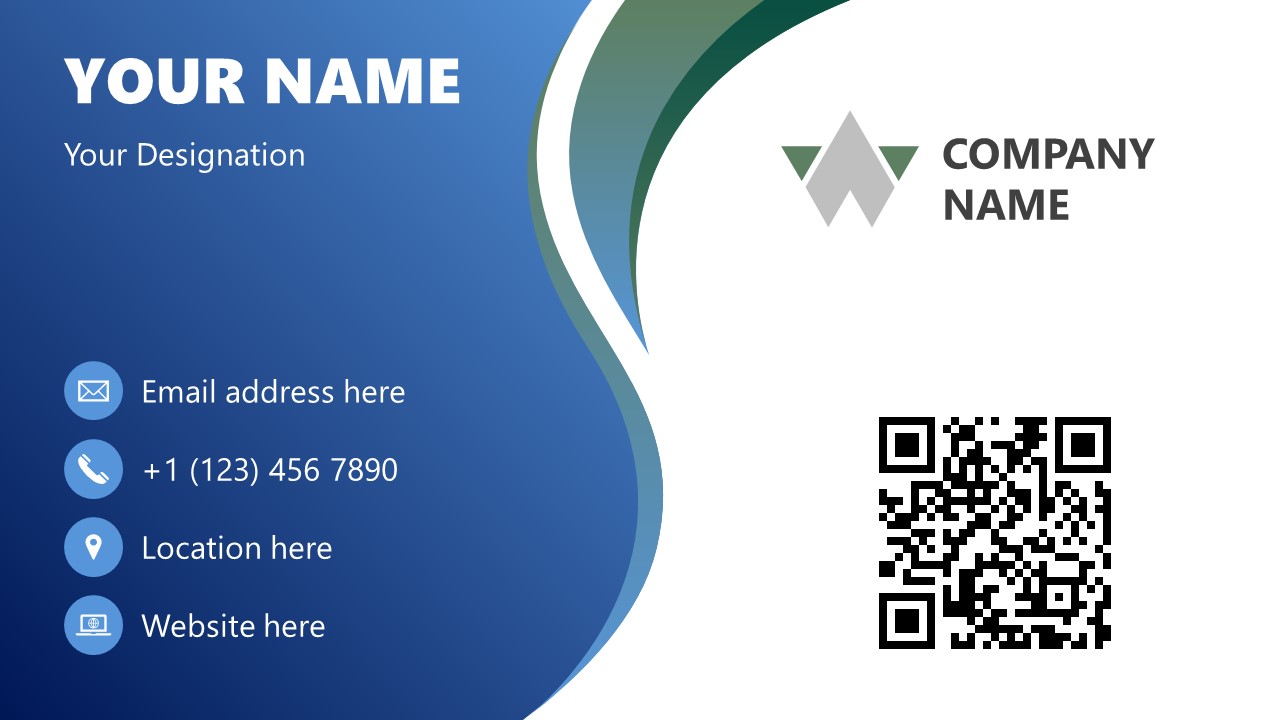
This Executive Business Card PowerPoint Template has two slides; one is the front part, and the other shows the back side of the card. Professionals can use these slides to pitch their design ideas to their clients and designer heads. They can showcase their design, ask for suggestions from their audience, and make live changes. The front side of this card has two segments, one of them is white and the other is blue. These segments are separated using a curved abstract design. On the blue part, space is provided to add the name/designation, along with the lower part mentioning location details, email address, website, and phone number. Likewise, the white segment provides dedicated spaces for the company logo/name and QR code. Users can replace the logo and QR accordingly and change the colors of the card from the Ribbon. The back part is simple, with a corresponding design motive and a space for inserting the logo. Presenters can customize this template and prepare business cards for marketing and branding. Download and try it now! Alternatively, check our collection of business PPT templates and business card PowerPoint templates.
What’s inside this template
Example presentation scenarios
- A brand designer can present a client-ready business card concept using the front card with name, contact details, QR code, and logo placement.
- A marketing manager can compare brand identity choices during a collateral review by changing the theme colors across the curved ribbon motif and contact icon set.
- An executive assistant can prepare a networking card proposal for a leadership team using the clean back slide with a centered company logo.
- A business development presenter can explain how prospects should access digital contact details by pointing to the QR code and contact information areas on the front layout.
Features
- 100% editable presentation template
- Compatible with Microsoft PowerPoint and Google Slides
- 16:9 aspect ratio slides
- Scalable vector shapes, icons and illustrations
- AI-Ready for Microsoft Copilot and Claude
- Instant access and download
Frequently asked questions
Q: How should a presenter explain the business card design clearly to decision makers?
A: Start with the front slide because it carries the user's identity, contact channels, QR code, and company mark in one view. Explain the priority order: name first, role second, contact access third, brand recognition last. Then show the back slide as the simpler recall surface that reinforces the logo without extra detail.
Q: Who is this template best suited for, and in what type of meeting?
A: This template fits designers, marketing leads, and business development teams who need to review an executive business card before production. It is most useful in a short brand collateral meeting where stakeholders must judge whether the contact details, QR code, and logo placement feel clear, formal, and memorable.
Q: Why does the split blue-and-white layout help the card communicate better?
A: The curved split creates two reading zones: a blue area for personal and contact information, and a white area for the company logo and QR code. That separation reduces competition between identity and action. The matching ribbon on the back slide also makes the two sides feel like one branded system.



Executive Business Card PowerPoint Template
2-slide business card presentation template with front/back card layouts, QR code, and contact details
This 2-slide business card presentation template provides editable front and back card designs for executive networking or brand identity review. Visible layouts include a front card with contact icon list, QR code, company logo area, and a back card with centered logo and curved blue-green ribbon motif for Microsoft PowerPoint and Google Slides.
- Category
- Business PowerPoint Templates
- Rating

 Loading...
- Aspect ratio
- 16:9
- Item ID
- 22738-02
- Colors
 Microsoft PowerPoint
 Microsoft Copilot
 Claude for PowerPoint
Other formats supported
Subscribe today and get immediate
access to download our PowerPoint templates.