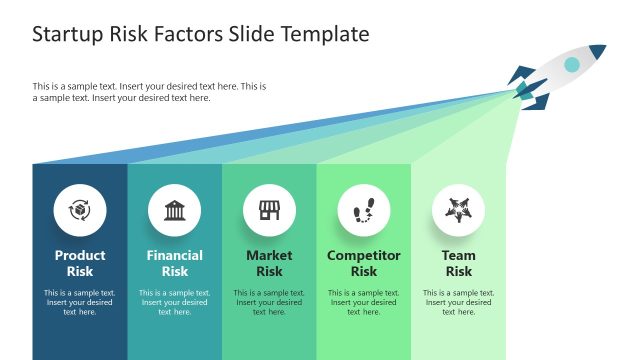
The Startup PowerPoint Template is a simple yet professional presentation template. The template reflects its name’s meaning completely by showing different stages of a startup business. The most important thing for any startup business is the way they present themselves and their business; either to potential clients or to acquire investment. The traditional communication mechanisms startups apply is a presentation pitch. In order to leave a good impression, a professional PowerPoint template will help the user focus in the message, instead of the visual.
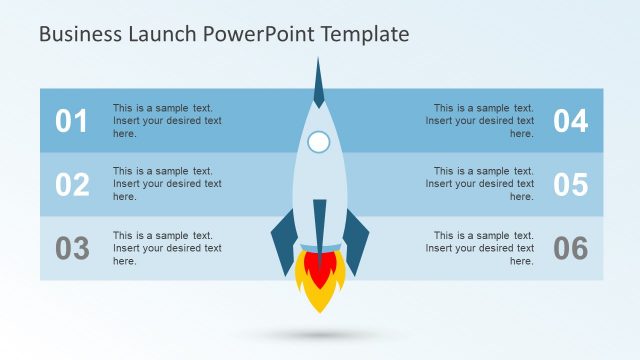
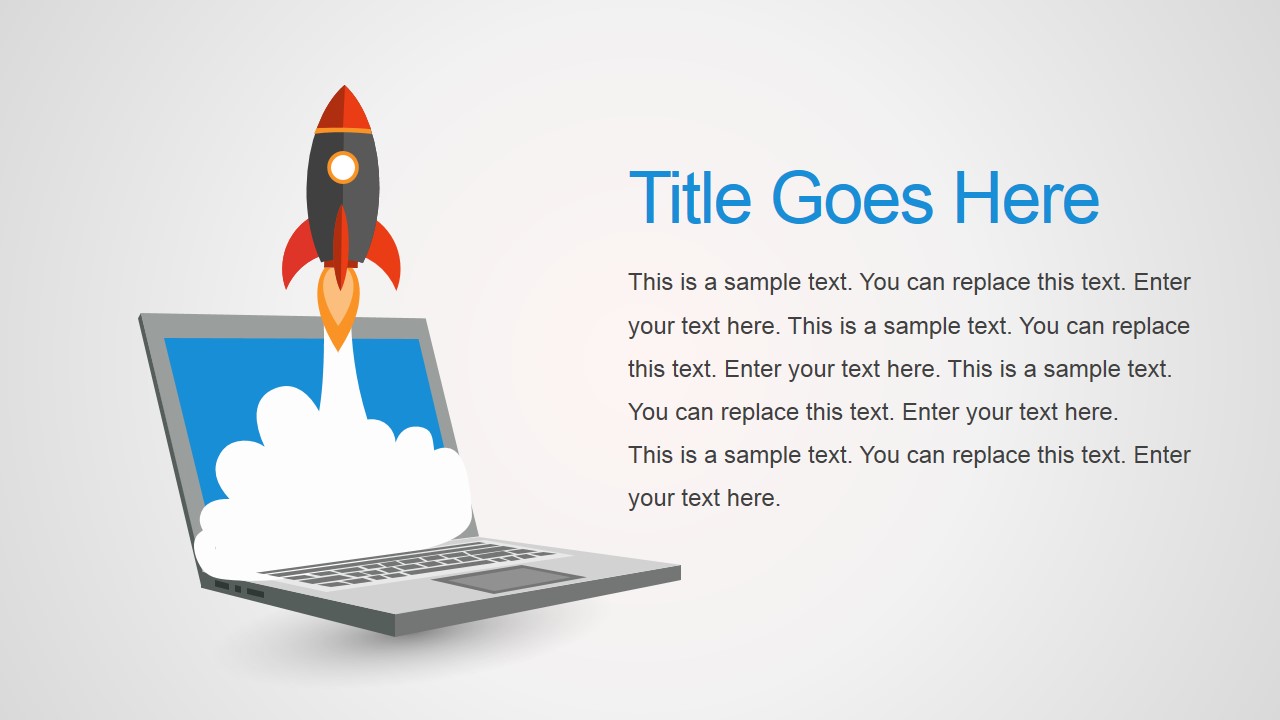
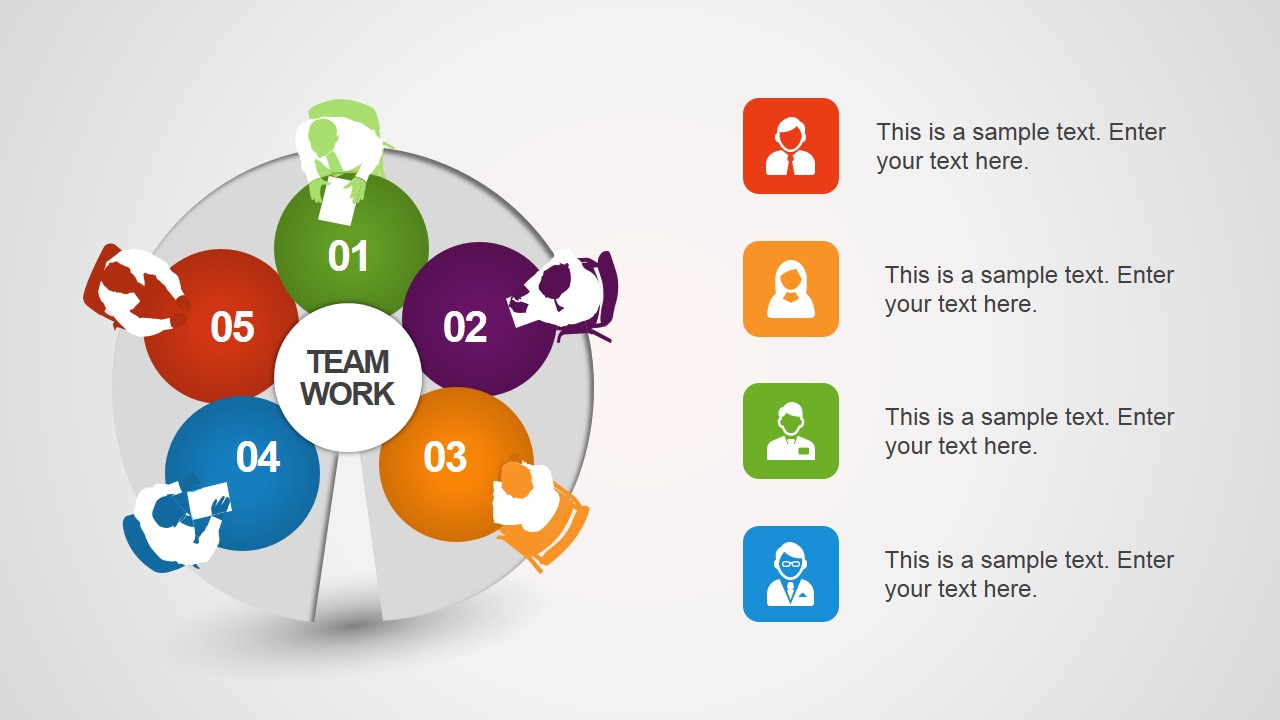
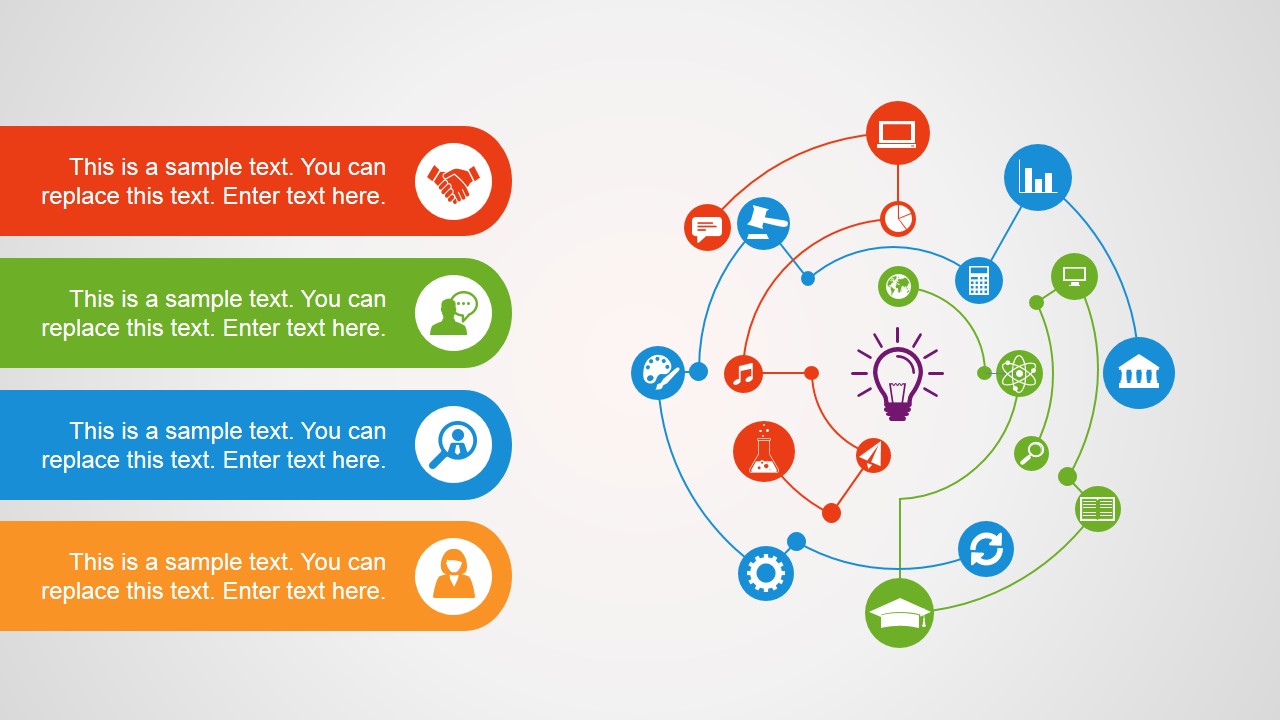
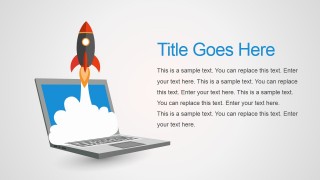
This startup PowerPoint template shows different phases of the business. First step is to have an idea; depicted as a rocket shooting from a laptop. The next step is to gather a team and discuss the plan with them to check its feasibility, shown as a round table meeting with content written on the table. The meeting comes up with some results and they are further pondered upon after screening many of them. Points to be considered include their statistics, legal issues, and many others shown as small buttons connected to each other.
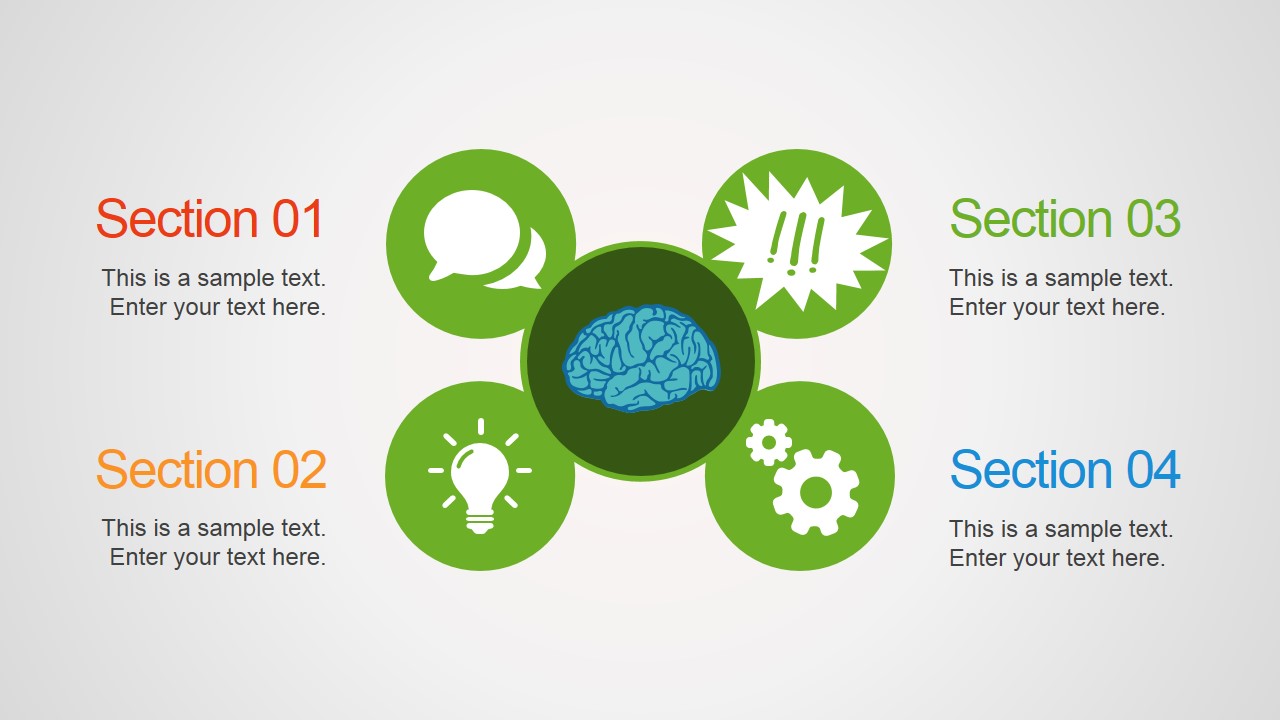
Once the plan works out, the next step is to expand the business and look for branching out; Shown in the PowerPoint template as world map and possible locations in the world for globalizing. Core people have to consider all the feasibilities and legal matters and build a central control room; work as the human brain. An obvious requirement of expansion is hiring new talented people after a screening process with several candidates.
Executives always have to keep an eye on the growth and statistics of the business, maintain record of stats and figures is crucial. Getting feedback and improving is very important for any endeavor. The complete layout of entrepreneurship is reflected in this business startup PowerPoint template with different slides’ layout.
Alternatively users can download company PowerPoint templates and product development slides for complementing the presentation.
What’s inside this template
Example presentation scenarios
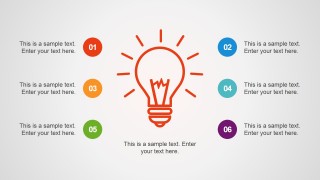
- A startup founder can use the rocket cover and idea lightbulb layout to introduce the business concept and explain why the opportunity is ready to pursue.
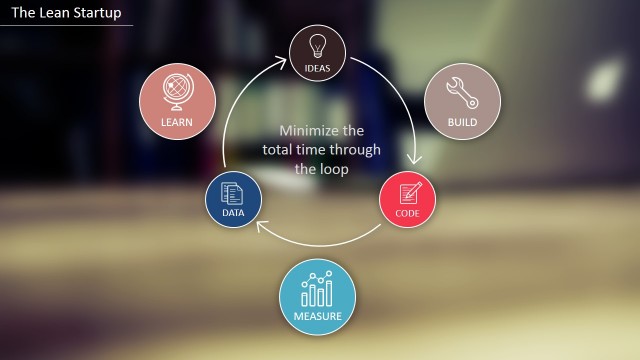
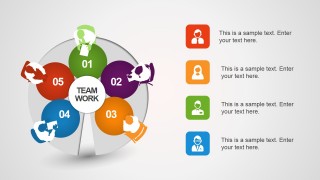
- An accelerator participant can use the teamwork cycle and meeting scene to show how the founding team organizes responsibilities, feedback, and planning conversations.
- A business development lead can use the world map slide to present target regions, possible branch locations, or expansion priorities to stakeholders.
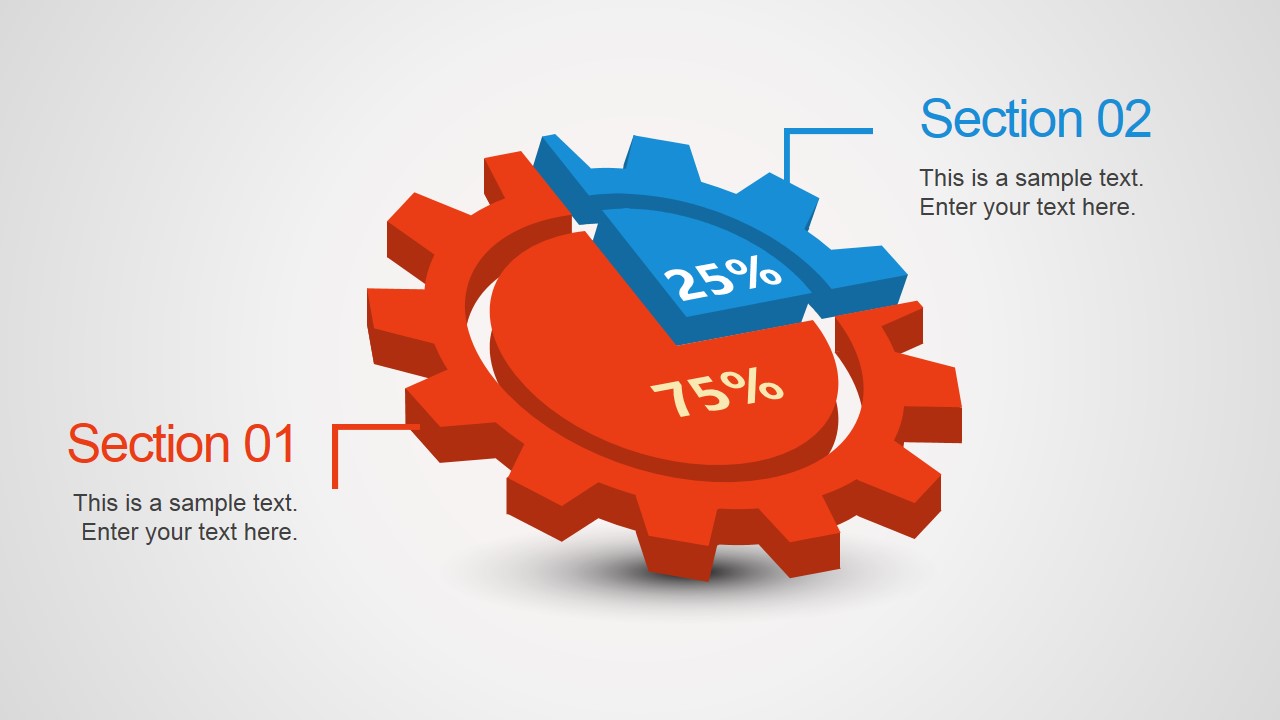
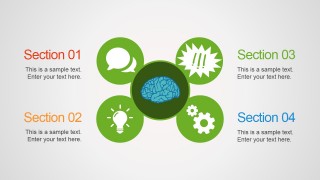
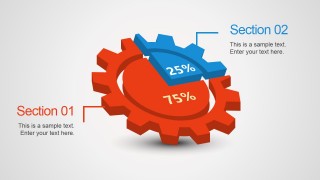
- An operations leader can use the brain hub and gear percentage diagram to discuss control functions, decision areas, and a simple split between two growth drivers.
Features
- 100% editable presentation template
- Compatible with Microsoft PowerPoint and Google Slides
- 16:9 aspect ratio slides
- Scalable vector shapes, icons and illustrations
- AI-Ready for Microsoft Copilot and Claude
- Instant access and download
Frequently asked questions
Q: How should a founder structure the message with this startup deck?
A: Start with the rocket cover as the launch metaphor, then move into the team cycle and idea lightbulb to define who is building the company and what decision points matter. Use the world map only after the concept is clear, so expansion feels like a logical next step rather than an unsupported ambition.
Q: Which presenters benefit most from this template?
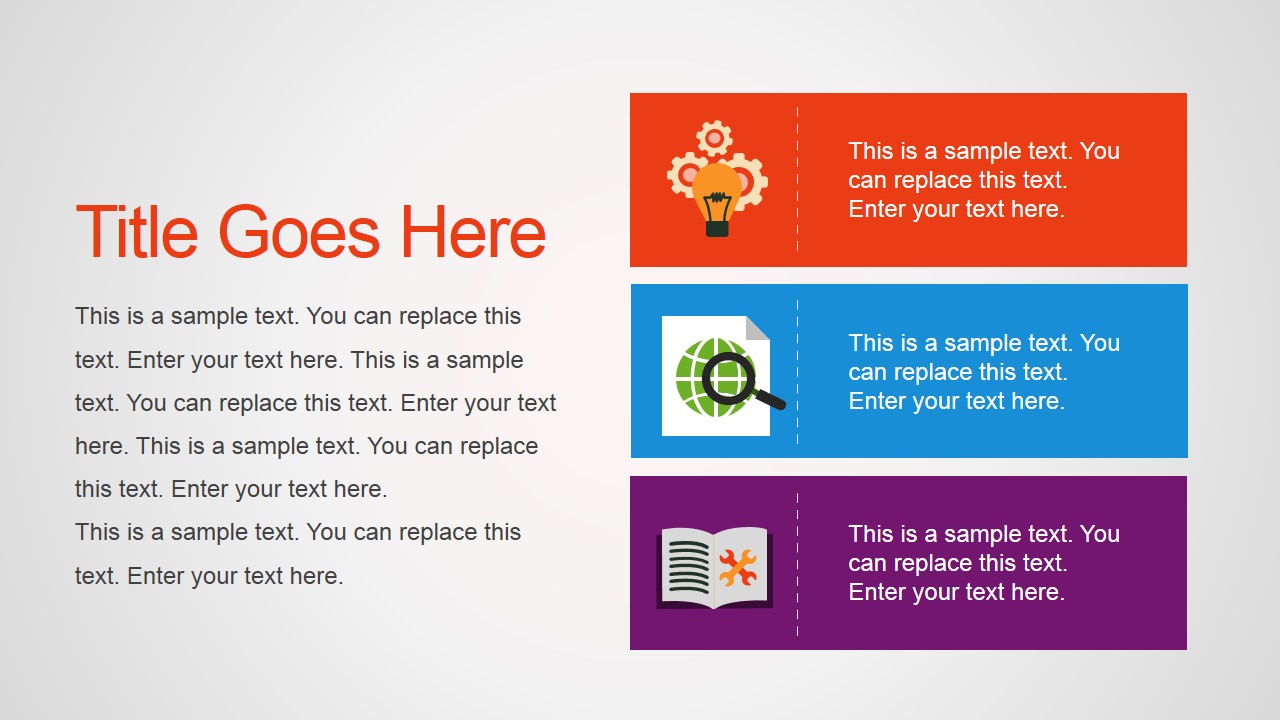
A: This template fits founders, accelerator teams, and business development presenters who need a visual overview of an early-stage company rather than a dense financial appendix. The meeting scene, brain hub, and hiring-style icon tiles help explain how the business is being organized, staffed, and managed before deep operating details are available.
Q: Why do the rocket, brain, and gear metaphors work for a startup story?
A: The metaphors turn abstract startup work into visible stages: the rocket signals launch, the brain suggests planning and control, and the gear diagram shows moving parts and proportional focus. These visuals reduce explanation time because the audience can read the role of each slide before reviewing the text.






Startup PowerPoint Template
10-slide startup presentation template with teamwork cycle, idea map, and expansion visuals
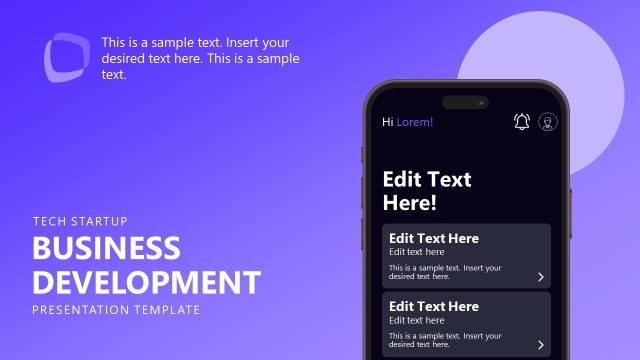
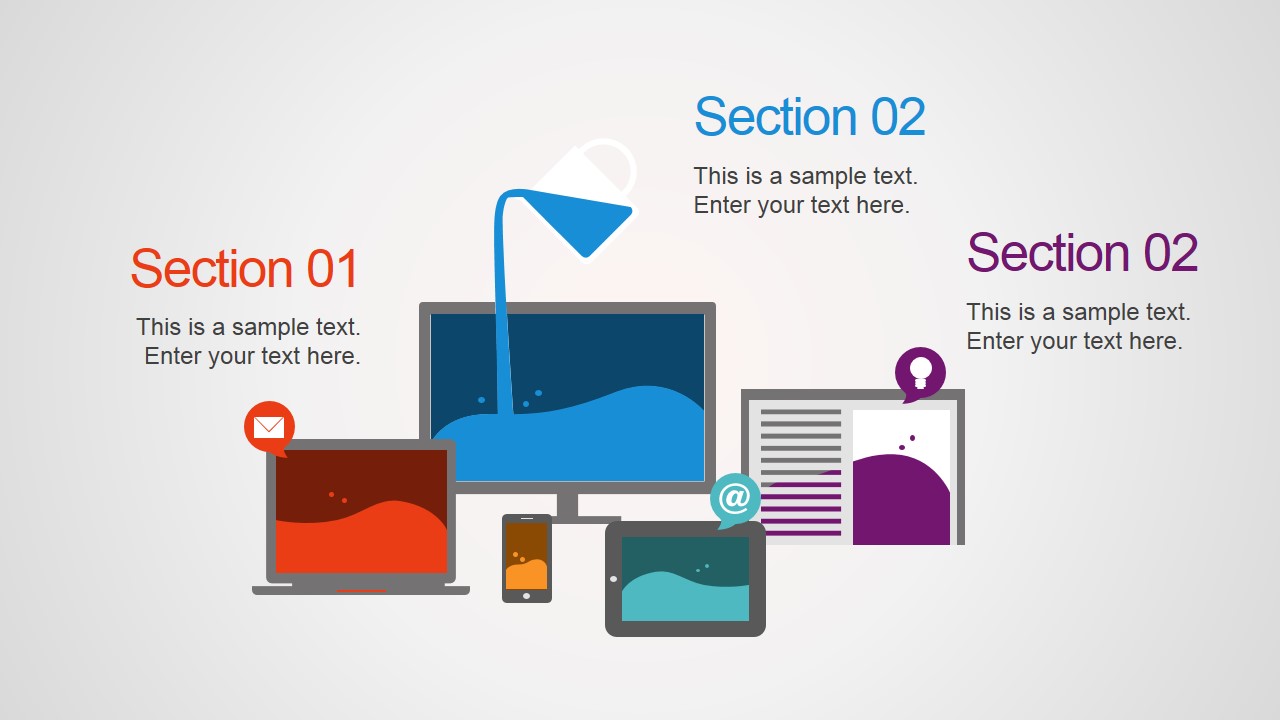
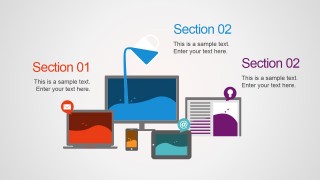
The Startup PowerPoint Template is a 10-slide business startup deck for Microsoft PowerPoint and Google Slides. It uses a rocket cover, teamwork cycle, idea lightbulb callouts, world map, brain hub, meeting scene, gear percentage diagram, and device illustration to present startup planning, team building, expansion, and growth topics.
- Category
- Template Backgrounds
- Rating


 Loading...
- Aspect ratio
- 16:9
- Item ID
- 4151-01
- Colors
 Microsoft PowerPoint
  Microsoft Copilot
  Claude for PowerPoint
 Other formats supported
Subscribe today and get immediate
access to download our PowerPoint templates.