Slide 3 of 10 from Soft Squares PowerPoint Template
Who We Are Overview – Soft Squares Presentation Template
Company Overview Slide for Presentations
- Text Layout
- Other
- Company Overview Slide
- 16:9
- 100% Editable
The Company Overview Layout from the Soft Squares PowerPoint Template offers a professional structure for corporate presentations, combining editable slides with a clean design. Featuring a large image area alongside vertically arranged text placeholders, this layout supports clear communication of mission statements, team introductions, and company background. Its use of vector icons and green accents enhances visual appeal, making it suitable for business presentation slide decks and pitch deck templates.
What’s on This Slide
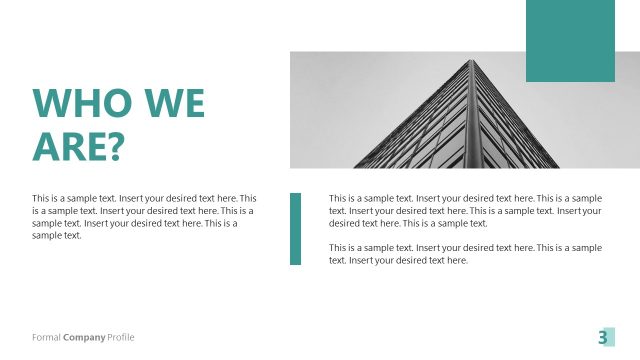
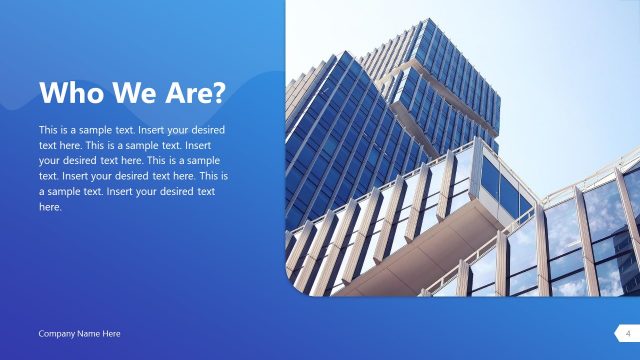
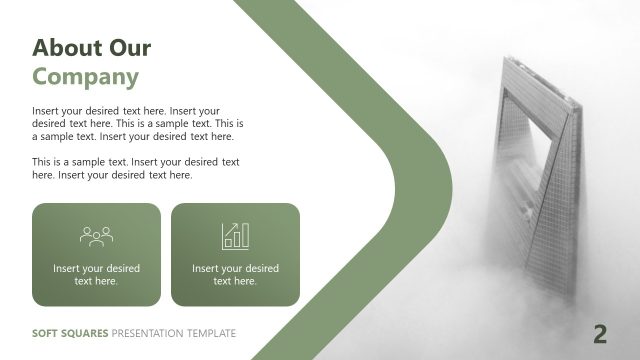
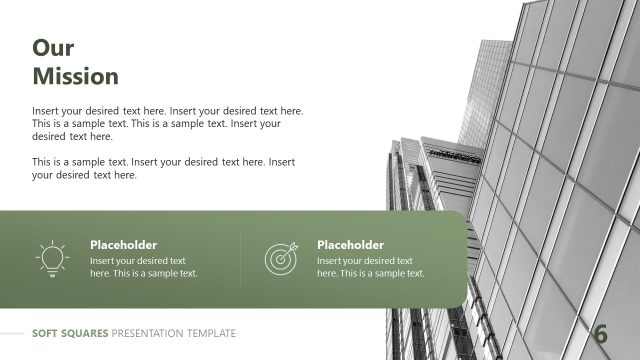
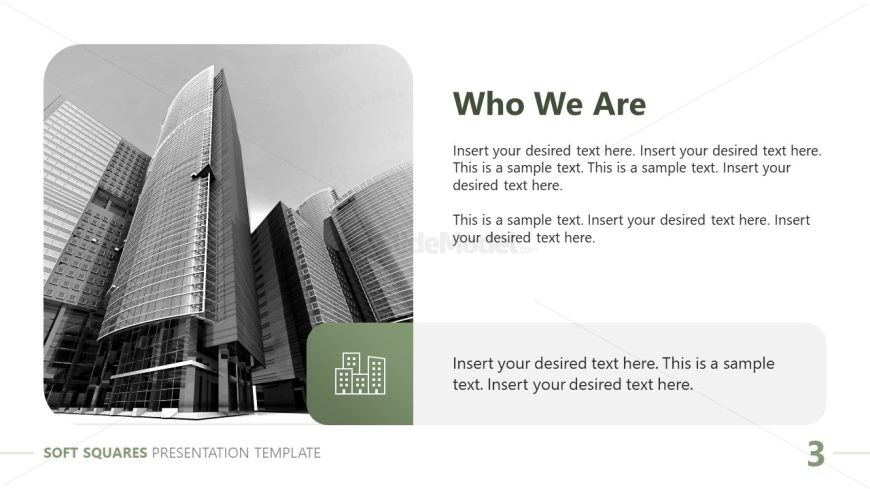
The layout features a large image on the left side, showcasing a modern building. To the right, there are multiple text placeholders arranged vertically. The top placeholder is for the title, while the subsequent placeholders are for body text, providing space for detailed descriptions. Below these, there is a green container with an icon representing buildings, which also contains a text placeholder. The overall color scheme includes a white background with green accents, creating a clean and professional appearance.
How to Use It
This layout serves as an overview of a company, suitable for introductory slides in a business presentation. It fits well after a title slide and before detailed sections, providing context about the organization. This structure is commonly used in corporate settings to present mission statements, company history, or team introductions, making it ideal for business proposals or investor meetings.
Text Placeholders & Capacity
Keep your copy within these limits so it fits without resizing. Body slots can hold roughly 20-30 words each.
| Placeholder | Count | Max characters (approx.) |
|---|---|---|
| Slide title | 1 | 30 |
| Body paragraph | 3 | 150 |
| Item body | 1 | 100 |
Slide Keywords
Download unlimited PowerPoint templates, charts and graphics for your presentations with our annual plan.
DOWNLOADReturn to Soft Squares PowerPoint Template.