Slide 4 of 6 from SMART Goals Slide Template Infographic for PowerPoint
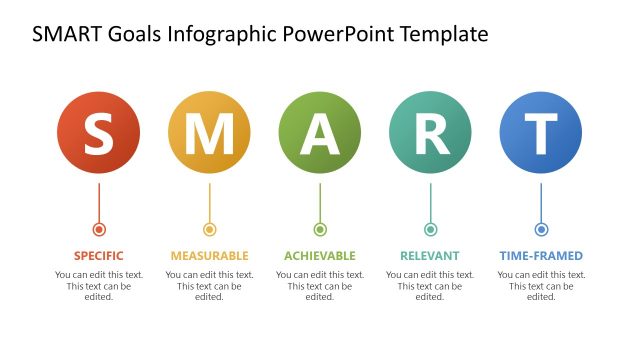
SMART Goals Template Slide with Circular Shapes
SMART Goals Infographic for PowerPoint
- Diagram
- Other
- Strategic Analysis Slide
- 16:9
- 100% Editable
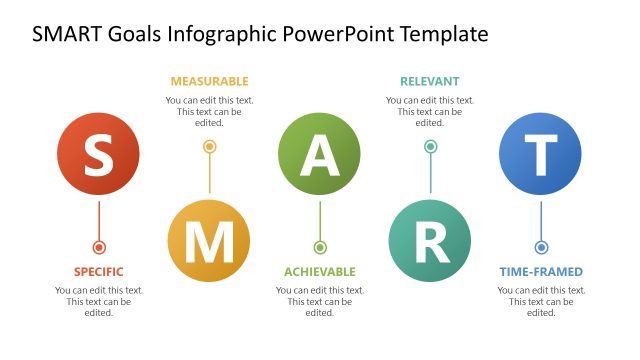
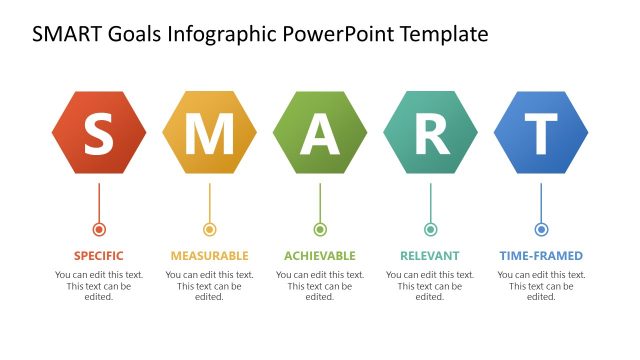
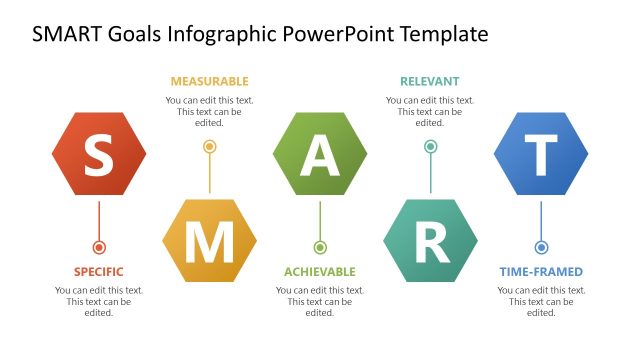
The SMART Goals Infographic slide from the SMART Goals Slide Template Infographic for PowerPoint offers a clear visual layout for goal-setting presentations. This slide features editable shapes arranged horizontally to represent each SMART criterion, supporting strategic planning and team alignment. It integrates well within business presentation slide decks, providing a structured approach to defining Specific, Measurable, Achievable, Relevant, and Time-bound objectives using professional slide templates.
What’s on This Slide
The layout features five circular nodes arranged horizontally, each representing a letter from the acronym SMART. The nodes are colored red, orange, green, blue, and teal, with the letters S, M, A, R, and T displayed prominently in white. Below each letter, there are text placeholders aligned centrally for editing, with a consistent font size. The background is white, enhancing the visibility of the colored nodes. The overall composition is balanced, with equal spacing between the nodes, creating a cohesive visual flow.
How to Use It
This layout serves as a visual representation of the SMART goals framework, ideal for presentations focused on goal-setting strategies. It fits well in a sequence that introduces concepts or frameworks, particularly after a problem statement slide. This structure is useful in business contexts where teams need to clarify objectives, ensuring that each goal is Specific, Measurable, Achievable, Relevant, and Time-framed. It can be used in workshops, strategic planning sessions, or team meetings.
Text Placeholders & Capacity
Keep your copy within these limits so it fits without resizing. Node body slots can accommodate roughly 10 words each.
| Placeholder | Count | Max characters (approx.) |
|---|---|---|
| Item heading | 5 | 20 |
| Item body | 5 | 50 |
Slide Keywords
Download unlimited PowerPoint templates, charts and graphics for your presentations with our annual plan.
DOWNLOADReturn to SMART Goals Slide Template Infographic for PowerPoint.