Slide 3 of 6 from SMART Goals Slide Template Infographic for PowerPoint
Slide with Hexagon Shapes – SMART Goals Infographic Template
SMART Goals Infographic for Presentations
- Diagram
- Other
- Strategic Analysis Slide
- 16:9
- 100% Editable
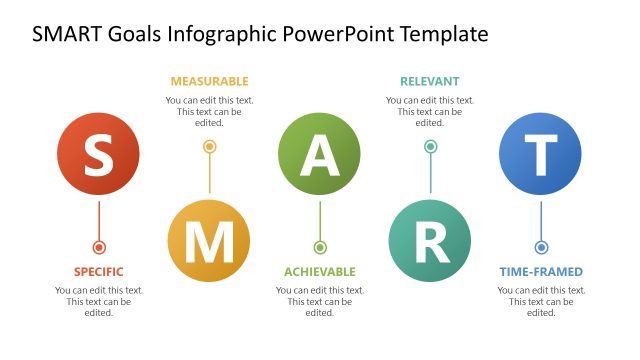
The SMART Goals Infographic slide from the SMART Goals Slide Template Infographic for PowerPoint provides a clear visual layout to support strategic planning and goal-setting presentations. Featuring editable shapes arranged in a structured sequence, this slide enhances business presentations and pitch decks by illustrating the Specific, Measurable, Achievable, Relevant, and Time-Framed criteria effectively. Its clean design and use of vector icons make it suitable for corporate presentations and team objective discussions.
What’s on This Slide
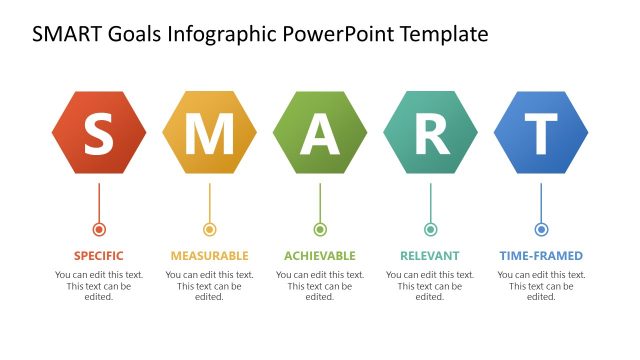
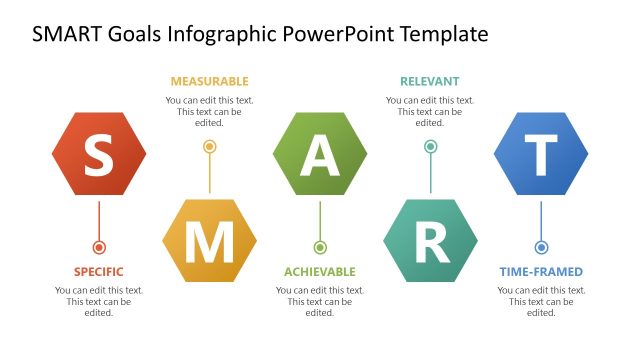
The slide features five hexagonal shapes arranged in a horizontal line, each representing a component of SMART goals: Specific, Measurable, Achievable, Relevant, and Time-Framed. Each hexagon is colored differently, with red, orange, yellow, green, and blue hues. Below each hexagon, there are text placeholders aligned centrally, indicating that editable text can be inserted. The overall layout is clean, with a title above, and the hexagons are evenly spaced, contributing to a structured visual hierarchy. The background is white, enhancing clarity.
How to Use It
This layout serves as a visual representation of the SMART goals framework, making it suitable for presentations focused on goal-setting and strategic planning. It fits well after problem identification slides, providing a clear transition to discussing objectives. This structure is effective for business meetings, team workshops, and educational settings where goal clarity is essential. It can be used to summarize key points or to introduce discussions on specific goals within a project or organization.
Text Placeholders & Capacity
Keep your copy within these limits so it fits without resizing. Node labels can hold up to 15 characters each.
| Placeholder | Count | Max characters (approx.) |
|---|---|---|
| Slide title | 1 | 30 |
| Item heading | 5 | 15 |
| Item body | 5 | 40 |
Slide Keywords
Download unlimited PowerPoint templates, charts and graphics for your presentations with our annual plan.
DOWNLOADReturn to SMART Goals Slide Template Infographic for PowerPoint.