Slide 6 of 6 from SMART Goals Slide Template Infographic for PowerPoint
Customizable SMART Goals Infographic Template
SMART Goals Framework Infographic Slide
- Diagram
- Matrix Quadrant
- Concept Explanation Slide
- 16:9
- 100% Editable
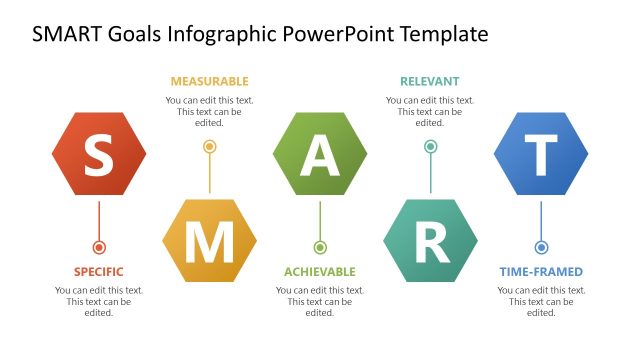
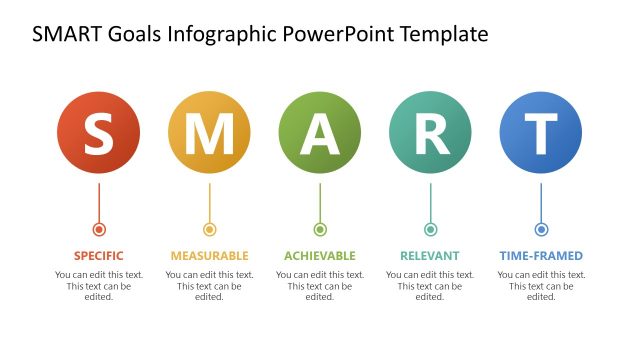
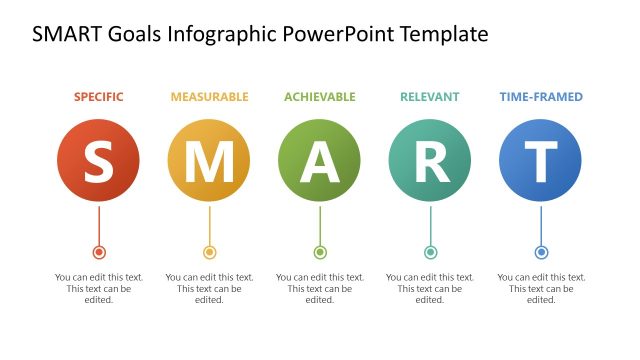
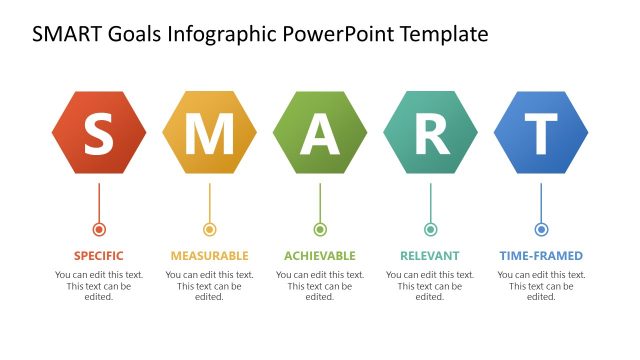
The SMART Goals Framework slide from the SMART Goals Slide Template Infographic for PowerPoint visually explains the key components of goal-setting using editable shapes and vector icons. This diagram layout is suitable for business presentations and project planning sessions, offering clear, color-coded nodes that enhance understanding in corporate presentations or team strategy meetings.
What’s on This Slide
The layout features four circular nodes arranged horizontally, each representing a component of SMART goals: Specific, Measurable, Achievable, Relevant, and Time-Framed. Each node contains an icon and a text placeholder below, aligned centrally. The nodes are color-coded with distinct hues: red, orange, green, and blue. The title is positioned at the top, left-aligned, with a larger font size. The overall composition emphasizes clarity and visual hierarchy, grouping the nodes closely while maintaining separation through color and spacing. Background is white, enhancing visibility.
How to Use It
This layout serves as a visual representation of the SMART goals framework, ideal for presentations on goal-setting strategies. It fits well after introductory content on objectives, providing a clear summary of each component. This slide is useful in business contexts, such as team goal-setting sessions, project planning meetings, or performance evaluations. It can also be employed in educational settings to teach students about effective goal formulation.
Text Placeholders & Capacity
Keep your copy within these limits so it fits without resizing. Node labels can accommodate roughly 2-3 words each.
| Placeholder | Count | Max characters (approx.) |
|---|---|---|
| Slide title | 1 | 30 |
| Item heading | 4 | 15 |
| Item body | 4 | 50 |
Slide Keywords
Download unlimited PowerPoint templates, charts and graphics for your presentations with our annual plan.
DOWNLOADReturn to SMART Goals Slide Template Infographic for PowerPoint.