Download our Situation Complication Resolution Model PowerPoint Template to showcase the problem breakdown before the stakeholders and executives. The SCR model is a problem-solving method that helps break down complicated situations into easy-to-understand chunks. Professionals work and brainstorm individual parts, coming to a solution point. It is employed in many business or technical issues handling situations. It comprises three phases:
- Situation: In this step, the actual circumstances are discussed, like the troubles, implications due to a glitch, or anything that hampers the processes.
- Complication: This phase discusses the actual obstacle, hurdle on the way, or issues faced for any reason. Professionals dig into the cause and highlight the concerns.
- Resolution: As its name indicates, this step is about making a practical suggestion for the issue. It is the primary phase where all the complications are solved.
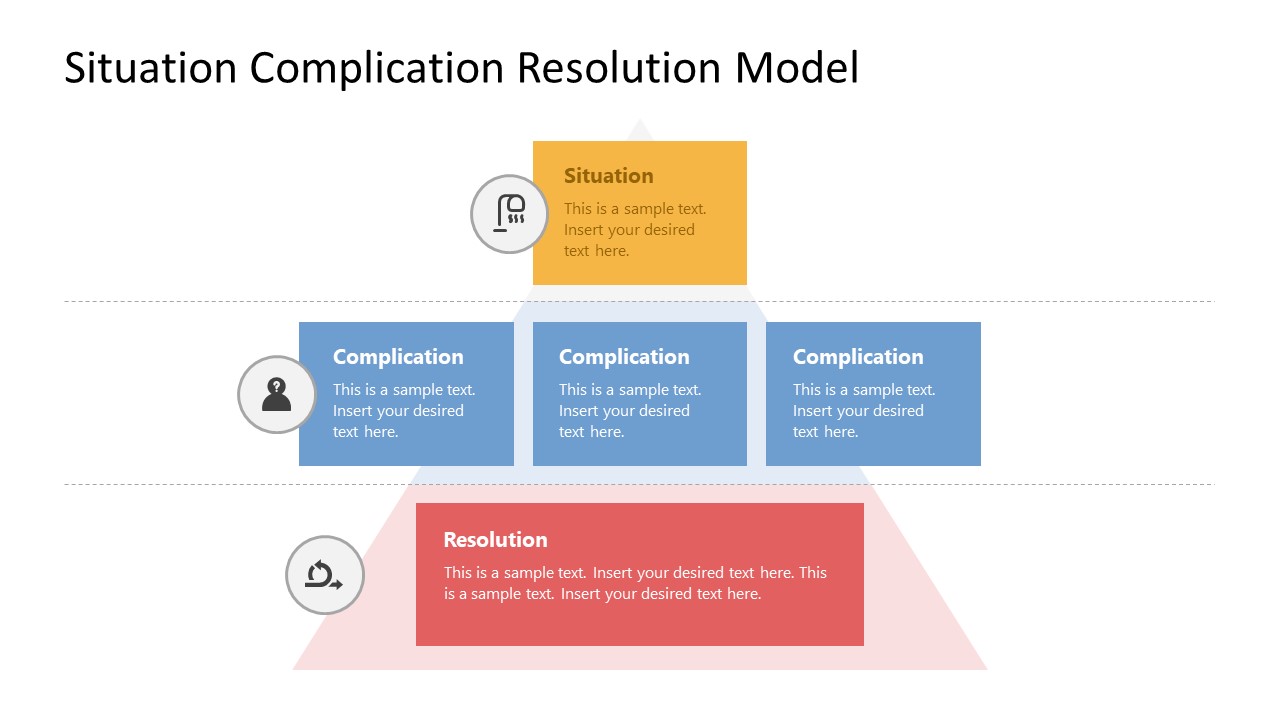
This Situation Complication Resolution Model PowerPoint Template provides a funnel diagram indicating these three phases of the template. The first slide is divided into three horizontal parts using dotted lines; each part carries colored square text boxes to add descriptions. The first segment has a single shape, the second one has three, and the other has a single longer shape. Infographic PowerPoint icons are also added with these shapes to indicate the concept. A pyramid shape is added with a light color in the background of these parts representing the schematic flow of steps.
The following slide of this PPT template has a similar layout, but it mentions separate titles for each level. Users can conveniently change the colors of the shapes and background pyramid impression. Likewise, the icons can be replaced according to the use case. So, download and try this presentation template for your problem-solving and decision-making presentations. It is also ideal for consultants and business managers. You can also check our Situation Complication Resolution PowerPoint template, another alternative to this best PPT template. Try them now!
What’s inside this template
Example presentation scenarios
- A consultant can use the SCR funnel diagram to frame a client issue, separate the current situation from the main complications, and close with a recommended resolution.
- A project manager can brief sponsors on a delivery challenge by placing facts in the Situation box, risks in the three Complication boxes, and the proposed action in the Resolution box.
- An operations leader can guide a process-improvement discussion by using the side-label version to keep the audience oriented across the Situation, Complication, and Resolution levels.
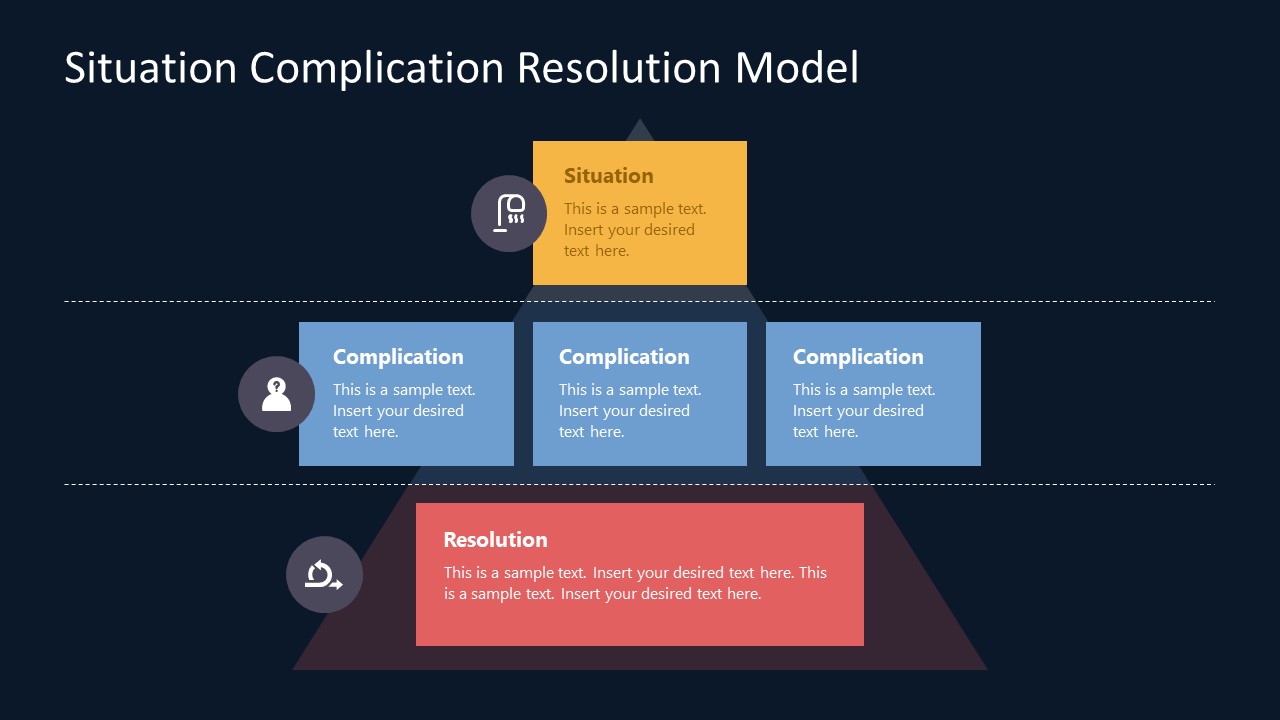
- An executive presenter can use the dark-background version for a decision meeting where the goal is to focus attention on the problem breakdown and final recommendation.
Features
- 100% editable presentation template
- Compatible with Microsoft PowerPoint and Google Slides
- 16:9 aspect ratio slides
- Scalable vector shapes, icons and illustrations
- AI-Ready for Microsoft Copilot and Claude
- Instant access and download
Frequently asked questions
Q: How should a presenter use the SCR structure without oversimplifying a complex issue?
A: Use the top Situation box for shared facts, not opinions. Put only the most decision-relevant blockers in the three Complication boxes, then write the Resolution as a clear action or recommendation. This keeps the diagram from becoming a generic list and helps the audience see how the conclusion follows from the issue.
Q: Who is this template best suited for in a business presentation?
A: This template fits consultants, managers, and project leads who need to brief stakeholders on a defined problem and move toward a decision. The funnel diagram is useful when the presenter must summarize context, expose the obstacle, and show a practical response without using a long report-style slide.
Q: Why does the funnel and pyramid-style background help the SCR message?
A: The wide base behind the Resolution area gives the final recommendation visual weight, while the stacked levels create a simple top-to-bottom reading path. The layout treats Situation, Complication, and Resolution as connected layers, which makes the audience follow the logic instead of reading disconnected text boxes.



Situation Complication Resolution Model PowerPoint Template
4-slide presentation template for SCR problem solving with funnel diagrams and phase labels
This 4-slide SCR problem-solving diagram template structures a business issue into Situation, Complication, and Resolution levels. It includes light and dark variants of a horizontal funnel diagram, three-band phase model, side-label version, and icon-supported text boxes for consultants, managers, and project teams using PowerPoint or Google Slides.
- Category
- Business PowerPoint Templates
- Rating

 Loading...
- Aspect ratio
- 16:9
- Item ID
- 21915-01
- Colors
 Microsoft PowerPoint
 Microsoft Copilot
 Claude for PowerPoint
Other formats supported
Subscribe today and get immediate
access to download our PowerPoint templates.