Simple Force Field Analysis PowerPoint Template is a presentation template for making Lewin’s Force Field Analysis in PowerPoint.
The template lays out various editable comparison slides to help you compare the driving and restraining forces to develop an action plan for implementing change.
The template has a minimalist design which makes it possible to present your analysis using a simple layout which ensures that your slides do not appear crowded.
What’s inside this template
Example presentation scenarios
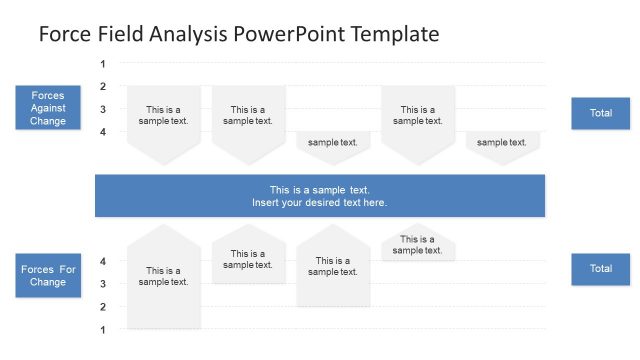
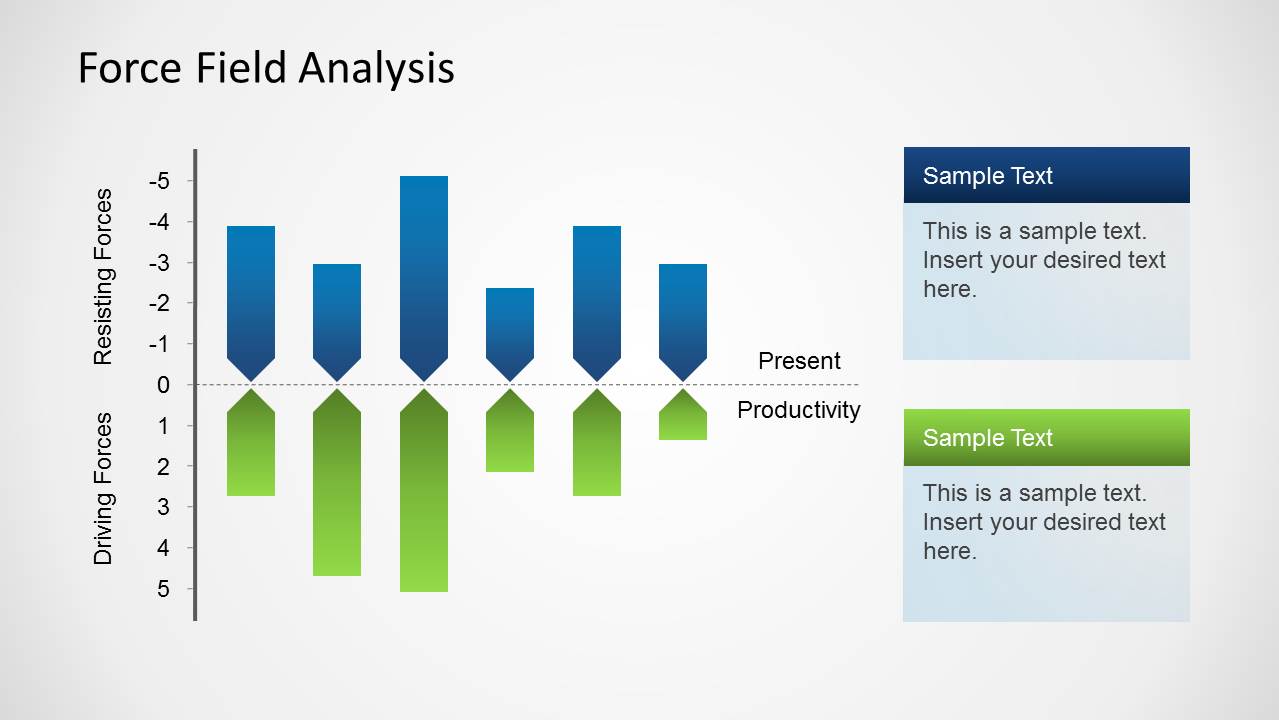
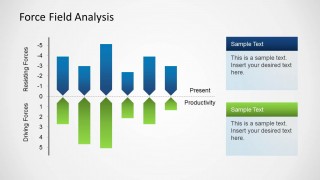
- A change manager can use the vertical force scale to show executives which resisting forces may reduce present productivity during a transformation.
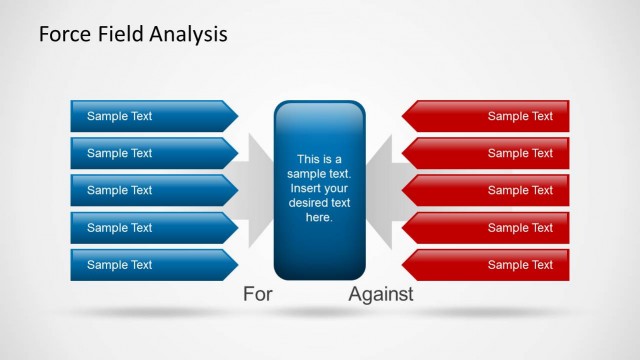
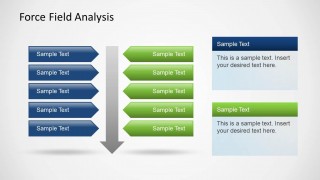
- An organizational development consultant can use the opposing arrow matrix to guide a workshop where stakeholders list drivers and barriers side by side.
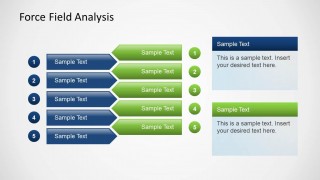
- A project manager can use the numbered comparison rows to rank implementation blockers against supporting factors during a planning review.
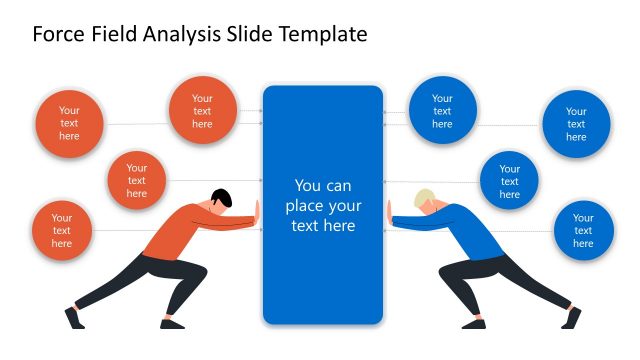
- A leadership facilitator can use the two callout panels on each slide to summarize the action plan after discussing the force field diagram.
Features
- 100% editable presentation template
- Compatible with Microsoft PowerPoint and Google Slides
- Scalable vector shapes, icons and illustrations
- AI-Ready for Microsoft Copilot and Claude
- Instant access and download
Frequently asked questions
Q: How should a presenter explain the analysis without making the slide feel like a checklist?
A: Start with the proposed change, then frame the blue items as forces slowing movement and the green items as forces supporting it. Use the text panels to state the decision implication, not to repeat every arrow label. This keeps the discussion focused on what must be reduced, strengthened, or addressed next.
Q: Who is this template best suited for in a change management meeting?
A: It fits presenters who need a simple decision conversation rather than a long change methodology deck. Change managers, consultants, project leads, and HR teams can use the force field diagrams to align stakeholders on resistance, supporting factors, and practical actions before committing to a change plan.
Q: Why do the opposing arrows help communicate Lewin's force field analysis?
A: The arrows turn the force field metaphor into a visual balance between movement and resistance. Blue downward or left-side forces create friction, while green upward or right-side forces show support. That contrast helps the audience see tension quickly and discuss whether the change has enough support to proceed.


Simple Force Field Analysis PowerPoint Template
3-slide presentation template for Lewin force field analysis, driving forces, and resistance mapping
The Simple Force Field Analysis PowerPoint Template is a 3-slide PowerPoint template for Lewin-style change analysis. It includes a vertical force scale, an opposing arrow matrix, and numbered comparison rows for driving and restraining forces. It is intended for change managers, consultants, and organizational development presenters.
- Category
- Business PowerPoint Templates
- Rating


 Loading...
- Item ID
- 6302-02
- Colors
 Microsoft PowerPoint
  Microsoft Copilot
  Claude for PowerPoint
 Other formats supported
Subscribe today and get immediate
access to download our PowerPoint templates.