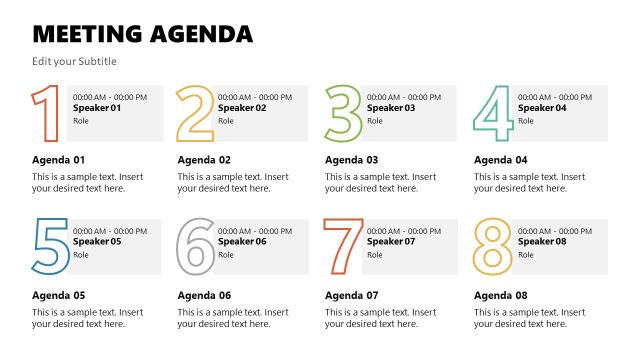
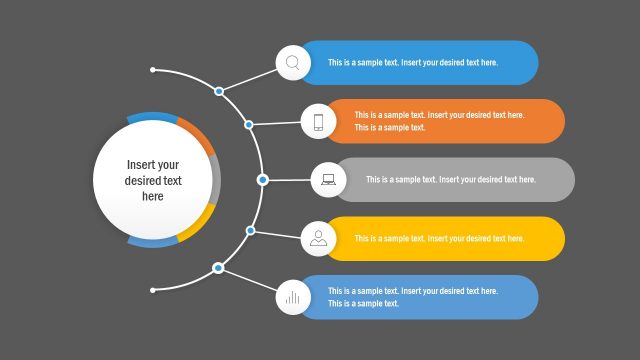
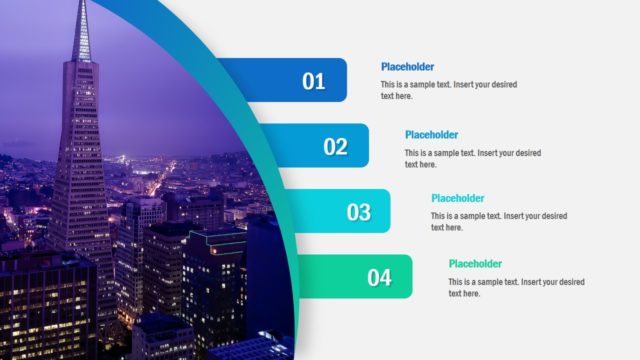
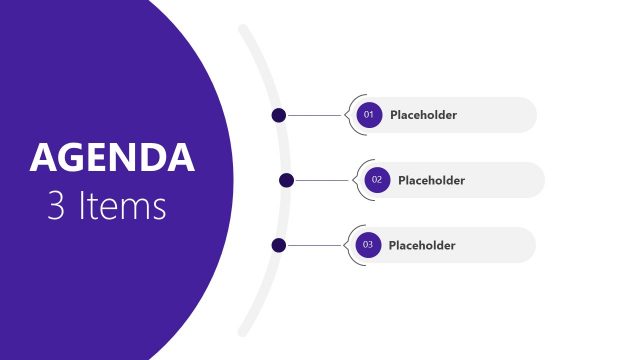
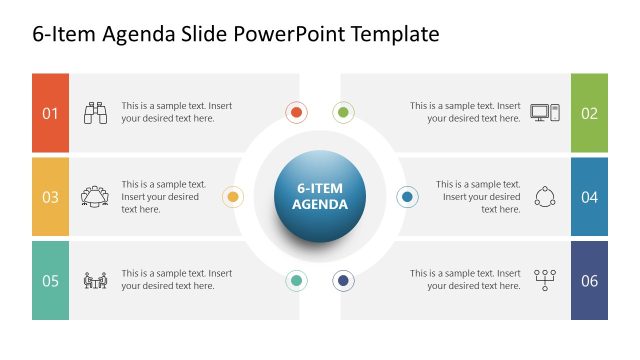
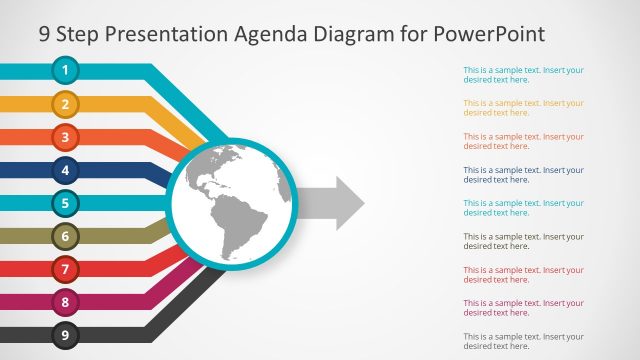
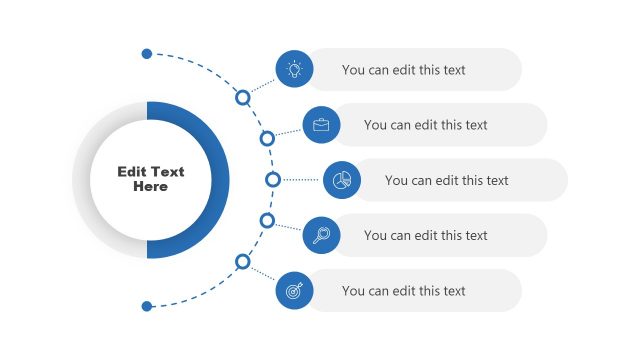
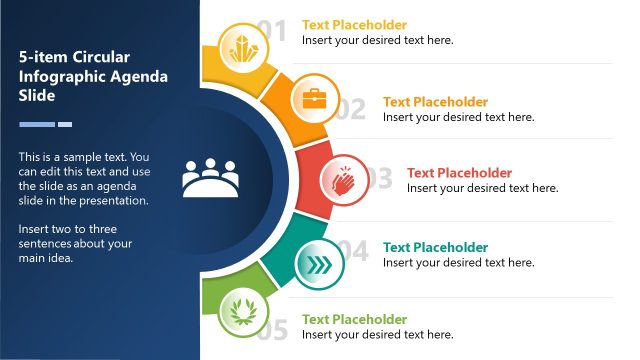
Simple Agenda Slides For PowerPoint is an integral part of any presentation. This simple agenda slide template will help you to highlight key points in your presentation and the main chapters so you don’t miss out anything important. Use these PowerPoint templates to set the tone for your business meeting. The slides are uncomplicated and easy to use. All PowerPoint elements are editable. This beautiful slide has a blue background with text boxes in yellow and white giving it a smart look for your business presentation and ensure that you do not omit even the minutest of details. List out all the items in a logical sequence with its 3-point, 4-point, and 6-point agenda items with summary boxes illustrated with images and a couple of text fields to highlight the elements under each heading.
Agenda slides for PowerPoint enable you to list out key factors on a large scale. You can be sure that with the PowerPoint Agenda slides, to assist you, nothing will ever be overlooked. We have different types of Agenda PowerPoint templates to match every business model you need. They are ideal for meetings, conferences, and such presentations. Your agenda will surely get a great projection. Be certain that all the points due for discussion have got due attention. Combined with other presentation layouts and diagrams in our content catalog, like the executive summary slides, business executives, professionals and individuals can prepare compelling presentations to captivate their audiences.
Be satisfied that all the pros and cons have correctly emerged. Feel that extra confidence that you have arrived at accurate conclusions. Expanding your business or organization may be the next goal. They enable you to bring out your findings systematically. Record your observations in a clear and concise manner. You are bound to leverage into a brilliant strategy. Get all set to forge ahead. Our editable Simple Agenda Slides for PowerPoint & Google Slides are designed to equip you appropriately. Grab it now!
What’s inside this template
Example presentation scenarios
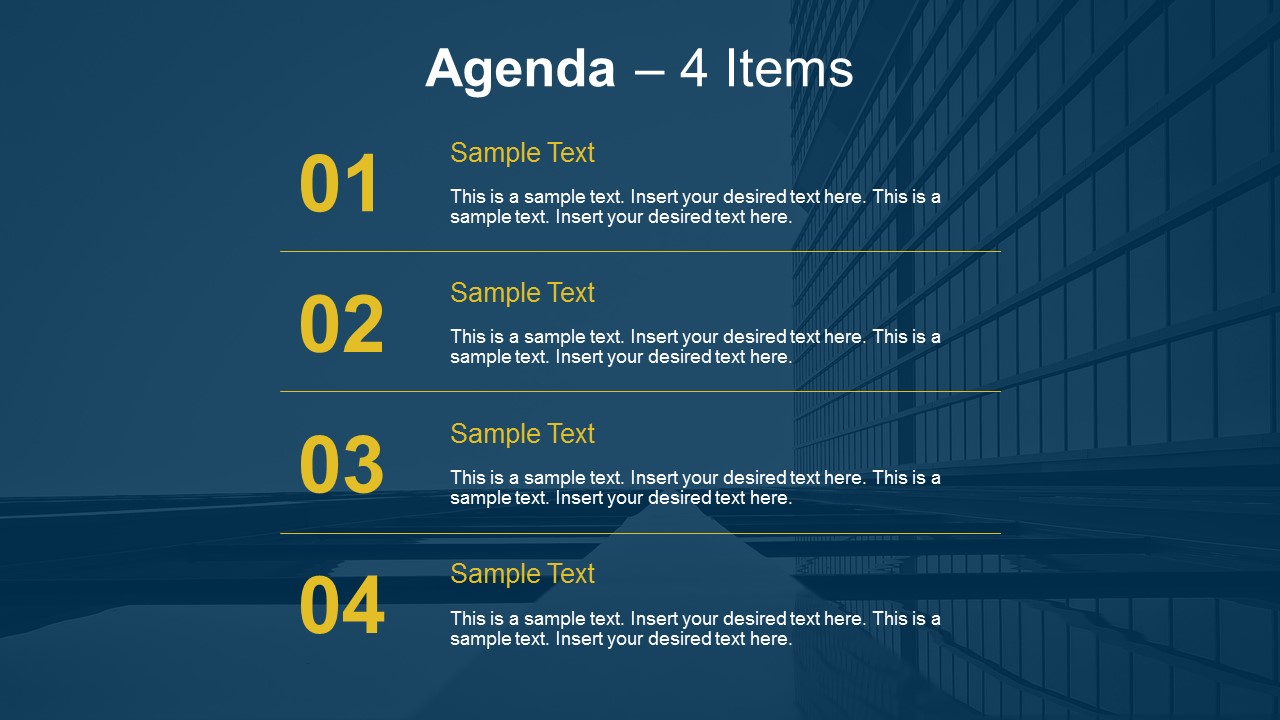
- A project manager can open a status meeting by using the 4-item agenda list to show discussion topics, decisions needed, risks, and next steps.
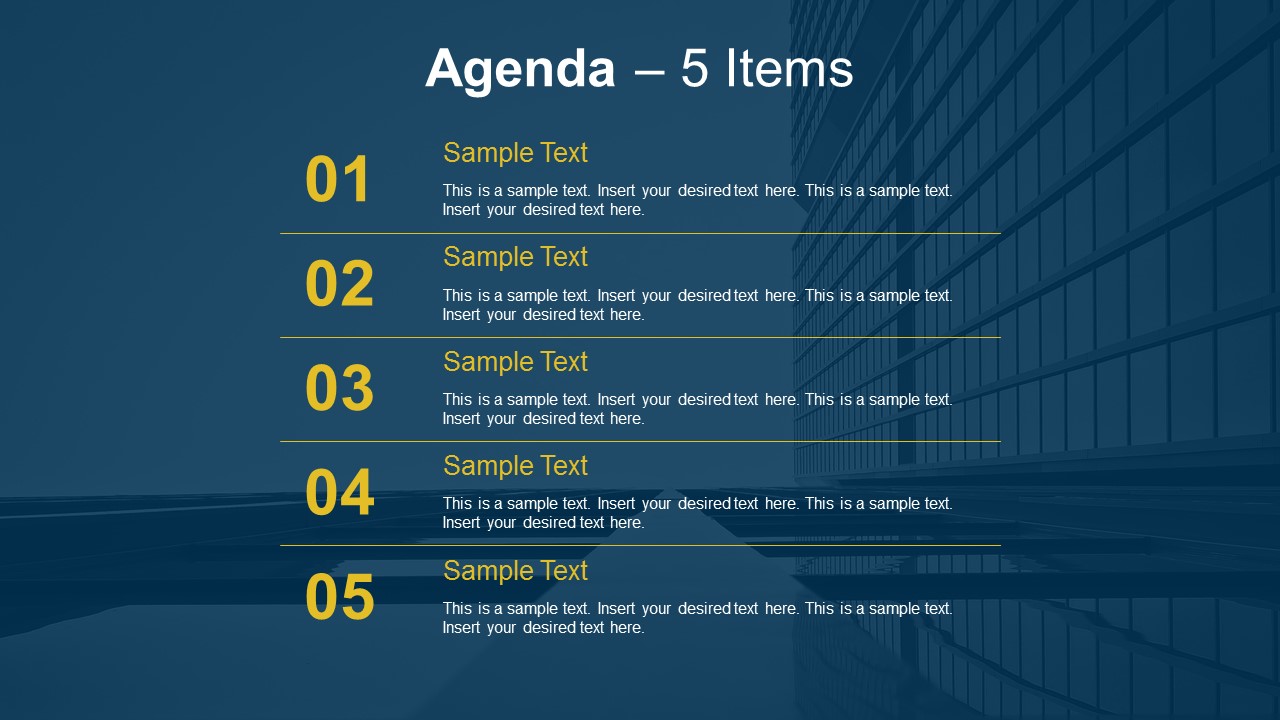
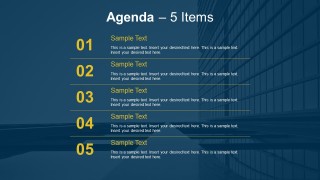
- A consultant can introduce a client workshop with the 5-item agenda slide so participants understand the sequence before collaborative exercises begin.
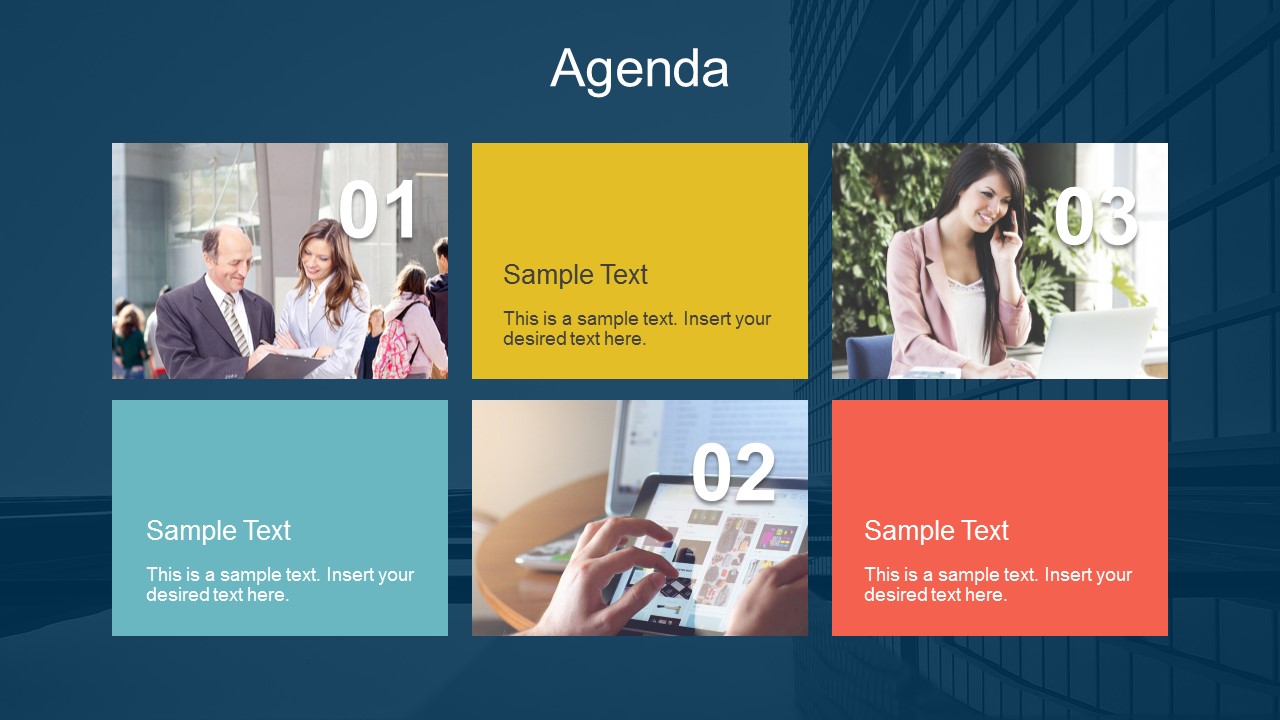
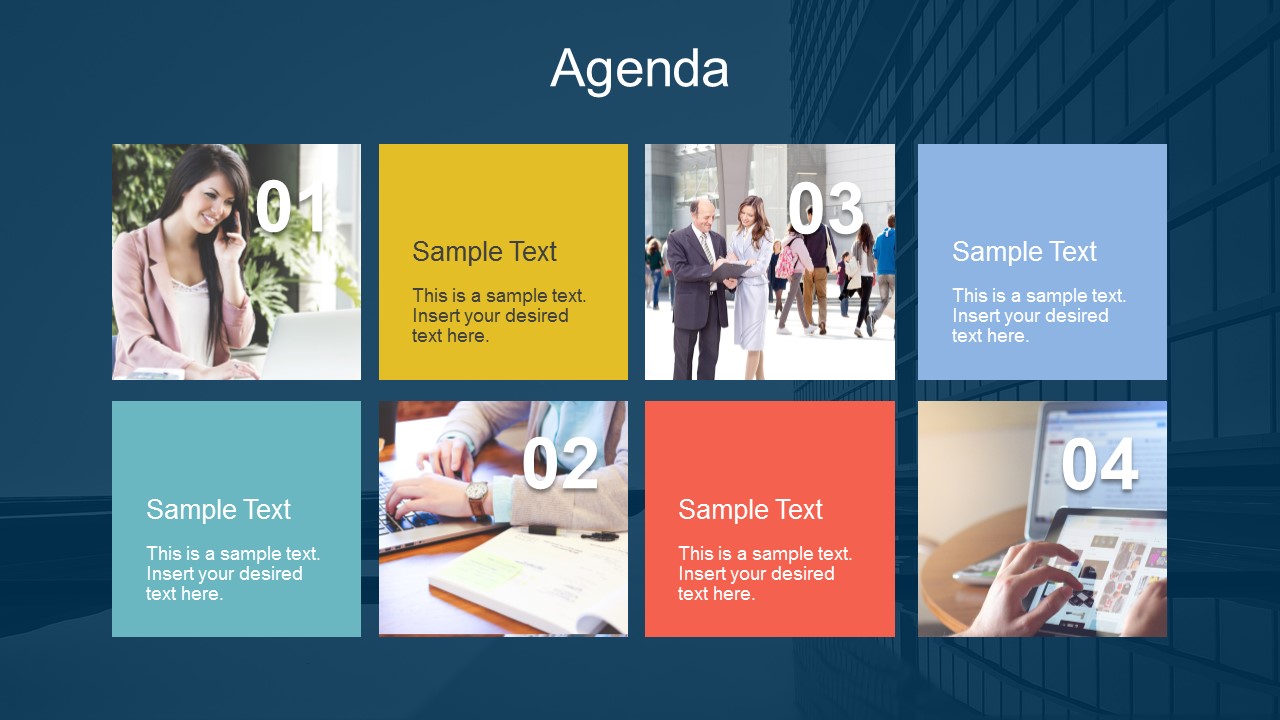
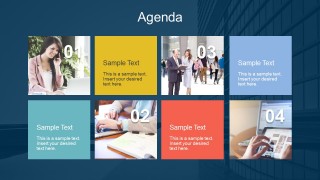
- A team lead can use the photo tile agenda layout to preview themed sections in a department update, pairing each topic with an image and short text block.
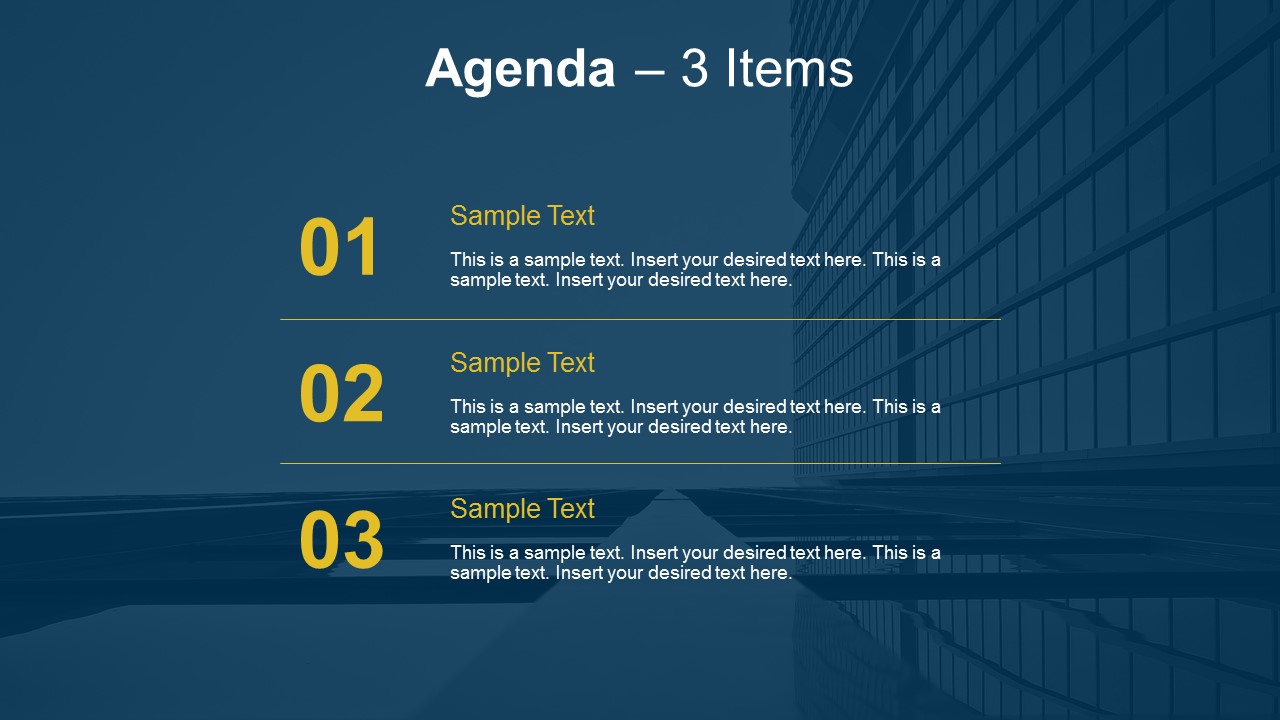
- A conference speaker can use the 3-item agenda slide to frame the session around a few main ideas before moving into detailed content.
Features
- 100% editable presentation template
- Compatible with Microsoft PowerPoint and Google Slides
- 16:9 aspect ratio slides
- Scalable vector shapes, icons and illustrations
- AI-Ready for Microsoft Copilot and Claude
- Instant access and download
Frequently asked questions
Q: How should a presenter use these agenda layouts without slowing down the meeting opening?
A: Use the agenda slide as a fast orientation tool, not as a reading slide. State the meeting goal first, then point to each numbered item and explain why it matters. The 3-item layout works well for short briefings, while the 5-item version fits longer workshops that need more explicit structure.
Q: What type of presenter benefits most from this agenda template?
A: This template fits presenters who need to organize discussion before detailed content begins, such as project managers, consultants, trainers, and team leads. It is best when the audience needs a clear topic order, expected flow, or meeting boundaries. The image tile slides are especially useful for workshops or sessions with distinct themes.
Q: Why do the numbered rows and tile grids improve agenda communication?
A: The large numbers create an immediate sequence, so the audience can track progress through the presentation. Row-based layouts support direct, linear agendas, while the tile grids add visual separation between topic clusters. The dark background keeps attention on the yellow numbers, colored blocks, and short agenda text.


Simple Agenda Slides For PowerPoint
6-slide presentation template with agenda lists and photo tile layouts for meetings
Simple Agenda Slides For PowerPoint is a 6-slide agenda presentation template for structuring meetings and business presentations. It includes 3-item, 4-item, and 5-item agenda lists, plus image-based tile agenda layouts with numbered items. Built for Microsoft PowerPoint and Google Slides, it helps presenters preview topics and sequence discussion points.
- Category
- Business PowerPoint Templates
- Rating


 Loading...
- Aspect ratio
- 16:9
- Item ID
- 7223
- Colors
 Microsoft PowerPoint
  Microsoft Copilot
  Claude for PowerPoint
 Other formats supported
Subscribe today and get immediate
access to download our PowerPoint templates.