Simple Biochemistry Slide Designs for PowerPoint is a science themed template which can be used to cover complex topics like biological chemistry, living organisms, chemical processes, etc.
This Biochemistry PowerPoint Template is highly customizable and comes with different editable slides which can be used with little modification to quickly adjust them according to your presentation topic. Alternatively, you can comprehensively move slide objects and change their overall color, shapes, etc.
This template is compatible with the most recent versions of Microsoft PowerPoint, including PowerPoint 2010 and PowerPoint 2013.
What’s inside this template
Example presentation scenarios
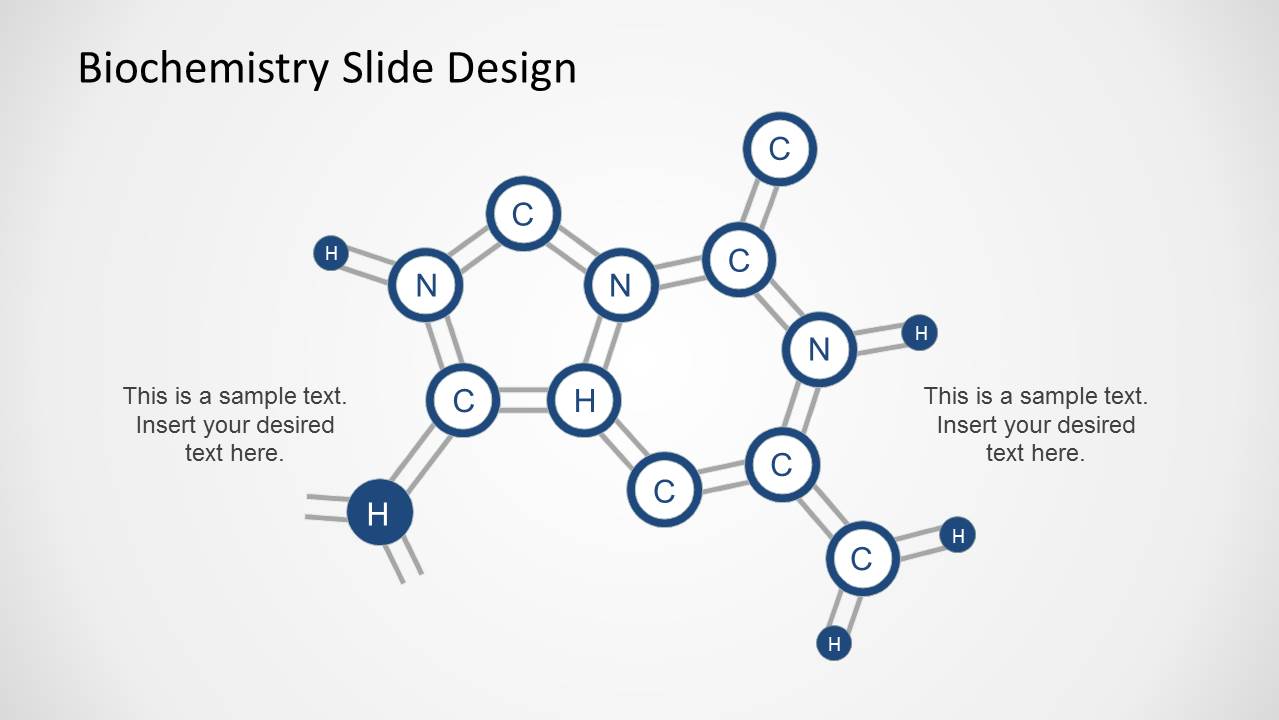
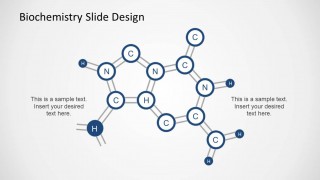
- A biochemistry instructor can use the central molecule with side callouts to introduce a compound and explain two important structural features during a classroom lecture.
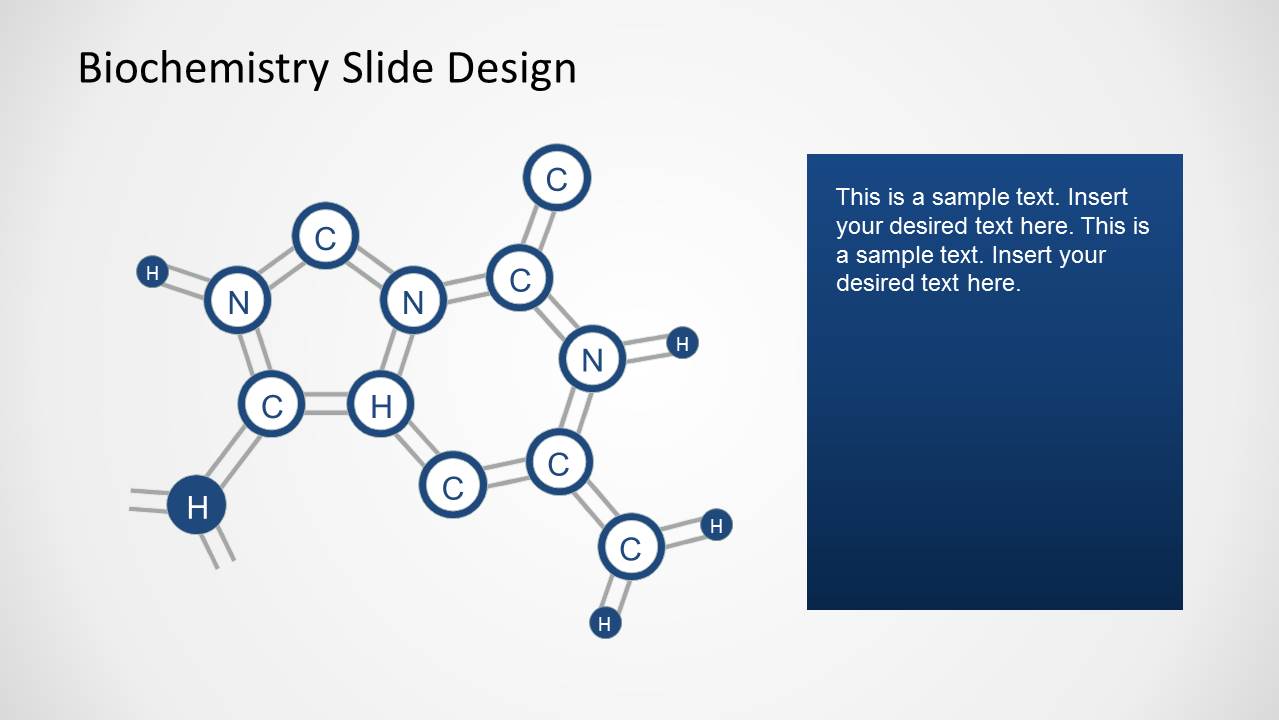
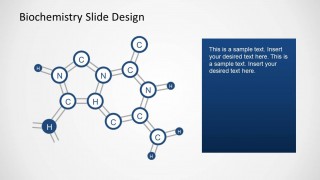
- A researcher can use the molecule plus dark text panel layout to summarize a chemical process, reaction context, or observed behavior for a lab meeting.
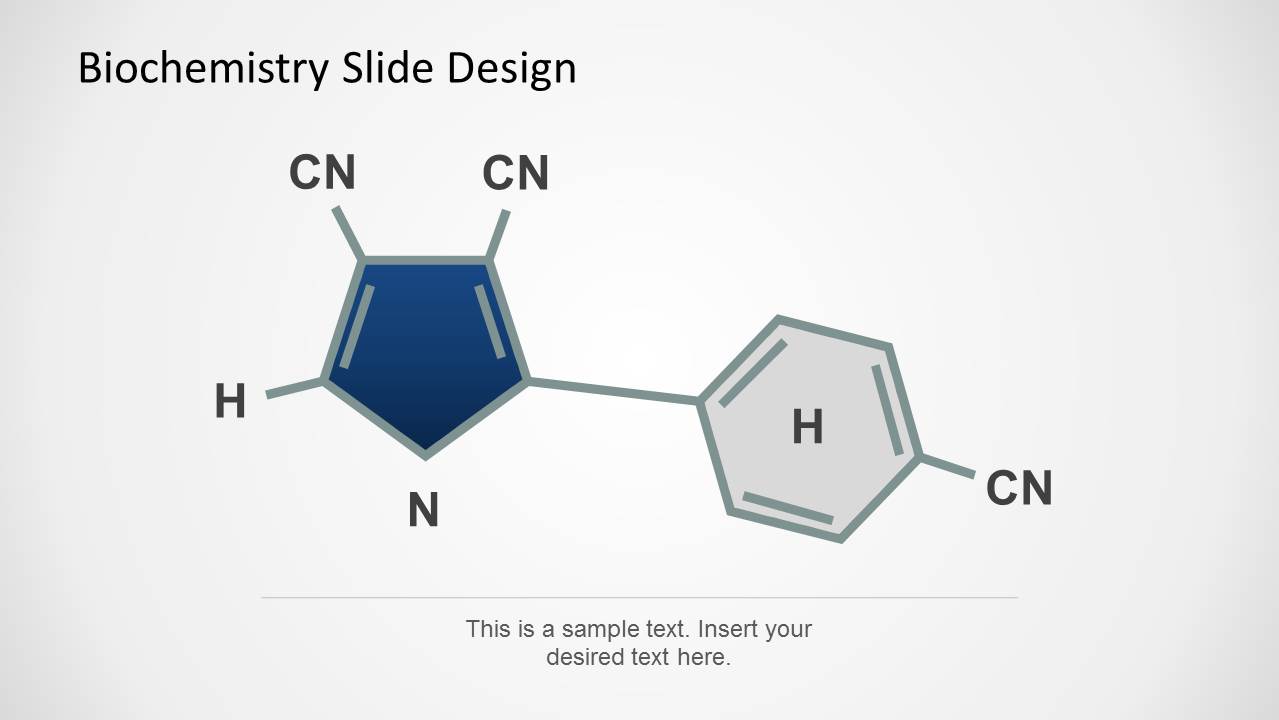
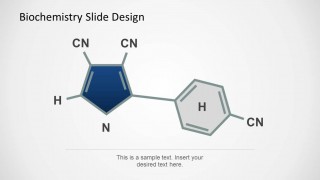
- A graduate student can use the captioned chemical ring diagram to support a thesis defense section that needs a clear visual reference and a concise explanatory note.
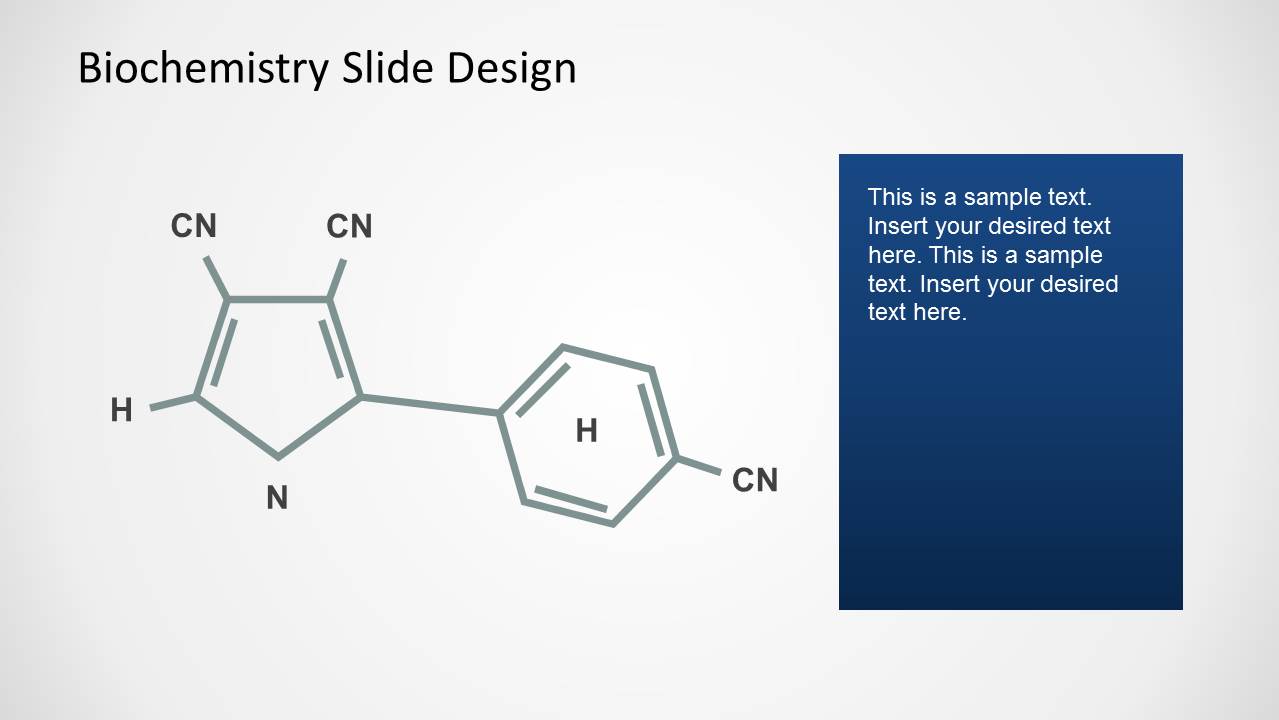
- A medical science presenter can use the paired molecular structure and notes layout to explain a biomarker, metabolite, or compound family to a mixed technical audience.
Features
- 100% editable presentation template
- Compatible with Microsoft PowerPoint and Google Slides
- Scalable vector shapes, icons and illustrations
- AI-Ready for Microsoft Copilot and Claude
- Instant access and download
Frequently asked questions
Q: How should a presenter explain a complex molecule without overwhelming the audience?
A: Start with the clean molecular illustration, then add only the labels and notes that matter for the point being made. Slide 1 works well for two short callouts, while Slides 2 and 4 give more room for context. Keep the chemical structure visible while the text explains function, relationship, or significance.
Q: Who is this template best suited for in a science presentation?
A: It fits presenters who need to introduce or explain molecular structures in a concise way, such as biochemistry instructors, researchers, lab teams, and students. The deck is strongest for concept explanation, lecture support, and research discussion where the molecule is the main visual evidence rather than a background decoration.
Q: Why do the molecule and text-panel layouts improve communication?
A: The design separates visual structure from explanation, which helps the audience process the diagram before reading details. The dark blue panels on Slides 2 and 4 create a clear reading zone, while the white space around the molecular drawings keeps attention on bonds, atom labels, and the main scientific relationship.

Simple Biochemistry Slide Designs for PowerPoint
4-slide PowerPoint presentation template with editable molecular diagrams and biochemistry text callouts
Simple Biochemistry Slide Designs for PowerPoint is a 4-slide science diagram template for presenting chemical structures and biological chemistry topics. It includes a central molecular network with side callouts, molecule-plus-text-panel layouts, and a captioned chemical ring diagram. The deck is intended for educators, researchers, and science presenters working in PowerPoint.


 Loading...
 Microsoft PowerPoint
  Microsoft Copilot
  Claude for PowerPoint
 Other formats supported
Subscribe today and get immediate
access to download our PowerPoint templates.