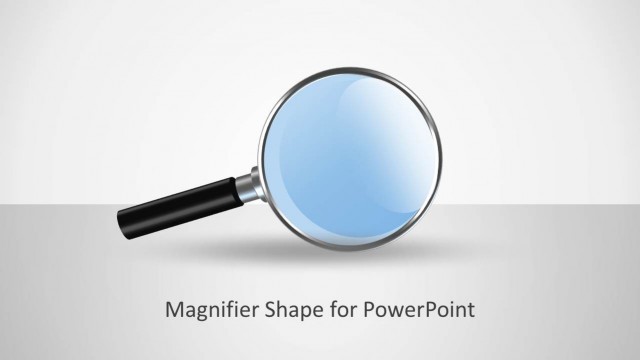
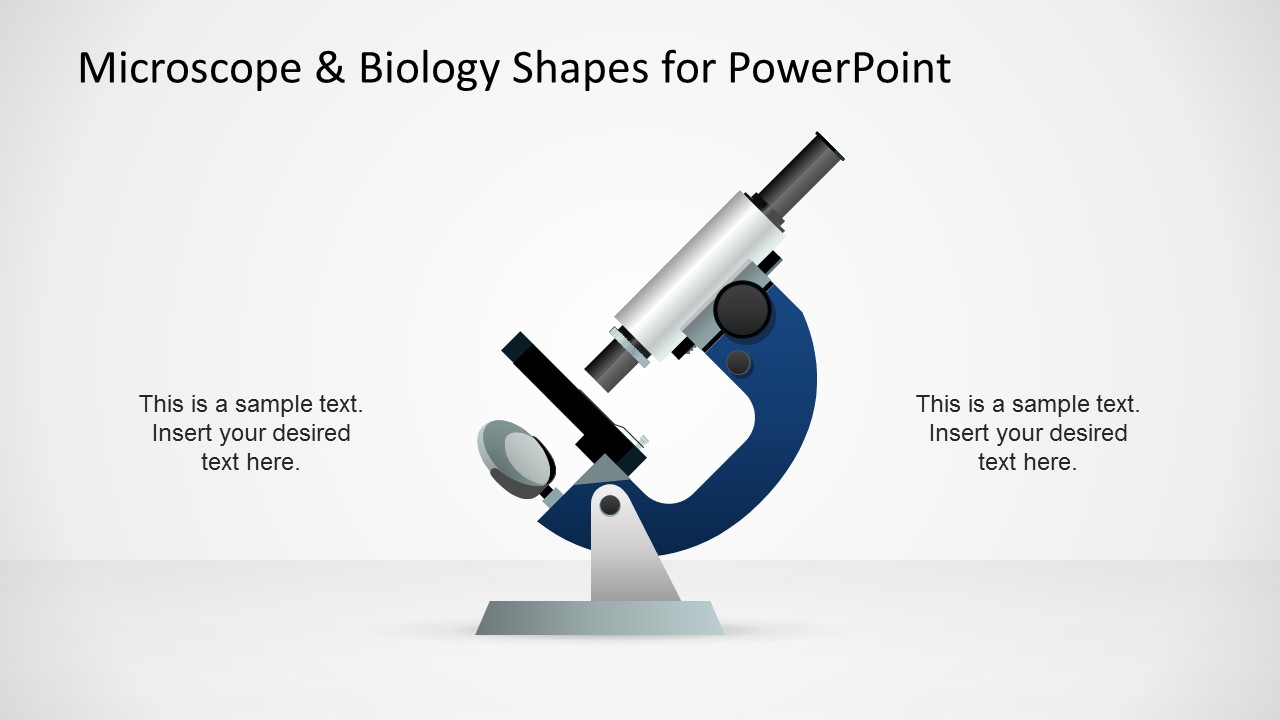
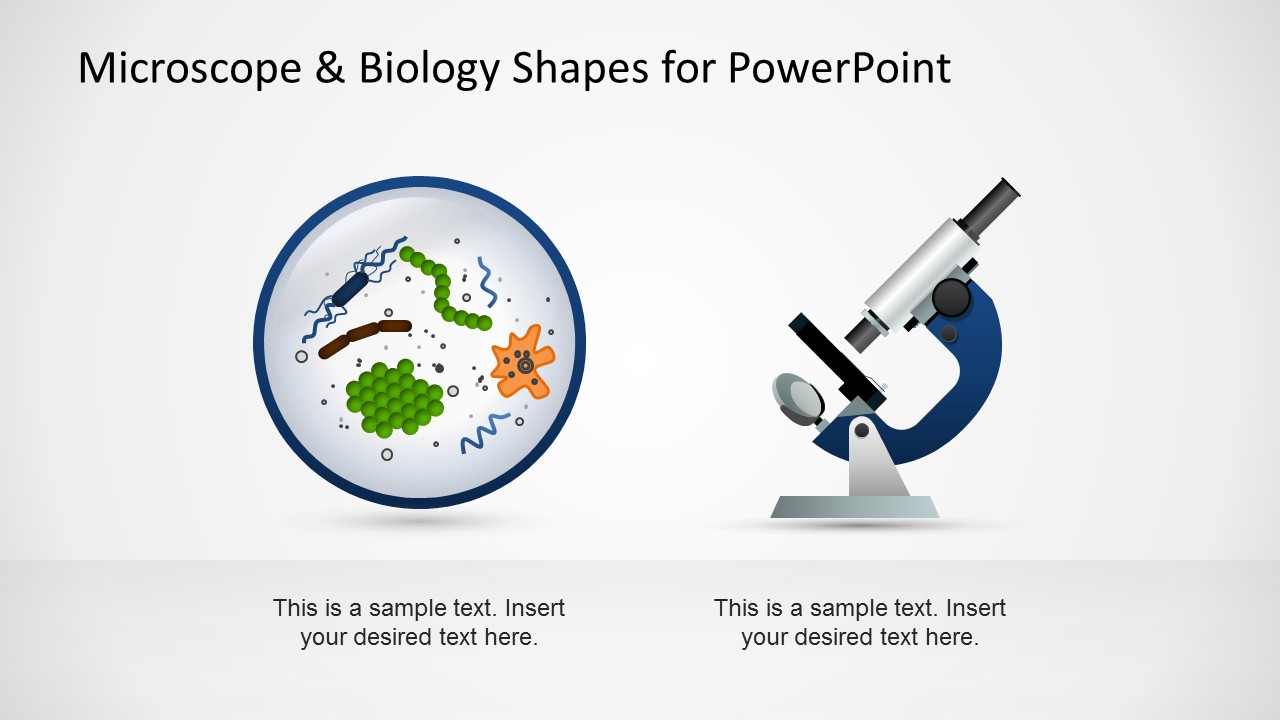
Microscope & Biology PowerPoint template containing microscope shapes and microbiology elements in the PowerPoint slides can help you to prepare awesome biology presentations for education or teaching purposes using Microsoft Office.
You can also download these PowerPoint shapes to prepare presentations on bioinformatics, research and inspection as well as other presentation needs requiring a microscope illustration in the slide design. Just copy and paste the microscope shapes into your presentation and then adapt the colors to match your presentation styles and desired visual identity.
What’s inside this template
Example presentation scenarios
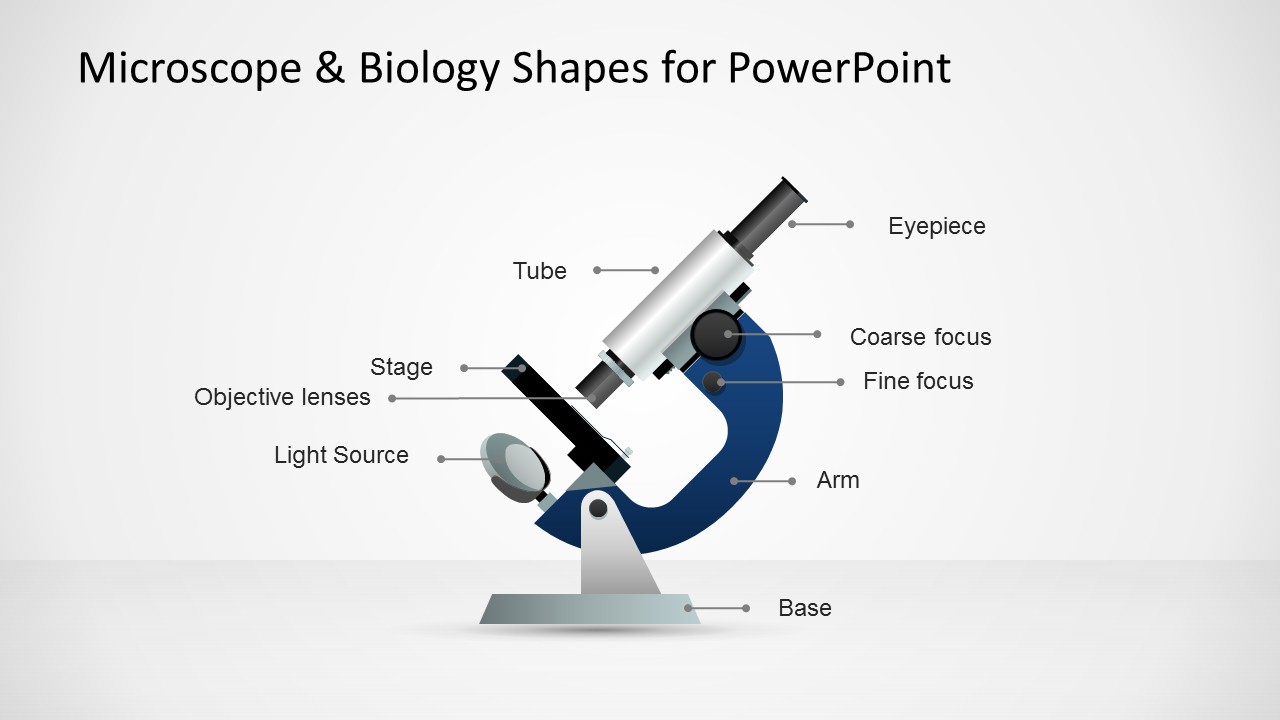
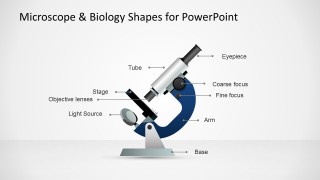
- A biology teacher can introduce microscope parts to students using the labeled microscope anatomy diagram and replace the labels with course terminology.
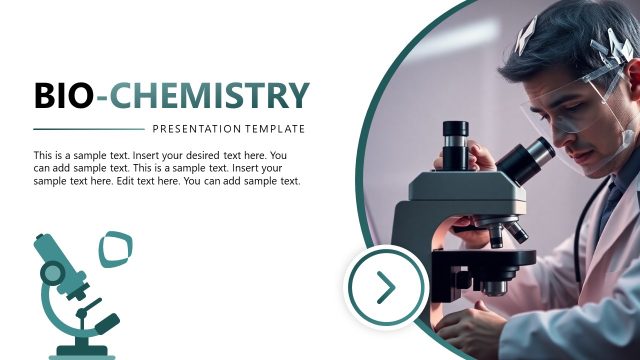
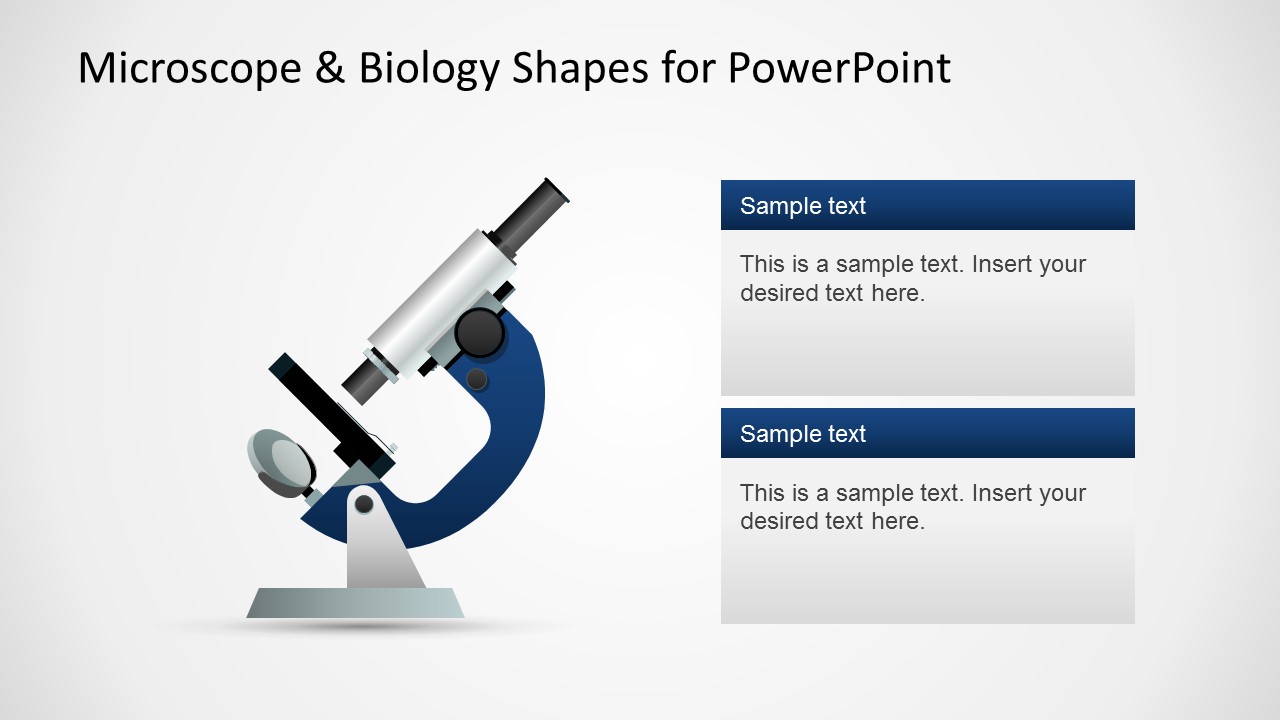
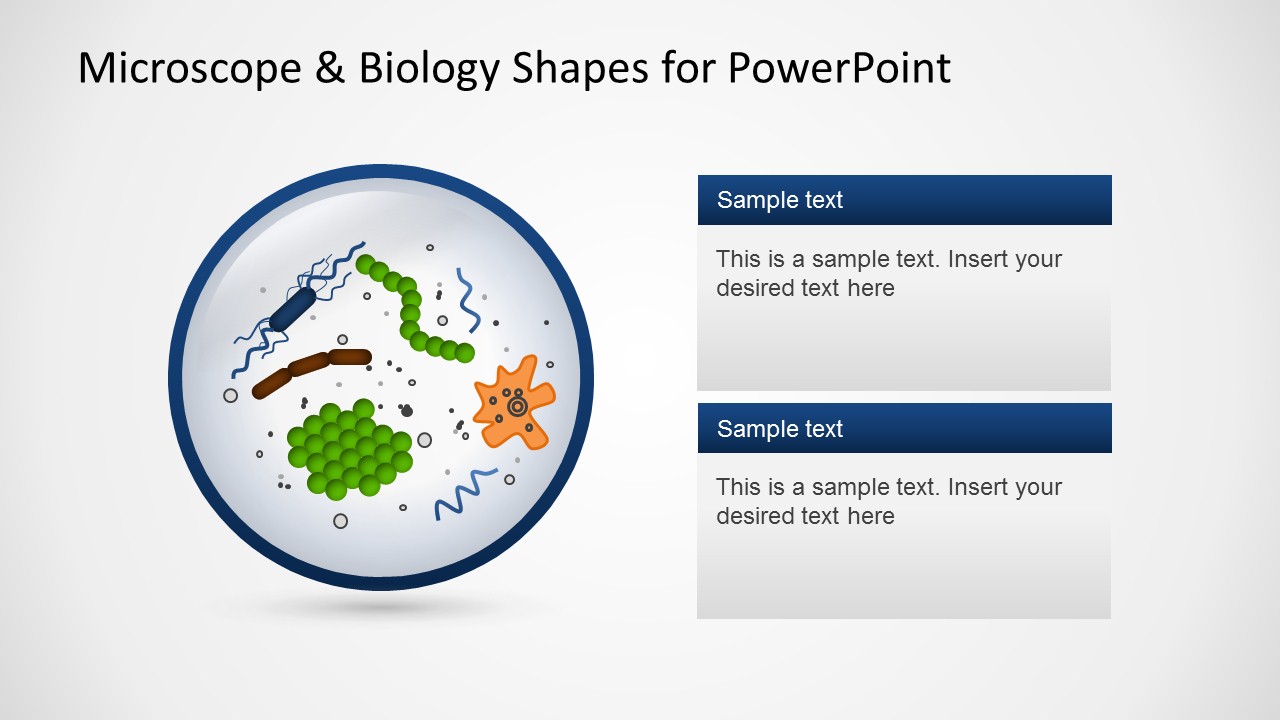
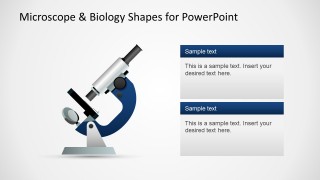
- A researcher can present a lab inspection or observation workflow using the microscope illustration with stacked text panels to separate findings and interpretation.
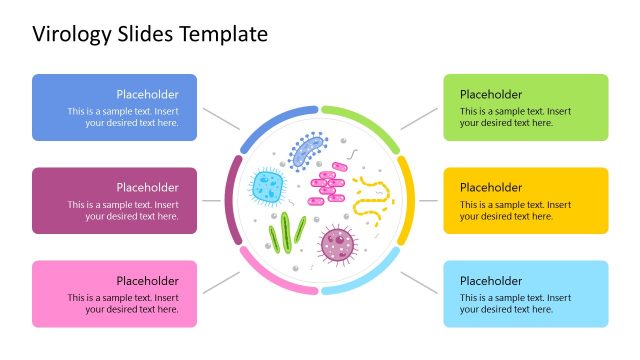
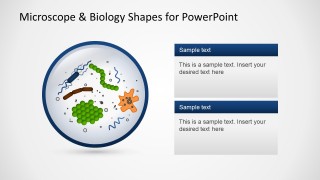
- A bioinformatics presenter can open a science topic with the circular organism-in-lens slide and use the text boxes to define the dataset or biological sample.
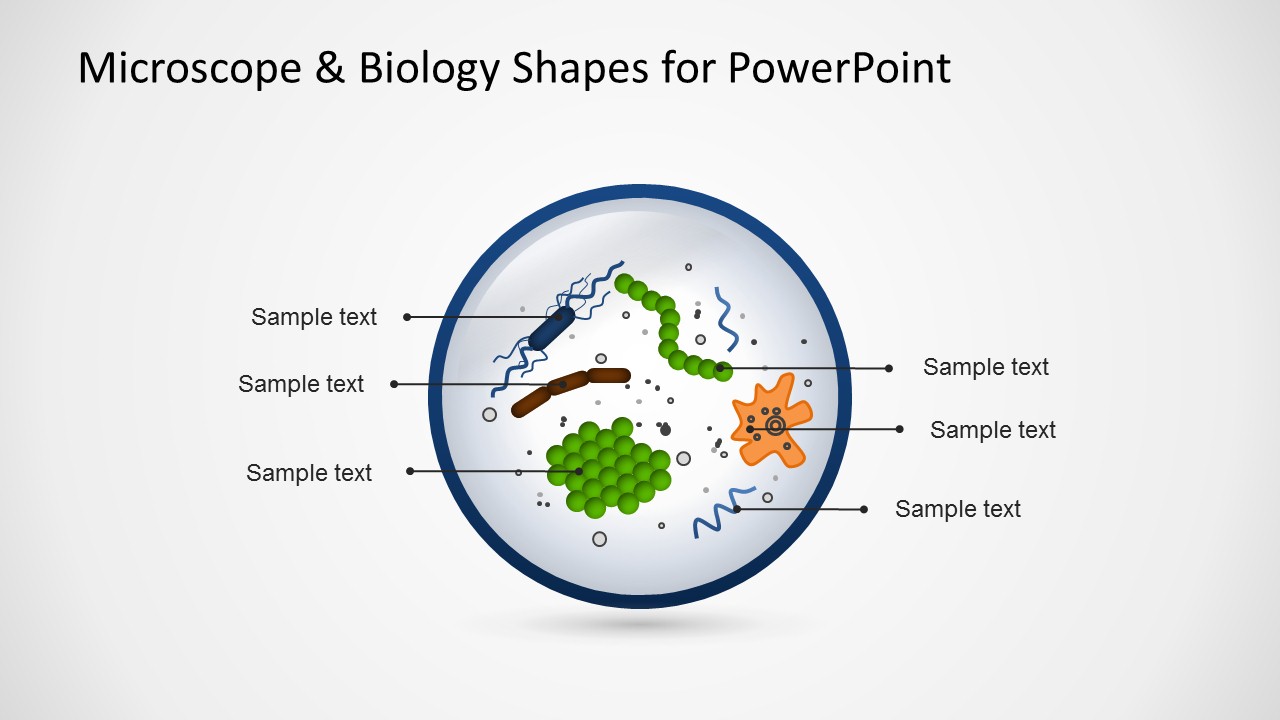
- A laboratory manager can brief nontechnical stakeholders using the specimen callout diagram to point out key organisms, sample areas, or inspection targets.
Features
- 100% editable presentation template
- Compatible with Microsoft PowerPoint and Google Slides
- 16:9 aspect ratio slides
- Scalable vector shapes, icons and illustrations
- AI-Ready for Microsoft Copilot and Claude
- Instant access and download
Frequently asked questions
Q: How should a presenter organize a short biology explanation with this template?
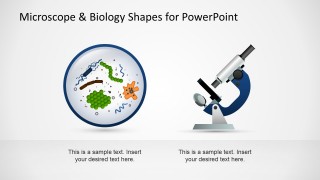
A: Start with the microscope illustration to frame the topic, then use the labeled microscope diagram to define the instrument or method. Move to the organism-in-lens slide when discussing what is being observed. Keep each label short and use the side panels for context, conclusions, or teaching prompts rather than long paragraphs.
Q: Who is this template best suited for?
A: This template fits educators, researchers, and laboratory presenters who need simple scientific visuals rather than dense data reporting. It works well for classroom instruction, research introductions, lab process briefings, and bioinformatics overviews where a microscope, specimen view, or labeled biology callout can anchor the explanation.
Q: Why do the microscope and lens metaphors help communicate the message?
A: The microscope establishes investigation and scientific credibility, while the circular lens graphics focus attention on the biological subject. The design separates instrument, specimen, and explanation, which helps audiences understand what is being examined, how it is observed, and why the observation matters.
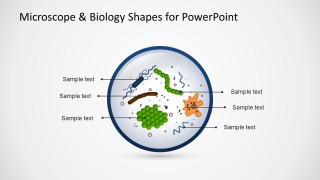
Microscope & Biology Shapes for PowerPoint
6-slide presentation template with microscope diagrams, biology shapes, and labeled microbe illustrations
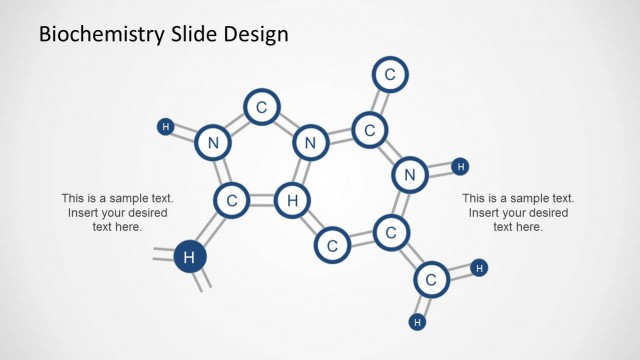
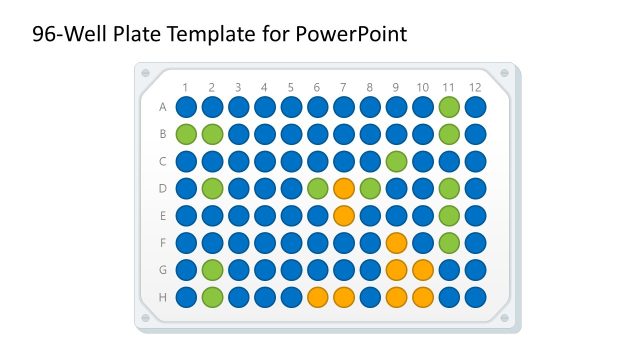
Microscope & Biology Shapes for PowerPoint is a 6-slide biology shapes template for Microsoft PowerPoint and Google Slides. It includes microscope illustration slides, a labeled microscope anatomy diagram, organism-in-lens visuals, text panels, and callout labels for education, bioinformatics, research, and inspection presentations.
- Category
- Shapes
- Rating


 Loading...
- Aspect ratio
- 16:9
- Item ID
- 6507-01
- Colors
 Microsoft PowerPoint
  Microsoft Copilot
  Claude for PowerPoint
 Other formats supported
Subscribe today and get immediate
access to download our PowerPoint templates.