Slide 4 of 7 from Simple Balance Sheet PowerPoint Template
6136-01-balance-sheet-powerpoint-template-4
Equity Balance Sheet Overview
- Table
- Data Table
- Financial Summary Slide
- 16:9
- 100% Editable
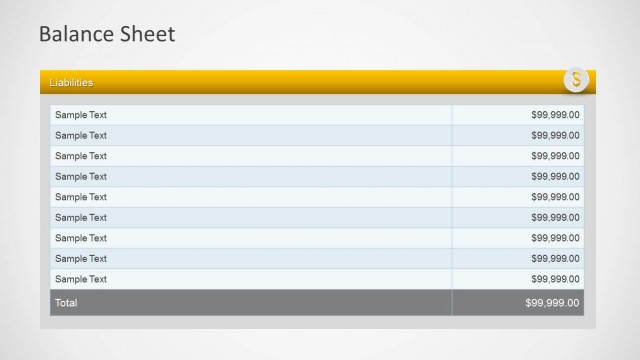
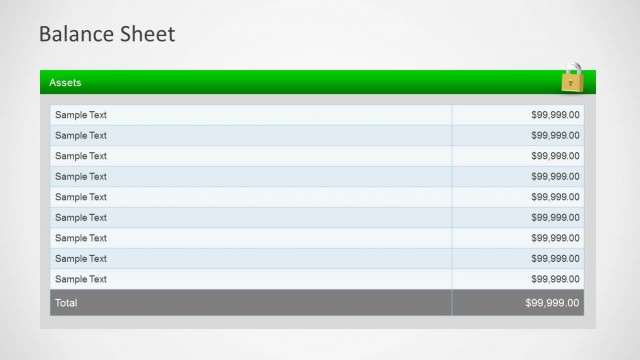
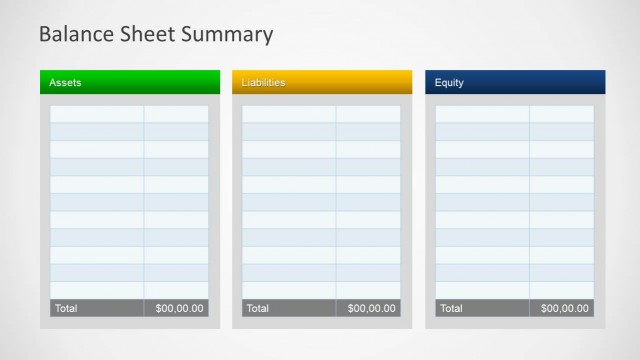
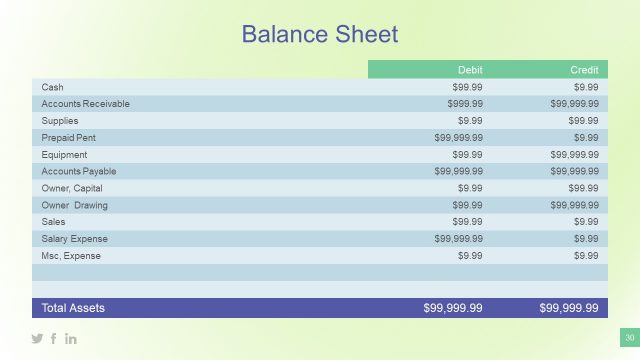
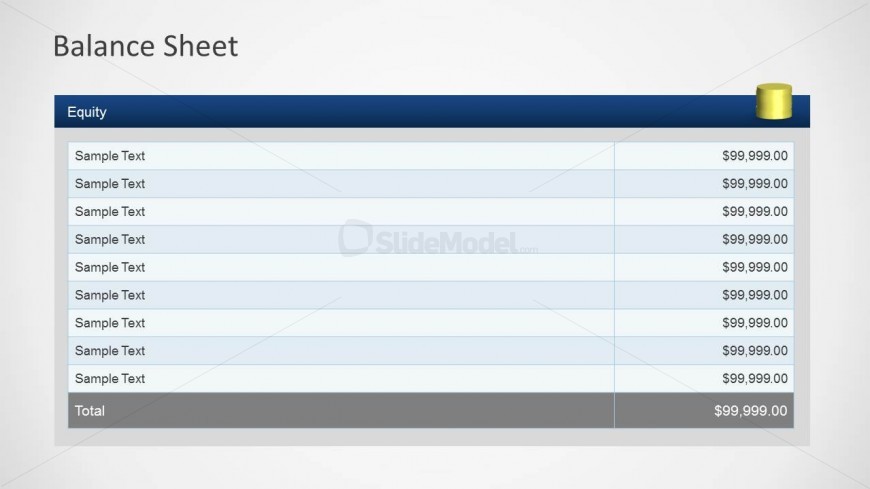
The Equity Balance Sheet slide from the Simple Balance Sheet PowerPoint Template offers a clear table layout ideal for financial reporting and investment presentations. This slide template features editable shapes and organized rows for equity data, supporting precise equity analysis within corporate presentations and business slide decks.
What’s on This Slide
The layout features a structured table with a header at the top, labeled 'Equity.' Below, there are multiple rows for data entry, each containing a placeholder for text on the left and a placeholder for numerical values on the right. The header is in a dark blue rectangle, while the rows alternate between light blue and white backgrounds for clarity. A bold total row is positioned at the bottom, with a darker gray background to emphasize the final sum. The overall composition is clean and organized, facilitating easy data input.
How to Use It
This layout serves as a detailed equity section of a balance sheet, fitting into a financial reporting sequence. It is suitable for presenting equity details in business contexts, such as financial statements or investment presentations. This structure allows for clear comparisons of equity components, making it useful for accountants and finance managers. It can also be adapted for individual financial analysis or presentations focused on company equity.
Text Placeholders & Capacity
Keep your copy within these limits so it fits without resizing. Row labels can accommodate roughly 10-15 words each.
| Placeholder | Count | Max characters (approx.) |
|---|---|---|
| Row label | 10 | 20 |
| Kpi value | 10 | 15 |
| Chart title | 1 | 30 |
| Footer | 1 | 20 |
Slide Keywords
Download unlimited PowerPoint templates, charts and graphics for your presentations with our annual plan.
DOWNLOADReturn to Simple Balance Sheet PowerPoint Template.