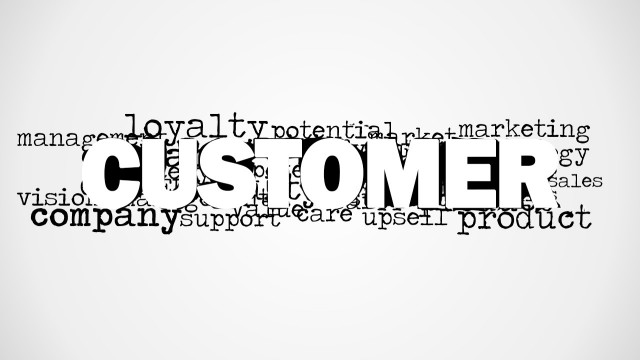
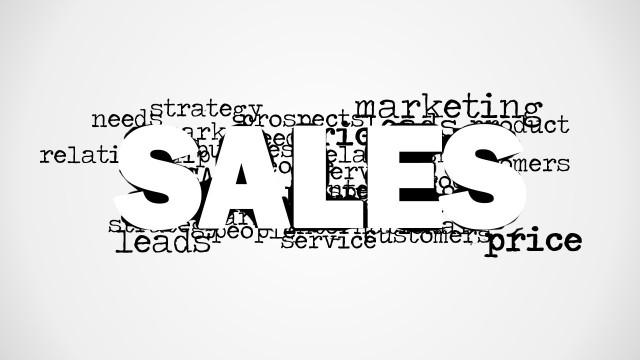
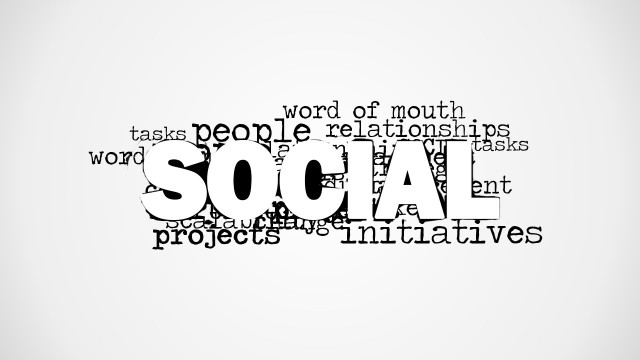
Creative service word cloud picture for PowerPoint with relevant words for presentations on service and customers. It contains several words using the tag cloud format including the word Service as the most prominent word in the picture and other secondary words such as information, customers, data, strategy, goals, vendors and more.
What’s inside this template
Example presentation scenarios
- A customer support manager can use the service word cloud picture to open a team meeting and connect the discussion to customers, data, goals, and strategy.
- A service operations presenter can use the blank white canvas to add one key statement before moving into process updates or performance detail.
- A customer experience consultant can use the wide word cloud composition as a section divider before explaining service improvement priorities.
- A training facilitator can use the large Service focal word to introduce a customer service module and prompt discussion about related terms.
Features
- 100% editable presentation template
- Compatible with Microsoft PowerPoint and Google Slides
- 16:9 aspect ratio slides
- Scalable vector shapes, icons and illustrations
- AI-Ready for Microsoft Copilot and Claude
- Instant access and download
Frequently asked questions
Q: How should a presenter use the word cloud without making it feel decorative?
A: Treat the word cloud as a framing device, not the full message. Start with the large Service word, then point to three or four surrounding terms such as customers, data, goals, or strategy. Use those terms to preview the agenda or set up the problem the rest of the presentation will address.
Q: Who is this template best suited for?
A: This template fits presenters who need a quick service-themed opening, divider, or discussion prompt. Customer support leaders, customer experience teams, trainers, and consultants can use it when the goal is to establish a service mindset before moving into policies, improvement plans, or customer-facing priorities.
Q: Why does the word cloud metaphor work for service topics?
A: A word cloud shows service as a central idea surrounded by related business concerns. That visual metaphor helps audiences see that service is not isolated; it connects to customers, information, data, strategy, goals, and vendors. The large focal word creates hierarchy while the smaller terms invite interpretation.




Service Word Cloud Picture for PowerPoint
2-slide presentation template with a service word cloud picture for customer support and service messaging
Service Word Cloud Picture for PowerPoint is a 2-slide presentation template for service, customer support, and customer experience messaging. Visible layouts include a centered service word cloud picture, a blank white canvas, and a wide word cloud composition with terms such as customers, information, data, goals, strategy, and vendors.
- Category
- Pictures
- Rating

 Loading...
- Aspect ratio
- 16:9
- Item ID
- 8144-01
- Colors
 Microsoft PowerPoint
  Microsoft Copilot
  Claude for PowerPoint
 Other formats supported
Subscribe today and get immediate
access to download our PowerPoint templates.