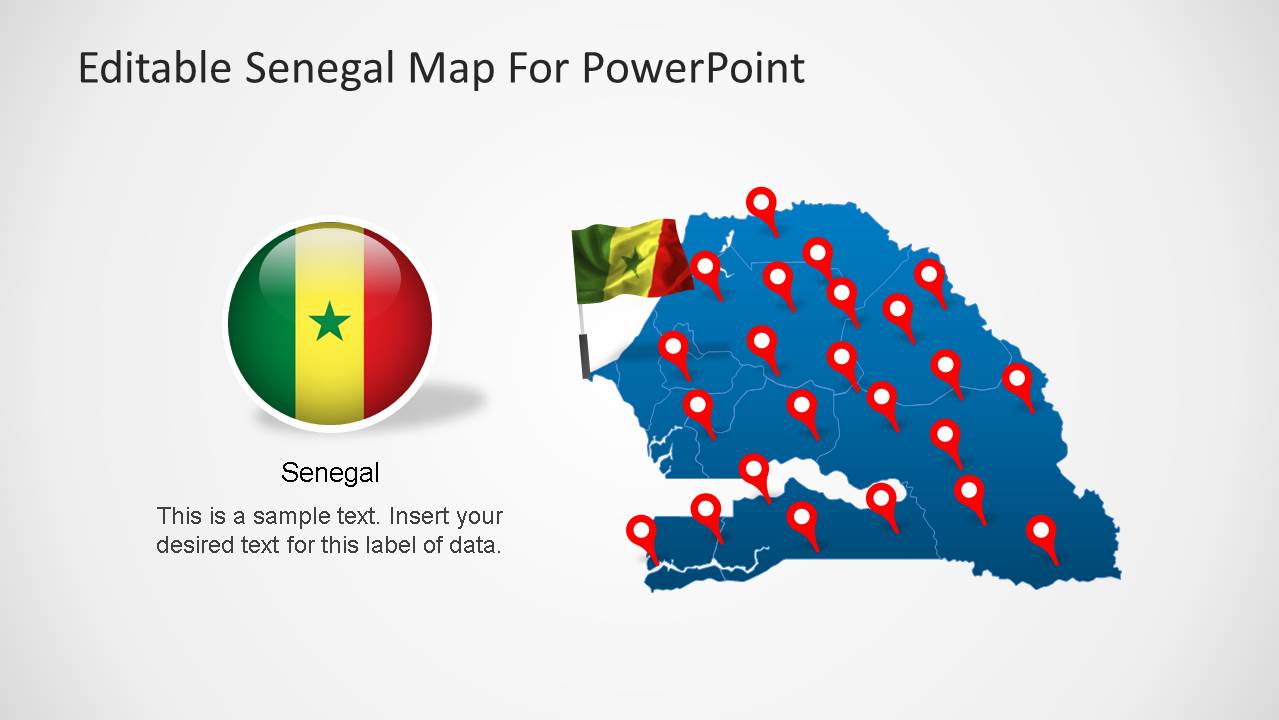
Senegal Editable Map PowerPoint Template presentation contains editable maps, political and outline, of the Republic of Senegal.
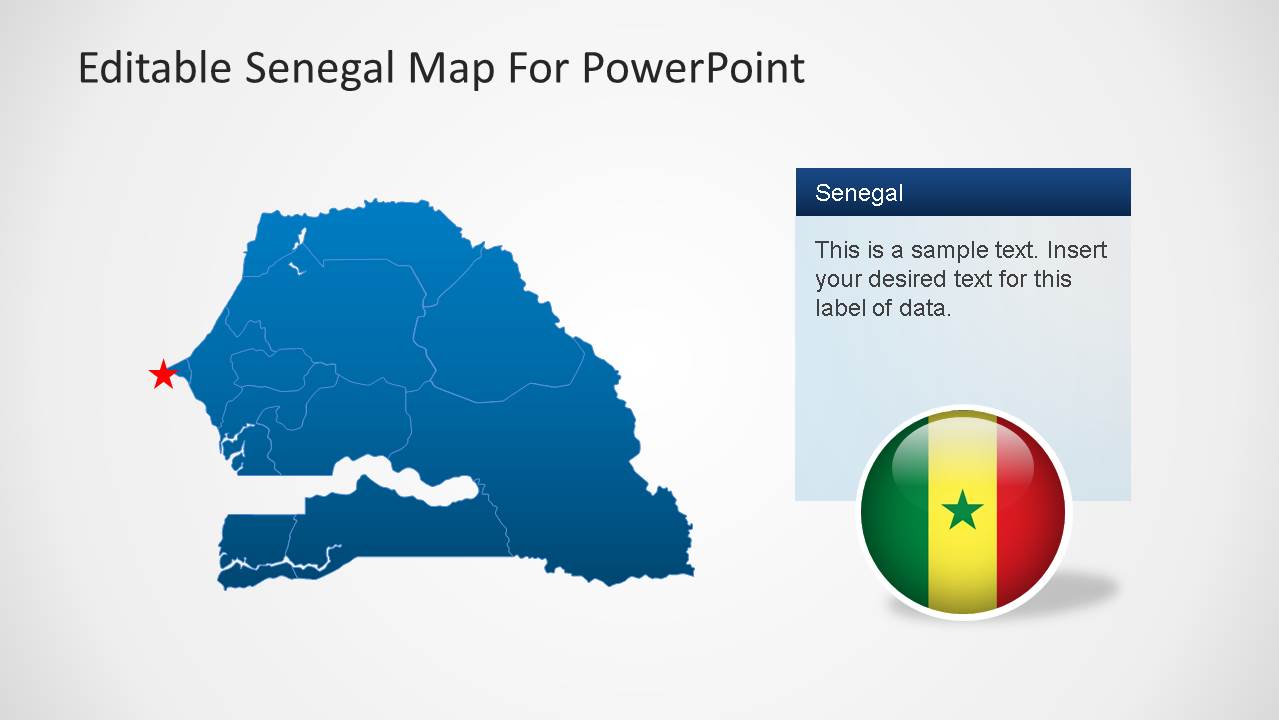
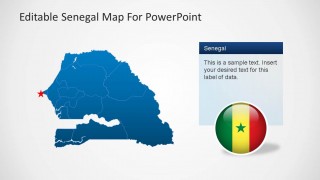
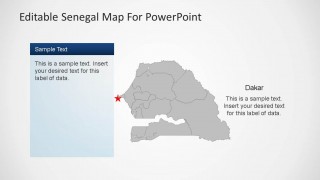
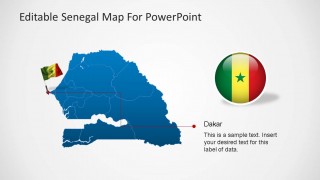
Senegal is located in the Africa continent and it borders with the Atlantic Ocean to the west, Mauritania to the north, Mali to the east, and Guinea and Guinea-Bissau to the south. Senegal’s Capital is Dakar, the city where the famous Rally. The Senegal Editable Map PowerPoint Template provides a slide marking Dakar with a star, in order to identify the capital.
Each slides contains a Senegal Map shape created as a composite of individual states, which are PowerPoint objects. This structure enables the user to customize each state individually, and use it in different presentations.
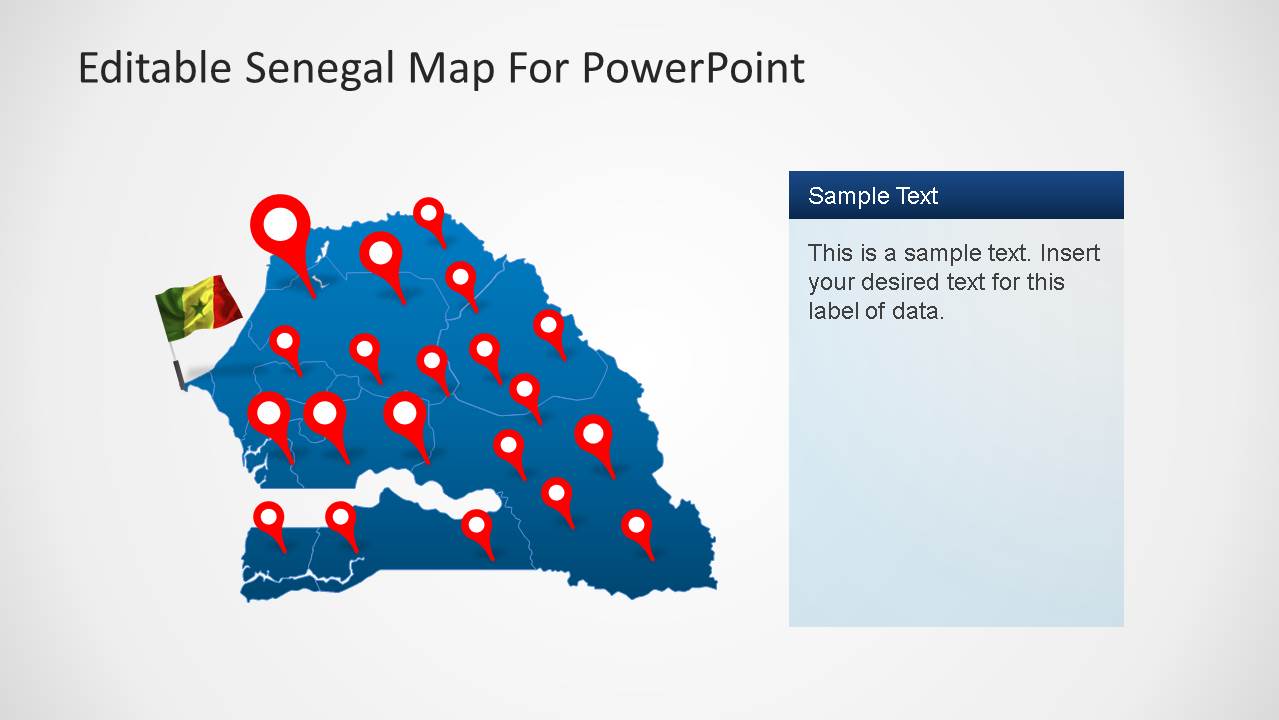
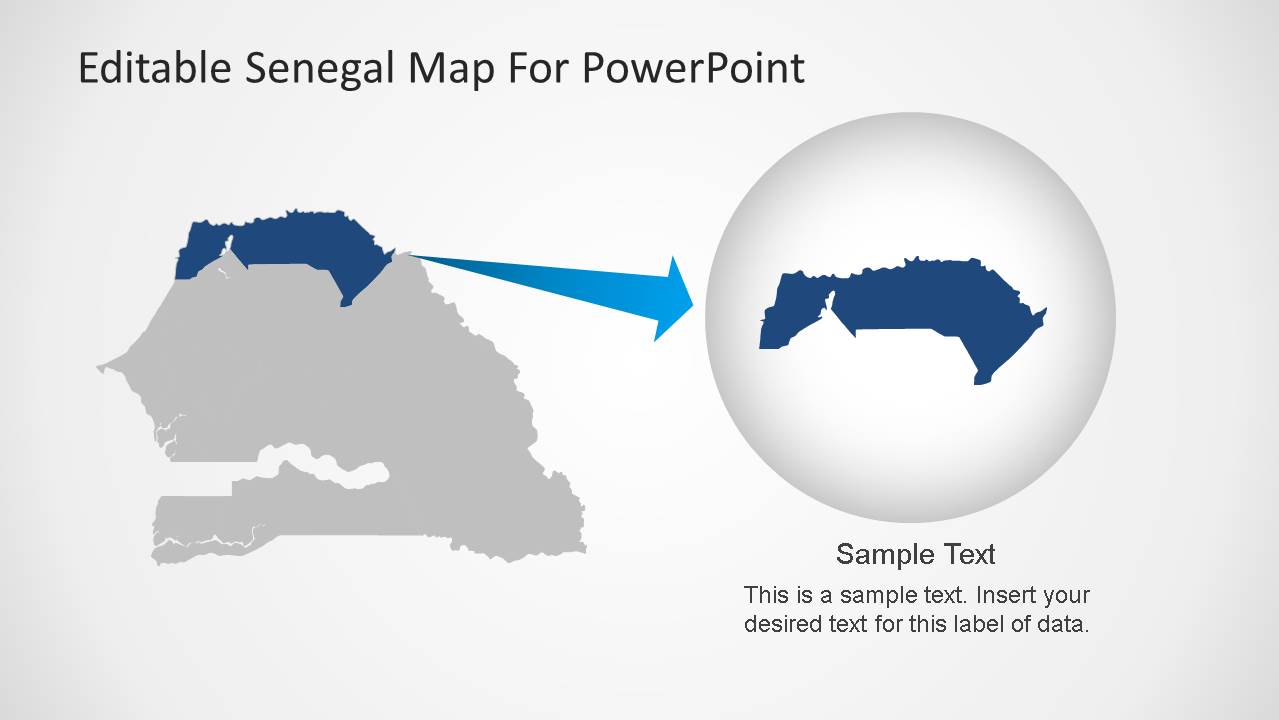
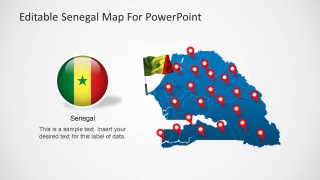
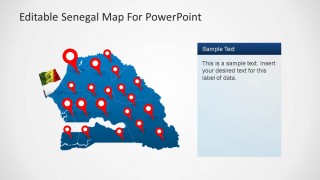
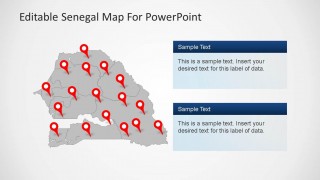
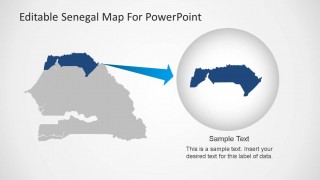
The Senegal Editable Map PowerPoint Template layout makes it easy for the user to create a lecture or presentation containing specific geographical references, as it provides GPS marker icons to mark locations. Each slide is themed according the need, it has grey and blue background layouts, with text boxes of the same palette. In order to identify the country not only for the outline, the Senegal Editable Map PowerPoint Template provides flags icons that can be places all over the presentation. When referring to a specific state, make use of the highlighting slide, where the user can place the desired state and edit the shadow to reference it.
Create outstanding presentations with the Senegal Editable Map PowerPoint Template, and captivate your audience with this professional Maps.
What’s inside this template
Example presentation scenarios
- A geography instructor can explain Senegal's position and internal regions using the political map, flag graphics, and Dakar locator slide.
- A business analyst can brief executives on market coverage by placing red location markers on the blue or gray Senegal map layouts.
- An NGO or government planner can report field activity locations with the GPS pin map and right-side text panels for program notes.
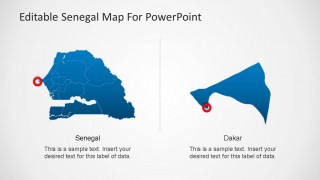
- A logistics presenter can compare national coverage with a Dakar-focused detail by using the split Senegal and Dakar slide.
- A resource or infrastructure team can show a selected territory with the highlighted region and magnified zoom layout.
Features
- 100% editable presentation template
- Compatible with Microsoft PowerPoint and Google Slides
- 16:9 aspect ratio slides
- Scalable vector shapes, icons and illustrations
- AI-Ready for Microsoft Copilot and Claude
- Instant access and download
Frequently asked questions
Q: How should a presenter structure a short geographic briefing with this Senegal map template?
A: Start with the full blue map and flag to establish the country, then move to a Dakar callout if the capital or western coast matters. Use the pin map only after the audience understands the base geography. Finish with the territory zoom when a specific region needs focus, ownership, or action.
Q: Who is this template best suited for when the message is location based?
A: It is best for educators, public sector teams, NGOs, consultants, and business planners who need to explain where activity happens in Senegal. The GPS marker slides work for site distribution, the Dakar slide works for capital-city references, and the highlighted territory slide works for regional plans or field coverage.
Q: Why do the pin, star, and zoom metaphors help explain Senegal clearly?
A: The red pins create a familiar map metaphor for locations, while the star separates Dakar from general markers. The zoom slide reduces audience effort by connecting the national map to a selected territory. This sequence moves viewers from country context to location evidence and then to a focused regional detail.



Senegal Editable Map PowerPoint Template
8-slide presentation template with editable Senegal maps, Dakar callouts, territory markers, and flag icons
The Senegal Editable Map PowerPoint Template is an 8-slide map deck for showing Senegal in presentations. It includes political and outline maps, GPS pin maps, Dakar callouts, highlighted territory zooms, and flag icons. It is built for educators, analysts, planners, and regional presenters using Microsoft PowerPoint or Google Slides.
- Category
- Maps
- Rating


 Loading...
- Aspect ratio
- 16:9
- Item ID
- 6461-01
- Colors
 Microsoft PowerPoint
  Microsoft Copilot
  Claude for PowerPoint
 Other formats supported
Subscribe today and get immediate
access to download our PowerPoint templates.