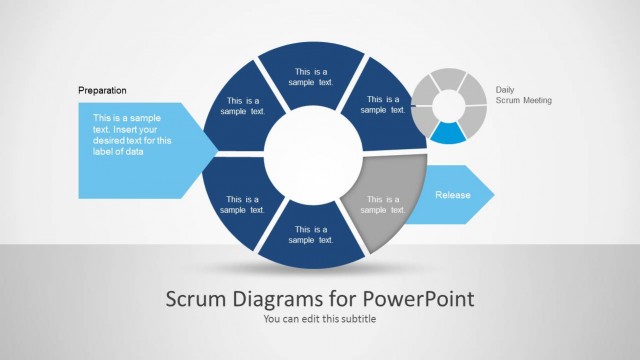
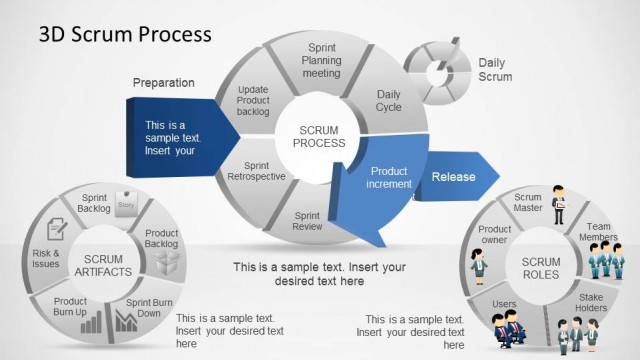
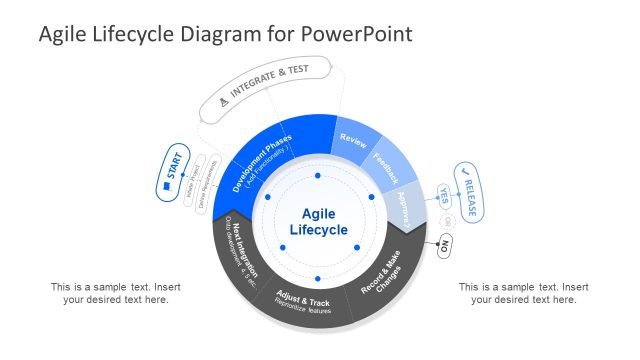
Scrum Framework Diagrams for PowerPoint is a template for making Scrum Diagrams. With this template you can outline core and ancillary roles and lay out a product development strategy in the form of presentation slides.
With the aid of the sample slides you can not only create Scrum Diagrams but also fashion them in such a manner that they are easy to grasp for your audience.
Alternatively you can download other agile PowerPoint templates and diagrams including the Scrum framework template for PowerPoint.
What’s inside this template
Example presentation scenarios
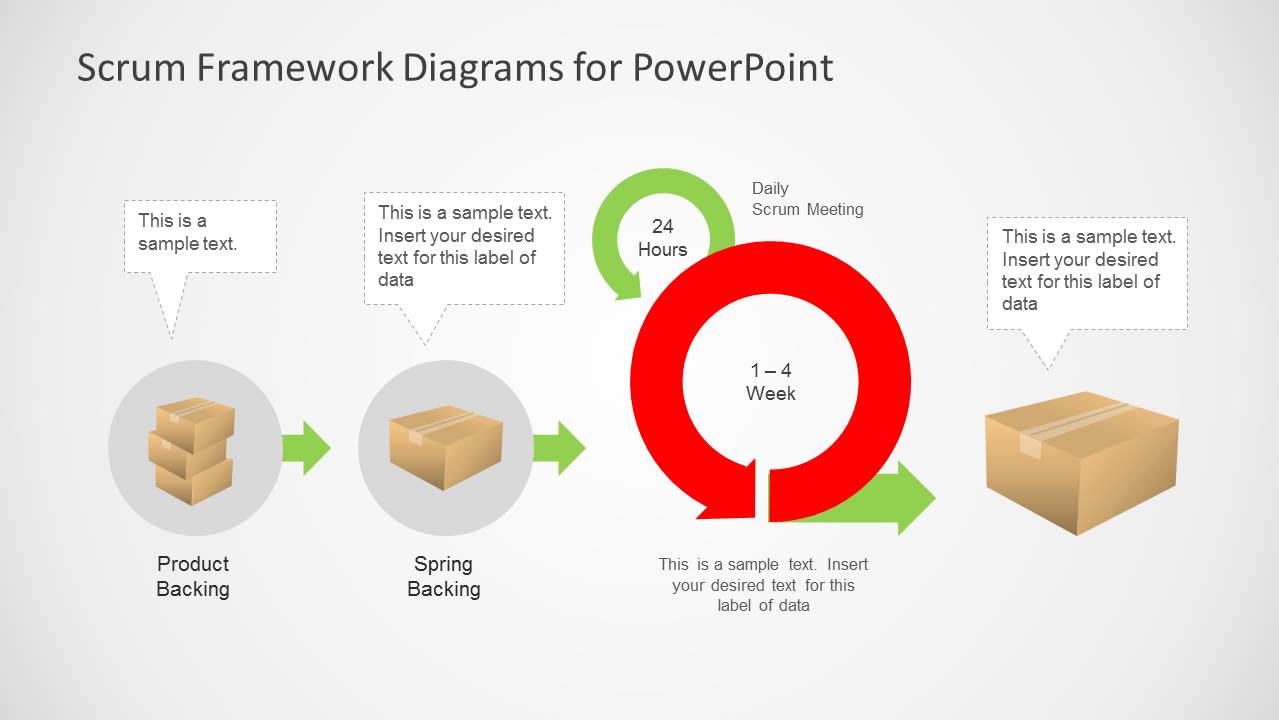
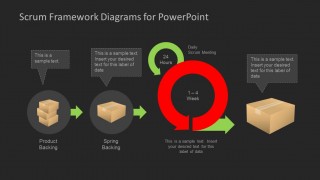
- A Scrum master can use the backlog-to-delivery process diagram to explain how product backlog items move into sprint work during team onboarding.
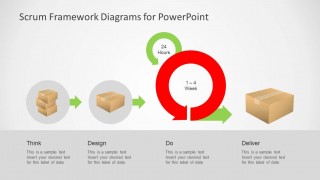
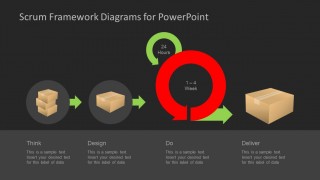
- An Agile coach can use the Think-Design-Do-Deliver sequence to teach the rhythm of planning, execution, and delivery in a sprint workshop.
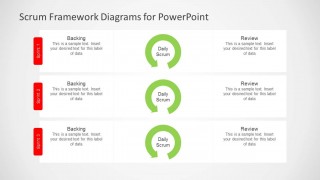
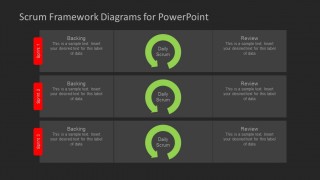
- A product owner can use the Sprint 1-3 table to compare backlog focus, daily scrum cadence, and review outcomes across planned sprints.
- A software development manager can use the dark theme variants in an internal process briefing where the goal is to align stakeholders on sprint timing and review checkpoints.
Features
- 100% editable presentation template
- Compatible with Microsoft PowerPoint and Google Slides
- Scalable vector shapes, icons and illustrations
- AI-Ready for Microsoft Copilot and Claude
- Instant access and download
Frequently asked questions
Q: How should a presenter explain the Scrum cycle with these diagrams?
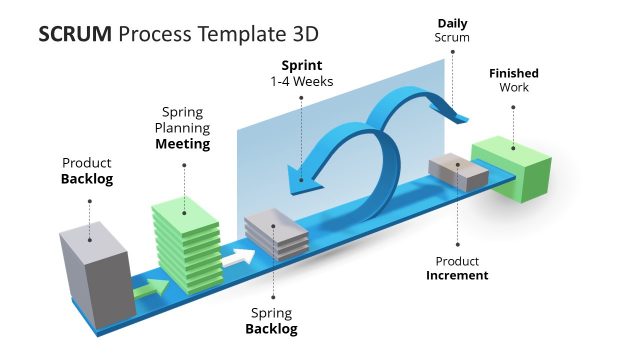
A: Start with the backlog-to-delivery diagram and walk left to right: product backlog, sprint backlog, daily scrum, sprint cycle, and deliverable. Keep the red 1-4 week loop as the main idea, then use the callouts for definitions or team-specific practices. This keeps the audience focused on flow before discussing details.
Q: When is this template a better choice than a generic Agile roadmap?
A: Choose this template when the goal is to teach or align people on how Scrum works, not when the goal is to show dates. The sprint table and daily scrum loops are useful for Scrum masters, Agile coaches, and product owners who need to explain cadence, review points, and backlog movement.
Q: Why do the circular arrows and package icons help communicate Scrum?
A: The circular arrows make the repeating nature of daily scrum and sprint iteration visible, while the package icons make backlog items feel concrete. This visual metaphor helps non-technical stakeholders understand that work is selected, refined, cycled through a sprint, and then delivered as a usable output.


Scrum Framework Diagrams for PowerPoint
6-slide PowerPoint diagram template for Scrum cycles, backlog flow, and sprint review tables
Scrum Framework Diagrams for PowerPoint is a 6-slide diagram template for explaining Scrum delivery flows. It includes a product backlog to sprint backlog process, a 24-hour daily scrum loop, a 1-4 week sprint cycle, a Think-Design-Do-Deliver sequence, and Sprint 1-3 backlog/review tables for Agile teams.

 Loading...
 Microsoft PowerPoint
  Microsoft Copilot
  Claude for PowerPoint
 Other formats supported
Subscribe today and get immediate
access to download our PowerPoint templates.