Slide 7 of 7 from San Francisco California PowerPoint Template
Data Visualization Slide – San Francisco California Template
Bar Chart Slide for Presentations
- Chart
- Bar Vertical
- Evaluation Slide
- 16:9
- 100% Editable
The Bar Chart slide from the San Francisco California PowerPoint Template offers a clear visualization for business performance reviews and sales data presentations. Featuring editable shapes and a vertical bar chart, this slide supports effective communication of project metrics and trends within a corporate presentation or pitch deck template.
What’s on This Slide
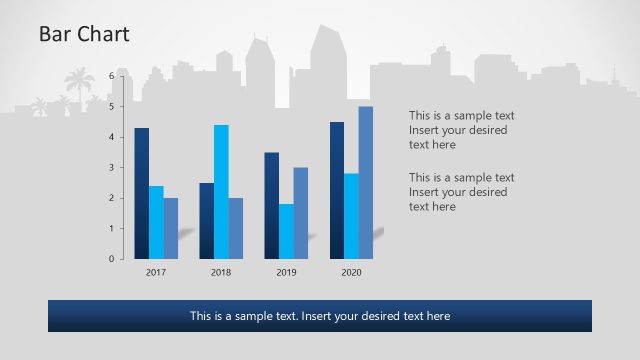
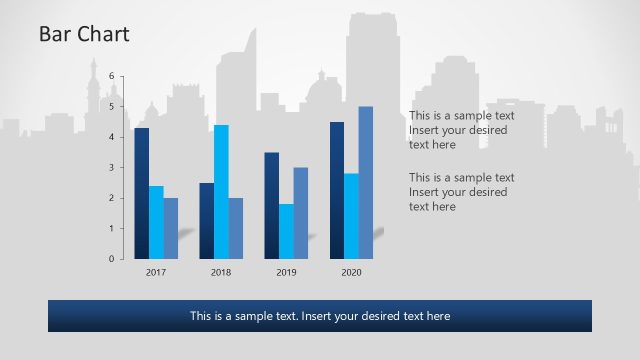
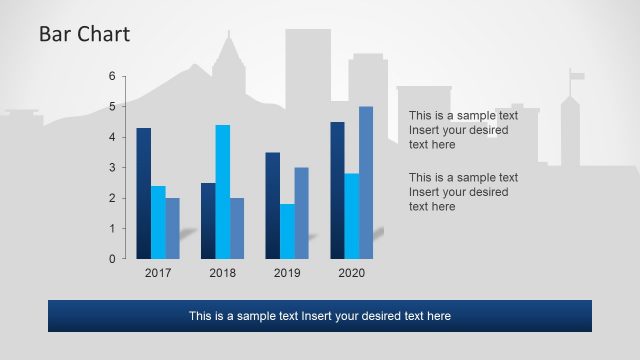
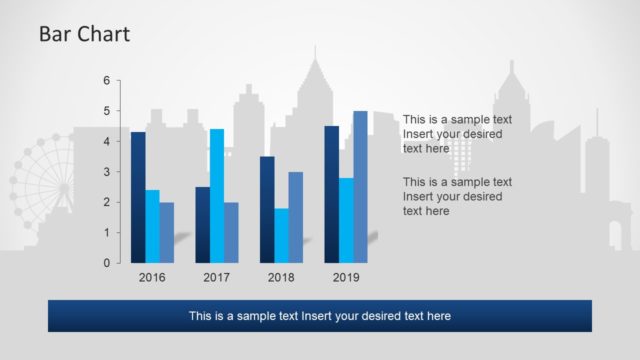
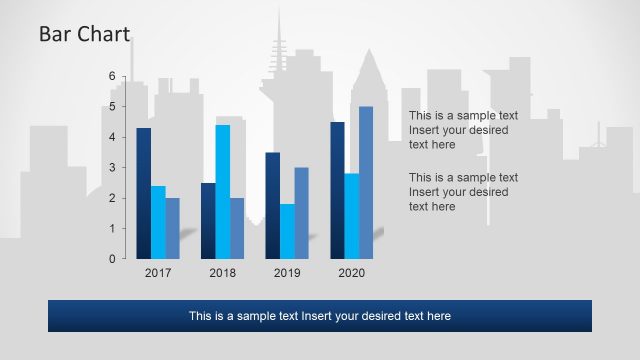
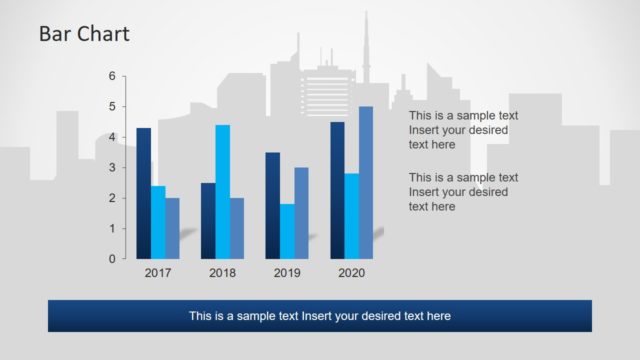
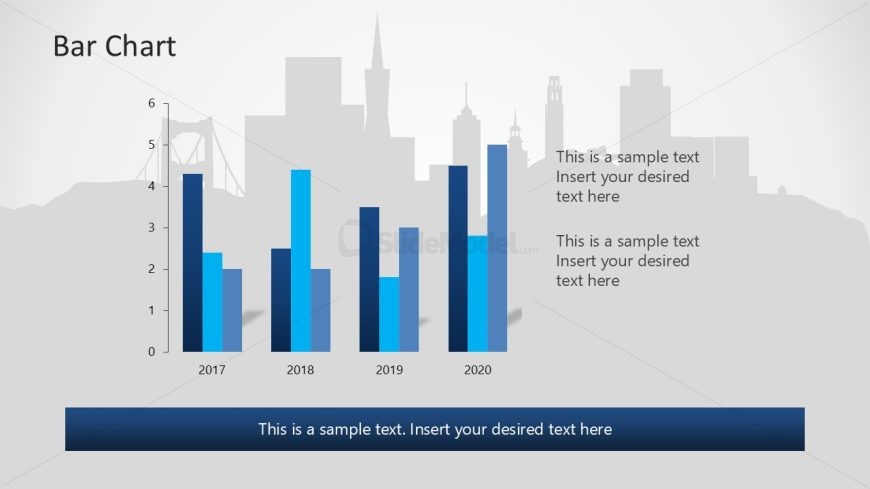
The slide features a bar chart positioned centrally, displaying data for the years 2017 to 2020. The chart includes four vertical bars, each representing a different year, with varying heights indicating values from 0 to 6. The bars are colored in shades of blue, creating a gradient effect. Above the chart, there is a title labeled 'Bar Chart' in a large font. Below the chart, three text placeholders are aligned horizontally, allowing for additional descriptions or data points. The background features a silhouette of a city skyline in light gray.
How to Use It
This layout serves as a data visualization tool, ideal for presenting comparative statistics over a defined period. It fits well at the conclusion of a presentation, summarizing key metrics or performance indicators. Suitable for business reviews, sales presentations, or project updates, this slide effectively communicates trends and insights. It can be used to highlight growth, decline, or other significant changes in data, making it a versatile choice for various analytical contexts.
Text Placeholders & Capacity
Keep your copy within these limits so it fits without resizing. Node labels can hold about 10 characters each.
| Placeholder | Count | Max characters (approx.) |
|---|---|---|
| Chart title | 1 | 20 |
| Item heading | 4 | 10 |
| Item body | 4 | 30 |
| Body paragraph | 3 | 50 |
Slide Keywords
Download unlimited PowerPoint templates, charts and graphics for your presentations with our annual plan.
DOWNLOADReturn to San Francisco California PowerPoint Template.