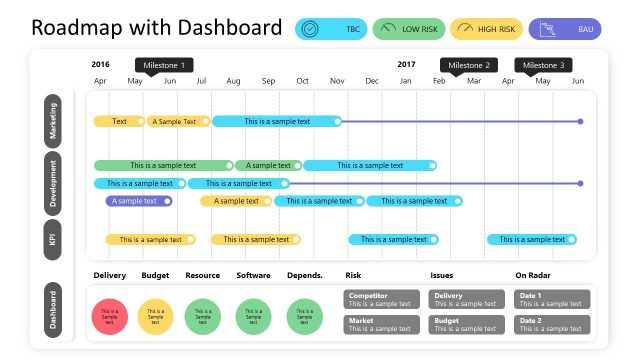
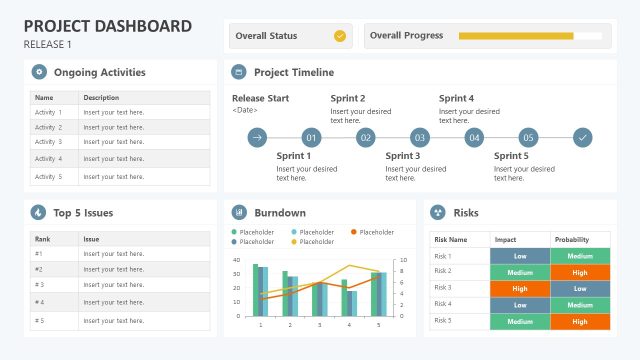
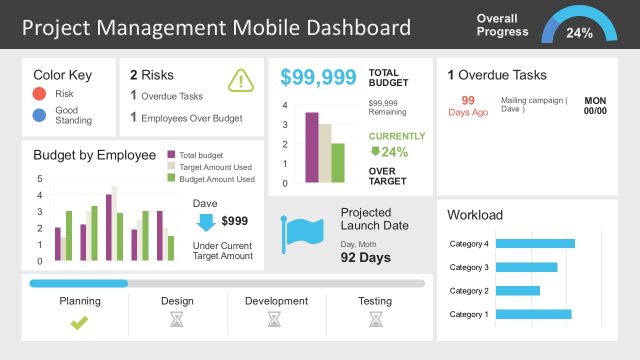
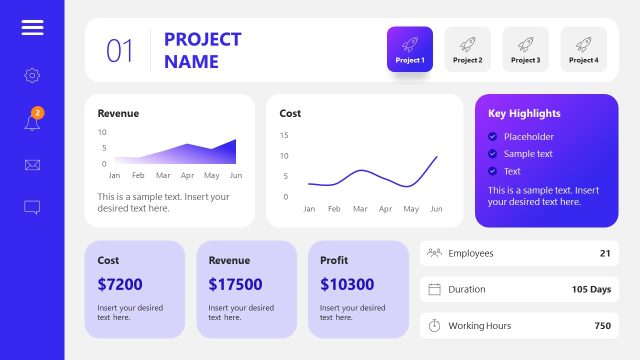
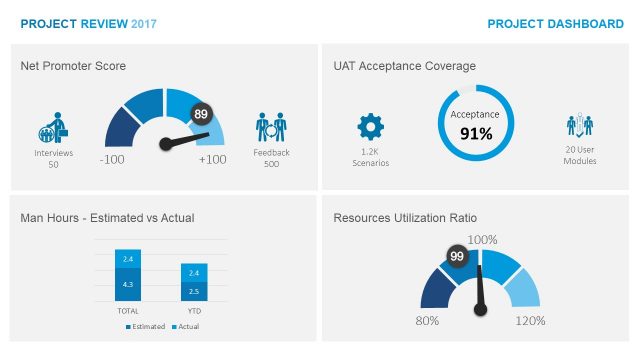
The Data-Driven RAG Project Status Dashboard for PowerPoint is a professional PowerPoint Template designed for Project Managers and Program Managers in charge of Software Projects. Each slide provides a PowerPoint Dashboard designed to professionally present KPIs (key performance indicators). Users can populate the chart’s values by editing the excel table associated with the data-driven chart. Shapes and tables are created with PowerPoint, allowing the user to customize it to the desired theme fully.
The RAG term is an acronym for Red, Amber, and Green. It is widely spread over project management practices and used for KPIs and Dashboards.
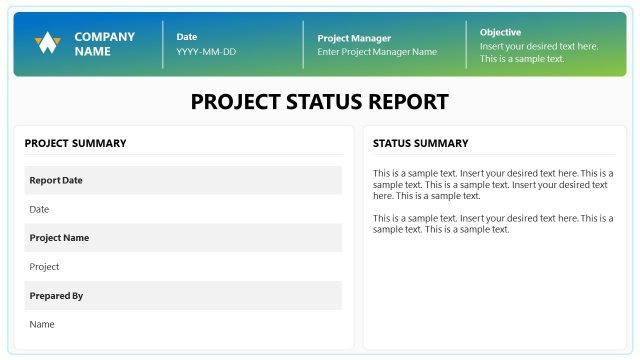
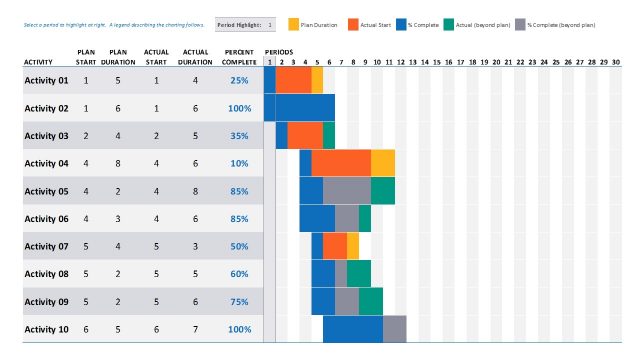
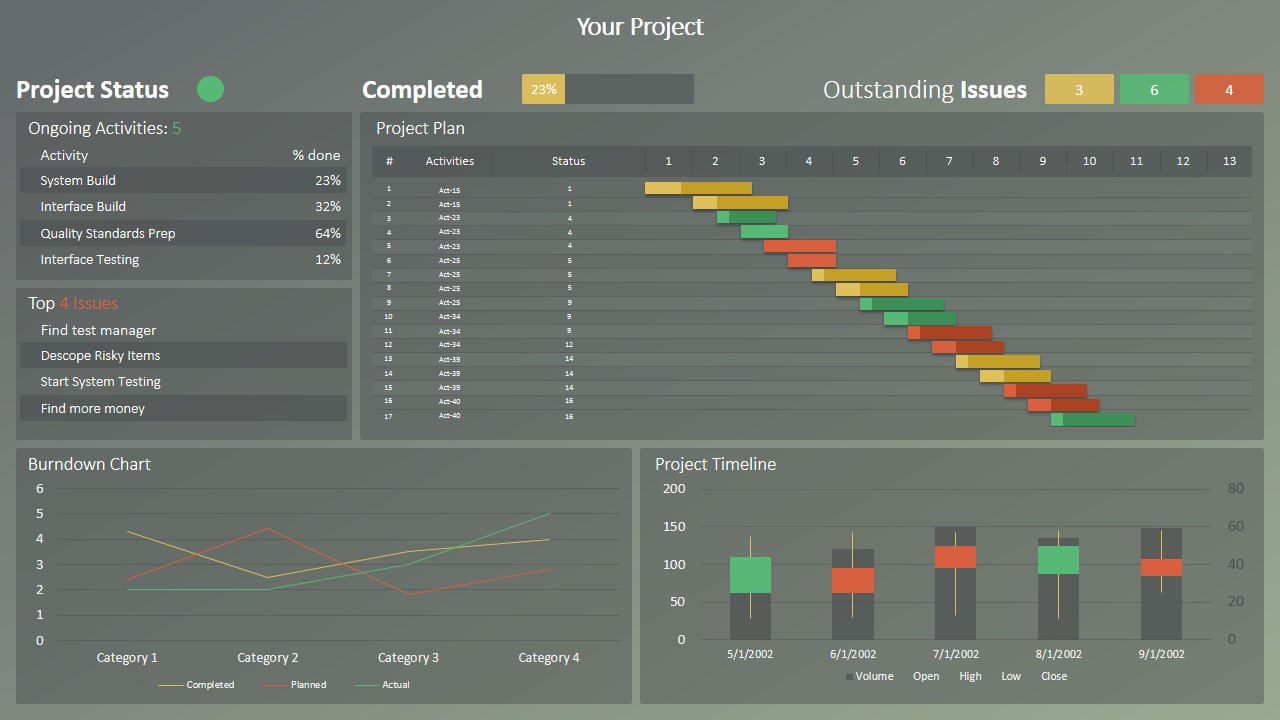
The first slide is an overall Project Description slide. It can be replicated for each of the projects of the Program. Under the Project Status Section, a circular indicator can provide a RAG indicator for project health. In the table below, the slide presents the Top 4 ongoing activities and the top 4 issues. A data-driven line chart is used to create a burndown chart. As the main component of the slide, the design presents a data-driven Gantt Chart. Made with a horizontal stacked bar chart, the user can populate tasks and progress directly from excel. The timeline slide is described as a candlestick chart, but the user can replace it with any of the PowerPoint Timelines of our gallery.
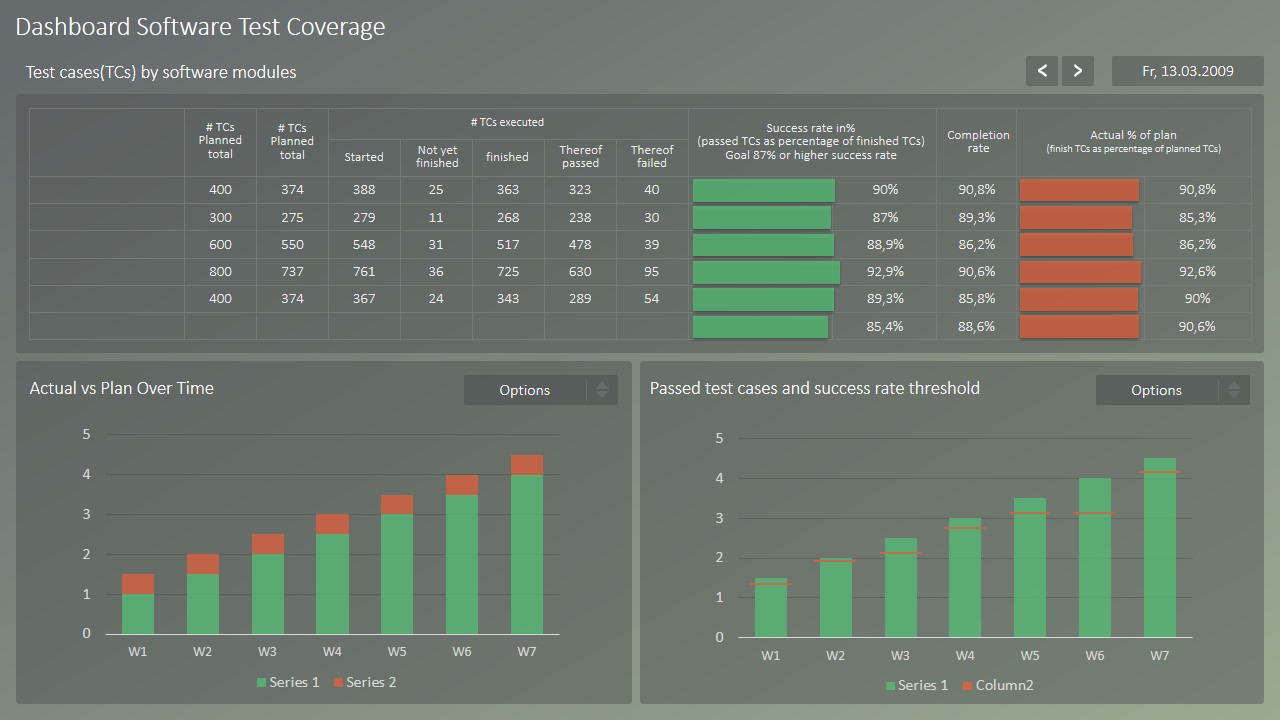
The second slide is a Test Cases description Dashboard. The user can record the number of test cases and their coverage. Actual vs. Planned Test case execution and Passed Success Rates are described in the dashboard’s bottom as column charts.
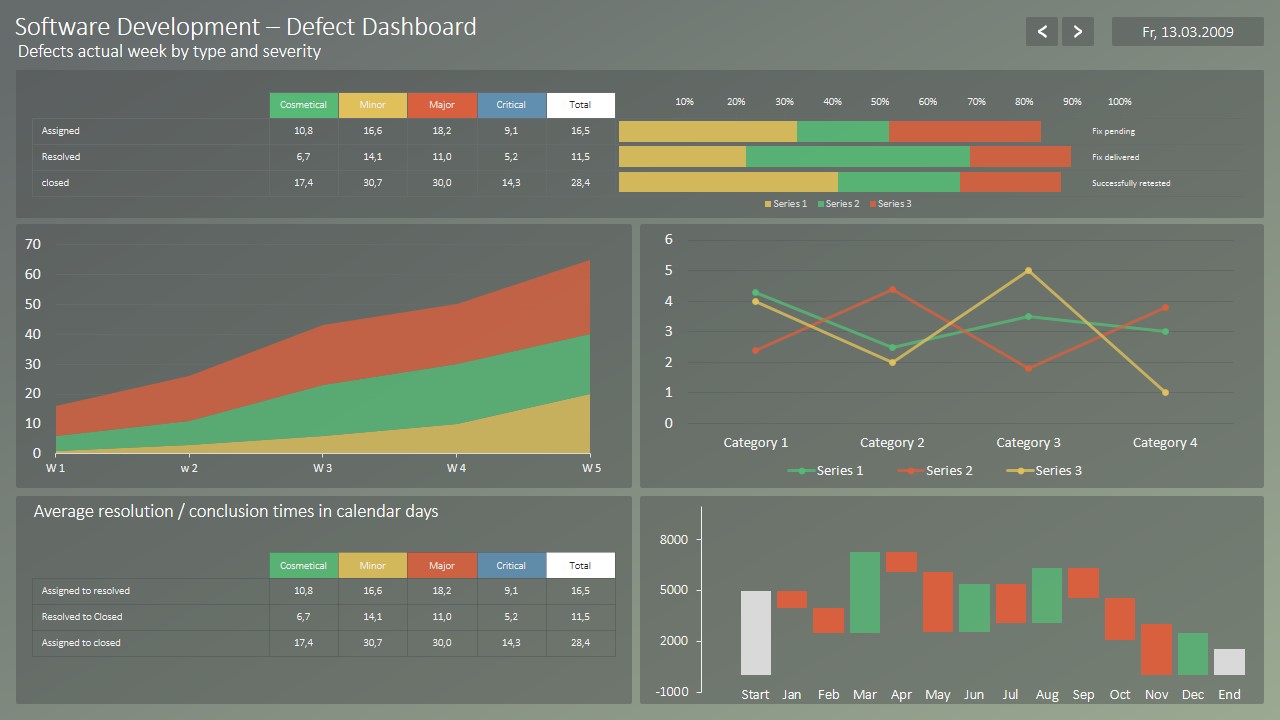
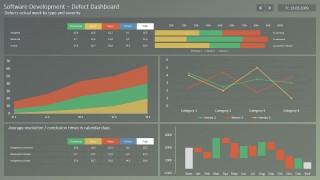
The third slide displays a Software Development Defects Dashboard. On Top of that, the critical metrics for defects are summarized by category. At the right, a percentage of progress is described by task. In the center, a cumulative stacked area chart described the progress over time of bugs, while a line chart described its resolution trends. Finally, two statistical charts are displayed at the bottom of the slide. On the left is a table with the average resolution times for bugs; on the right is a waterfall chart describing the inclusion/resolution statistics per month.
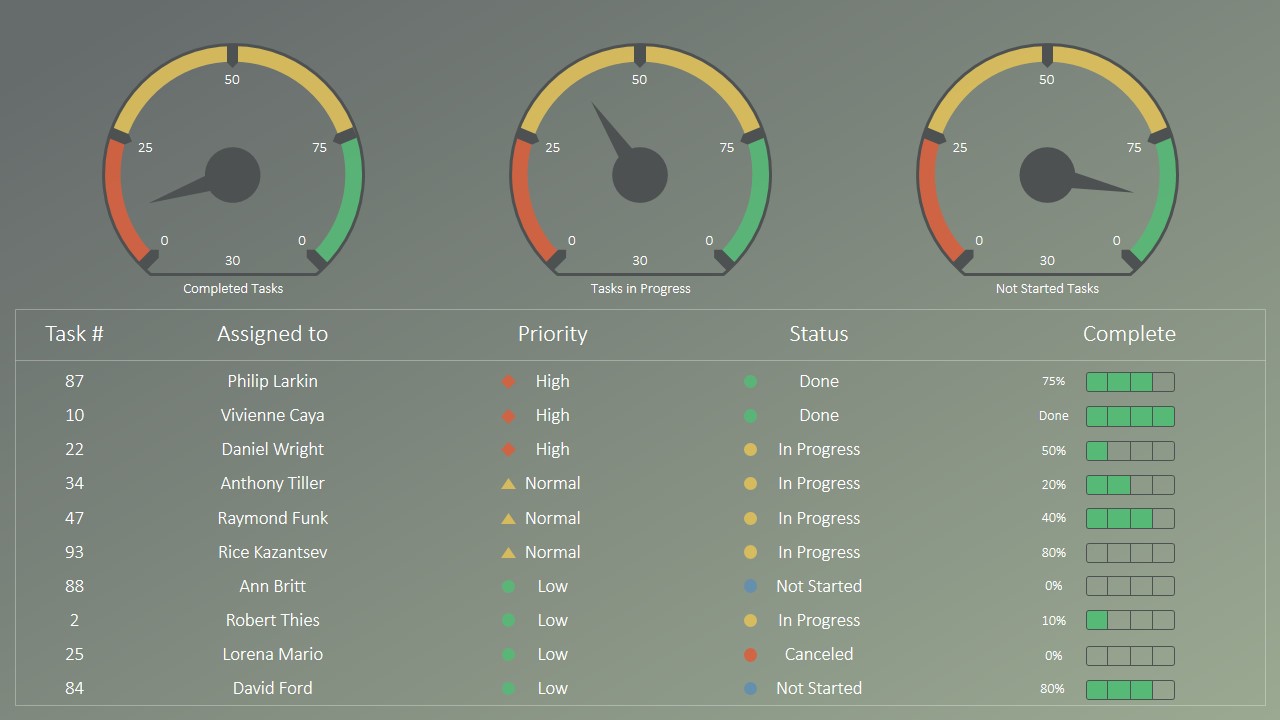
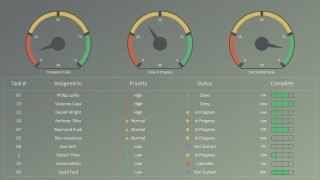
The fourth slide provides three gauges where the project manager can record the number of completed tasks, pending tasks, and not started tasks—a Table in the bottom records the top 10 tasks, their owners, and current progress.
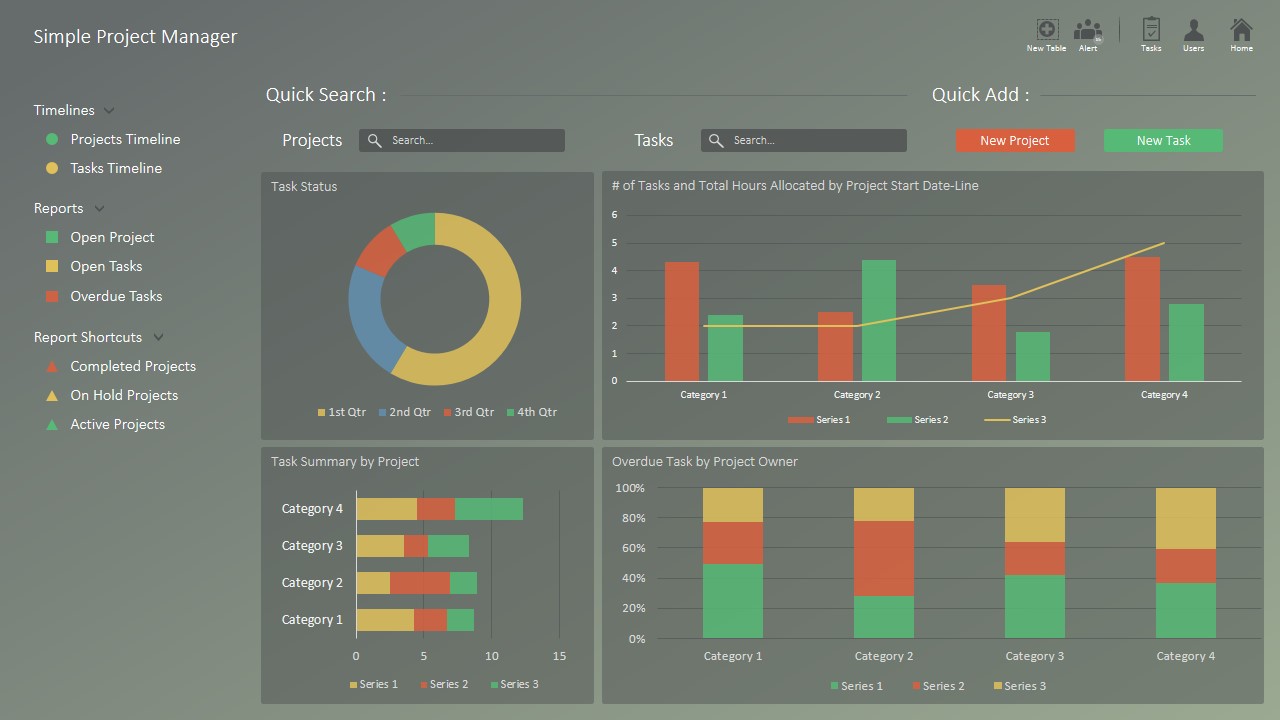
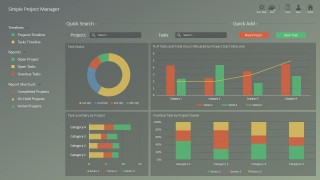
Finally, the last slide is intended for project managers to summarize different projects’ status over the program.
What’s inside this template
Example presentation scenarios
- A project manager can use the project status dashboard to brief sponsors on schedule progress, current issues, Gantt tasks, and burndown trends during a weekly steering committee meeting.
- A QA lead can use the test coverage dashboard to report test case execution, pass rates, planned versus actual progress, and coverage gaps to delivery managers.
- A software delivery manager can use the defect dashboard to explain defect categories, resolution trends, average closure time, and monthly inflow or resolution patterns to technical stakeholders.
- A PMO leader can use the portfolio dashboard to compare projects, summarize overdue tasks by owner, and show task distribution across a program review.
Features
- 100% editable presentation template
- Compatible with Microsoft PowerPoint and Google Slides
- 16:9 aspect ratio slides
- Scalable vector shapes, icons and illustrations
- AI-Ready for Microsoft Copilot and Claude
- Instant access and download
Frequently asked questions
Q: How should a presenter explain project health without overwhelming the audience?
A: Start with the RAG status and issue counters on the project status dashboard, then use the Gantt chart and burndown chart only to explain the main reason behind the rating. Keep the narration centered on decisions needed, not every chart value, so executives can connect status color to action.
Q: Who is this template best suited for in a project review?
A: This template fits project managers, program managers, PMO leads, and software delivery owners who must report active work with evidence. It is strongest when stakeholders need to compare schedule, testing, defects, and task ownership in one meeting instead of reading a long written project report.
Q: Why does the RAG dashboard structure make the message clearer?
A: The Red, Amber, Green metaphor gives stakeholders an immediate health signal before they review details. Supporting layouts such as the Gantt chart, gauges, defect trends, and task tables turn that signal into evidence, making it easier to separate urgent risks from normal project noise.
RAG Project Status Dashboard for PowerPoint
5-slide RAG project dashboard presentation template with KPI dashboards, Gantt chart, and status portfolio views
RAG Project Status Dashboard for PowerPoint is a 5-slide data and charts template for project and program reporting. It includes a project status dashboard, test coverage dashboard, defect dashboard, task gauge dashboard, and portfolio manager dashboard for Microsoft PowerPoint and Google Slides.
- Category
- Data & Charts
- Rating


 Loading...
- Aspect ratio
- 16:9, 4:3
- Item ID
- 0032-01
- Colors
 Microsoft PowerPoint
  Microsoft Copilot
  Claude for PowerPoint
 Other formats supported
Subscribe today and get immediate
access to download our PowerPoint templates.