Slide 1 of 1 from Push & Pull PowerPoint Template
Push & Pull Presentation Slide Template
Push and Pull Diagram for Business Strategy
- Diagram
- Comparison Split
- Strategic Analysis Slide
- 16:9
- 100% Editable
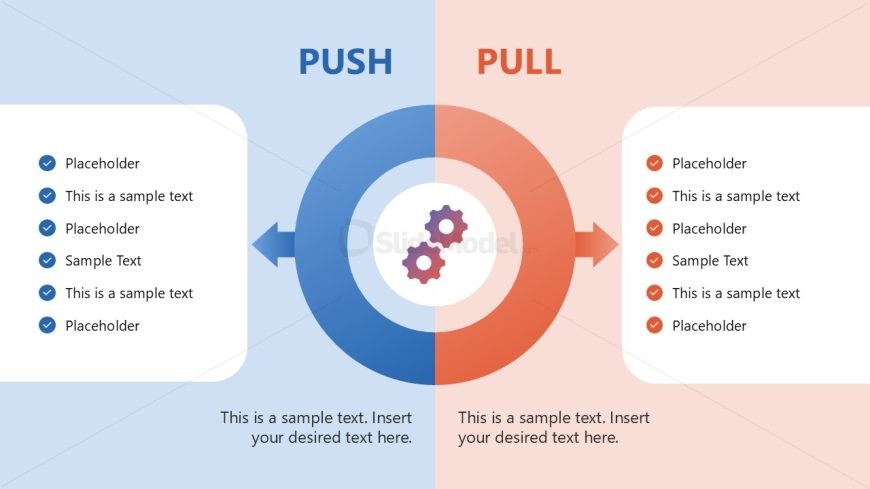
The Push and Pull Diagram slide from the Push & Pull PowerPoint Template offers a clear visual comparison ideal for strategic analysis in business presentations. Featuring editable shapes and a central gear diagram, this slide template supports effective communication of contrasting management approaches within a corporate presentation or pitch deck template.
What’s on This Slide
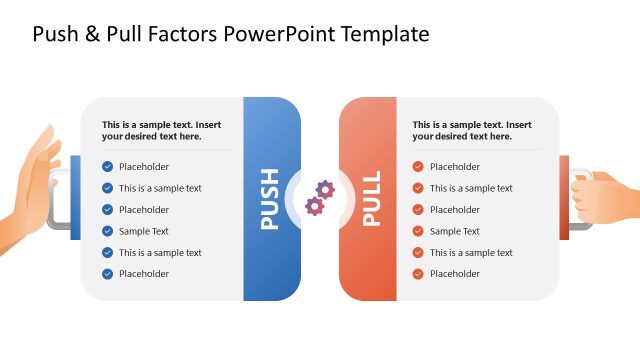
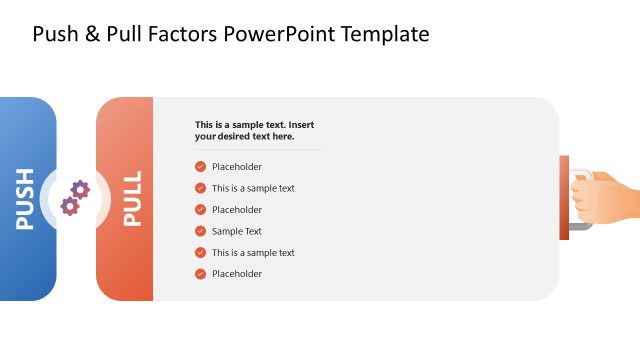
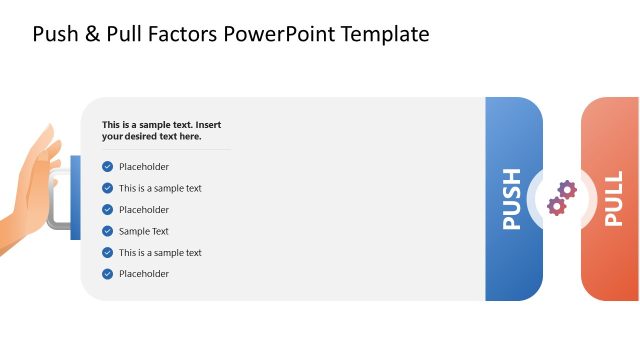
The layout features two distinct sections labeled 'PUSH' and 'PULL' on the left and right, respectively. Each section contains a list of placeholders for text, arranged vertically. A central circular diagram with interlocking gears symbolizes the connection between the two concepts. The left section has a light blue background, while the right section has a light red background. The visual hierarchy is clear, with the section titles in bold, larger font at the top, and the text placeholders aligned below. The overall composition is balanced and symmetrical.
How to Use It
This layout serves as a comparative analysis tool, illustrating the push and pull dynamics in business strategy. It fits well in presentations discussing brand or management strategies, particularly when contrasting different approaches. The central gears can symbolize the interaction between the two strategies. It is useful for workshops or strategic planning sessions where teams need to evaluate competing methods or concepts. This structure emphasizes clarity and organization for effective communication.
Text Placeholders & Capacity
Keep your copy within these limits so it fits without resizing. Node body slots can hold about 5-6 words each.
| Placeholder | Count | Max characters (approx.) |
|---|---|---|
| Item body | 6 | 30 |
| Slide title | 1 | 20 |
| Item heading | 2 | 10 |
Slide Keywords
Download unlimited PowerPoint templates, charts and graphics for your presentations with our annual plan.
DOWNLOADReturn to Push & Pull PowerPoint Template.