Demonstrate the project boundaries and expectations comprehensively with our Project Scope Breakdown PowerPoint Template. Project scope breakdown is linked to the work breakdown structure, which involves dividing the entire project into simpler, manageable components and assigning them to the relevant team members. The work breakdown structure (WBS) helps professionals establish clear project goals, define the key activities to perform, actions to avoid, and processes to execute. This helps ensure the project completes quickly and on time. We have created this template to enable professionals to present the complete project breakdown into multiple sections.
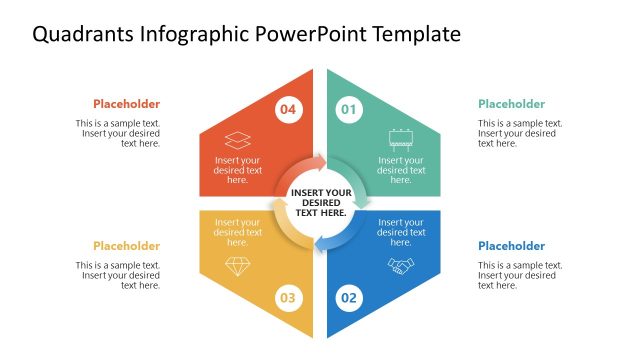
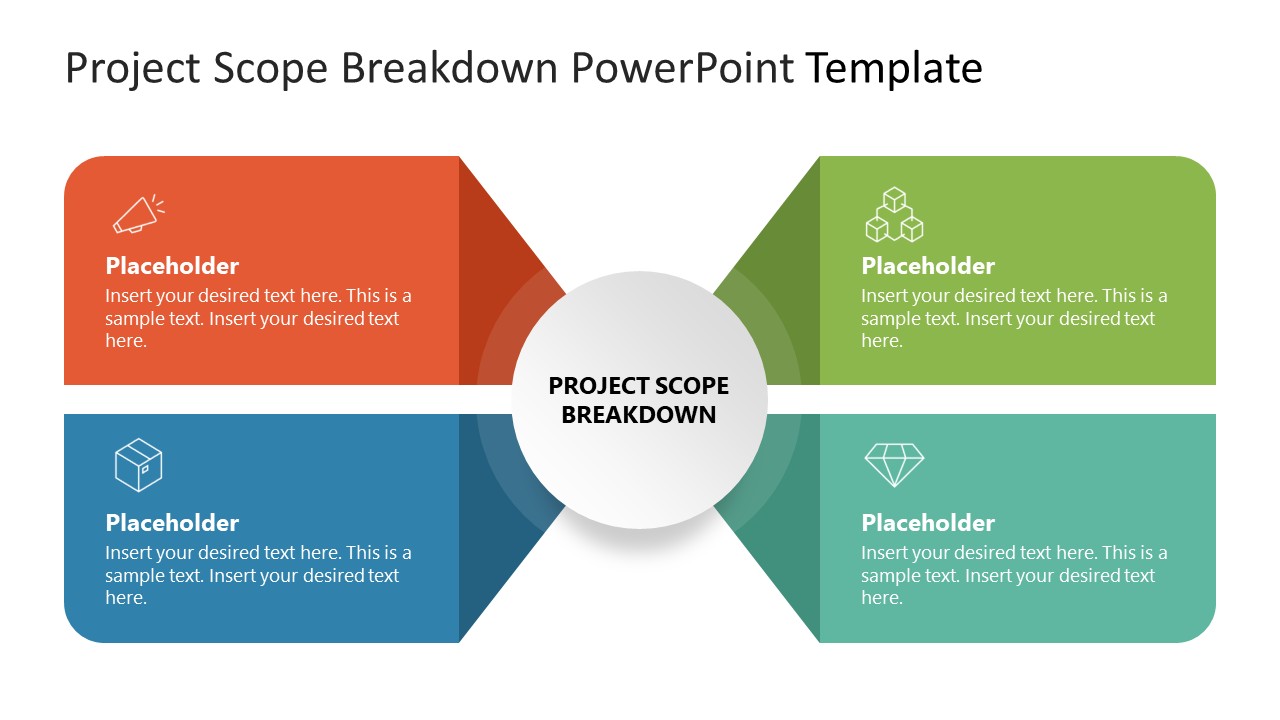
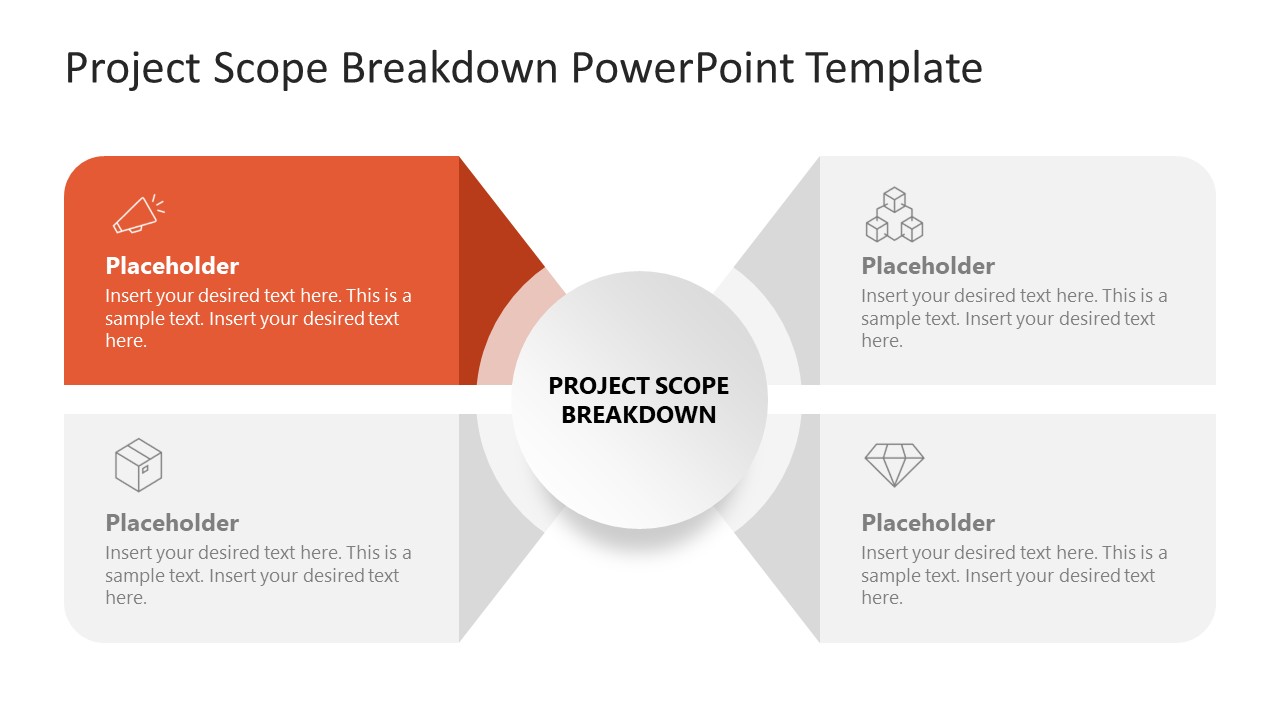
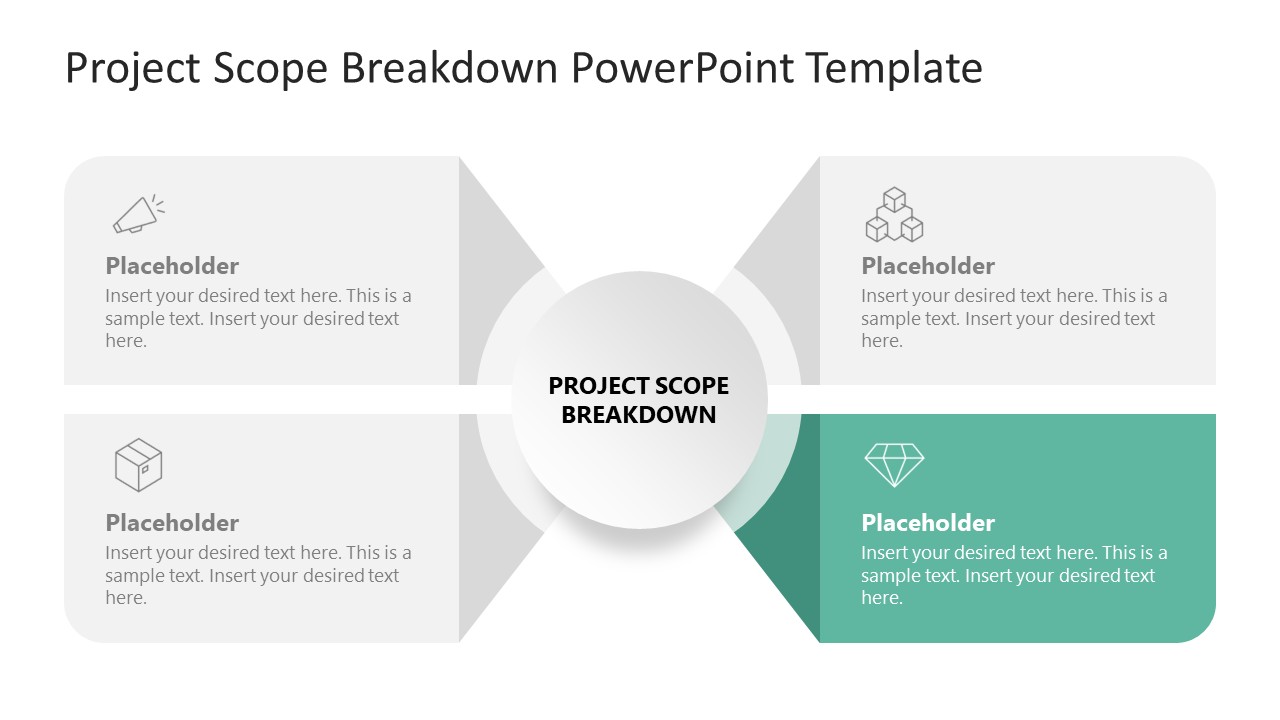
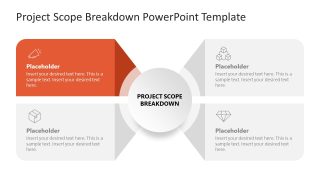
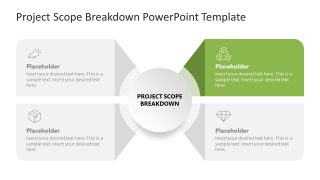
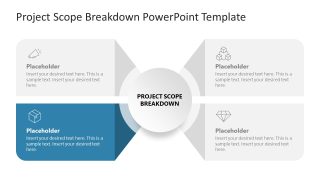
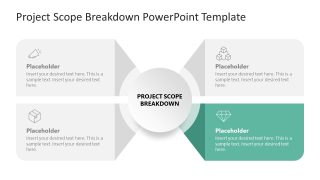
The Project Scope Breakdown PowerPoint Template features a 2×2 matrix diagram with four quadrants. There is a circle at the center of the diagram that shows the title text. For each component, we have provided an infographic icon, a title, and a description so users can describe each point in detail. The quadrant shapes have inward-facing sides that bend into the central circle, giving a 3D appearance. The first slide shows all the points with a colorful appearance. The following slides have one colored segment while greying out the others to spotlight a single point.
In addition, you can change the colors, shapes, or infographics in the template to perfectly fit your needs. Like, you can modify the colors to match your brand components. Download the project scope breakdown PPT template and use it in your business sessions to comprehensively outline the complete project breakdown structure!
What’s inside this template
Example presentation scenarios
- A project manager can use the full 2x2 scope matrix to align sponsors and delivery teams on the four main parts of the project before work begins.
- A consultant can use the quadrant spotlight slides to walk a client through one scope area at a time without losing the relationship to the central project goal.
- A PMO leader can use the central hub and icon callouts to standardize how teams describe work breakdown structure components across different projects.
- An operations manager can use the muted and highlighted quadrants to separate included work, excluded work, dependencies, and responsibilities during a scope review.
Features
- 100% editable presentation template
- Compatible with Microsoft PowerPoint
- 16:9 aspect ratio slides
- Scalable vector shapes, icons and illustrations
- AI-Ready for Microsoft Copilot and Claude
- Instant access and download
Frequently asked questions
Q: How should a presenter explain the four-part scope breakdown without making it feel like a generic quadrant slide?
A: Start with Slide 1 to define what the central project scope means in one sentence, then assign a specific role to each quadrant, such as deliverables, exclusions, resources, and approval criteria. Use Slides 2-5 to discuss one quadrant at a time, replacing placeholder text with concrete decisions the audience must confirm.
Q: Who is this template best suited for in a project discussion?
A: This template fits project managers, consultants, PMO teams, and operations leaders who need a short scope alignment conversation. It works best when the audience must understand boundaries and responsibilities before execution begins. The spotlight slides are useful for sponsor reviews because they keep attention on one scope area while preserving the full model.
Q: Why does the design use a central circle with inward-facing quadrants?
A: The central circle makes the project scope the anchor point, while each quadrant points back toward that shared center. This visual metaphor helps show that separate work areas are connected parts of one project, not isolated tasks. The gray-out spotlight slides reduce distraction and create a clear discussion path.


Project Scope Breakdown PowerPoint Template
5-slide project scope presentation template with 2x2 matrix and work breakdown spotlight layouts
Project Scope Breakdown PowerPoint Template is a 5-slide PowerPoint deck for explaining project boundaries, work packages, and expectations. It uses a 2x2 scope matrix, central hub label, four icon callouts, and single-quadrant spotlight slides to guide project managers, consultants, and teams through scope components.
- Category
- Multi-purpose
- Rating

 Loading...
- Aspect ratio
- 16:9
- Item ID
- 23615-01
- Colors
 Microsoft PowerPoint
  Microsoft Copilot
  Claude for PowerPoint
 Other formats supported
Subscribe today and get immediate
access to download our PowerPoint templates.