Project Perspectives PowerPoint Template
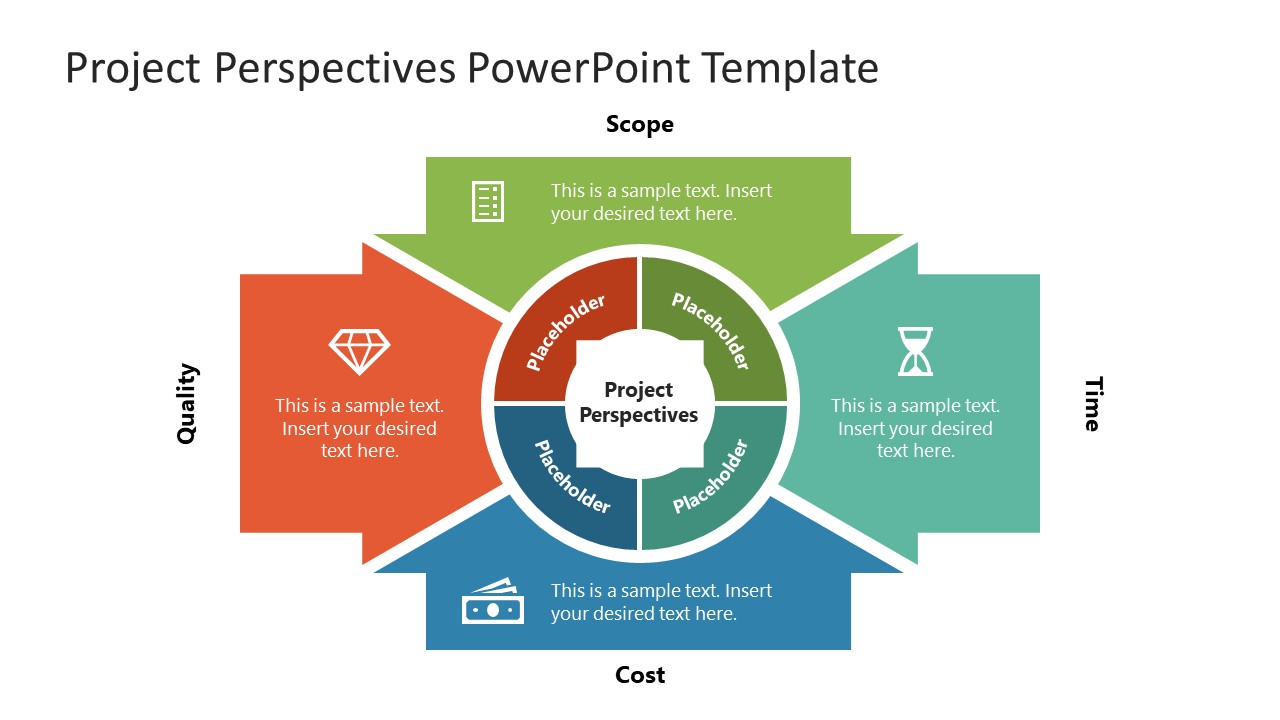
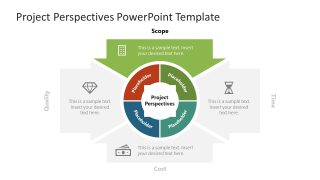
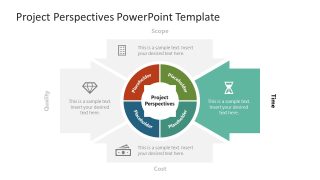
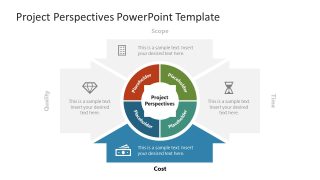
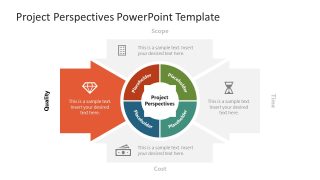
Present project trade-offs in the leadership discussions with our customizable Project Perspectives PowerPoint Template, centered on Scope, Quality, Time, and Cost. The diagram places project perspectives at the center in a circular shape, linking four project considerations to a single visual point. This arrangement helps compare priorities while keeping their relationship visible for the audience. We use green, orange, teal, and blue to differentiate the four perspectives while maintaining a consistent visual structure. The project perspectives PPT supports project reviews where several factors must be considered to examine a specific priority. For a project review, a project manager can introduce the four perspectives in the stakeholder presentations to help them decide which area needs closer attention.
In a budget review, the cost perspective diagram helps CFOs frame financial considerations while keeping other project factors visible. During an academic project presentation, the diagram can explain how scope, quality, timing, and cost interact when project constraints change. The Project Perspectives PowerPoint Template begins with an overview slide that introduces Scope, Quality, Time, and Cost before the focused discussion begins. The four perspectives are:
- Scope: Defines project boundaries, requirements, deliverables, and the work included in the project.
- Quality: Highlights standards, expected outcomes, and quality considerations that shape project decisions.
- Cost: Represents budgets, financial resources, and cost considerations that influence project planning.
- Time: Focuses on schedules, deadlines, timelines, and the time constraints affecting project delivery.
You can edit the focus slides to clearly explain each of these four segments on separate slides. Users can also replace the sample text in each perspective with project-specific findings. You can also change the inner placeholder labels to showcase the categories you’re presenting. Moreover, you can adjust the colors, icons, or fonts to meet your specific needs. You can also try our perspective chart slide template for a different perspective visualization. Download the project perspectives diagram PowerPoint template for executive presentations to outline project score and benefits effectively.


You must be logged in to download this file.
DOWNLOAD- Category
- Strategy
- Rating

 Loading...
- Size
- 16x9
- Item ID
- 23201-01
- Colors
Subscribe today and get immediate
access to download our PowerPoint templates.