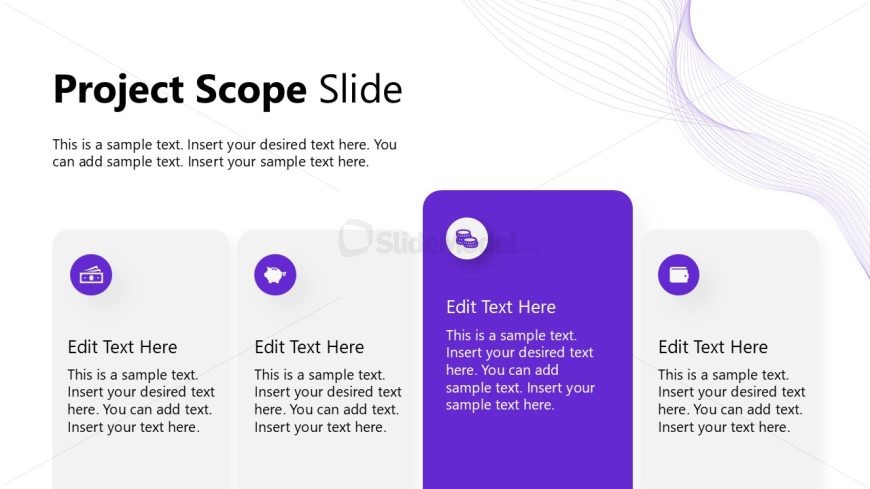
Slide 4 of 12 from Project Introduction PowerPoint Template
Project Scope Presentation Slide – Project Introduction Template
Project Scope Slide Overview
- Text Layout
- List Blocks
- Context Slide
- 16:9
- 100% Editable
The Project Scope Slide from the Project Introduction PowerPoint Template offers a clear layout for outlining key project elements in business presentations. This slide template features editable shapes and vector icons arranged to emphasize critical information, making it suitable for project proposals and stakeholder meetings. Its design supports customization, enhancing the effectiveness of corporate presentations and pitch deck templates.
What’s on This Slide
The slide features a title at the top center, labeled 'Project Scope Slide.' Below, there are four rectangular containers arranged horizontally. Each container has a circular icon at the top, with the first three in light gray and the fourth in dark purple. Each container contains a text placeholder for a title and a body of text, aligned centrally. The background is white with a subtle purple wave pattern on the top right. The visual hierarchy emphasizes the dark purple container, suggesting it holds more important information.
How to Use It
This layout serves as a structured overview of project scope, ideal for presenting key elements in a project proposal. It fits well after introductory slides, guiding the audience through project details. Suitable for business presentations, it can be used to outline project deliverables, objectives, or constraints. The design allows for easy customization of content, making it effective for various project-related discussions.
Text Placeholders & Capacity
Keep your copy within these limits so it fits without resizing. Node body slots can hold approximately 150 characters each.
| Placeholder | Count | Max characters (approx.) |
|---|---|---|
| Slide title | 1 | 30 |
| Item heading | 4 | 20 |
| Item body | 4 | 150 |
Slide Keywords
Download unlimited PowerPoint templates, charts and graphics for your presentations with our annual plan.
DOWNLOADReturn to Project Introduction PowerPoint Template.