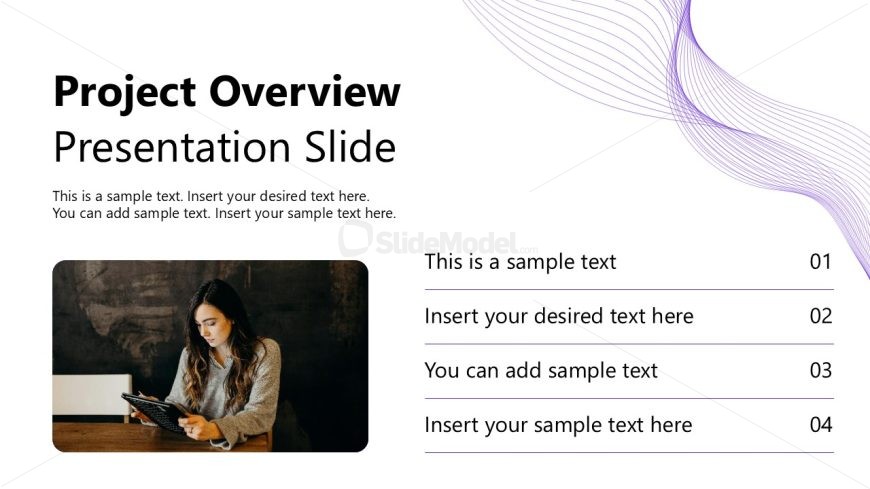
Slide 2 of 12 from Project Introduction PowerPoint Template
Project Overview Demonstration PPT Slide
Project Overview Presentation Slide
- Text Layout
- Other
- Context Slide
- 16:9
- 100% Editable
The Project Overview Presentation Slide from the Project Introduction PowerPoint Template offers a balanced layout combining text and imagery, ideal for summarizing project goals and status updates. This slide layout includes editable shapes and placeholders designed to enhance business presentations and pitch decks, making it a practical choice within professional slide templates for clear project introductions.
What’s on This Slide
The layout features a left-aligned image of a person using a tablet, occupying the lower left quadrant. To the right, the title 'Project Overview' is prominently displayed at the top, followed by a subtitle 'Presentation Slide' beneath it. Below the subtitle, there are three text placeholders stacked vertically, each with a number to the right. The text placeholders are aligned left and contain sample text. A wavy purple graphic element flows from the top right to the center left, adding visual interest. The overall composition balances text and imagery effectively.
How to Use It
This layout serves as an introductory slide, ideal for presenting an overview of a project. It fits well after a title slide and before detailed content slides. In business contexts, it can be used to summarize project goals, key deliverables, or to set the stage for further discussion. The structure allows for a clear presentation of essential information while engaging the audience visually. It is suitable for project proposals, status updates, or initial project meetings.
Text Placeholders & Capacity
Keep your copy within these limits so it fits without resizing. Body slots can hold roughly 10-12 words each.
| Placeholder | Count | Max characters (approx.) |
|---|---|---|
| Slide title | 1 | 30 |
| Subtitle | 1 | 30 |
| Item body | 4 | 50 |
Slide Keywords
Download unlimited PowerPoint templates, charts and graphics for your presentations with our annual plan.
DOWNLOADReturn to Project Introduction PowerPoint Template.