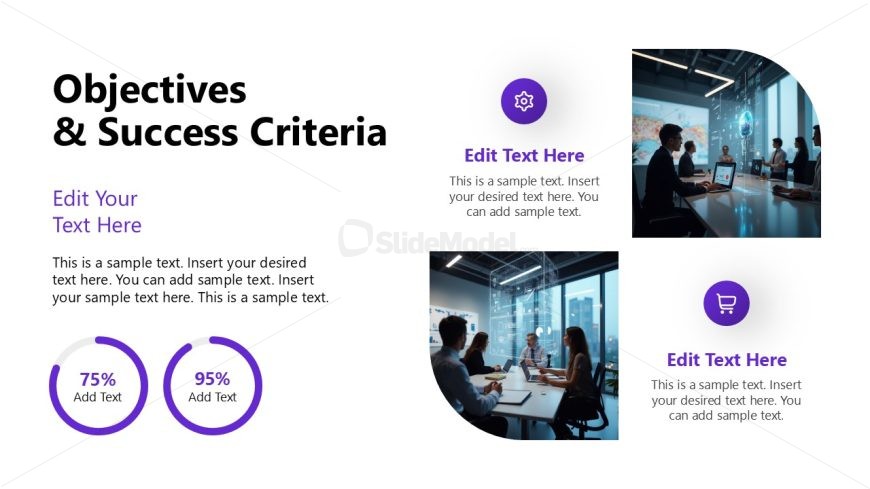
Slide 3 of 12 from Project Introduction PowerPoint Template
Objectives & Success Criteria Discussion – Project Introduction PPT Template
Objectives and Success Criteria Slide
- Text Layout
- Other
- Goal Setting Slide
- 16:9
- 100% Editable
The Objectives and Success Criteria slide from the Project Introduction PowerPoint Template provides a structured layout to clearly communicate project goals and measurable outcomes. Designed for business presentations such as project proposals and stakeholder updates, this slide combines editable shapes and vector icons with text placeholders to highlight key objectives alongside progress indicators. It supports a professional slide deck by balancing visual elements and textual content for effective goal setting.
What’s on This Slide
The layout features a large title at the top left, stating 'Objectives & Success Criteria.' Below the title, there is a text placeholder aligned to the left for additional content. To the right, two circular progress indicators display percentages, with accompanying text placeholders below each. In the bottom right corner, there are two circular icons with text placeholders beside them. The background is predominantly white with a light gradient, and the overall composition is balanced with a mix of text and visual elements, creating a clear visual hierarchy.
How to Use It
This layout serves to present project objectives and success criteria in a structured manner. It fits within a presentation sequence after introducing the project scope and deliverables. This slide is suitable for business scenarios where clear goals and metrics are essential, such as project proposals, progress updates, or stakeholder presentations. It effectively communicates key objectives alongside measurable success indicators.
Text Placeholders & Capacity
Keep your copy within these limits so it fits without resizing. Body slots can hold about 30-50 words each.
| Placeholder | Count | Max characters (approx.) |
|---|---|---|
| Slide title | 1 | 30 |
| Body paragraph | 1 | 150 |
| Item heading | 2 | 10 |
| Item body | 2 | 50 |
| Callout | 2 | 10 |
Slide Keywords
Download unlimited PowerPoint templates, charts and graphics for your presentations with our annual plan.
DOWNLOADReturn to Project Introduction PowerPoint Template.