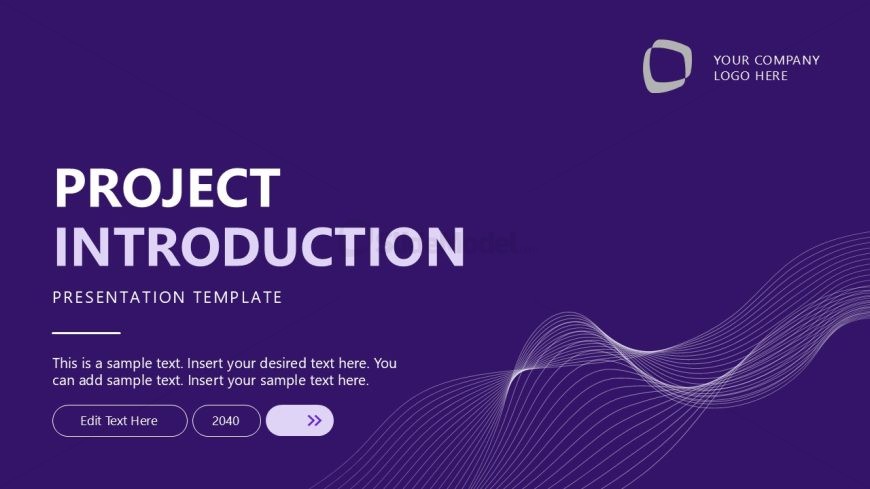
Slide 1 of 12 from Project Introduction PowerPoint Template
Cover Slide – Project Introduction Template
Project Introduction Presentation Template
- Text Layout
- Single Statement
- Context Slide
- 16:9
- 100% Editable
The Project Introduction slide from the Project Introduction PowerPoint Template offers a clear and professional layout ideal for project proposals and stakeholder meetings. This slide template features editable shapes and text placeholders to customize your business presentation effectively. Its design supports a strong opening statement, making it a practical choice within slide decks focused on project context and overview.
What’s on This Slide
The slide features a deep purple background with a flowing wave graphic at the bottom. The title 'PROJECT INTRODUCTION' is prominently displayed in large, bold white font, centered at the top. Below the title, a smaller subtitle reads 'PRESENTATION TEMPLATE' in a lighter font. There are text placeholders positioned below the subtitle, aligned left, indicating where additional content can be inserted. A button labeled 'Edit Text Here' is located at the bottom right, accompanied by a numeric placeholder. The overall layout emphasizes the title and provides space for supplementary information.
How to Use It
This layout serves as an introductory slide, suitable for opening a presentation on project details. It is effective for establishing context and setting the tone for subsequent slides. This slide is typically used at the beginning of a presentation sequence, making it ideal for project proposals or summaries. It can be utilized in various business scenarios, such as project kick-offs or stakeholder meetings, where a clear introduction is necessary to engage the audience.
Text Placeholders & Capacity
Keep your copy within these limits so it fits without resizing. Body slots are tight, roughly 20-30 words each.
| Placeholder | Count | Max characters (approx.) |
|---|---|---|
| Slide title | 1 | 30 |
| Subtitle | 1 | 30 |
| Body paragraph | 1 | 150 |
| Callout | 1 | 20 |
Slide Keywords
Download unlimited PowerPoint templates, charts and graphics for your presentations with our annual plan.
DOWNLOADReturn to Project Introduction PowerPoint Template.