Slide 3 of 10 from Professional Report PowerPoint Template
Executive Summary Slide for Mission, Vision & Data Chart Slide
Executive Summary Slide for Reports
- Text Layout
- Other
- Context Slide
- 16:9
- 100% Editable
The Executive Summary Layout from the Professional Report PowerPoint Template offers a structured slide for summarizing vision, mission, and financial performance. This slide template is designed for business presentations such as annual reports and project overviews, featuring editable shapes and a clear layout that supports concise communication of key insights within a corporate presentation or slide deck.
What’s on This Slide
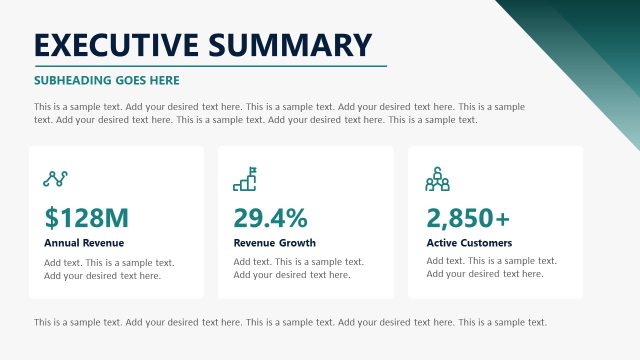
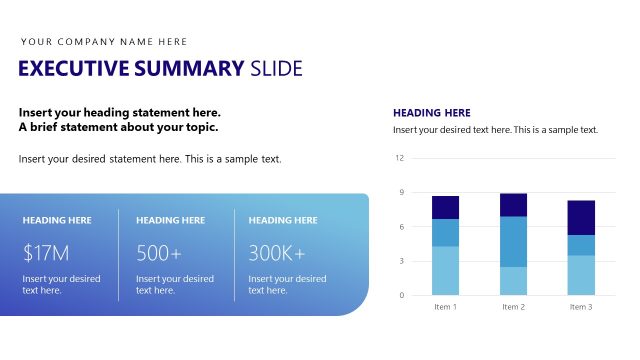
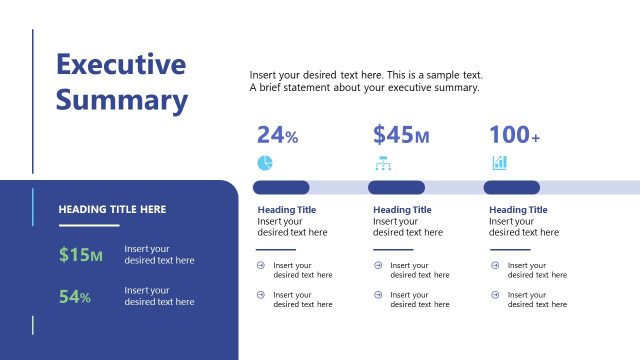
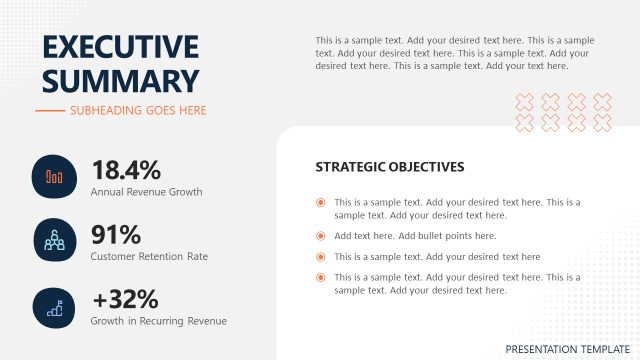
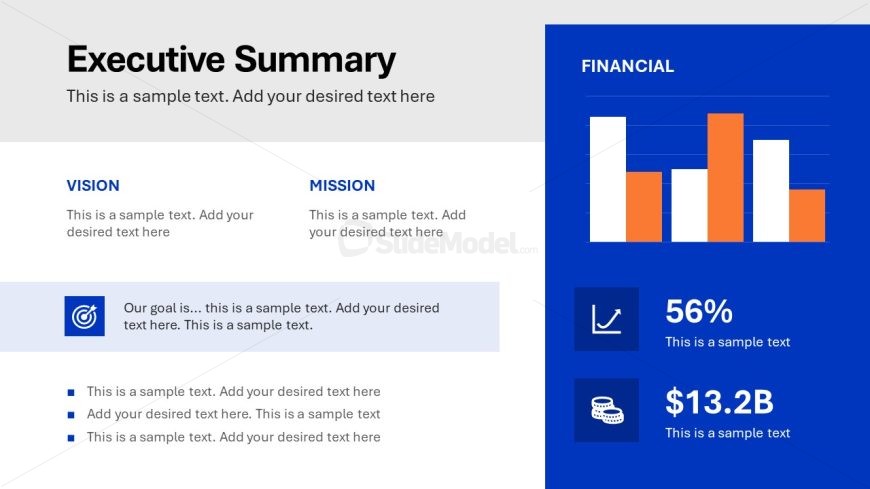
The layout features a top section with a large title labeled 'Executive Summary' and a subtitle placeholder below it. On the left, two labeled sections for 'Vision' and 'Mission' contain text placeholders aligned vertically. Below these sections is a larger text box for a goal statement. To the right, a bar chart displays financial data with colored bars and a label 'FINANCIAL' above it. Below the chart, two icon-based statistics are presented with placeholders for values and descriptions. The background is primarily light gray with a blue accent on the right.
How to Use It
This layout serves as an executive summary, suitable for presenting key insights and financial data in a concise manner. It fits well after introductory slides, providing a snapshot of the report's main points. This structure is ideal for business contexts such as annual reports, project updates, or strategic reviews, where clear communication of vision, mission, and financial performance is essential. It can be used to summarize findings before delving into detailed analysis in subsequent slides.
Text Placeholders & Capacity
Keep your copy within these limits so it fits without resizing. Body slots can hold roughly 15-20 words each.
| Placeholder | Count | Max characters (approx.) |
|---|---|---|
| Slide title | 1 | 30 |
| Subtitle | 1 | 50 |
| Item heading | 2 | 15 |
| Item body | 4 | 100 |
| Chart title | 1 | 20 |
| Kpi value | 2 | 10 |
Slide Keywords
Download unlimited PowerPoint templates, charts and graphics for your presentations with our annual plan.
DOWNLOADReturn to Professional Report PowerPoint Template.