Slide 10 of 16 from Professional Annual Report PowerPoint Template
Professional Annual Report Presentation PPT Layout
Financial Highlights Slide for Annual Report
- Chart
- Line Chart
- Financial Summary Slide
- 16:9
- 100% Editable
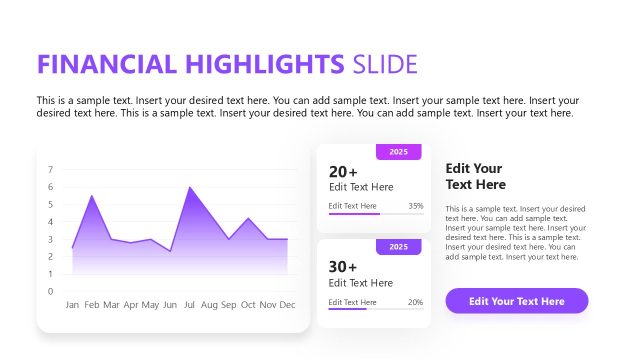
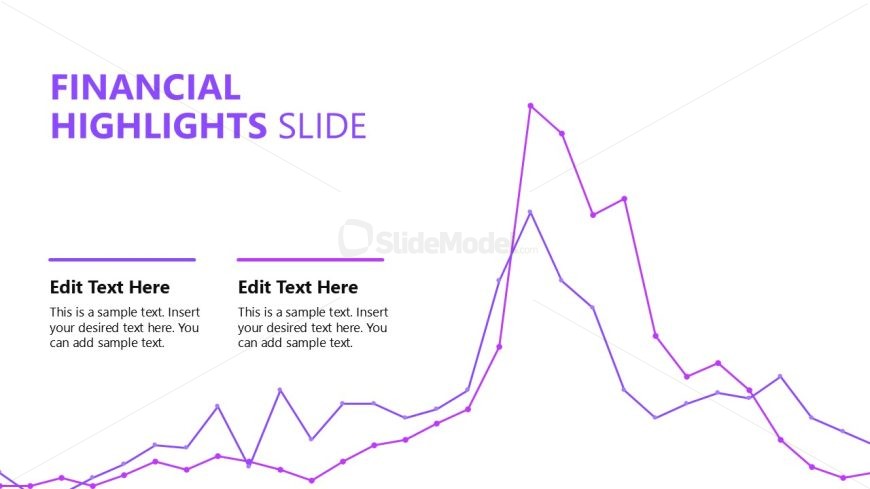
The Financial Highlights Slide from the Professional Annual Report PowerPoint Template offers a clear visual summary of key financial trends using a line chart and editable text areas. This slide layout supports business presentations and stakeholder meetings by effectively communicating annual financial performance. Designed with a clean white and purple color scheme, it integrates seamlessly into corporate presentation slide decks, providing editable shapes and data visualization for concise financial summaries.
What’s on This Slide
The layout features a prominent title at the top center, stating 'FINANCIAL HIGHLIGHTS SLIDE' in large, bold font. Below, there are two text placeholders aligned vertically on the left and right sides, each labeled 'Edit Text Here' with accompanying sample text below. A line chart with a purple line runs across the bottom, illustrating financial data trends. The chart has multiple peaks and troughs, with data points marked clearly. The overall color scheme is predominantly white with purple accents, creating a clean and professional appearance.
How to Use It
This layout serves to present key financial data and trends, making it suitable for annual reports or financial reviews. It fits well after sections detailing business performance or strategic priorities, providing a visual summary of financial highlights. This slide is useful for stakeholders to quickly grasp financial performance metrics and trends over a specified period. It can be applied in meetings, presentations, or reports where financial data needs to be communicated clearly and effectively.
Text Placeholders & Capacity
Keep your copy within these limits so it fits without resizing. Body slots can hold roughly 25-30 words each.
| Placeholder | Count | Max characters (approx.) |
|---|---|---|
| Slide title | 1 | 30 |
| Body paragraph | 2 | 150 |
Slide Keywords
Download unlimited PowerPoint templates, charts and graphics for your presentations with our annual plan.
DOWNLOAD