Slide 16 of 16 from Professional Annual Report PowerPoint Template
Next Steps Discussion Slide – Professional Annual Report PPT Template
Next Steps Slide for Annual Report Presentation
- Text Layout
- Other
- Process Slide
- 16:9
- 100% Editable
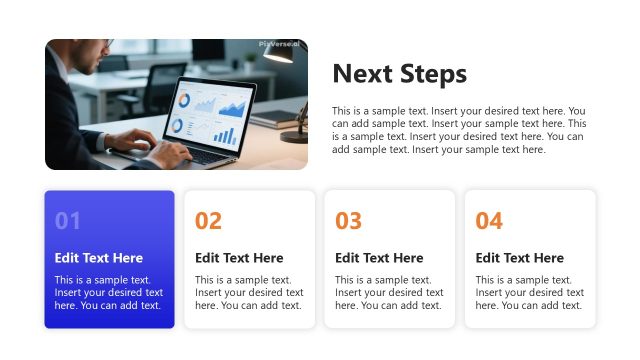
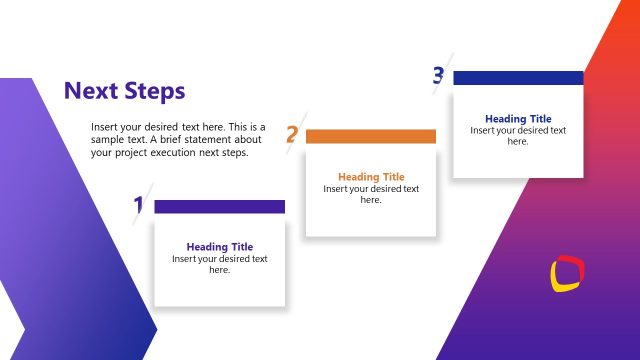
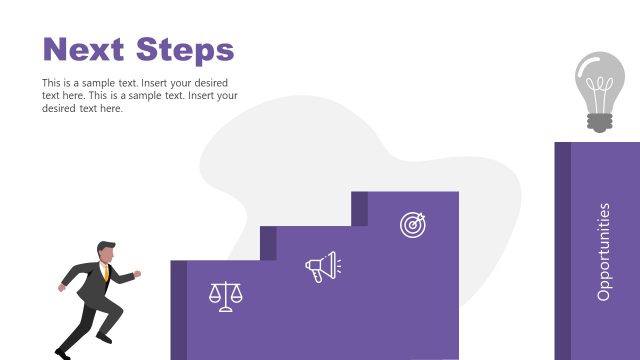
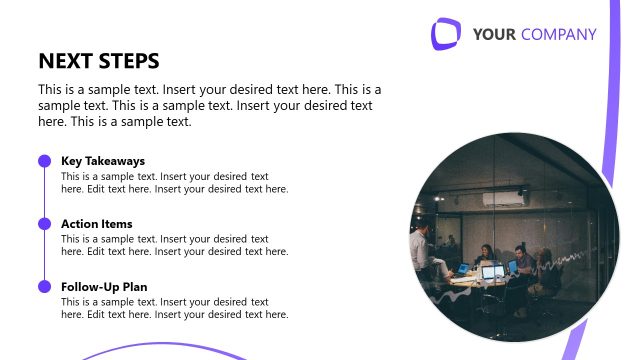
The Next Steps Slide from the Professional Annual Report PowerPoint Template is designed for clear communication of future actions in business presentations. This slide layout supports project updates, strategic planning, and annual reviews by visually prioritizing tasks with numbered nodes and an image placeholder. Ideal for corporate presentations, it integrates well within a slide deck to guide stakeholders through actionable recommendations using editable shapes and vector icons.
What’s on This Slide
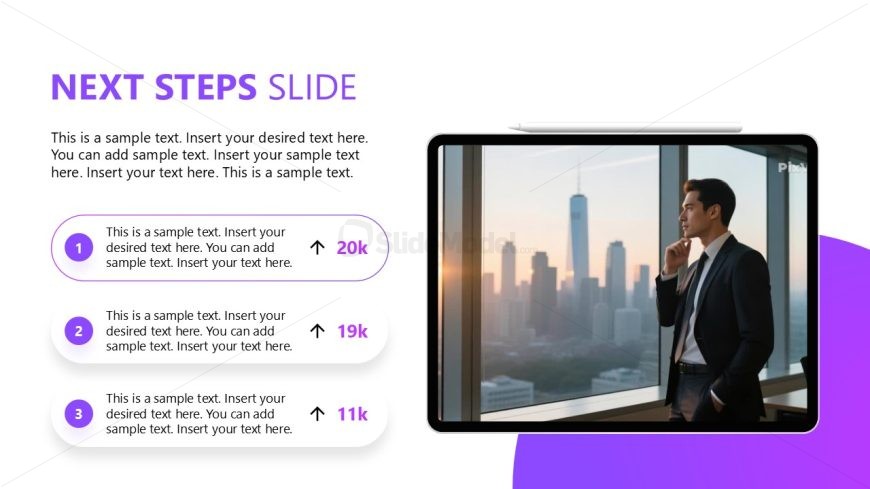
The layout features a prominent title at the top left, labeled 'NEXT STEPS SLIDE.' Below, there are three circular nodes aligned vertically on the left side, each containing a number and text placeholders. Each node has an upward arrow and a numerical indicator, suggesting a progression or priority. To the right, a large image placeholder displays a professional-looking individual gazing out a window, with a city skyline in the background. The overall color scheme includes purple accents and a white background, creating a clear visual hierarchy.
How to Use It
This layout serves to outline actionable next steps or recommendations following a presentation. It fits well at the conclusion of a report, summarizing key actions for stakeholders. It is suitable for business scenarios such as project updates, strategic planning sessions, or annual reviews, where clarity on future actions is essential. The vertical arrangement of nodes allows for easy readability and prioritization of tasks.
Text Placeholders & Capacity
Keep your copy within these limits so it fits without resizing. Node body slots can hold about 15-20 words each.
| Placeholder | Count | Max characters (approx.) |
|---|---|---|
| Slide title | 1 | 30 |
| Item heading | 3 | 50 |
| Item body | 3 | 100 |
Slide Keywords
Download unlimited PowerPoint templates, charts and graphics for your presentations with our annual plan.
DOWNLOAD