Slide 12 of 16 from Professional Annual Report PowerPoint Template
Financial Performance Snapshot – Annual Report Template
Financial Performance Snapshot Slide
- Chart
- Bar Vertical
- Financial Summary Slide
- 16:9
- 100% Editable
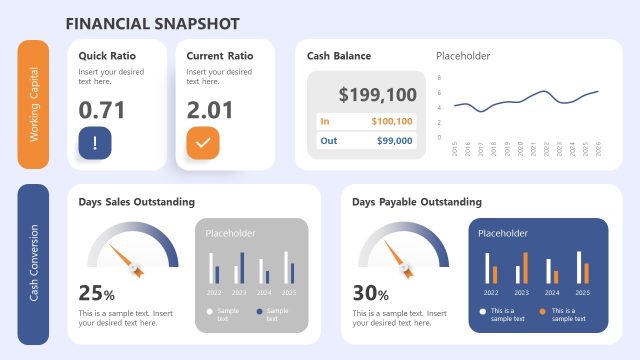
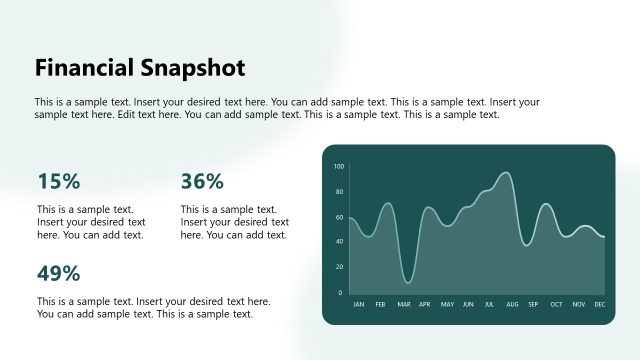
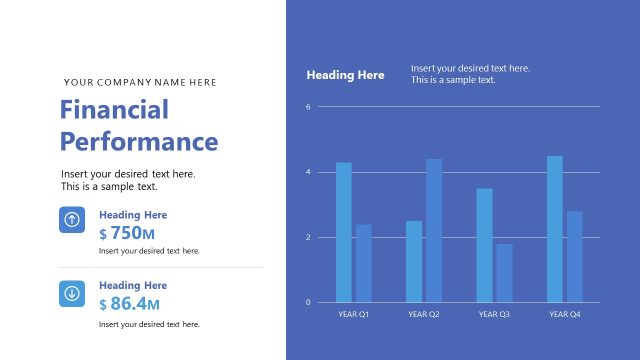
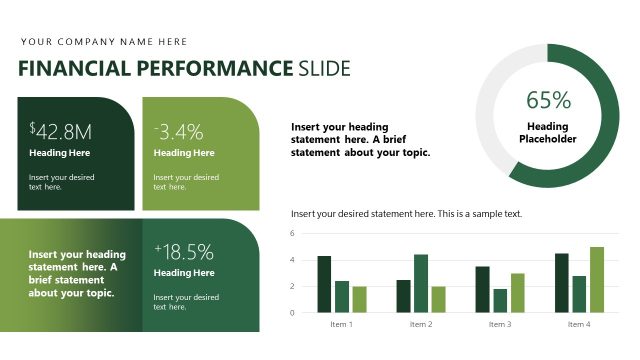
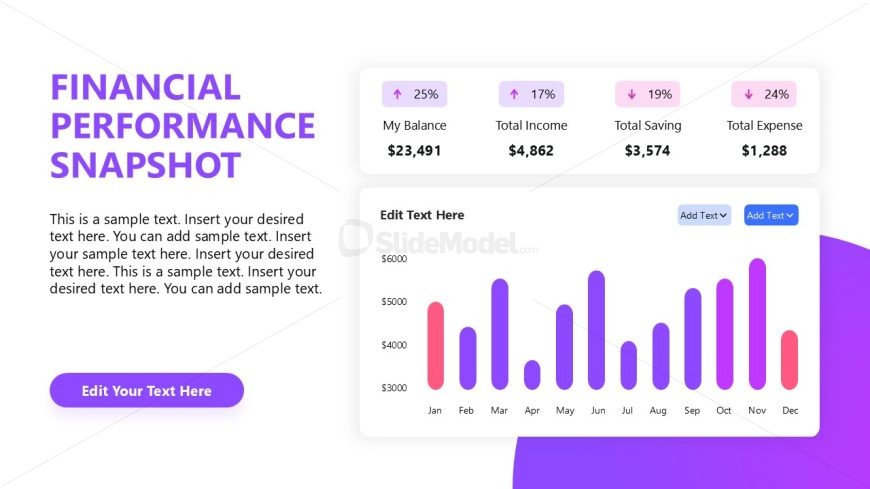
The Financial Performance Snapshot slide from the Professional Annual Report PowerPoint Template offers a clear layout for presenting key financial metrics and trends. Designed for business presentations, this slide template integrates editable shapes and a bar chart to visualize monthly financial data, making it ideal for annual reports, budget analysis, and stakeholder meetings within a corporate presentation or pitch deck template.
What’s on This Slide
The layout features a left-aligned title in bold purple text, stating 'FINANCIAL PERFORMANCE SNAPSHOT.' Below, there are four data boxes with upward arrows indicating percentages for balance, income, savings, and expenses, each with corresponding dollar values. A bar chart occupies the lower right section, displaying monthly financial data from January to December. Text placeholders are present for additional details, aligned centrally beneath the title and above the chart. The background includes a gradient of purple hues, enhancing visual separation between elements.
How to Use It
This layout serves to present financial data clearly, making it suitable for performance reviews or annual reports. It fits well in a sequence following a summary slide, allowing for detailed financial analysis. Businesses can use this structure to showcase key financial metrics, trends, and insights, facilitating discussions on financial health and strategic planning. It is useful for stakeholders needing a concise overview of financial performance over time.
Text Placeholders & Capacity
Keep your copy within these limits so it fits without resizing. Body slots can accommodate roughly 8-10 words each.
| Placeholder | Count | Max characters (approx.) |
|---|---|---|
| Slide title | 1 | 30 |
| Body paragraph | 4 | 50 |
| Item heading | 4 | 15 |
| Item body | 4 | 10 |
| Chart title | 1 | 30 |
Slide Keywords
Download unlimited PowerPoint templates, charts and graphics for your presentations with our annual plan.
DOWNLOAD