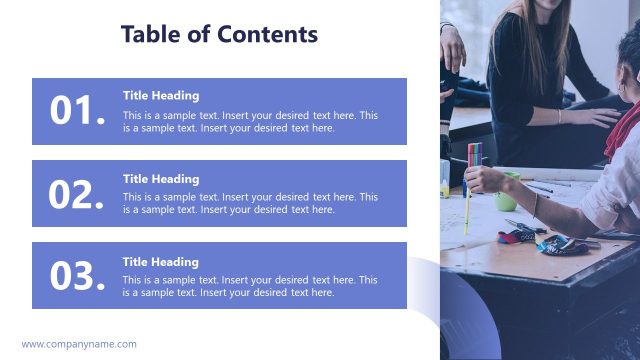
Slide 7 of 11 from Product Training PowerPoint Template
Tips & Best Practices – Product Training Deck
Tips & Best Practices Slide for Training
- Text Layout
- List Blocks
- Concept Explanation Slide
- 16:9
- 100% Editable
The Tips & Best Practices slide from the Product Training PowerPoint Template offers a clear, numbered layout ideal for organizing key insights during training sessions or workshops. This slide layout integrates editable shapes and vector icons to enhance a corporate presentation or business presentation, making it easier to communicate actionable strategies effectively within a slide deck.
What’s on This Slide
The layout features a left-aligned image of a group discussion with a table, occupying the top half of the slide. The bottom half contains a gradient background transitioning from teal to white, with a large title 'Tips & Best Practices' prominently displayed in white text. Below the title, there is a subheading placeholder for additional context. Four numbered sections are arranged vertically on the right side, each with a placeholder for text. The numbers are bold and black, while the text placeholders are smaller and gray, indicating a clear visual hierarchy.
How to Use It
This layout serves as a structured guide for presenting tips or best practices in a training context. It is suitable for use after introductory content, providing actionable insights or recommendations. Ideal scenarios include training sessions, workshops, or team meetings where concise guidance is needed. The numbered format helps in organizing thoughts sequentially, making it easy for the audience to follow along. This slide can be effectively used to highlight key takeaways or strategies relevant to product training.
Text Placeholders & Capacity
Keep your copy within these limits so it fits without resizing. Node body slots can accommodate roughly 15-20 words each.
| Placeholder | Count | Max characters (approx.) |
|---|---|---|
| Slide title | 1 | 30 |
| Subtitle | 1 | 50 |
| Item heading | 4 | 5 |
| Item body | 4 | 100 |
Slide Keywords
Download unlimited PowerPoint templates, charts and graphics for your presentations with our annual plan.
DOWNLOADReturn to Product Training PowerPoint Template.