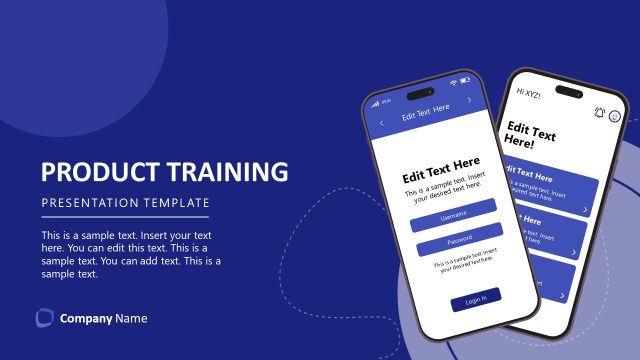
Slide 1 of 11 from Product Training PowerPoint Template
Product Training PPT Template – Cover Slide
Product Training Introduction Slide
- Media Layout
- Full Bleed Image
- Context Slide
- 16:9
- 100% Editable
The Product Training Introduction slide from the Product Training PowerPoint Template offers a focused opening layout ideal for employee onboarding and client education. Featuring a full-bleed image and editable shapes, this slide supports clear communication in business presentations and pitch deck templates by setting the context for product feature training.
What’s on This Slide
The slide features a large image of a group of people engaged in discussion, positioned centrally. Below the image, there is a dark green container with the title 'PRODUCT TRAINING' in bold white text, and a subtitle 'POWERPOINT TEMPLATE' in smaller white text. A text placeholder labeled 'EDIT TEXT HERE' is situated above the title, centered within the dark green area. The background is a gradient transitioning from dark green at the bottom to a lighter shade at the top, with a logo placeholder on the bottom right. The overall composition emphasizes the title and visual engagement.
How to Use It
This layout serves as an introductory slide, setting the stage for a product training session. It is suitable for the opening of a presentation, establishing context and focus on the training topic. This slide can be used in scenarios such as onboarding new employees, introducing product features, or providing training to clients. It fits well at the beginning of a series of instructional slides, guiding the audience into the training content effectively.
Text Placeholders & Capacity
Keep your copy within these limits so it fits without resizing. Title and subtitle slots can accommodate limited text, roughly 2-4 words each.
| Placeholder | Count | Max characters (approx.) |
|---|---|---|
| Slide title | 1 | 20 |
| Subtitle | 1 | 30 |
| Callout | 1 | 15 |
Slide Keywords
Download unlimited PowerPoint templates, charts and graphics for your presentations with our annual plan.
DOWNLOADReturn to Product Training PowerPoint Template.