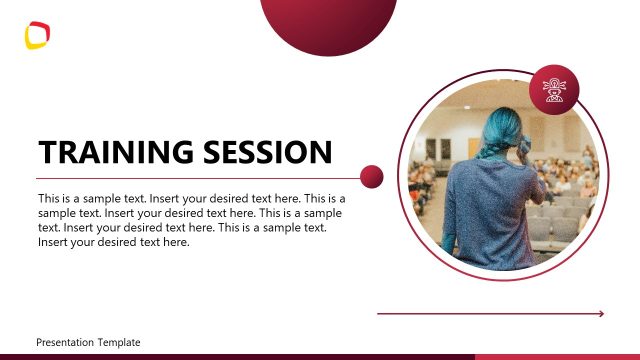
Slide 1 of 24 from Training Session PowerPoint Template
94304-01-training-session-powerpoint-template-16×9-1
Training Session Introduction Slide
- Text Layout
- Single Statement
- Context Slide
- 16:9
- 100% Editable
The Training Session Introduction slide from the Training Session PowerPoint Template provides a clear and customizable opening for corporate presentations and team onboarding. This slide template supports adding session details and mentor names, making it suitable for workshops and training sessions. Designed with editable shapes and a clean layout, it integrates seamlessly into business presentation slide decks, enhancing audience engagement from the start.
What’s on This Slide
The slide features a prominent title 'TRAINING SESSION' in large, bold font, with a gradient color scheme transitioning from red to orange. Below, a subtitle reads 'PRESENTATION TEMPLATE' in smaller, dark font. A text placeholder for adding a training session or topic is positioned centrally beneath the subtitle. There is also a button labeled 'Add Mentor Name' in a rounded rectangle at the bottom, colored in a gradient from orange to red. The background is light and neutral, with a logo placeholder in the top left corner. Images of four people engaged in discussion are visible on the right.
How to Use It
This layout serves as an introductory slide for training sessions, establishing context and focus. It fits at the beginning of a presentation, setting the stage for subsequent content. Ideal for scenarios such as onboarding, team training, or workshops, it allows for customization by adding specific session details and mentor names. The design encourages engagement and prepares the audience for the training material ahead.
Text Placeholders & Capacity
Keep your copy within these limits so it fits without resizing. Body slots are tight, roughly 8 words each.
| Placeholder | Count | Max characters (approx.) |
|---|---|---|
| Slide title | 1 | 30 |
| Subtitle | 1 | 30 |
| Body paragraph | 1 | 50 |
| Callout | 1 | 20 |
Slide Keywords
Download unlimited PowerPoint templates, charts and graphics for your presentations with our annual plan.
DOWNLOADReturn to Training Session PowerPoint Template.