Slide 14 of 16 from Procedure Handbook Presentation Template
Concentric Circles Diagram with Gradient Design – Procedure Handbook Template
Training & Support Slide Overview
- Diagram
- Circular Cycle
- Process Slide
- 16:9
- 100% Editable
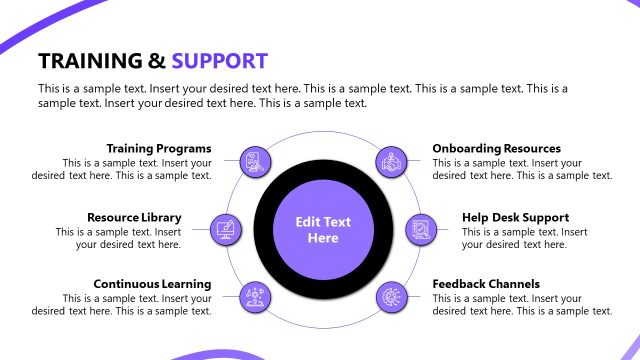
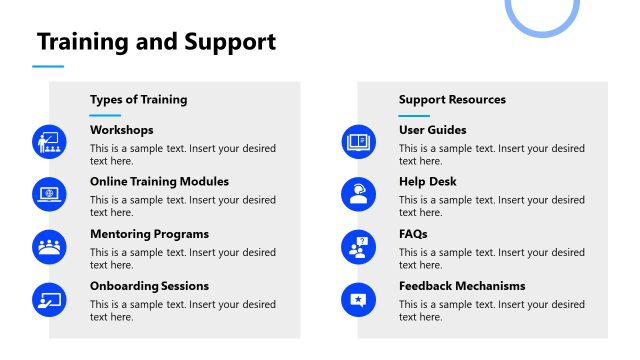
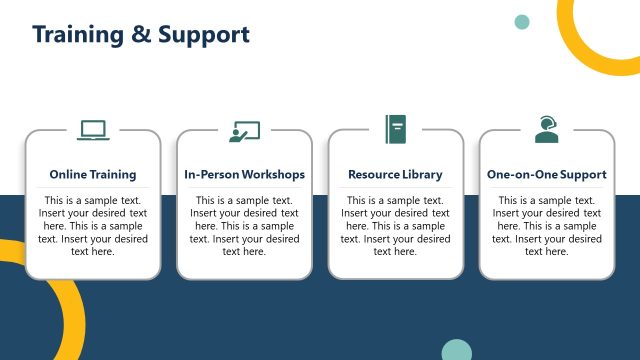
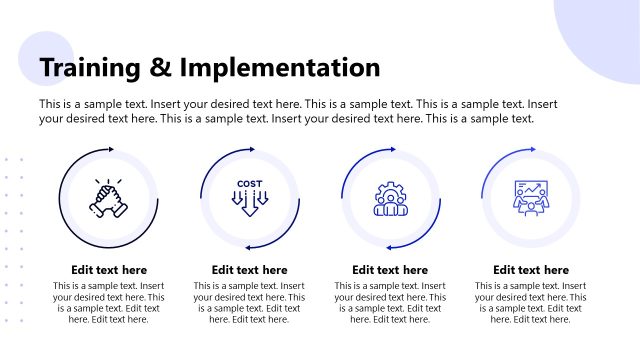
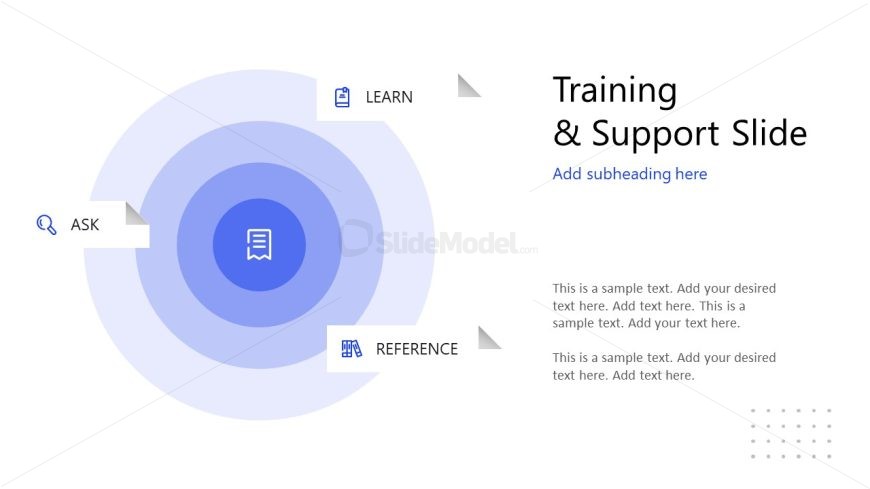
The Training & Support Structure slide from the Procedure Handbook Presentation Template visually outlines a process for employee training and support using a circular diagram. This slide layout is ideal for corporate presentations or business presentations that require a clear depiction of learning phases and support resources. It includes editable shapes and vector icons to enhance clarity and engagement within slide decks focused on process education and onboarding.
What’s on This Slide
The layout features a central circular shape with three concentric rings. The innermost circle contains an icon of a document, while the outer rings are labeled 'ASK,' 'LEARN,' and 'REFERENCE,' positioned at the left, top, and bottom, respectively. Each label is accompanied by an icon: a magnifying glass for 'ASK,' a book for 'LEARN,' and a document for 'REFERENCE.' To the right, there are two text placeholders for a title and body text, aligned vertically. The background is predominantly white with subtle gradients and a dotted pattern in the lower right corner.
How to Use It
This layout serves as a training and support framework, illustrating a structured approach to learning and inquiry. It is suitable for presentations that require a clear delineation of support resources and training methods. This slide fits well in a sequence discussing employee onboarding or process training. It can be used in scenarios where organizations need to communicate support channels or educational resources effectively, ensuring clarity in the training process.
Text Placeholders & Capacity
Keep your copy within these limits so it fits without resizing. Body slots can hold roughly 25-30 words each.
| Placeholder | Count | Max characters (approx.) |
|---|---|---|
| Slide title | 1 | 30 |
| Subtitle | 1 | 40 |
| Body paragraph | 2 | 150 |
Slide Keywords
Download unlimited PowerPoint templates, charts and graphics for your presentations with our annual plan.
DOWNLOADReturn to Procedure Handbook Presentation Template.