Slide 5 of 11 from Pixel Perspective PowerPoint Template
Content Highlights and Metrics Presentation Slide
Image and Text Layout for Presentations
- Media Layout
- Image + Text Split
- Context Slide
- 16:9
- 100% Editable
The Image and Text Layout from the Pixel Perspective PowerPoint Template combines visual elements and descriptive text to support project updates, company profiles, and marketing presentations. This slide layout integrates editable shapes and image placeholders for a clear, professional business presentation, making it a practical choice within a versatile slide deck.
What’s on This Slide
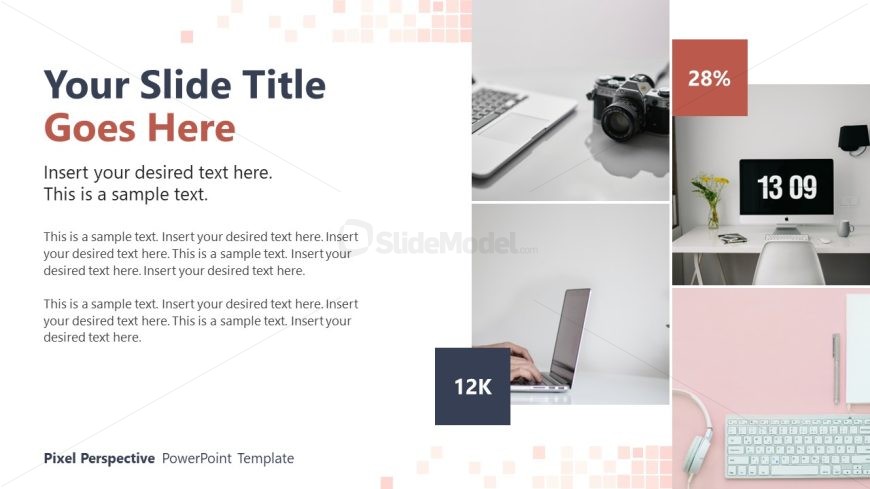
The layout features a large title area at the top left, with a prominent text placeholder below it. To the right, there are three image placeholders arranged vertically, each showcasing different images. The top image is a laptop, the middle one shows a camera, and the bottom features a workspace scene. Below the images, there are two text placeholders for additional information, with one containing numerical data in a bold format. The background is light with a pixelated pattern in the corners, creating a modern aesthetic.
How to Use It
This layout serves as a media and text combination, ideal for presenting visual content alongside descriptive text. It fits well in a presentation sequence after an introduction or overview slide, effectively summarizing key points or showcasing products. Suitable for business contexts, it can be used for project updates, company profiles, or marketing presentations. The structured format allows for clear communication of both visual and textual information, enhancing audience engagement.
Text Placeholders & Capacity
Keep your copy within these limits so it fits without resizing. Body slots can hold roughly 15-20 words each.
| Placeholder | Count | Max characters (approx.) |
|---|---|---|
| Slide title | 1 | 30 |
| Body paragraph | 3 | 100 |
| Item body | 2 | 10 |
Slide Keywords
Download unlimited PowerPoint templates, charts and graphics for your presentations with our annual plan.
DOWNLOADReturn to Pixel Perspective PowerPoint Template.